Answer

Error: Inserting 'AP Address' record raised at least one error. Please review the errors. Error: 'Country' cannot be empty.

  • April 4, 2023
  • 9 replies
  • 608 views

Forum|alt.badge.img

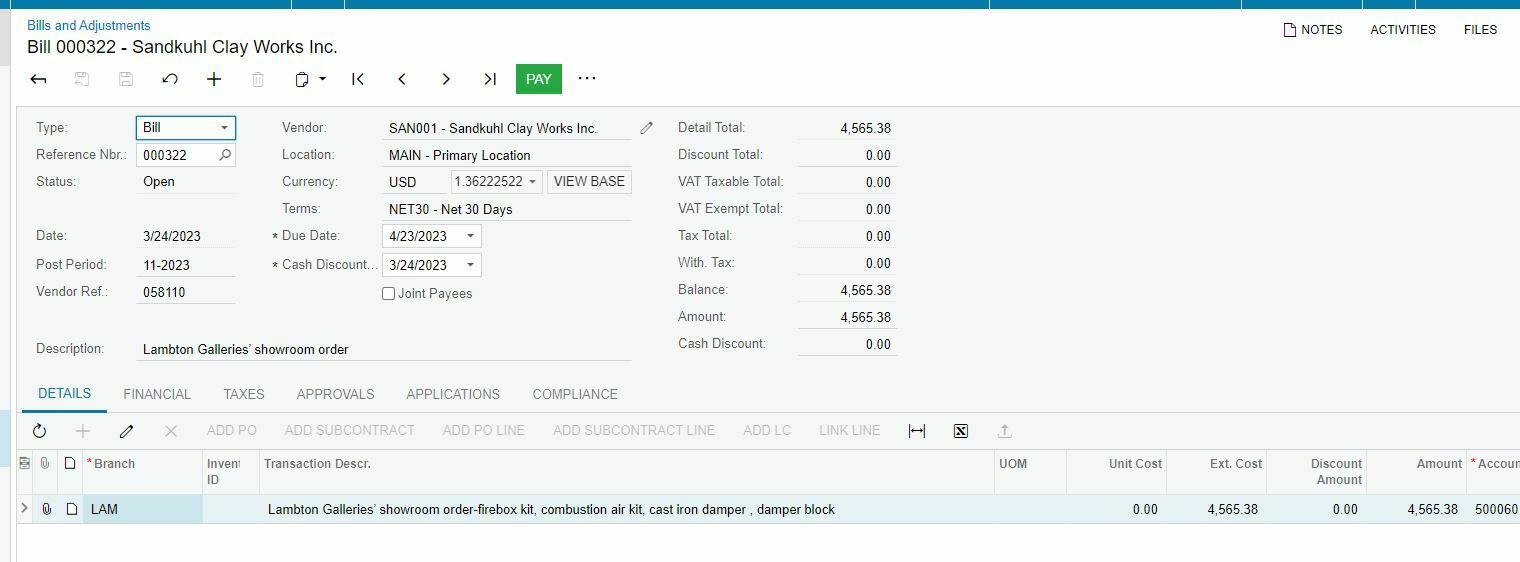
When I applying the invoice to debit adj it showing the following error. 

Error: Inserting  'AP Address' record raised at least one error. Please review the errors. Error: 'Country' cannot be empty.

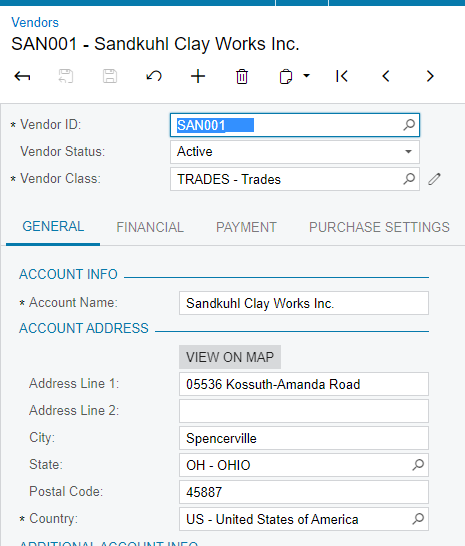
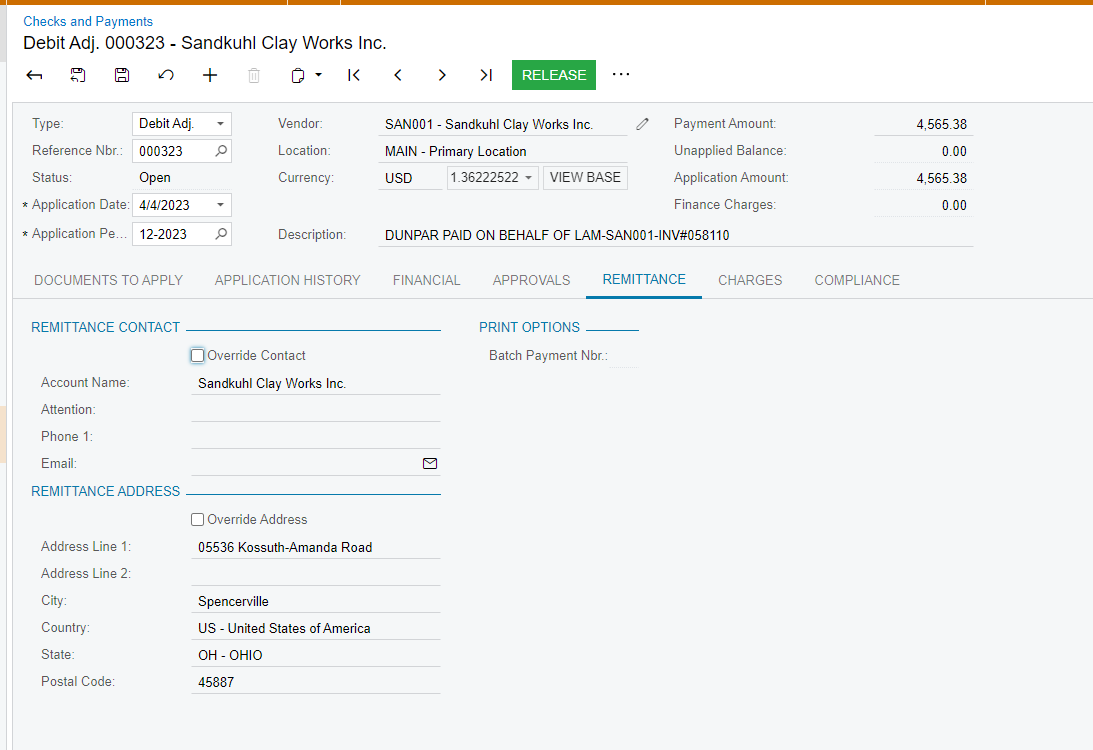
I checked the vendor has set up the country and the transaction  remittance has the country. Not sure what else has been missing.
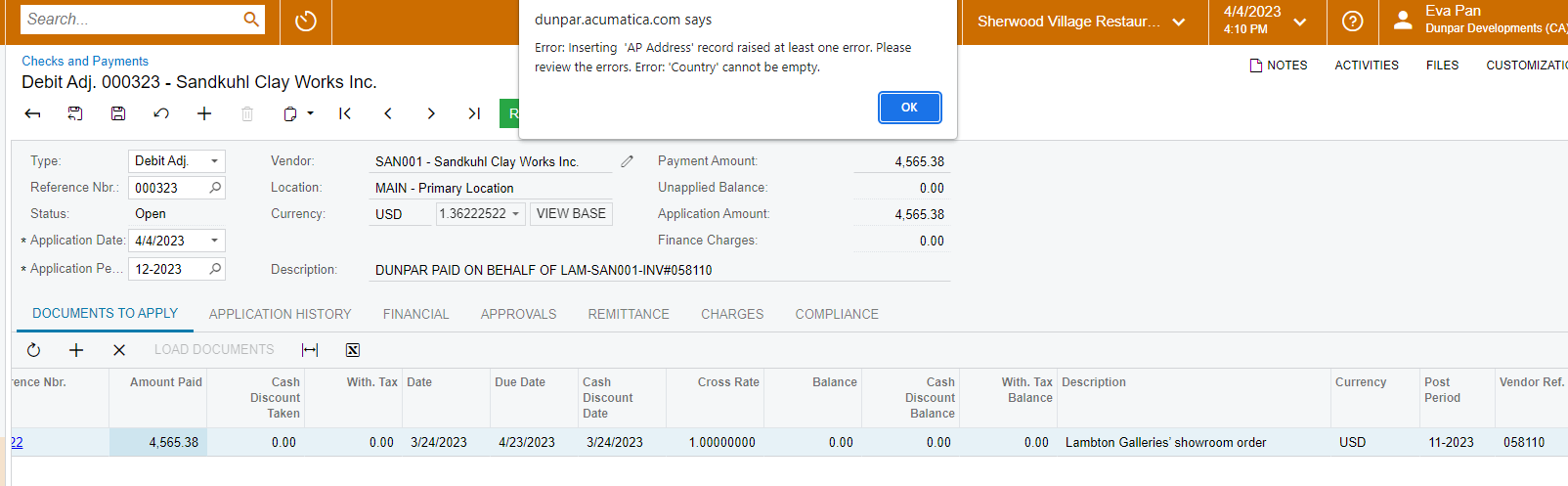
transaction error message


transaction remittance

Thank you. 


Best answer by epan

It got posted the other day. Not sure how though. Thank you. 

9 replies

smarenich
Acumatica Moderator
Forum|alt.badge.img+3
  • Acumatica Commerce Edition Team Lead
  • April 4, 2023

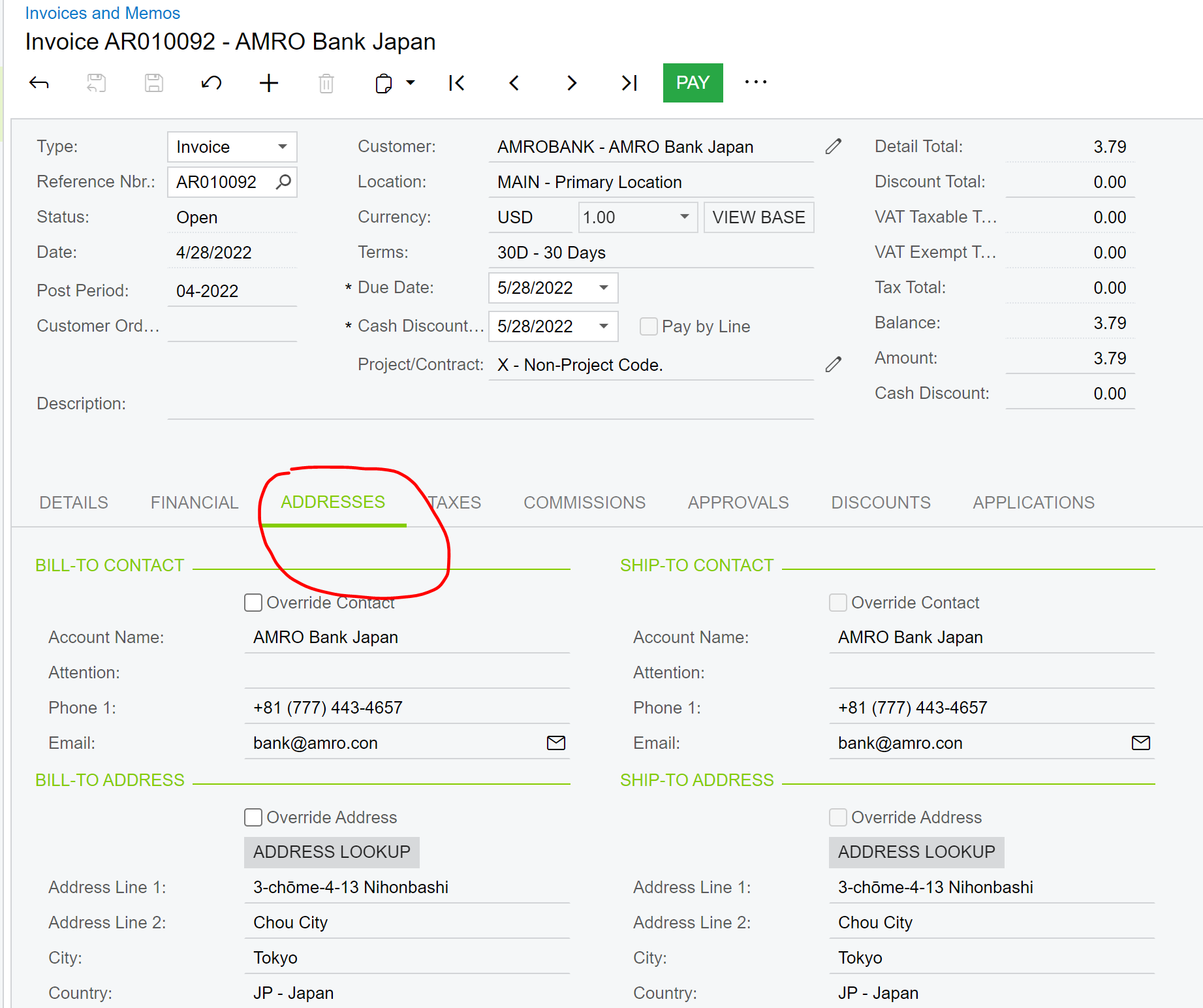
@epan try to check addresses on the Invoice, to which you are applying debit adjusment


Forum|alt.badge.img
  • Author
  • Jr Varsity III
  • April 4, 2023

@smarenich Thanks you. I can’t find the address tab in the original invoice. Could you help?

My Acumatica version is :

Copyright © 2005-2022 Acumatica, Inc. All rights reserved.
Acumatica Cloud ERP 2022 R1
Build 22.117.0016

Thank you.

Original invoice


smarenich
Acumatica Moderator
Forum|alt.badge.img+3
  • Acumatica Commerce Edition Team Lead
  • April 4, 2023

@epan Sorry, that is my mistake, for some reason, I thought you are using AR, but it is AP. Sorry one more time.

Unfortunately, I do not see what can be wrong from top of my head. Could you please create a case?


Manikanta Dhulipudi
Captain II
Forum|alt.badge.img+15

Hi @epan Not sure about the error, can you check this once?

Are you seeing this issue only with this vendor?

Thanks


Forum|alt.badge.img
  • Author
  • Jr Varsity III
  • April 5, 2023

Hi @epan Not sure about the error, can you check this once?

Yes, I checked this before but not sure if that applies to me. As my branch is default in Canada but this vendor is located in US. 


Forum|alt.badge.img
  • Author
  • Jr Varsity III
  • April 5, 2023

@epan Sorry, that is my mistake, for some reason, I thought you are using AR, but it is AP. Sorry one more time.

Unfortunately, I do not see what can be wrong from top of my head. Could you please create a case?

Thank you. Could you advise how to create a case? Is there a link ? Thank you again Smarenich. 


Forum|alt.badge.img
  • Author
  • Jr Varsity III
  • April 5, 2023

Hi @epan Not sure about the error, can you check this once?

Are you seeing this issue only with this vendor?

Thanks

Yes, only this vendor has this issue so far. Thank you. 


Chris Hackett
Community Manager
Forum|alt.badge.img
  • Acumatica Community Manager
  • May 17, 2023

Hi @epan were you able to find a solution? Thank you!


Forum|alt.badge.img
  • Author
  • Jr Varsity III
  • Answer
  • May 18, 2023

It got posted the other day. Not sure how though. Thank you.