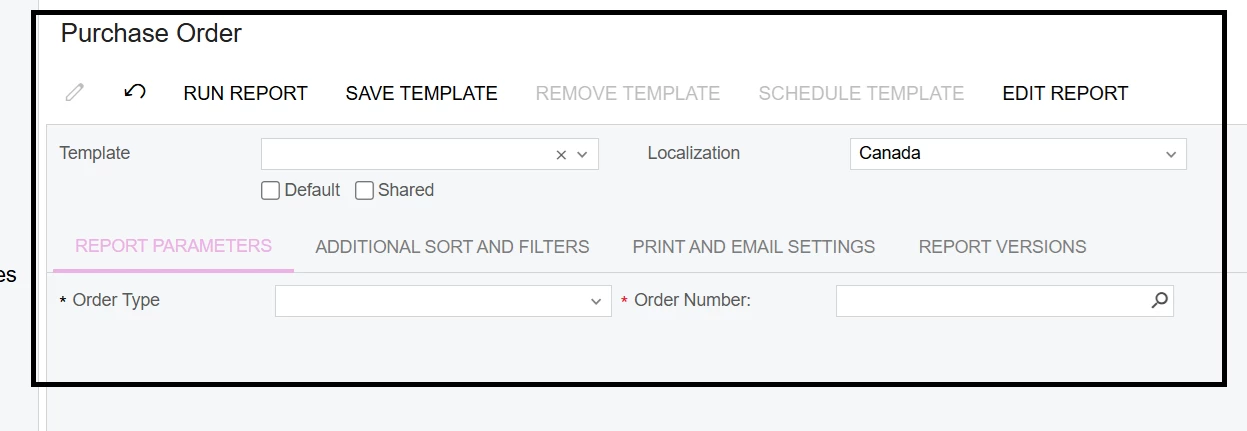
I modified the Purchase Order report by adding Terms and Conditions in the footer.
The report is working, but when I set the localization to Canada, the modifications are not displayed. I want all modifications to be visible when the localization is set to Canada. Could you please assist me in resolving this issue?
Best answer by Manikanta Dhulipudi
Hi @Sagar Greytrix Each of the forms & many of the reports exist in multiple formats. The first is the main form in English - PO641000.rpx. The second is a Canadian version - PO641000.CA.RPX.
When the localization is Canadian, the system automatically runs the Canadian version. If you edit the report you get the English version.
You have to specifically open the Canadian version in order to modify or review it.
Hi @Sagar Greytrix Each of the forms & many of the reports exist in multiple formats. The first is the main form in English - PO641000.rpx. The second is a Canadian version - PO641000.CA.RPX.
When the localization is Canadian, the system automatically runs the Canadian version. If you edit the report you get the English version.
You have to specifically open the Canadian version in order to modify or review it.