

Question

Restriction of Report Export

  • September 24, 2026
  • 1 reply
  • 25 views

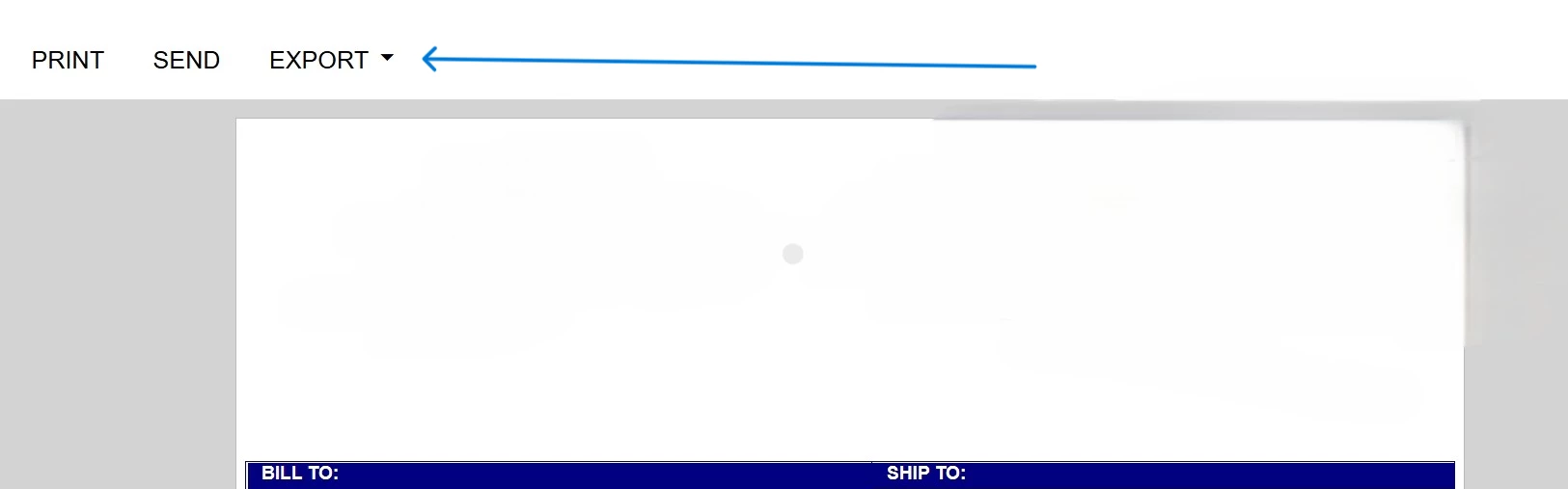
Is it possible to restrict/hide export of a report created using report designer? 
 

1 reply

valentynbeznosiuk
Jr Varsity III
Forum|alt.badge.img+4

Hi ​@JohnKihiu,

Not out of the box. For reports, Access Rights by Screen only gives you Granted or Revoked for the whole report. There's no separate right for Export, Print or Send, and Report Designer doesn't have a property to hide the Export menu either.

Keep in mind that hiding Export alone won't fully stop people from getting the data out. Print gives them a PDF they can save, and Send emails the report as an attachment. So if the goal is really "view only", you'd need to deal with all three.

Limit who can run it
The simplest option is to revoke the report for the roles that shouldn't have the data at all, and grant it only to users who are allowed to export it.

Customization
Hiding the viewer toolbar buttons for specific roles is possible through customization, but it can be designed in different ways depending on your requirements and Acumatica version. The first approach that comes to mind is checking the user's role when the report viewer loads and hiding Export, Print and Send for that role. There's also a related idea in the Ideas section, which is worth voting for if you'd like this as a standard feature.

