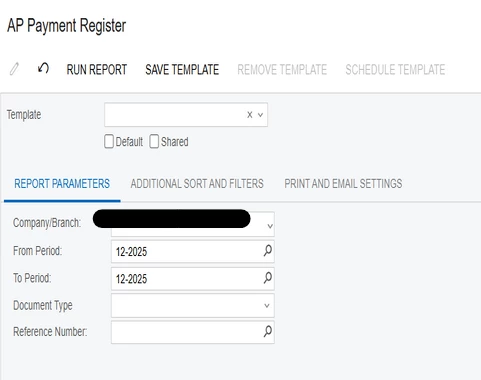
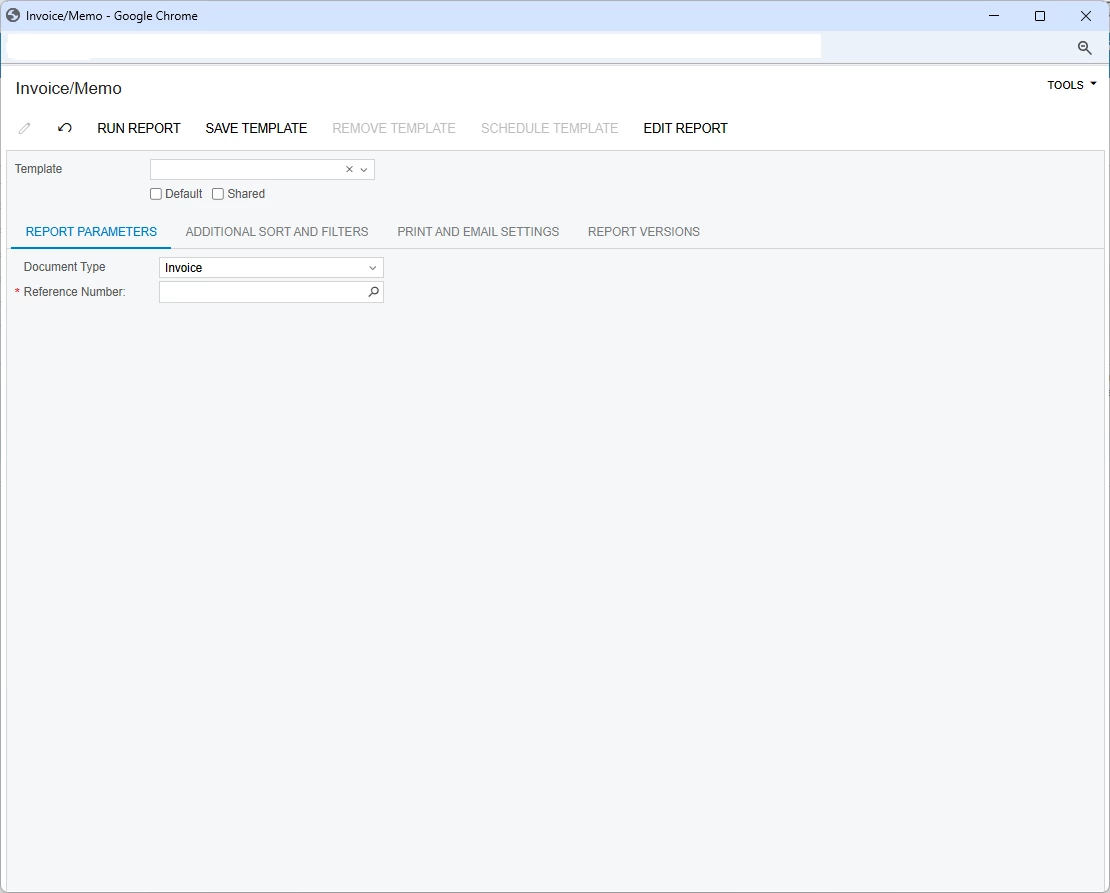
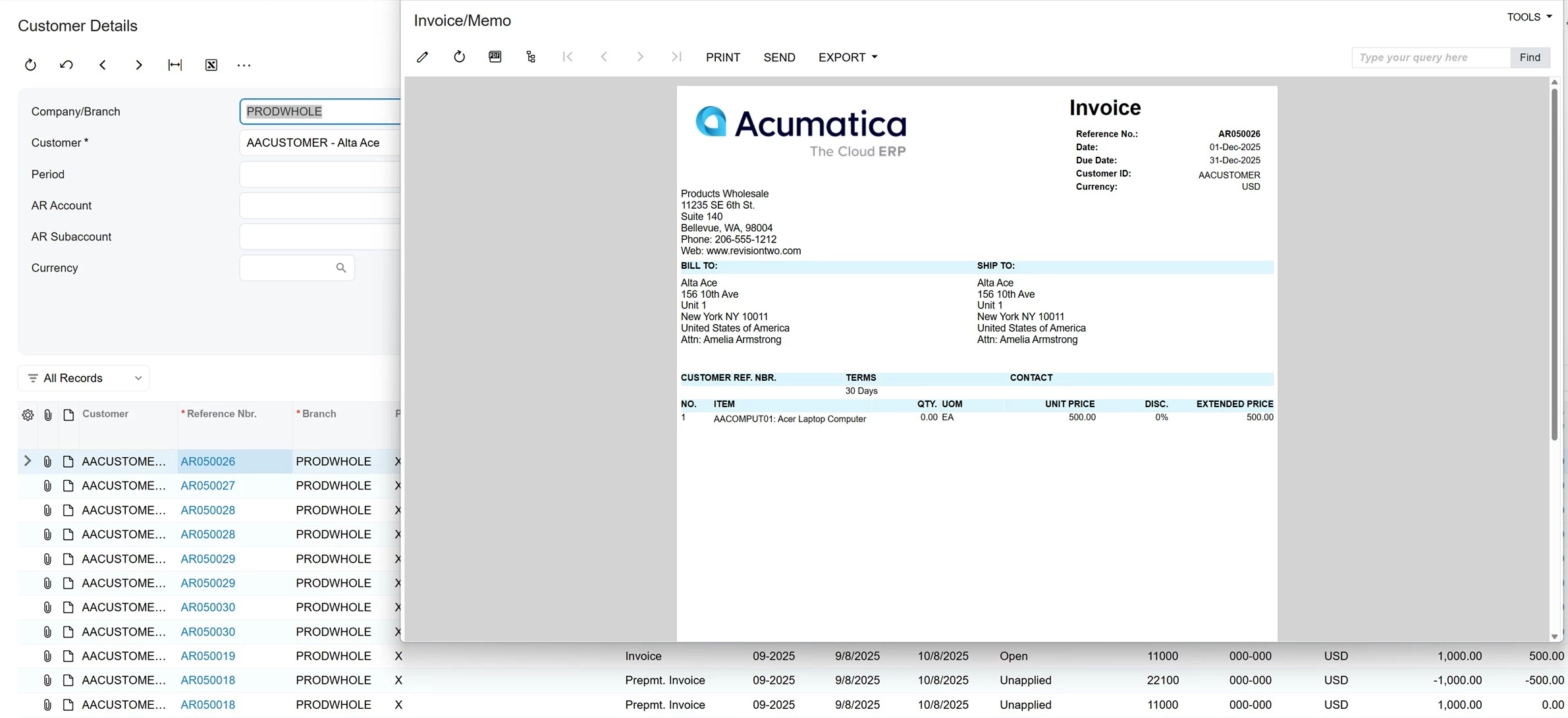
We’re experiencing a consistent issue where printing documents screens that typically shows the actual document (invoice, statement, remittance, payment register) are sometimes routing the user to a “Process Report” screen and requires manually re-entering parameters (document type, reference number) and clicking Run Report.
Same user sometimes gets it right, sometimes gets this screen.
Best answer by mohammadnawaz51
Issue description
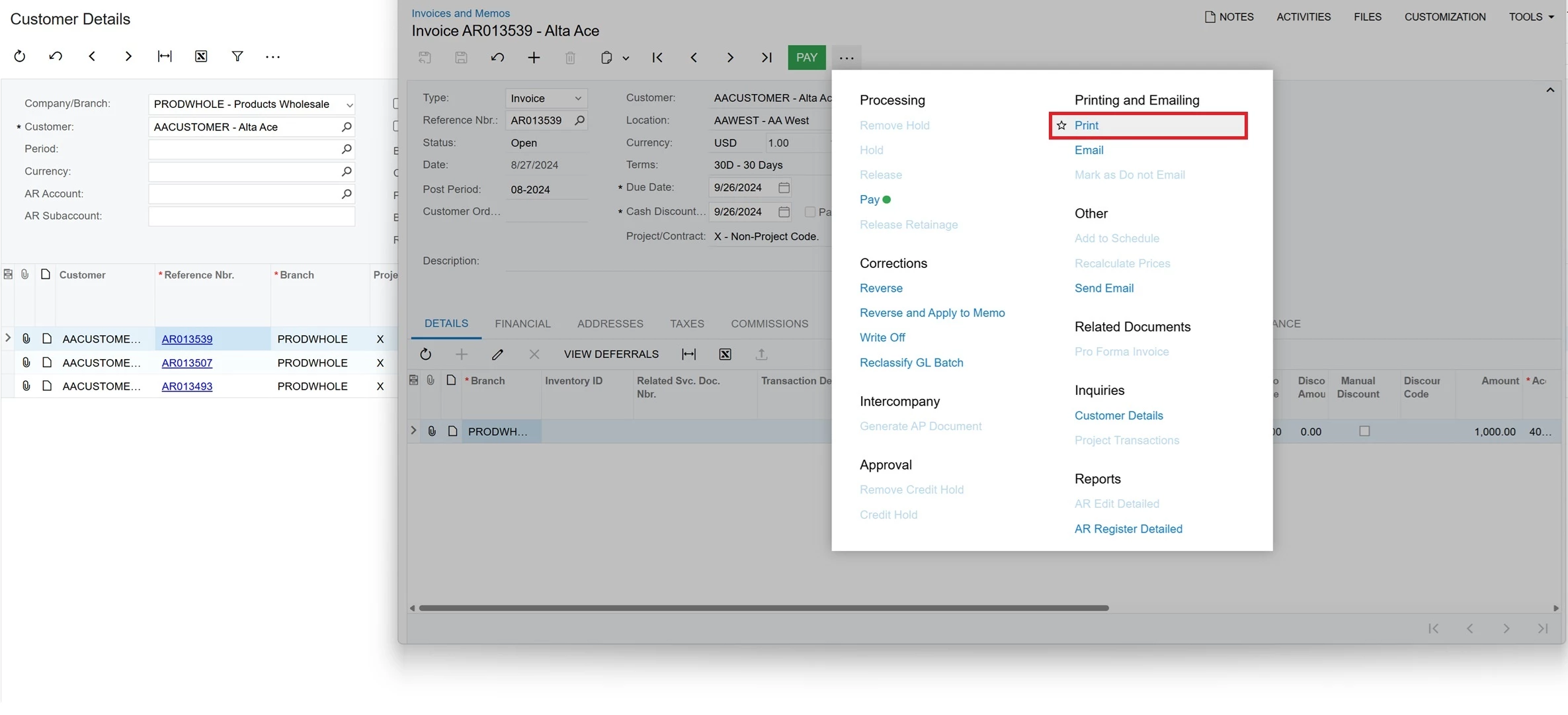
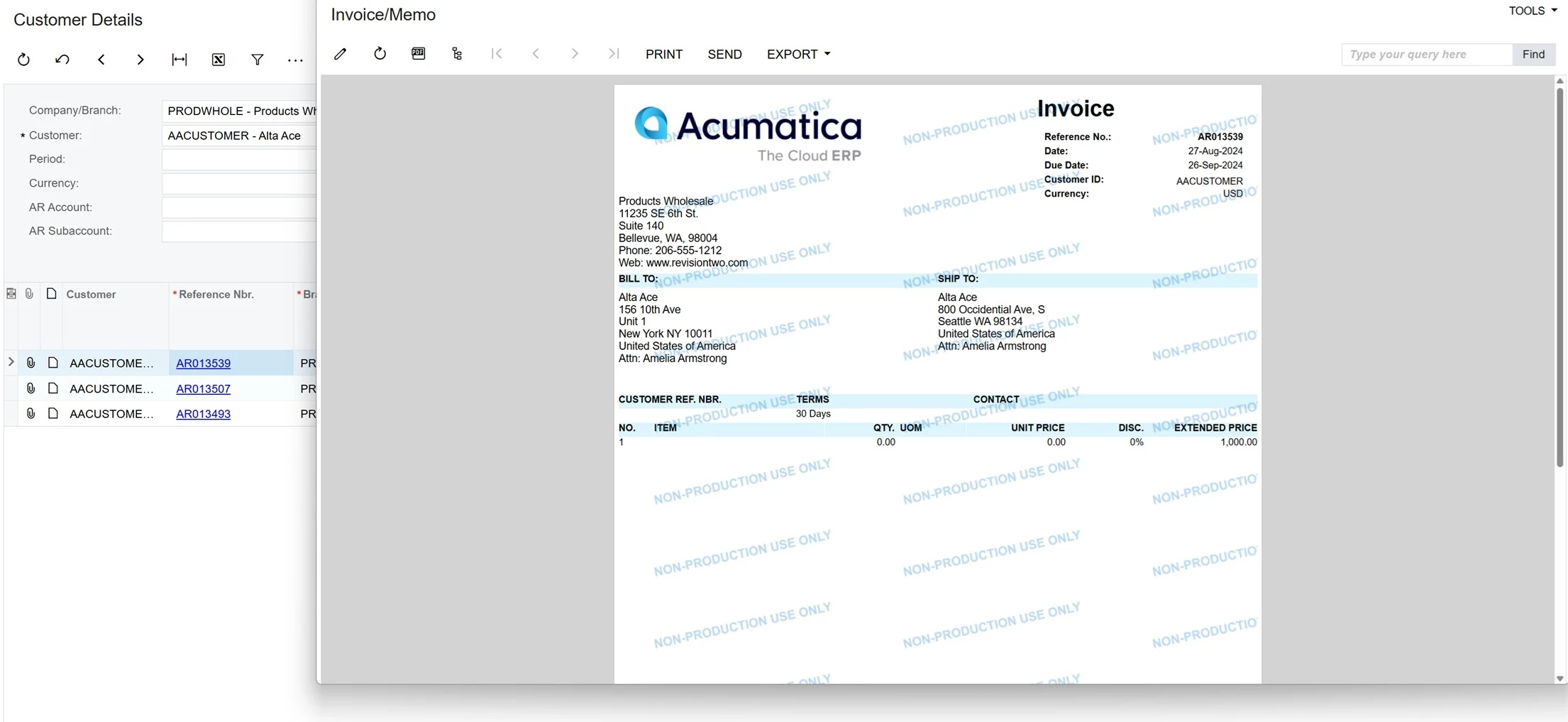
When a user clicks Print on the More menu of a form opened in a pop-up window (see the screenshot below), the report form (also shown below) opens instead of the report preview form in Chrome version 142.0.7444.135 (Official Build, 64-bit).
Root cause
This is a known issue in the following builds of Acumatica ERP:
2025 R2 GA (Build 25.200.0248.1) and earlier
2025 R1 Service Pack 1 (Build 25.101.0153.4) and earlier
2025 R1 GA (Build 25.100.0054.6) and earlier
2024 R2 Update 17 (Build 24.217.0003) and earlier
Solution
Upgrade to one of the following versions of Acumatica ERP:
2025 R2 GA (Build 25.200.0248.2)
2025 R1 Service Pack 1 (Build 25.101.0153.5) and later
2025 R1 GA (Build 25.100.0054.7) and later
2024 R2 Update 18 (Build 24.218.0005) and later
Workaround
Option 1. Use a different browser (for example, Firefox, Edge, or Safari).
Option 2. Prevent Chrome from updating to version 142.0.7444.135.
Option 3. Switch to the Modern UI mode (starting from the 2025 R2 versions of Acumatica ERP).
Option 4. Open the report in a new window instead of a pop-up.
We have seen this issue recently for some users in Chrome when attempting to run a report from an Acumatica pop-up window.
It may be related to the browser version and/or security settings. Make sure that popups and redirects are allowed for the site. Try using a different browser to confirm that the issue is browser related. I'm not sure if this is related, but there is also a known issue with the latest Chrome version that relates to running reports:
When a user clicks Print on the More menu of a form opened in a pop-up window (see the screenshot below), the report form (also shown below) opens instead of the report preview form in Chrome version 142.0.7444.135 (Official Build, 64-bit).
Root cause
This is a known issue in the following builds of Acumatica ERP:
2025 R2 GA (Build 25.200.0248.1) and earlier
2025 R1 Service Pack 1 (Build 25.101.0153.4) and earlier
2025 R1 GA (Build 25.100.0054.6) and earlier
2024 R2 Update 17 (Build 24.217.0003) and earlier
Solution
Upgrade to one of the following versions of Acumatica ERP:
2025 R2 GA (Build 25.200.0248.2)
2025 R1 Service Pack 1 (Build 25.101.0153.5) and later
2025 R1 GA (Build 25.100.0054.7) and later
2024 R2 Update 18 (Build 24.218.0005) and later
Workaround
Option 1. Use a different browser (for example, Firefox, Edge, or Safari).
Option 2. Prevent Chrome from updating to version 142.0.7444.135.
Option 3. Switch to the Modern UI mode (starting from the 2025 R2 versions of Acumatica ERP).
Option 4. Open the report in a new window instead of a pop-up.