Hello - I'm struggling to figure out why the “Pick List” report is printing with the huge space underneath data, then will have a page 2 with more of the data. Any thoughts on what I am missing? to condense it all to one page?
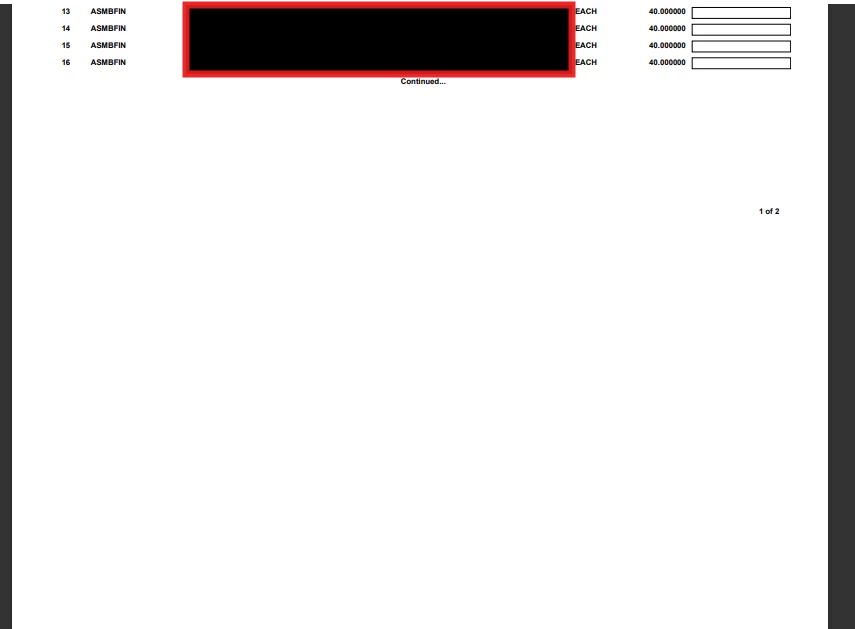
Hello - I'm struggling to figure out why the “Pick List” report is printing with the huge space underneath data, then will have a page 2 with more of the data. Any thoughts on what I am missing? to condense it all to one page?
Best answer by nhatnghetinh
Hi
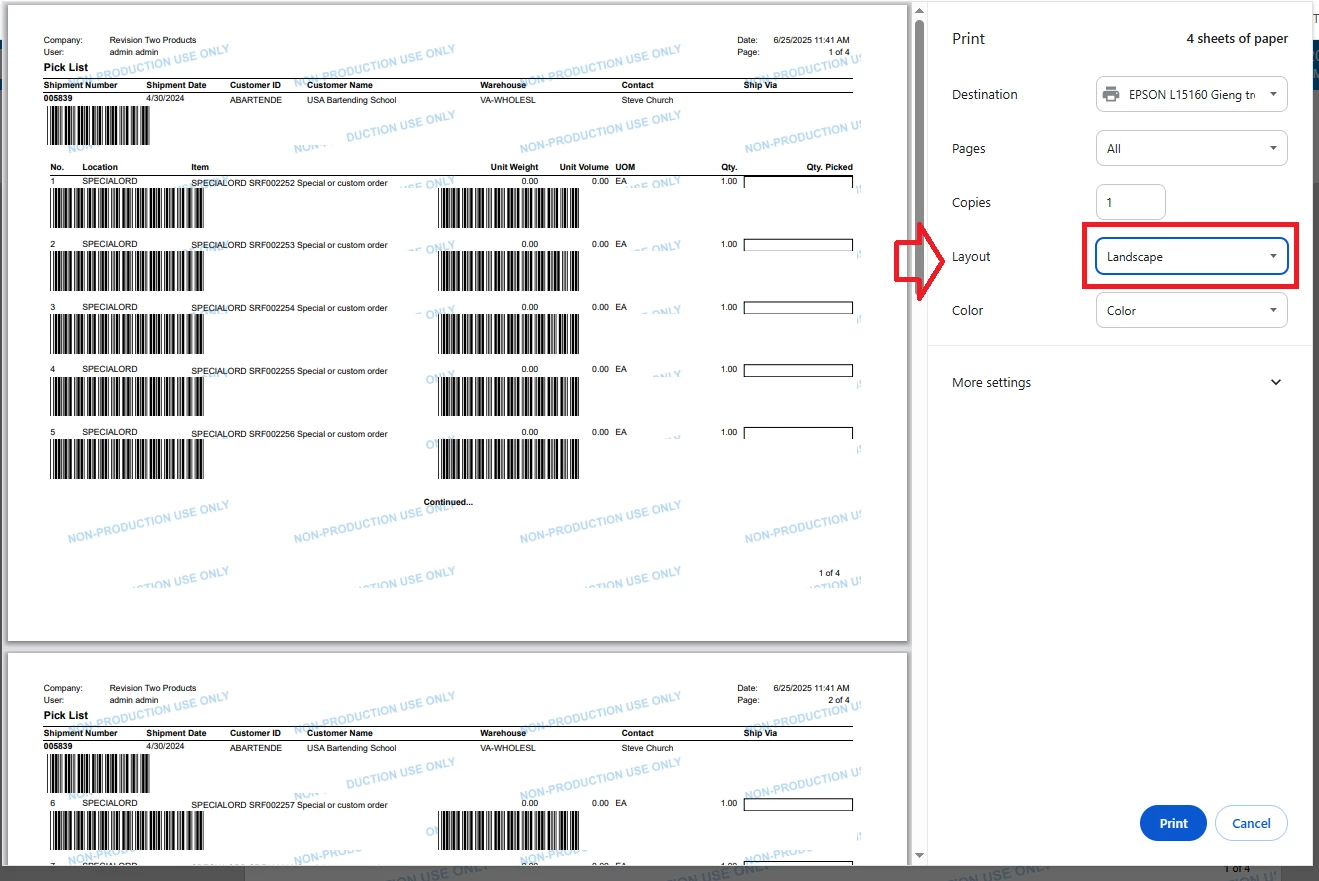
It seems that Report "Pick List" is designed as "Landscape" but when you click PRINT > you selected Layout as "Portrait".
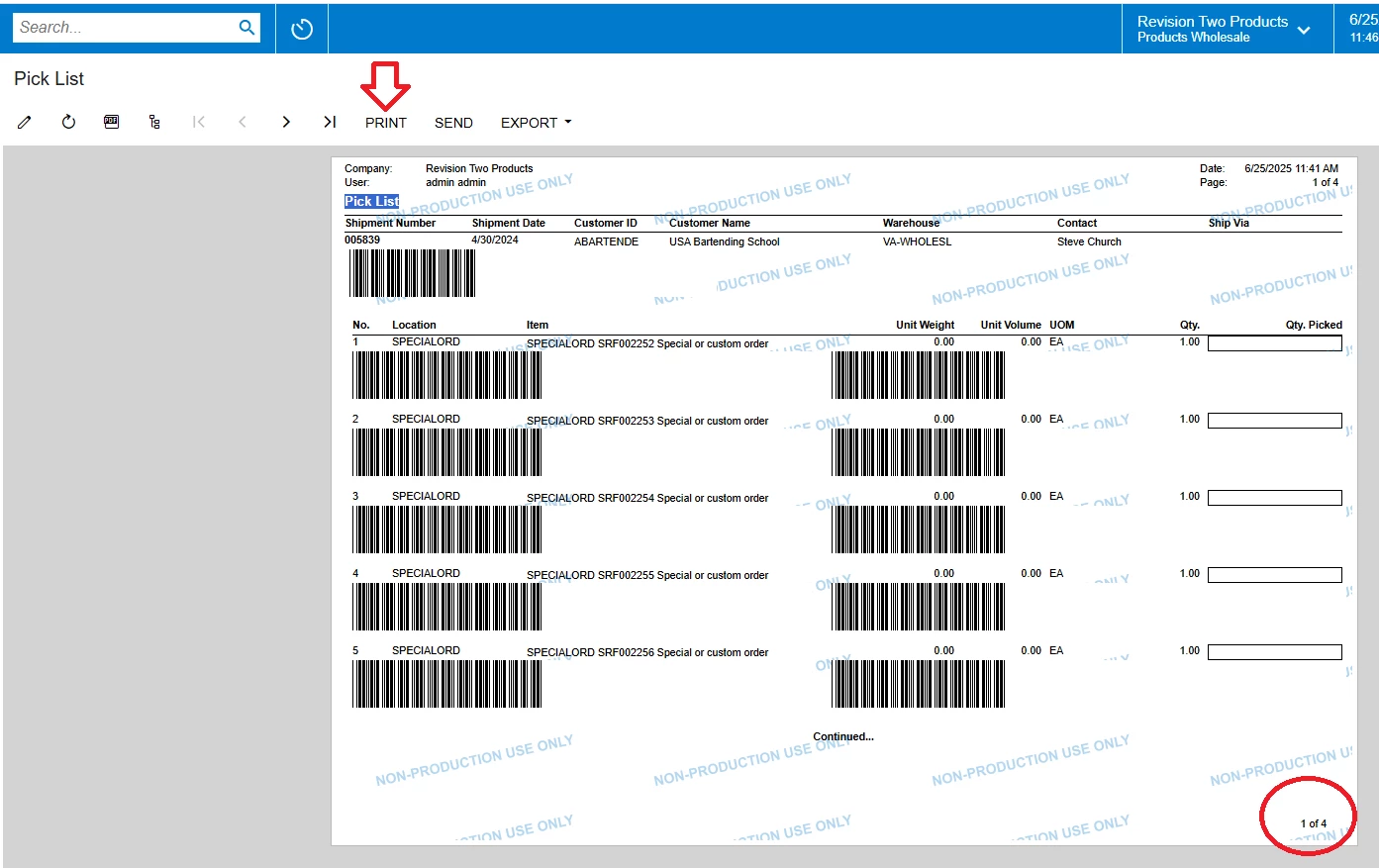
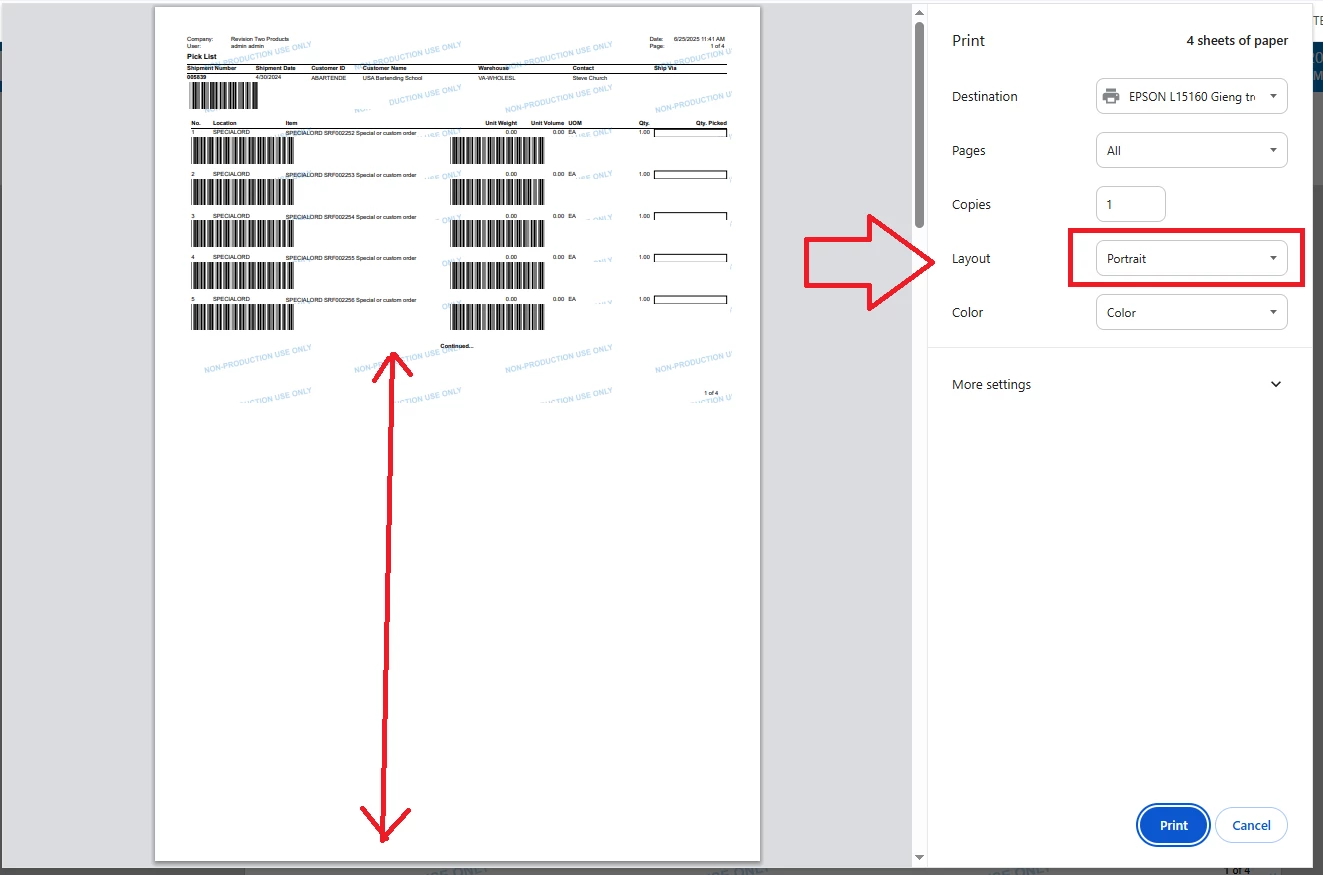
In the PRINT screen -> try selecting Layout as "Landscape"
Best Regards,
NNT
Enter your E-mail address. We'll send you an e-mail with instructions to reset your password.