Question

Prevent Users From Changing GI Column Visibility or Order?

  • June 2, 2026
  • 6 replies
  • 52 views

jwaldron46
Freshman II
Forum|alt.badge.img+1

I have a few GI’s that need to be locked down so users cannot reorder the columns or hide columns.  I also would like to prevent them from making filters.  Is it possible to lock them down for certain users so they cannot do these things, yet have the parameter fields still be available to use?

6 replies

nhatnghetinh
Captain II
Forum|alt.badge.img+13

Hi ​@jwaldron46 

I have a few GI’s that need to be locked down so users cannot reorder the columns or hide columns. 

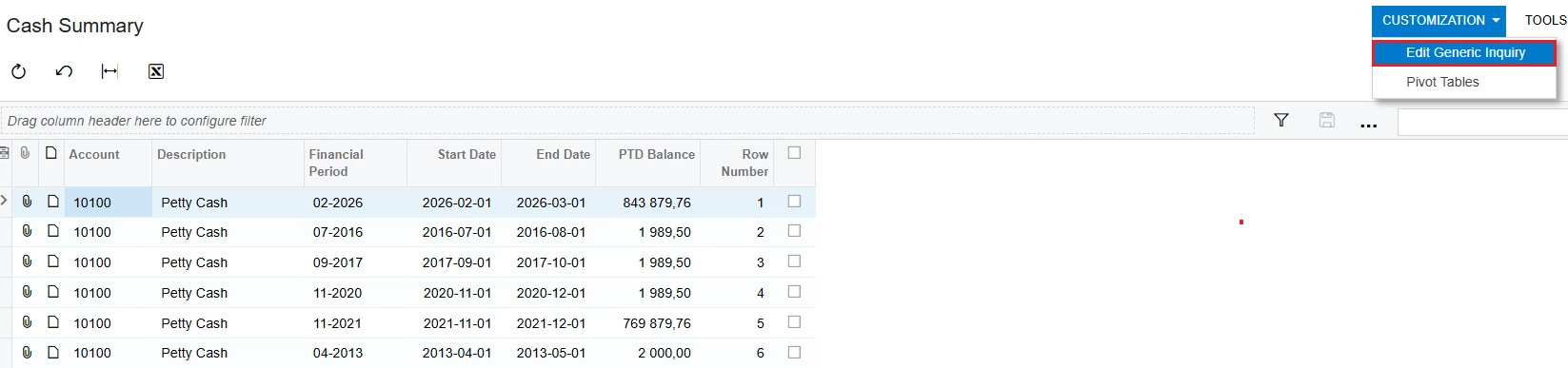
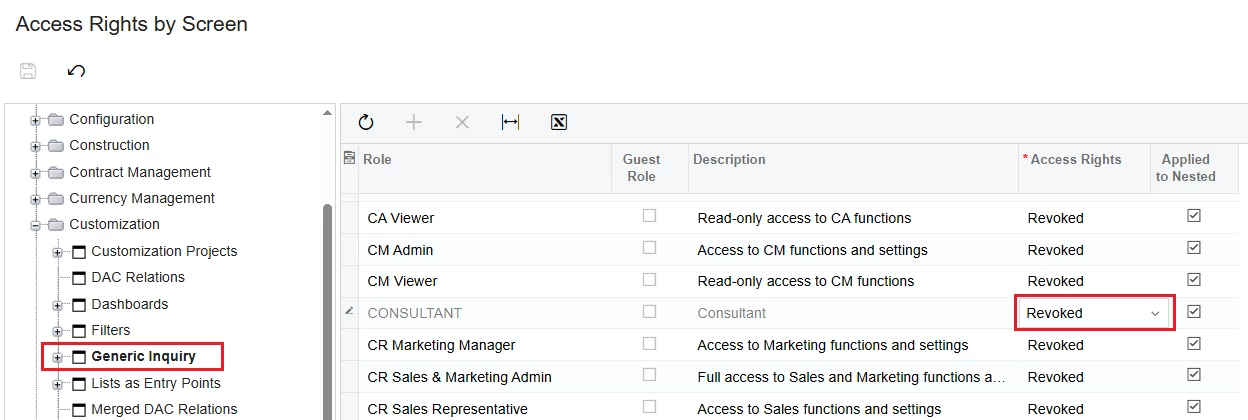
=> You created Access Right to prevent users from using "Edit Generic Inquiry"


I also would like to prevent them from making filters.

=> Standard Acumatica does not provide a security setting to prevent users from creating or saving filters in a Generic Inquiry. Users who can access the GI can generally use the filtering features available on the grid.


Is it possible to lock them down for certain users so they cannot do these things, yet have the parameter fields still be available to use?

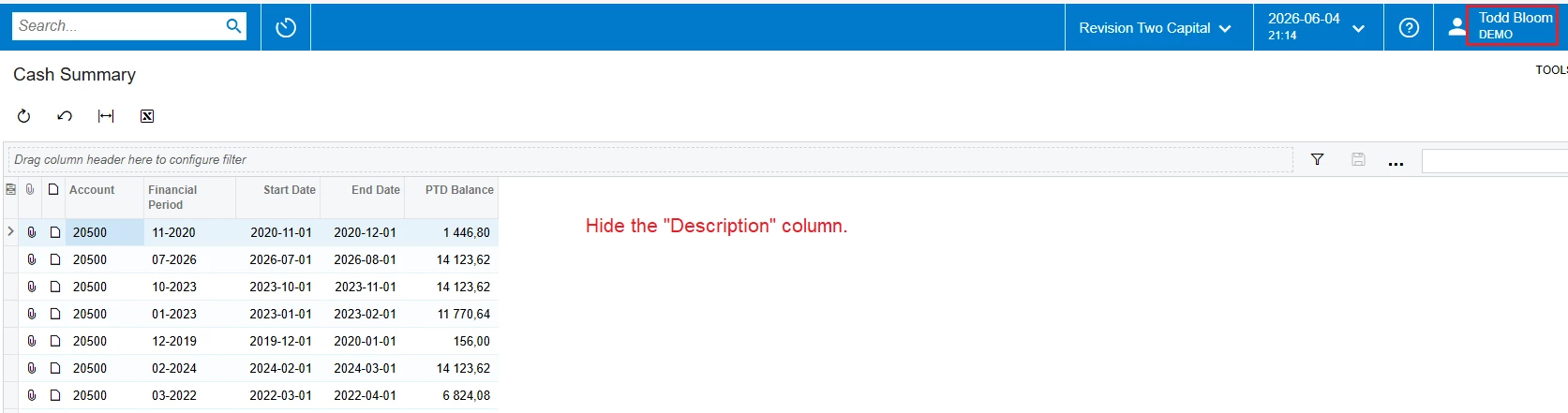
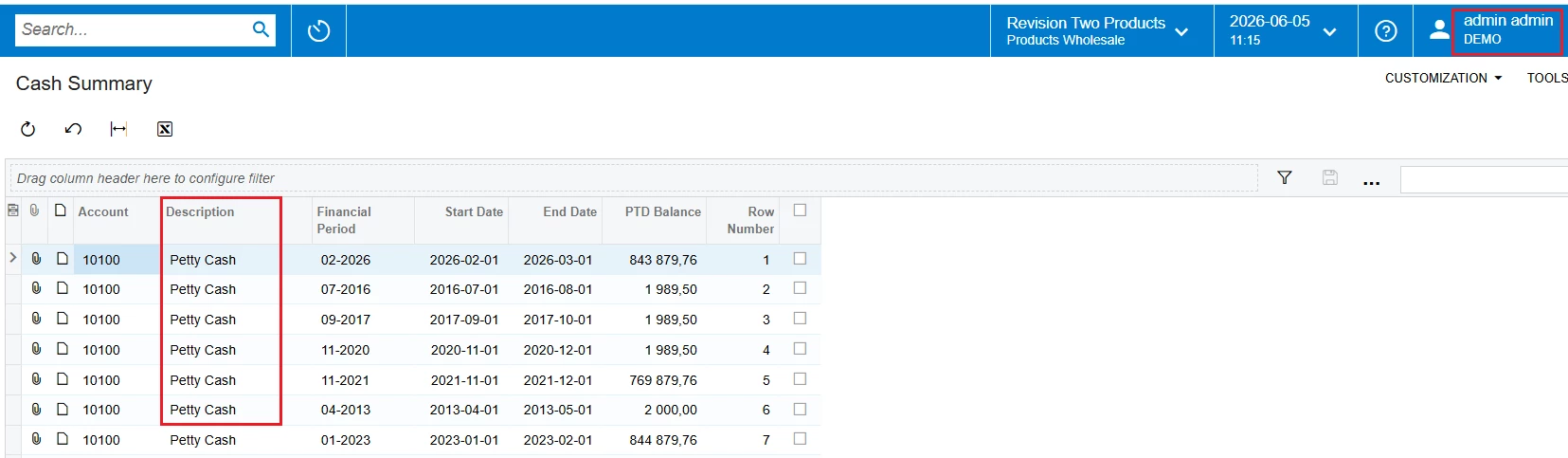
=> This feature cannot be locked. However, this feature only works for individual users. This means that if User A hides a column, other users will still see that hidden column.


Best Regards,

NNT


jwaldron46
Freshman II
Forum|alt.badge.img+1
  • Author
  • Freshman II
  • June 5, 2026

I understand that.  We want the users to be forced to have the default columns, and not personalize their view of the data.  We have a specific inquiry that all employees are required to read in the default manner and want to lock down so they don’t rearrange, filter, or change the sort of the data grid.


nhatnghetinh
Captain II
Forum|alt.badge.img+13
  • Captain II
  • June 8, 2026

Hi ​@jwaldron46 

I think you should create a Report Designer to meet these requirements.


Best Regards,

NNT


craig2
Pro I
Forum|alt.badge.img+4
  • Pro I
  • June 8, 2026

Hi ​@jwaldron46 

I think you should create a Report Designer to meet these requirements.


Best Regards,

NNT

This feels like the best solution.  I had a similar situation, where a certain group were required to review documents in a specific format before giving approval.  Leveraging Reports could be a good way for you as well, either auto-sending on a schedule so you know they are getting them, or creating a custom Action that forces them to view the report before proceeding with their process.


jwaldron46
Freshman II
Forum|alt.badge.img+1
  • Author
  • Freshman II
  • June 8, 2026

Thank you for the suggestion.  This particular GI is our Work Center Dispatch, which we live in throughout the day.  So a Report wouldn’t be practical, unfortunately.  


craig2
Pro I
Forum|alt.badge.img+4
  • Pro I
  • June 8, 2026

Another possible janky solution, but what if you used a big Data Table on a Dashboard instead?  You still get document links to jump into areas to “do work,” but you can’t filter or change the column order.  And you can untick the Allow Users to Personalize option in the Dashboard Properties to make sure they don’t do anything weird.

Depending on volume on data users are viewing at a given time, there would be limitations in the number of columns and rows you pull in there.  But might work depending on how dire the need is.