



I need to show a data field as justify not left/ center/ right. Is it possible do it
Solved
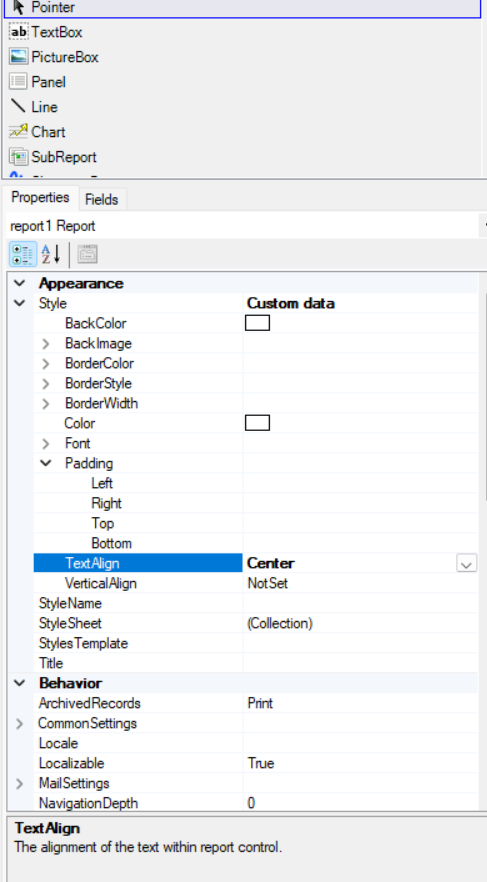
Is it possible to justify text in report Designer.
Best answer by Ankita Tayana
Hi
In Acumatica Report Designer, aligning text to justify isn't directly supported as a built-in alignment option like Left, Center, or Right.
As a workaround,
If you want to simulate justified alignment in Acumatica reports:
- Try increasing the width of the TextBox so the content has more space.
- Use a monospaced font like Courier New and manually format the text in your data source (or script), inserting extra spaces where needed.
- This is tedious and mostly feasible only for static or short blocks of text
Alternative solution is
If justification is critical, consider:
- Exporting the report to Word or PDF and using a macro or formatting tool to justify it there.
- Or, embedding HTML content with justification (if using HTML rendering in newer versions or custom extensions).
Hope this helps!









Login to the community
No account yet? Create an account
Social Login
Login with your Acumatica accountEnter your E-mail address. We'll send you an e-mail with instructions to reset your password.