Solved

Invoice printing on 2 pages

  • November 21, 2022
  • 7 replies
  • 545 views
  • Translate All

Forum|alt.badge.img

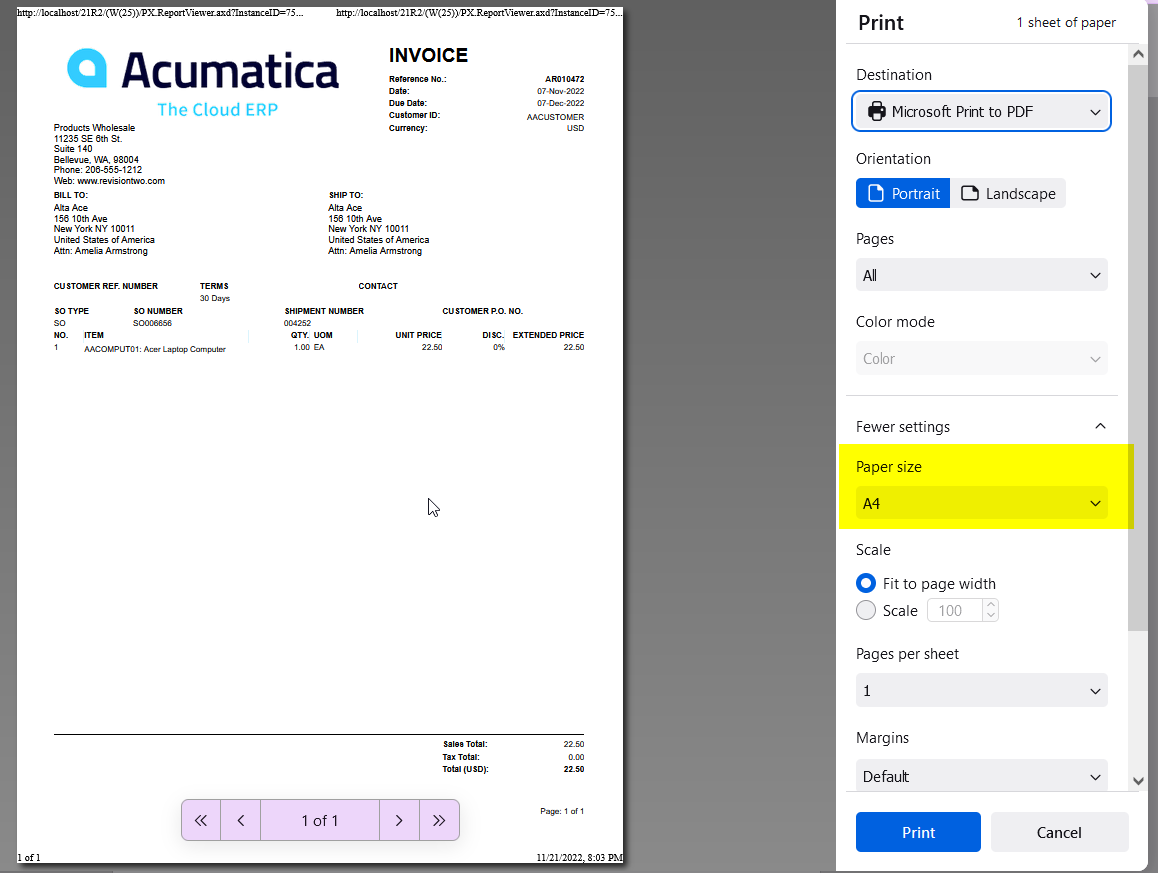
How do I stop an Invoice from printing on 2 pages?  When I open the invoice in Acumatica or export to pdf, it shows on 1 page.  When I use the print function, it goes to 2 pages.  How can I fix this?

Best answer by Kandy Beatty

HI @kstockman  

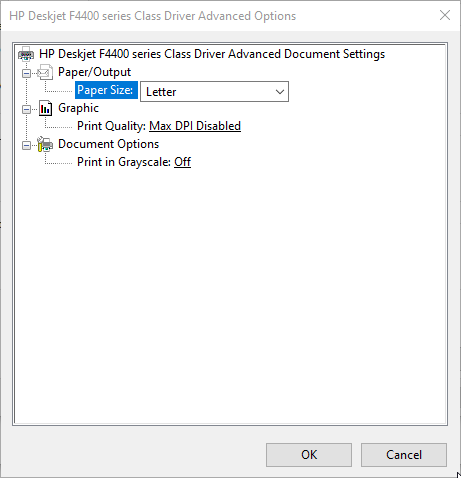
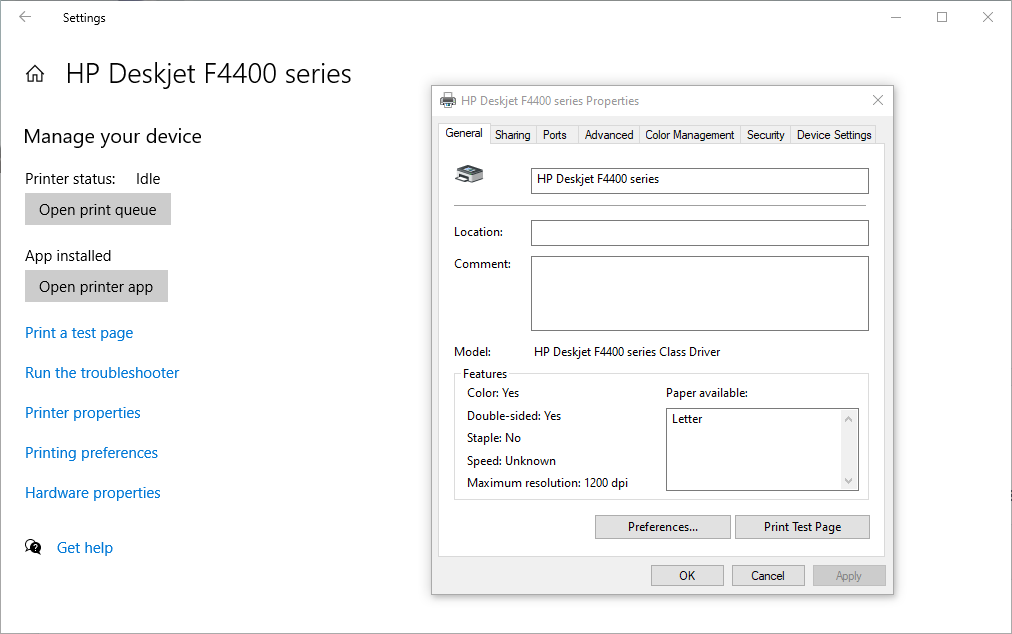
Check the actual printer settings. I would check what the default paper is, that may have something to do with how it is printing. Check printer properties and Printing preferences. 
 

View original

7 replies

Naveen Boga
Captain II
Forum|alt.badge.img+20

Hi @kstockman  Can you please check the settings of the printer?


Translate

Forum|alt.badge.img
  • Author
  • Freshman I
  • November 21, 2022

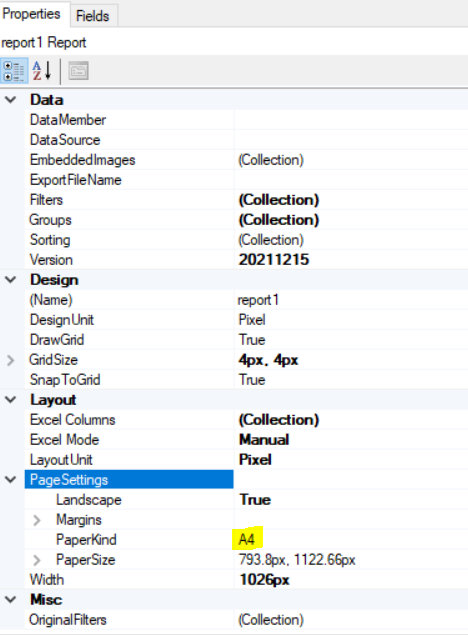
Let me try this.  I changed the settings in report designer to Letter, but not on the print settings.


Thank you!

Translate

Kandy Beatty
Captain II
Forum|alt.badge.img+18

HI @kstockman 

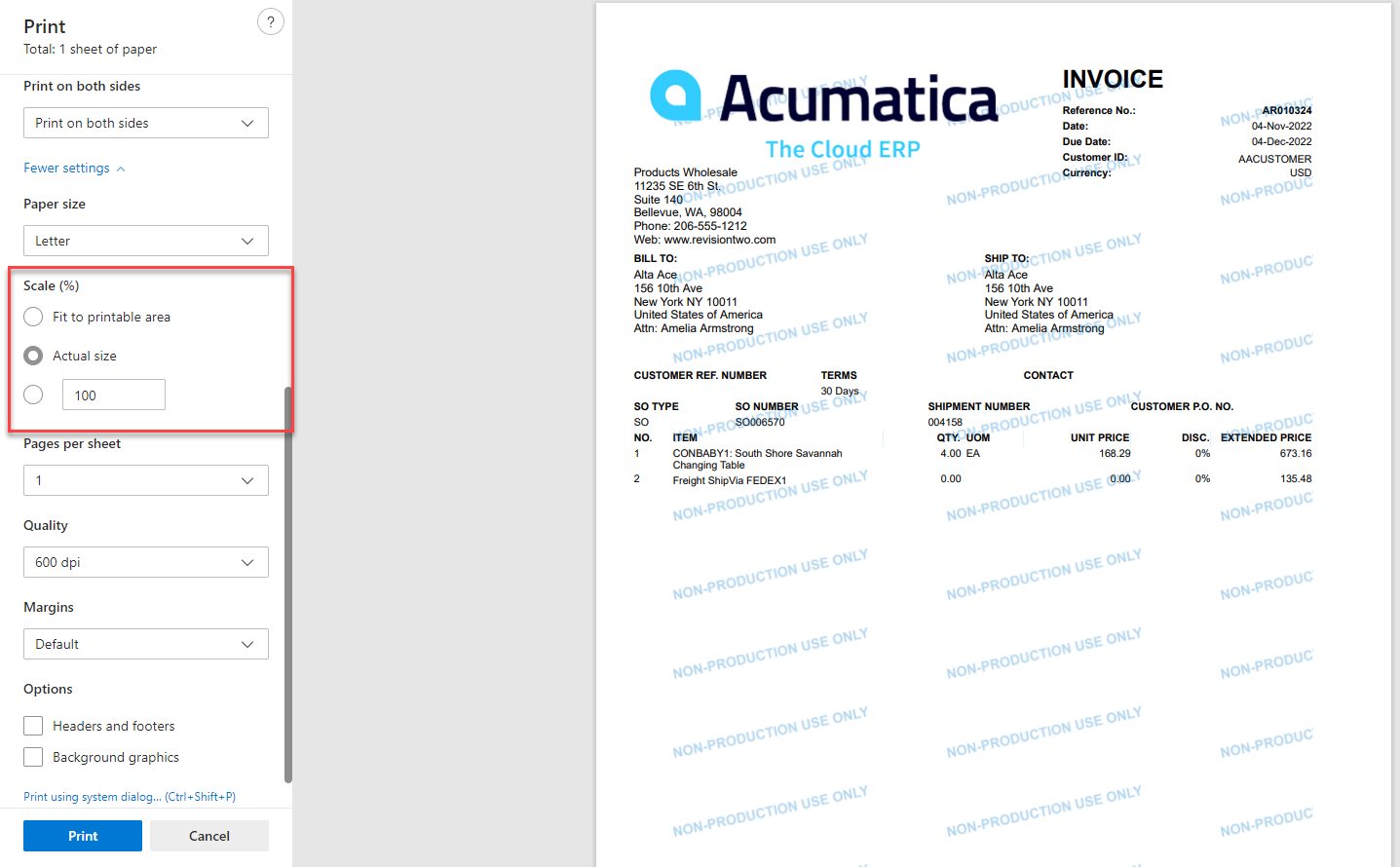
What is the Scale when you print?


Translate

Forum|alt.badge.img
  • Author
  • Freshman I
  • November 21, 2022

It was 100, but when I adjusted to 95 it fit on 1 page.  Is this something that will have to be done every time?

Translate

Naveen Boga
Captain II
Forum|alt.badge.img+20

@kstockman  This is a one-time configuration. 

Either you need to select the proper paper size according to the printer or you can adjust the scale.

Translate

Kandy Beatty
Captain II
Forum|alt.badge.img+18

HI @kstockman  

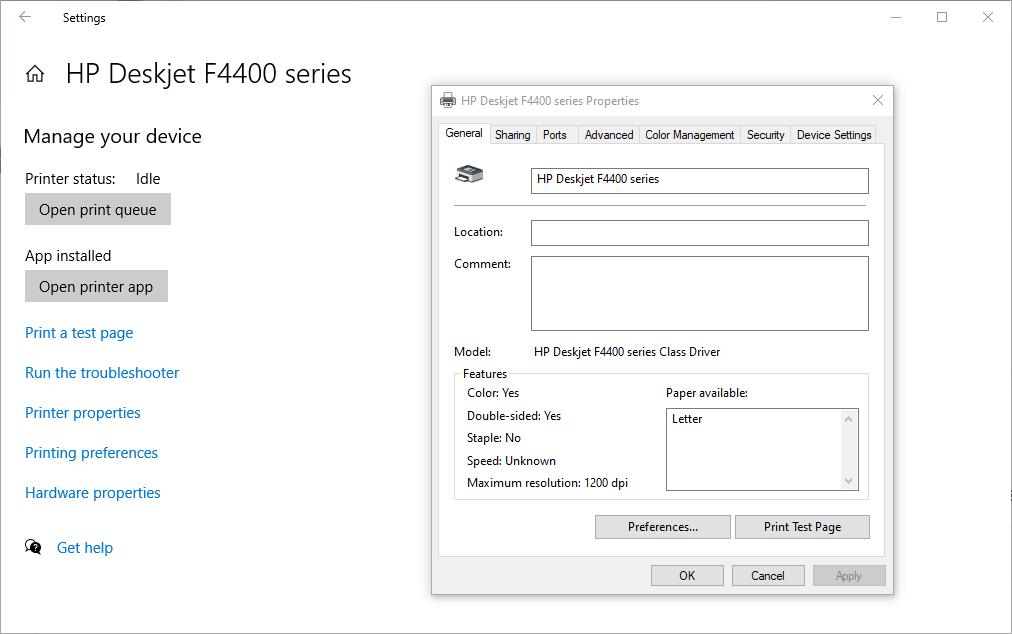
Check the actual printer settings. I would check what the default paper is, that may have something to do with how it is printing. Check printer properties and Printing preferences. 
 

Translate

lauraj46
Captain II
Forum|alt.badge.img+9
  • Captain II
  • November 29, 2022

Hi @kstockman ,

Many of the standard reports in Acumatica are set to use a paper size of A4.  If this is not the paper size that you use then it may cause formatting issues when you use the “Print” button.  We’ve found that changing the paper size to “Letter” in the Report Designer and saving back to Acumatica helps with some of these issues.


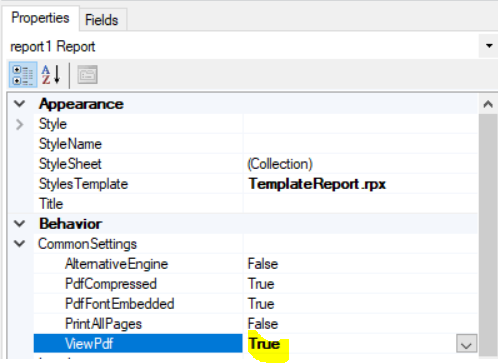
Another useful property in the Report Designer is ‘ViewPDF’ which is found in the Common Settings for the report.  If you change this to true then the report will open as a PDF instead of HTML which may help with the formatting issues and also save a click for the user.


Translate