



Best answer by lauraj46
Hi
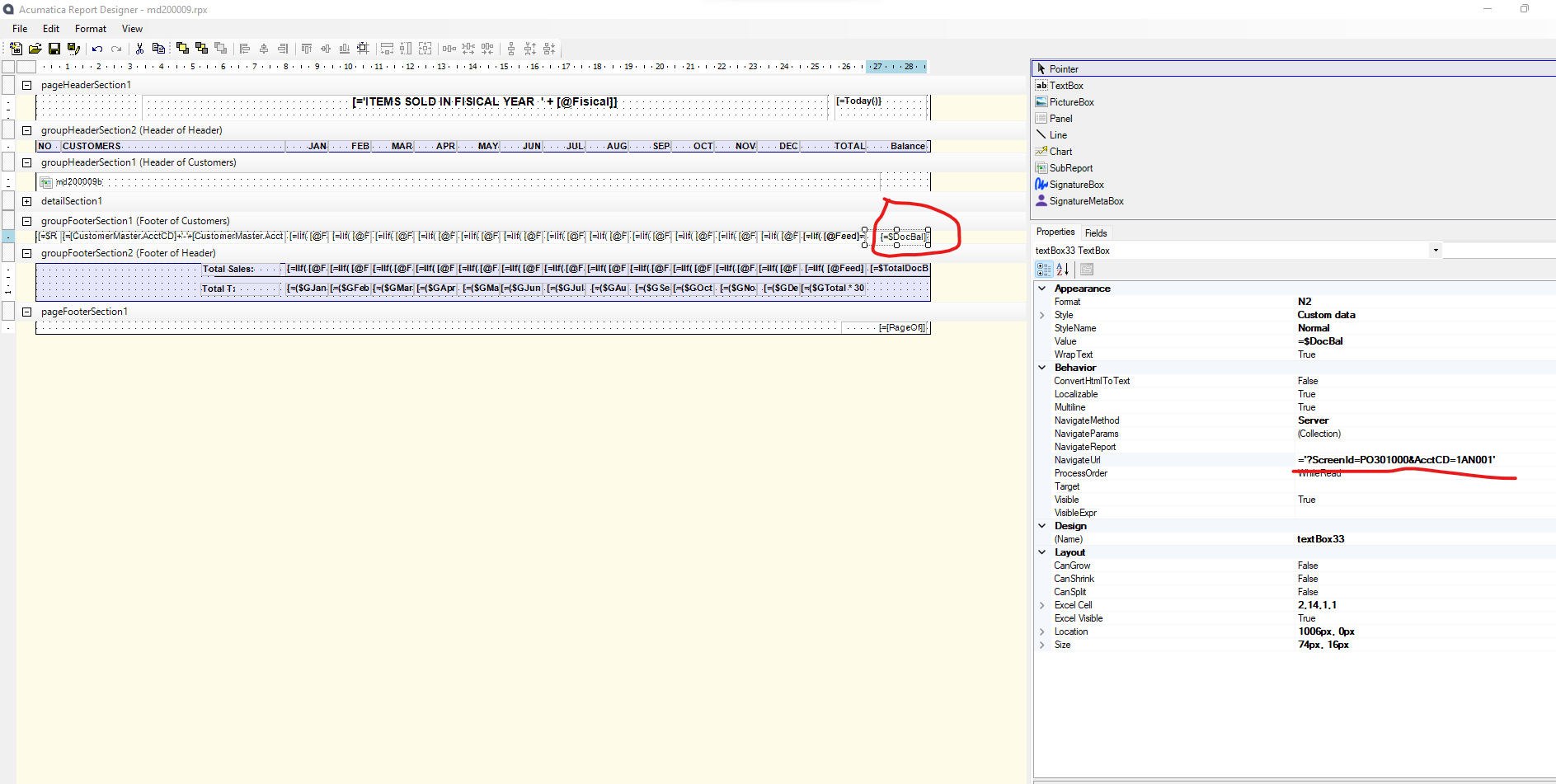
The customer screen id is AR303000. You can find the screen id by navigating to the screen in Acumatica and checking the url.
Since you are specifying the NavigateUrl, you can change the navigate method to ‘Client’. I tested with version 2023 R2 and this syntax worked for me:
=’main?Screenid=AR303000&AcctCD=’ + [Customer.AcctCD]

You will also need to be sure that the Customer DAC is part of your schema.
Hope this helps!
Laura
No account yet? Create an account
Enter your E-mail address. We'll send you an e-mail with instructions to reset your password.


