

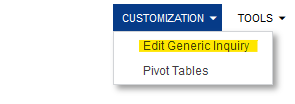
We noticed recently that we have had a few sales order #’s skip in sequence. This only happens if someone deleted a Sales Order. While we probably need to tighten up our security to prevent this from a broader set of team members, I’m wondering if we can create a GI that is able to identify deleted sales orders? We have been able to do so with deleted Stock Items and notice that some records have an “IS DELETED” field. We cannot locate this on the Sales Order table - PX.Objects.SO.SOOrder?
Solved
How to locate deleted Sales Orders with a GI?


Best answer by darylbowman
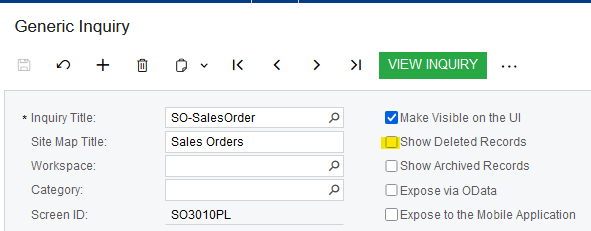
I could be wrong, but I believe the ‘Show deleted records’ checkbox will only work if the database table has a ‘DeletedDatabaseRecord’ field. This field is optional to include and tells Acumatica to hide the record from view rather than deleting it. Since SOOrder does NOT have this field, records are actually deleted out of the database, making viewing them impossible.




Enter your E-mail address. We'll send you an e-mail with instructions to reset your password.