Dear Team,
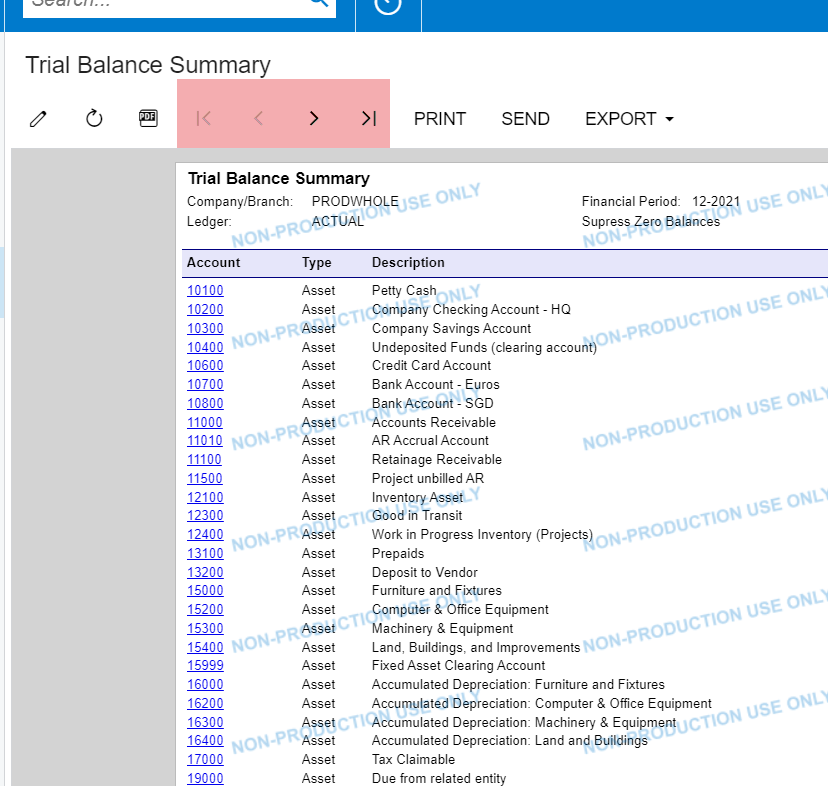
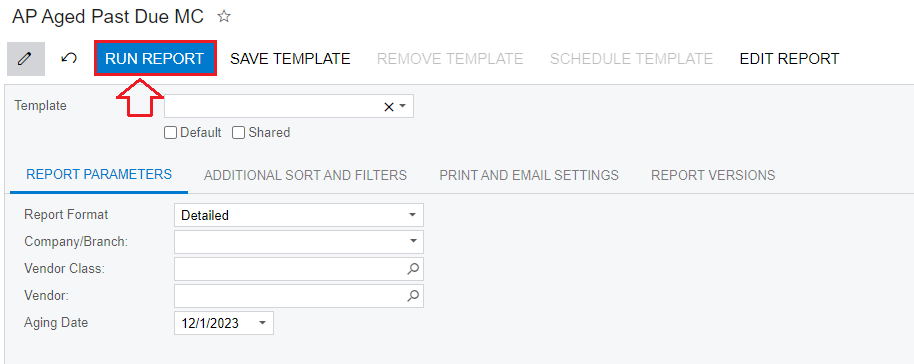
Let's say the report has multiple pages. How to display only the first page when pressing “RUN REPORT”?
Best Regards,
NNT


 +13
+13Dear Team,
Let's say the report has multiple pages. How to display only the first page when pressing “RUN REPORT”?
Best Regards,
NNT
Best answer by aaghaei

Make sure to select the page not the sections
No account yet? Create an account
Enter your E-mail address. We'll send you an e-mail with instructions to reset your password.