Answer

GI Activity Results in One Email

  • September 8, 2025
  • 7 replies
  • 72 views

Forum|alt.badge.img

Good day,

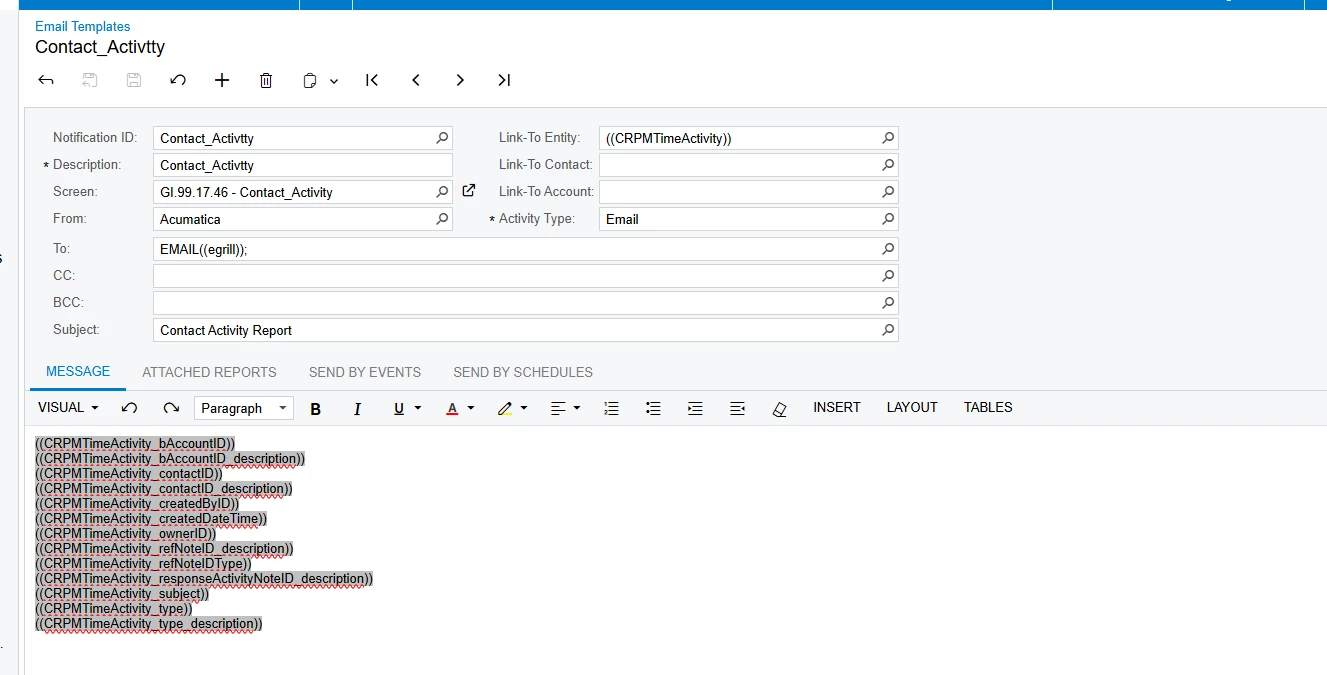
I want to send GI results in one email.  Below is the email. Right now it is sending one email for each line.  However do I get it send the GI results in one email.  I have business event set up tor run export results that feeds into the Email notification.

Any assistance would be helpfui

Evan
 

Best answer by Zalman

Hi

Wrap the fields in the table and then add a data-foreach-view <tr data-foreach-view="">


Acumatica Help Documentation
https://help.acumatica.com/(W(1))/Help?ScreenId=ShowWiki&pageid=b95a9c38-deb7-4735-8d9a-e47c4702adf1

7 replies

jhouser
Captain II
Forum|alt.badge.img+6
  • Captain II
  • September 9, 2025

@grillevan Can you share a screenshot of your business event?


mohammadnawaz51
Jr Varsity I
Forum|alt.badge.img+4

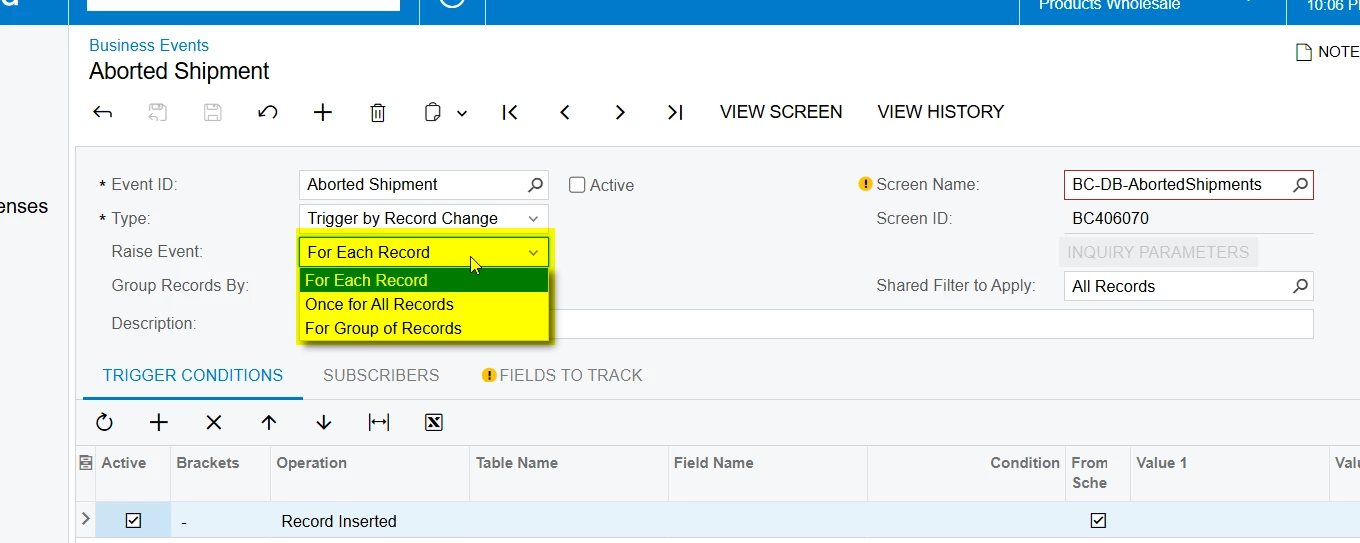
@grillevan Please check Raise event in the Business events configuration.

Regards,

Nawaz, Mohammed 

https://www.globalpayex.com


Forum|alt.badge.img
  • Author
  • Jr Varsity III
  • September 9, 2025

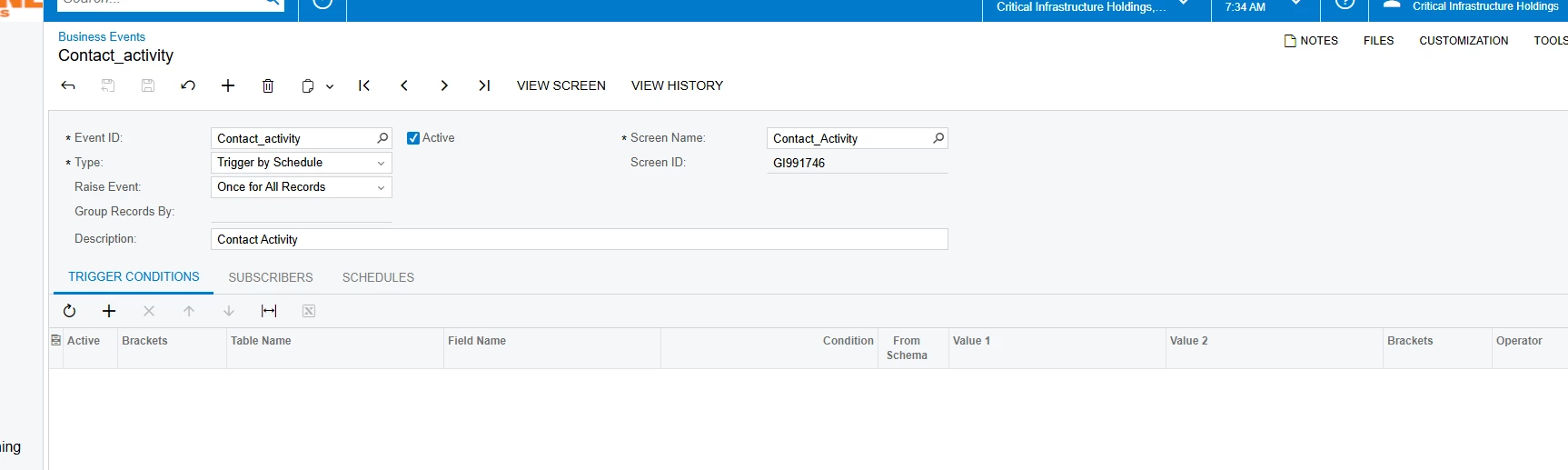
@jhouser See below.  I didn’t set any conditions; the manager wants all the records in one email.


Forum|alt.badge.img
  • Author
  • Jr Varsity III
  • September 9, 2025

@mohammadnawaz51  I had it set like that before; It generated over 100 emails for each line of the GI.

The email show have all the rows in one emai.

Evan


jhouser
Captain II
Forum|alt.badge.img+6
  • Captain II
  • September 9, 2025

@grillevan Are you wanting an email to be sent each time a new time activity is added? If yes, change type to Trigger by Record Change. In Conditions tab, add line and select Operation of "Record Inserted". This will trigger an email for each time a new line is added to GI, but not for old records. 


jhouser
Captain II
Forum|alt.badge.img+6
  • Captain II
  • September 9, 2025

@grillevan Just read this again, and I think you are wanting all the records in the GI, correct? I don't know if that's doable in the body of the email. One suggestion would be to create a report (in report designer) with the records you want, then configure a business event that sends an email with the report attached. 


Forum|alt.badge.img+1
  • Jr Varsity I
  • Answer
  • September 11, 2025

Hi

Wrap the fields in the table and then add a data-foreach-view <tr data-foreach-view="">


Acumatica Help Documentation
https://help.acumatica.com/(W(1))/Help?ScreenId=ShowWiki&pageid=b95a9c38-deb7-4735-8d9a-e47c4702adf1