Solved

Generic Inquiry-How to ignore grouping on column

  • May 27, 2021
  • 8 replies
  • 700 views
  • Translate All

Forum|alt.badge.img+1

Hello all,

I’m working on a generic inquiry. I need a total inventory amount for each item. The result as below. 

The item existed in different warehouse. 
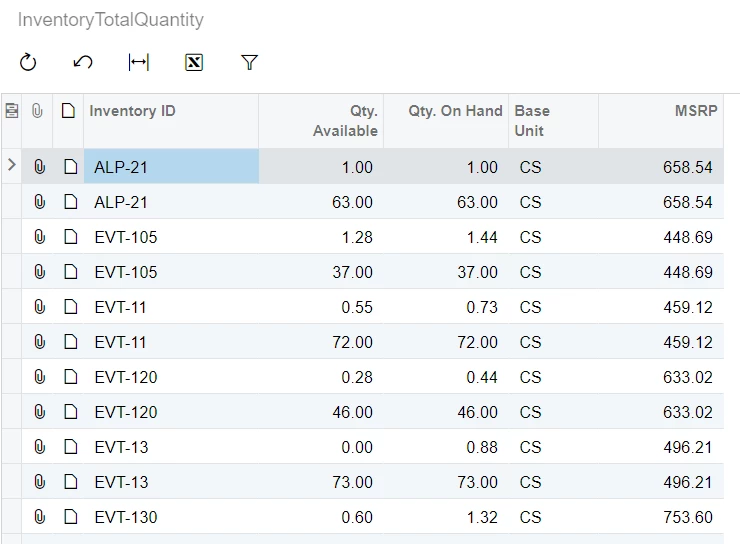
 

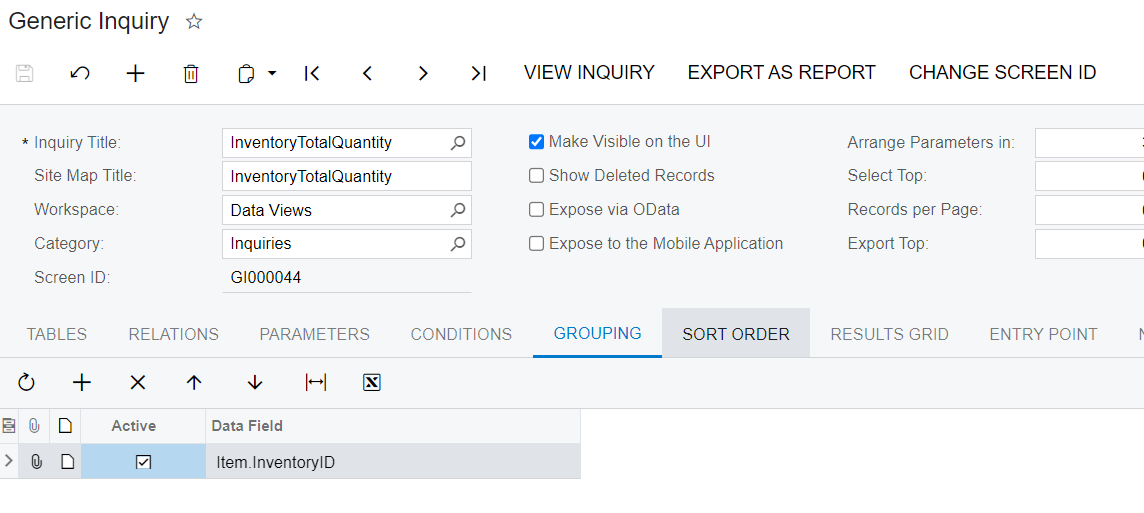
When I add a grouping for InventoryID. The result become to : 
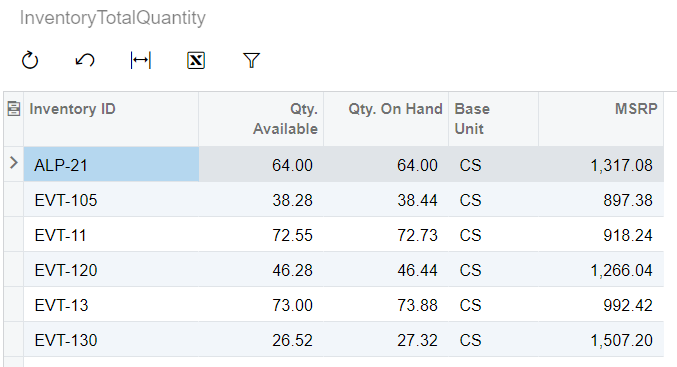
 

My question is how do I ignore grouping on MSRP column?


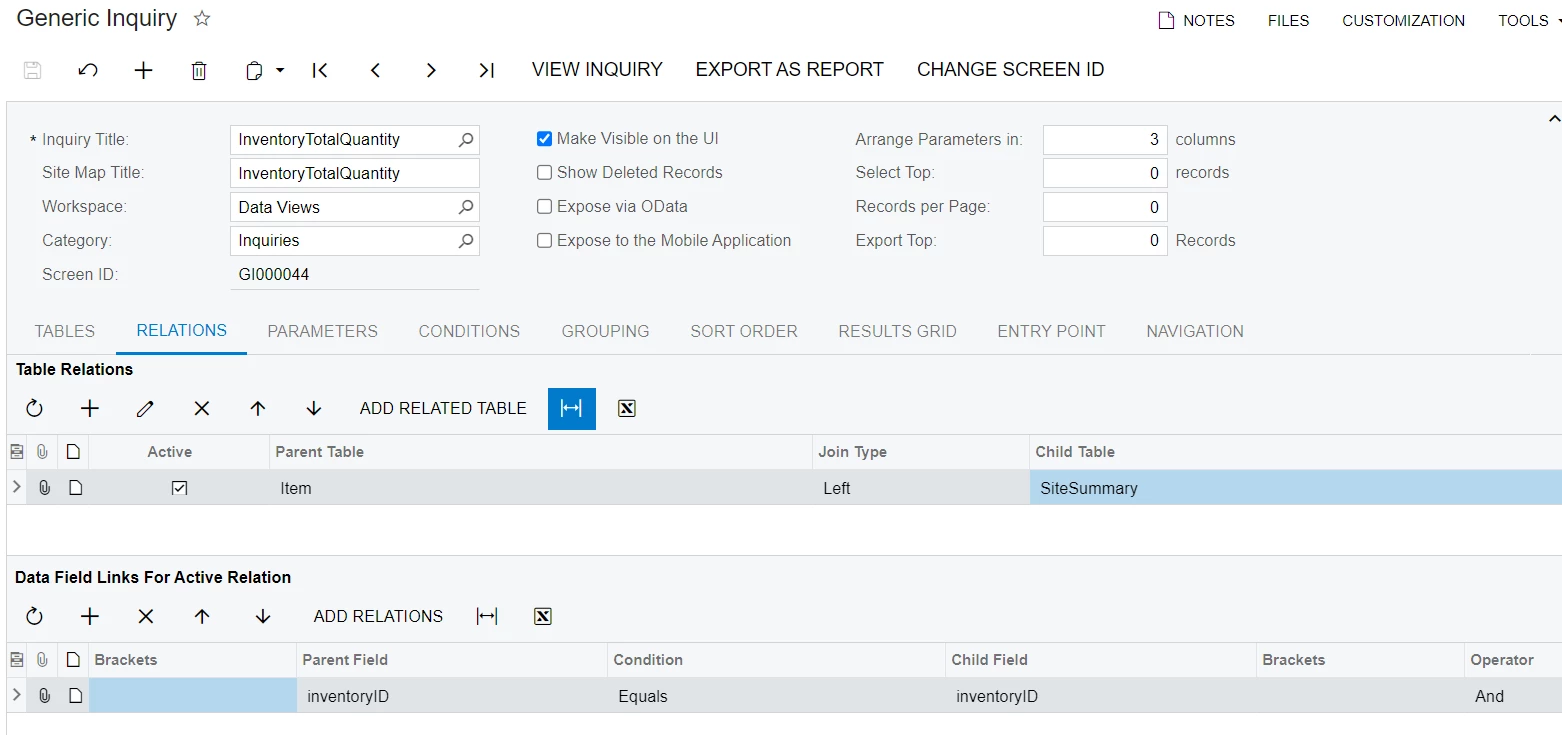
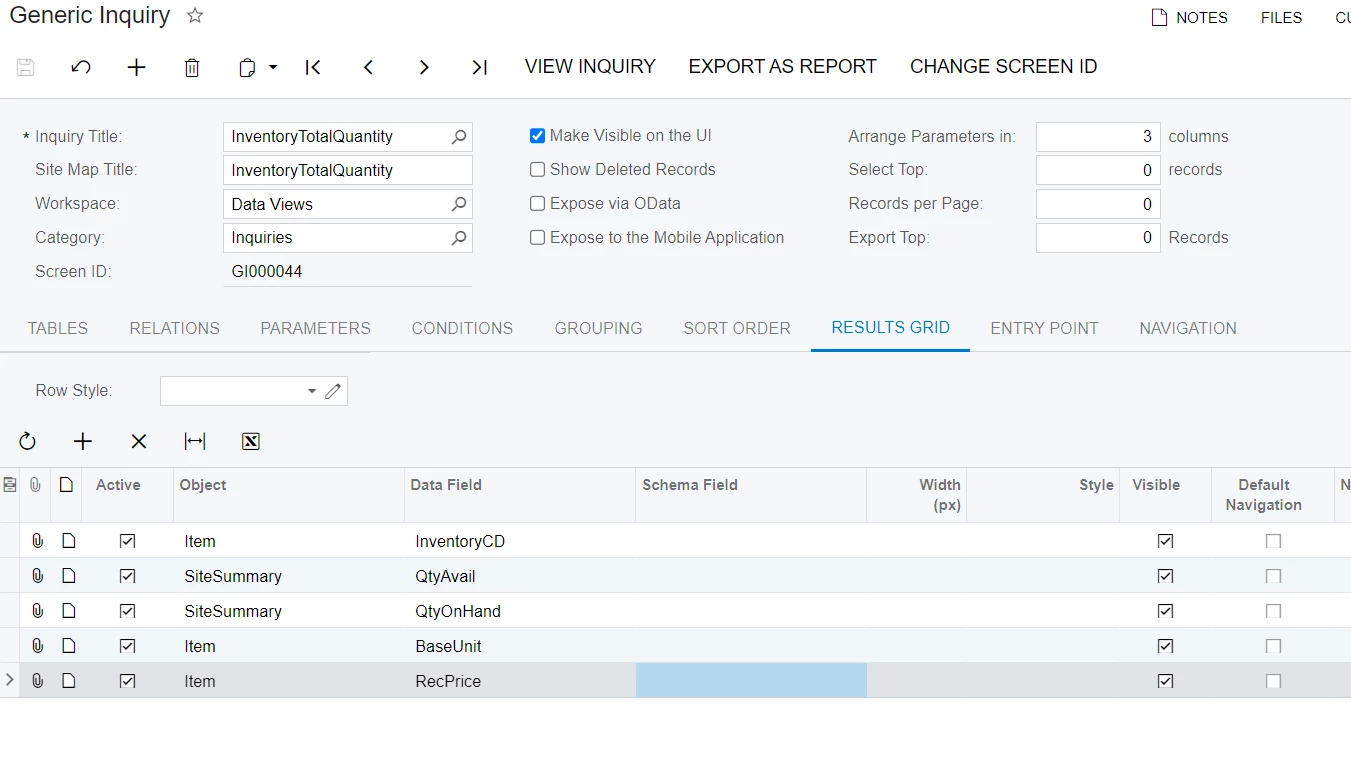
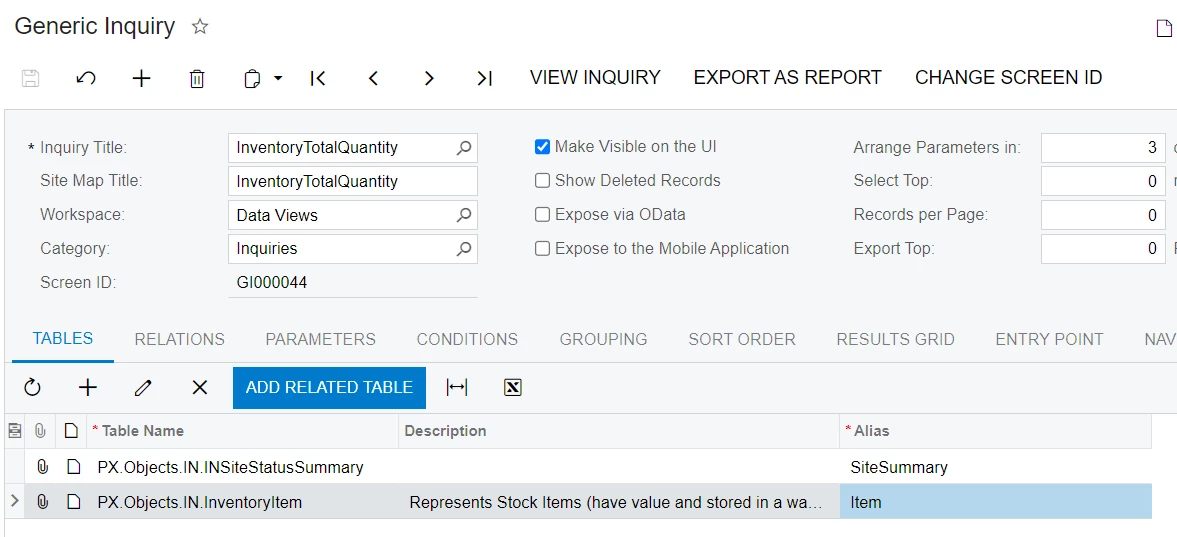
My GI setting is below.


Best answer by wfilipiak67

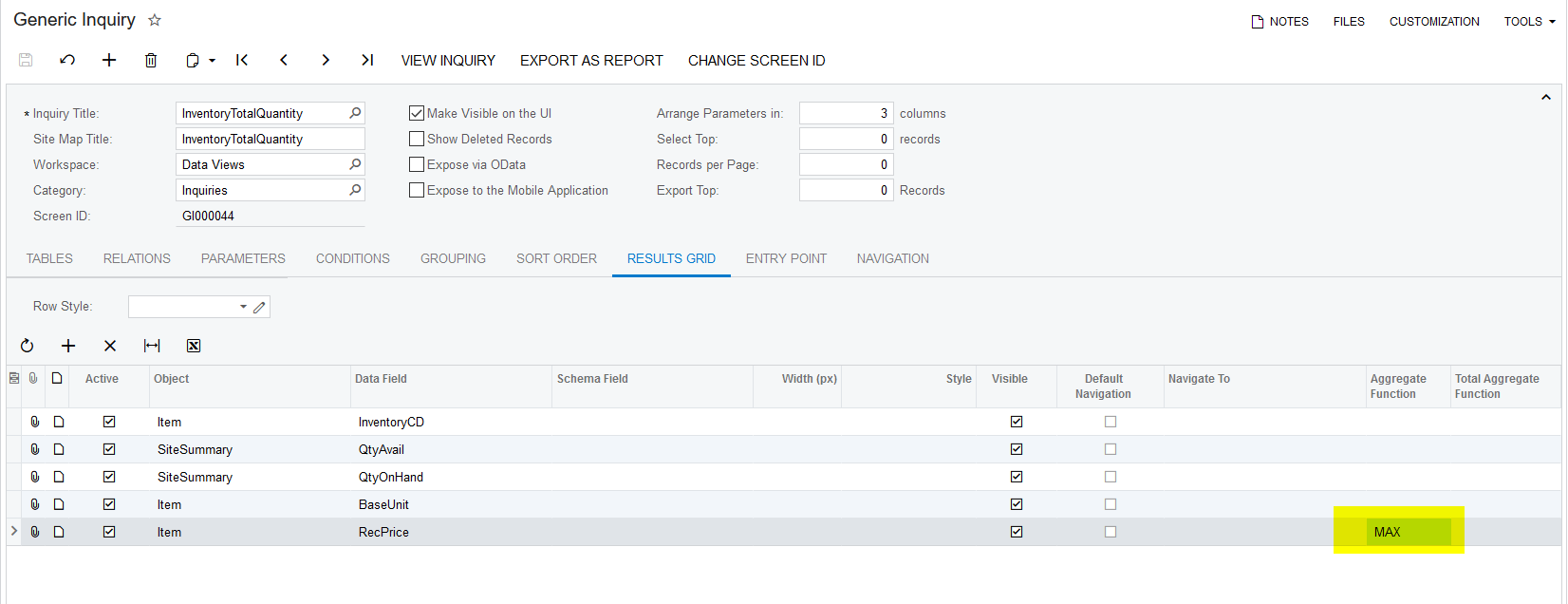
@larryly , You can set the Aggregate Function column to AVG. This will ‘seem” to ignore the grouping by doing some math.

Bill

View original

8 replies

Naveen Boga
Captain II
Forum|alt.badge.img+20

Hi  @larryly,

If possible, can you please share the XML format of the generic inquiry?

Translate

Forum|alt.badge.img+1
  • Author
  • Semi-Pro III
  • May 27, 2021

@Naveen B    I attached the GI file.  My other thinking is join the msrp to main table after grouping. But I don’t know to do it on GI. 

Translate

wfilipiak67
Captain II
Forum|alt.badge.img+3

@larryly , You can set the Aggregate Function column to AVG. This will ‘seem” to ignore the grouping by doing some math.

Bill

Translate

Naveen Boga
Captain II
Forum|alt.badge.img+20

@larryly  Since all are same, you can use MAX/AVG  with this grouping will ignore for RecPrice..

Translate

Neil Cantral
Jr Varsity I
Forum|alt.badge.img+5

If you are using grouping on your GI look out for numeric fields since the aggregate function will default to SUM if left blank. As @wfilipiak67 suggested,AVG will be your go-to if all values are identical and you want it to remain unchanged.

Translate

Forum|alt.badge.img+1
  • Author
  • Semi-Pro III
  • May 27, 2021

Thank you so much. It’s working.  I learned a lot from you all. 

Translate

abrunner78
Jr Varsity III
Forum|alt.badge.img

@larryly what I do is set the results grid data field in the GI to =[Item.RecPrice]. 

This is effectively a very short equation that says just print that value and the best part is even when grouped the aggregate function will not apply to it. 

Translate

Forum|alt.badge.img+1
  • Author
  • Semi-Pro III
  • May 28, 2021

@abrunner78 You are right. I tried it. It’s working. It’s a good point that use some expressions on column to ignore grouping. Thank you!!

Translate