Solved

Created Time in Generic Inquiry with current time zone

  • September 25, 2024
  • 7 replies
  • 536 views
  • Translate All

Forum|alt.badge.img

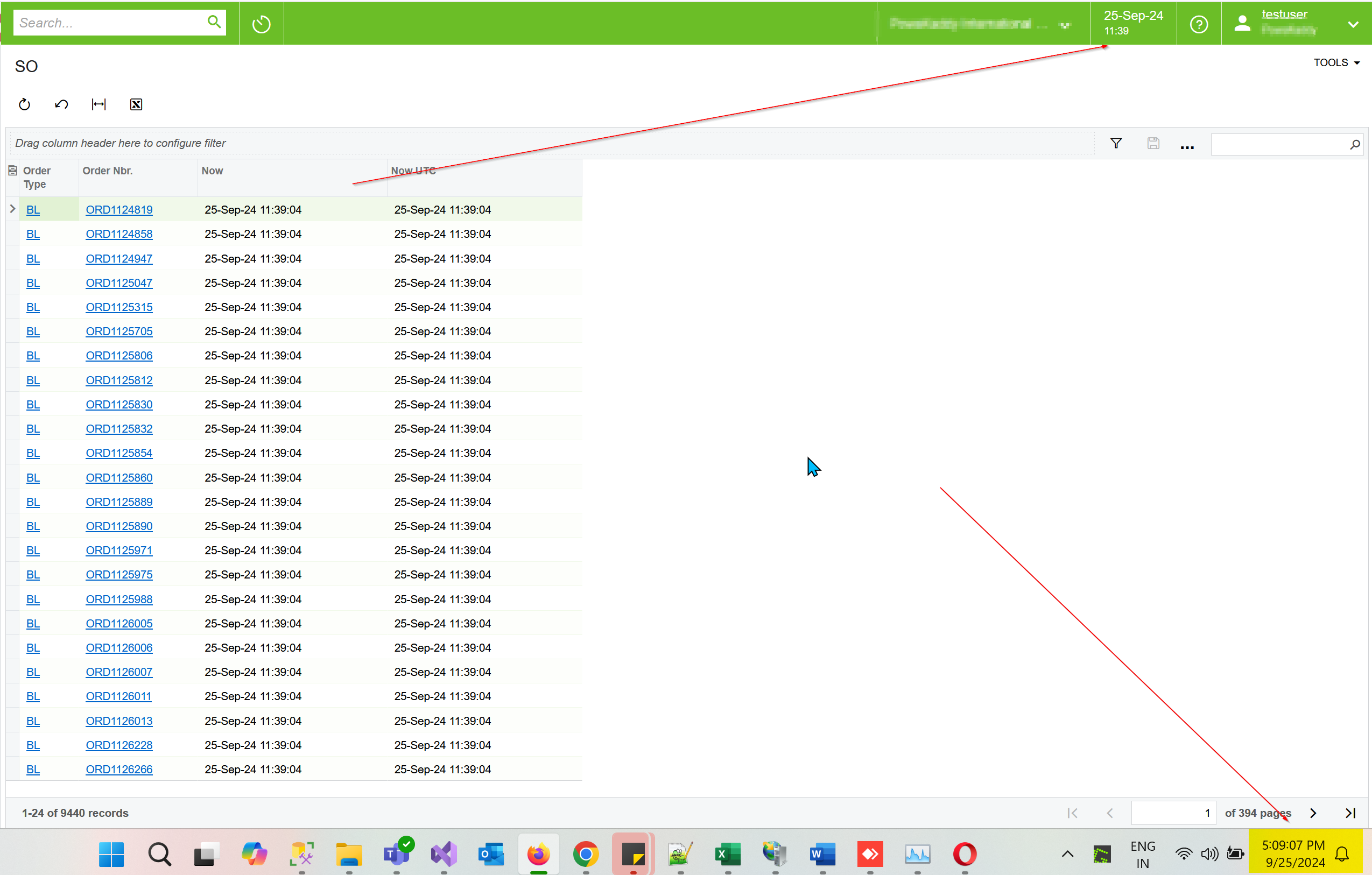
Hi, I’m trying to create a current time with =Now() and =NowUTC() for the UK time zone but GI gives me the same result for both functions. system not calculate daylight savings.

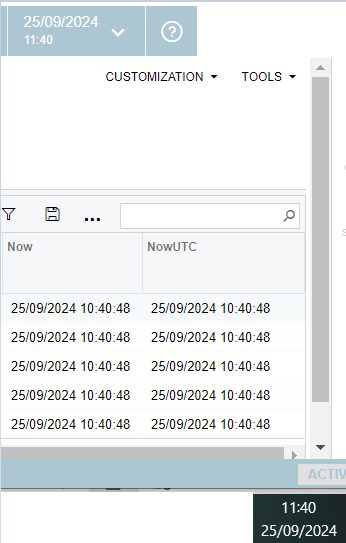
I ran the GI at 11.40 am local time but GI gave 10.40 am for both =Now() and =NowUTC().


Please help to fix this.

Thank you.

Desh
Best answer by dwijebandara26

Hi Naveen thanks for the information but in GI view both Now and NOWUTC show the same time.

I have found the following information.

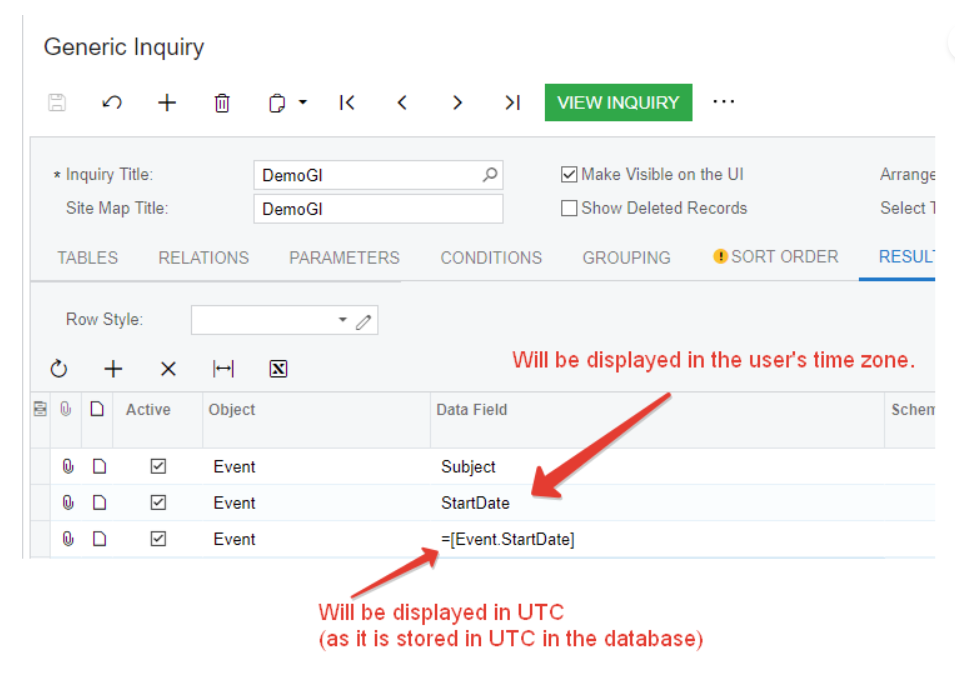
“Usually the datetime fields in Acumatica ERP are stored in UTC time in the database and displayed in the user time zone in the UI. So, whenever you retrieve a datetime field in the GI you can expect that it is already converted to the current user time zone. However, if you use a datetime field value in a formula the value will be used as is (without conversion).”


So I used the full data field in the GI.


Thank you,

Desh

View original

7 replies

Naveen Boga
Captain II
Forum|alt.badge.img+20

Hi @dwijebandara26  what is the TimeZone that is configured for the User Account level in the Users screen?

Translate

Forum|alt.badge.img

Hi Naveen,

under Users, the screen time zone is set GMT as follows

Thanks

Desh

Translate

Naveen Boga
Captain II
Forum|alt.badge.img+20

@dwijebandara26  I created a new user and configured GMT Timezone. In the GI it is correctly showing the configured GMT in the GI as well where as in my system time zone is IST.


Translate

Forum|alt.badge.img
  • Author
  • Jr Varsity III
  • Answer
  • September 25, 2024

Hi Naveen thanks for the information but in GI view both Now and NOWUTC show the same time.

I have found the following information.

“Usually the datetime fields in Acumatica ERP are stored in UTC time in the database and displayed in the user time zone in the UI. So, whenever you retrieve a datetime field in the GI you can expect that it is already converted to the current user time zone. However, if you use a datetime field value in a formula the value will be used as is (without conversion).”


So I used the full data field in the GI.


Thank you,

Desh

Translate

Chris Hackett
Community Manager
Forum|alt.badge.img
  • Acumatica Community Manager
  • September 25, 2024

Thank you for sharing your solution with the community @dwijebandara26!

Translate

Forum|alt.badge.img

​@dwijebandara26 , I tried adding the createdDateTime field. However, it only shows the Date. How can I get the time also to this.

Translate

Forum|alt.badge.img

​@MWijesuriya43 , please check in the data table time is recorded.

Translate