Answer

Check Alignment and Margins

  • September 21, 2023
  • 4 replies
  • 396 views

Forum|alt.badge.img

Hi Community,

The check print is out of alignment with our new printer. How can I adjust the alignment and margins? 

Best answer by Naveen Boga

@enriquey Once you download the Setup as mentioned by Chandra, then you can refer the below the video and link to install the setup and work with it.


https://openuni.acumatica.com/courses/system-admin/s100-installation-and-site-management-2/


4 replies

Laura03
Captain II
Forum|alt.badge.img+19
  • Captain II
  • September 22, 2023

Hello @enriquey ,

Please begin by installing Acumatica Report Designer on your computer. Here is a recent post answered by Benjamin Crisman of Acumatica.

Then add yourself to report designer role. In the check form report, click Edit Report to begin working on alignment.


Laura


Forum|alt.badge.img
  • Author
  • Freshman I
  • September 22, 2023

@Laura02 the URLs are not valid. Do you have the correct one?


Forum|alt.badge.img+8
  • Semi-Pro I
  • September 22, 2023

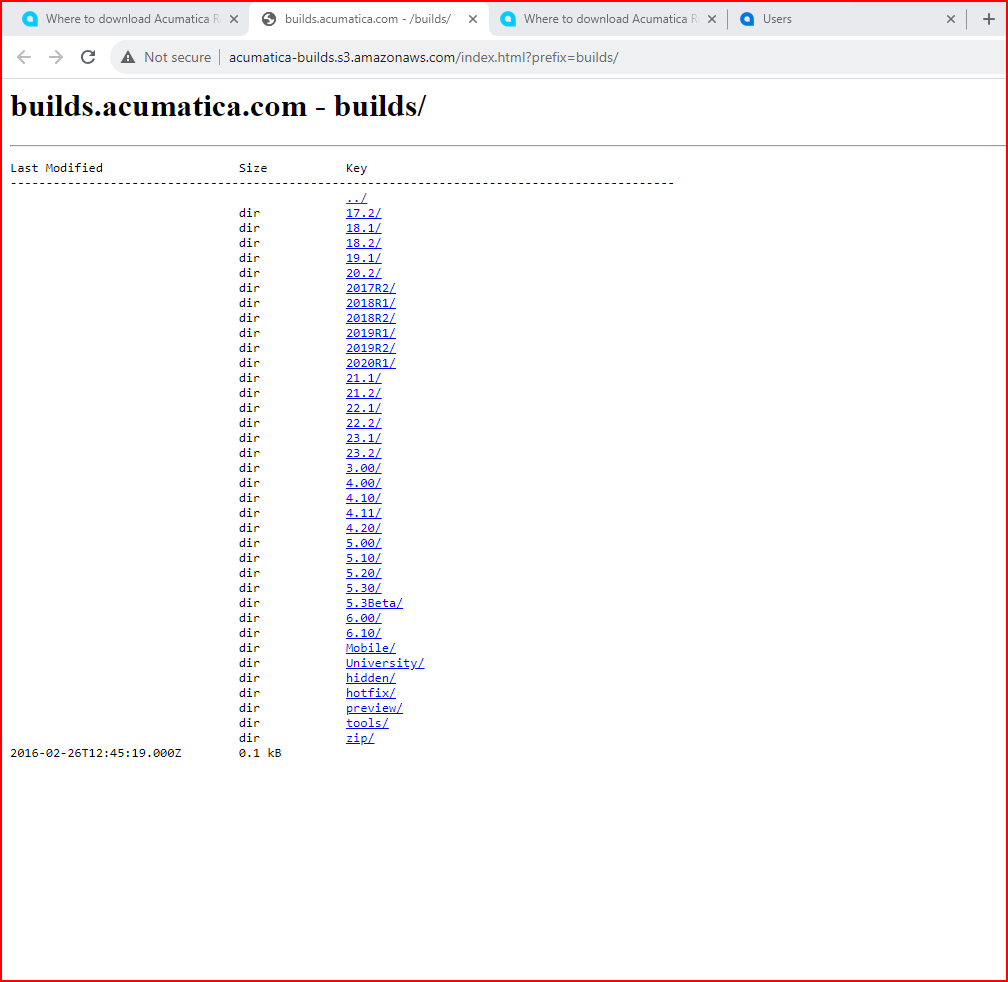
Hi @enriquey Please follow the below steps to download and install the Acumatica Report designer.

  1. Goto the website builds.acumatica.com. The below link will be shown 
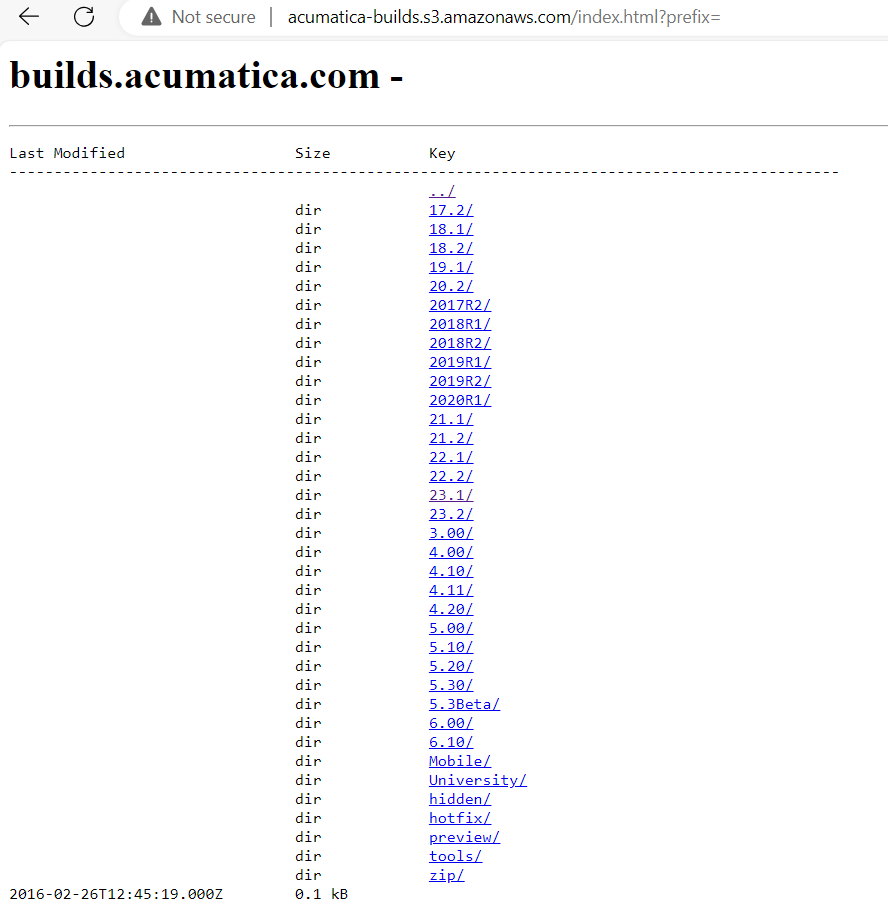
  2. Click on the Acumatica Version that you have(The Acumatica version and the build) can be found in the Acumatica login page.

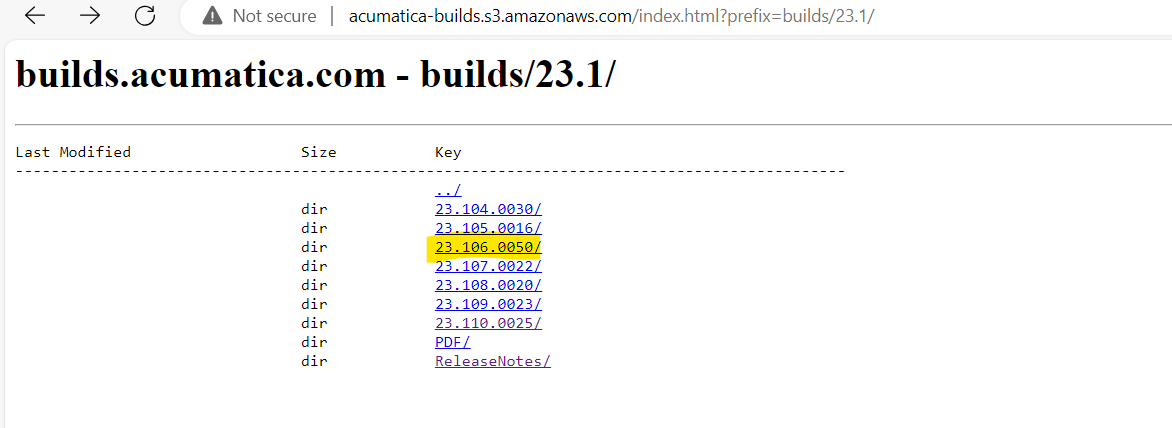
    1. For example: If the Acumatica version is 2023 R1 then select the link 23.1

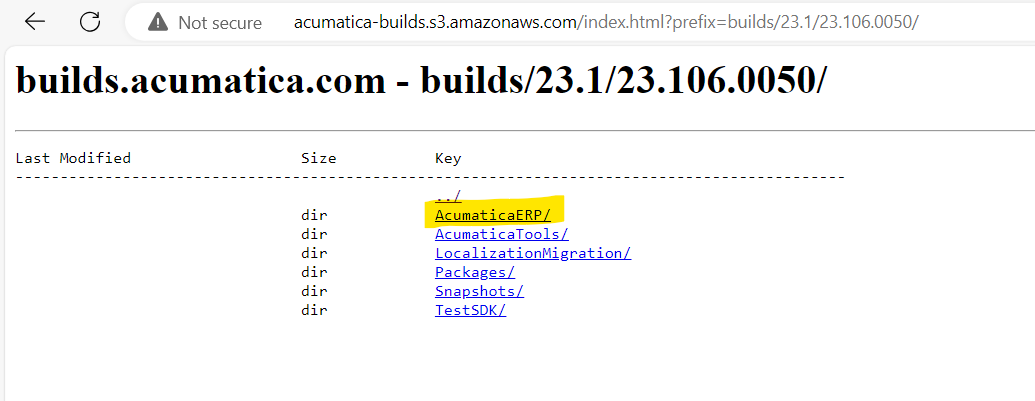
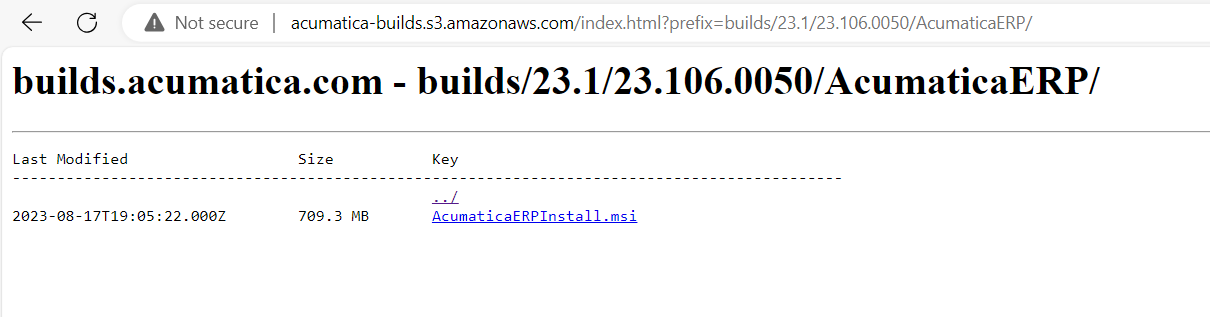
  1. My Acumatica build is  23.106.0050, so I clicked on my version. to see the below “AcumaticaERP”. Click on AcumaticaERP.
  1. Then Click on the  AcumaticaERPinstall.msi. This will download the Acumatica ERP installer.


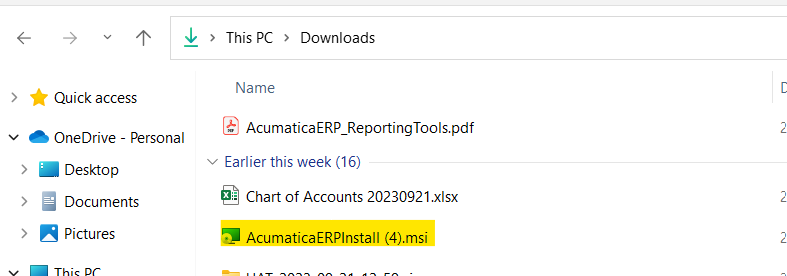
  1. Double Click on the downloaded file. The file can be seen under your PCs Downloads folder as shown below.


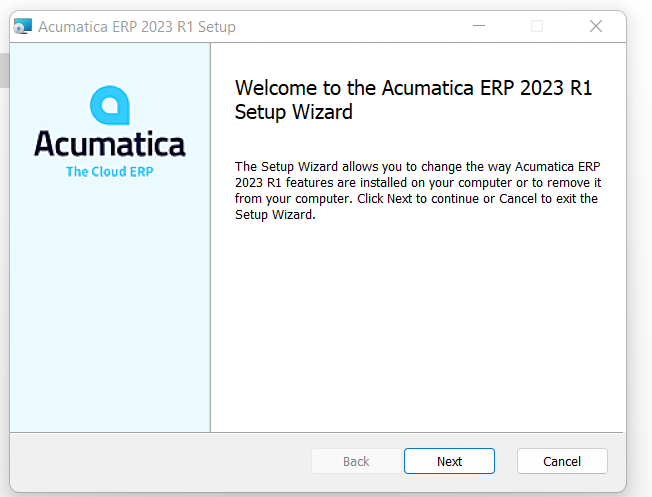
  1. Follow installation instructions and select the below options. This should install the Acumatica Report designer on your PC.


Naveen Boga
Captain II
Forum|alt.badge.img+19
  • Captain II
  • Answer
  • September 23, 2023

@enriquey Once you download the Setup as mentioned by Chandra, then you can refer the below the video and link to install the setup and work with it.


https://openuni.acumatica.com/courses/system-admin/s100-installation-and-site-management-2/