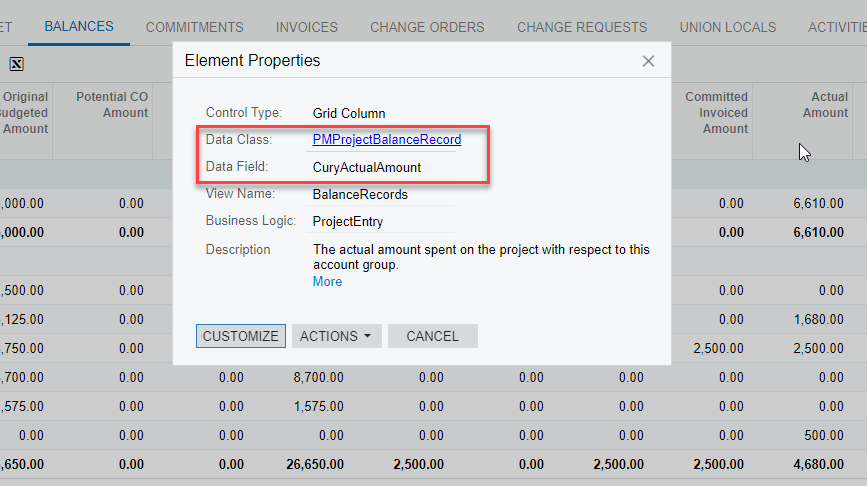
I need to access the highlighted grouped values in one of the report. But I am not able to find a way through that. Can anyone help me here regarding this ?
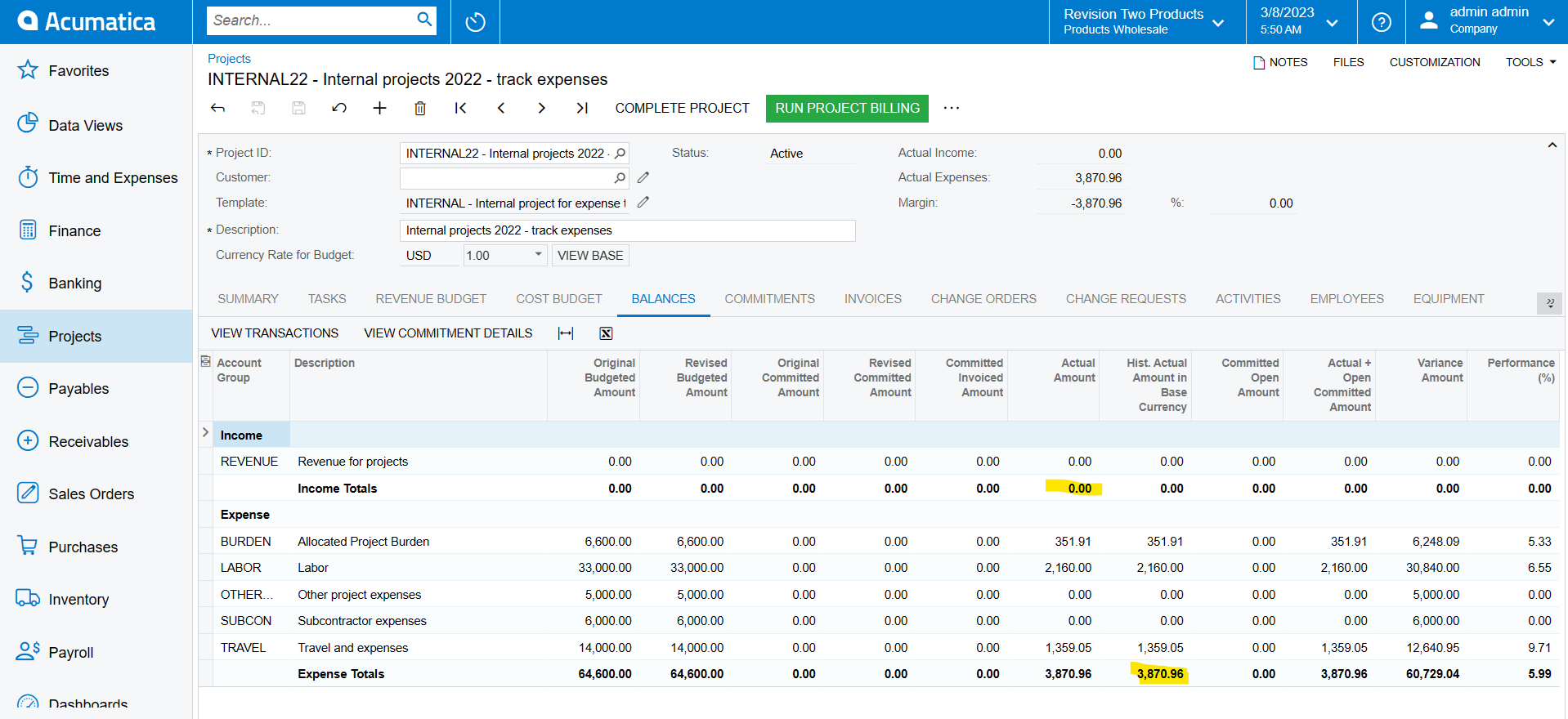
I need to access the highlighted grouped values in one of the report. But I am not able to find a way through that. Can anyone help me here regarding this ?
Best answer by Laura03
Hello
Are you asking how to drill into the Expense Totals to see the transactions?
If so, place your cursor on one of the 5 lines that makes up Expense Totals (Labor, Other, etc.) then click the View Transactions button above the grid to see Transaction Details that make up the total.
The screen you are showing is not a Report and cannot be modified with the report designers in Acumatica. If I’m not answering your question, please provide more details about your goals & needs.
Thank you!
Enter your E-mail address. We'll send you an e-mail with instructions to reset your password.