I have a question regarding the best practice for converting existing customized screens to Modern UI.
Suppose I have an Acumatica screen that has already been customized through multiple customization projects. For example:
- Project A modifies the screen
- Project B also modifies the same screen
- Project C is a third-party/ISV customization that also modifies the same screen
If I want to convert that screen to Modern UI, what is the recommended approach?
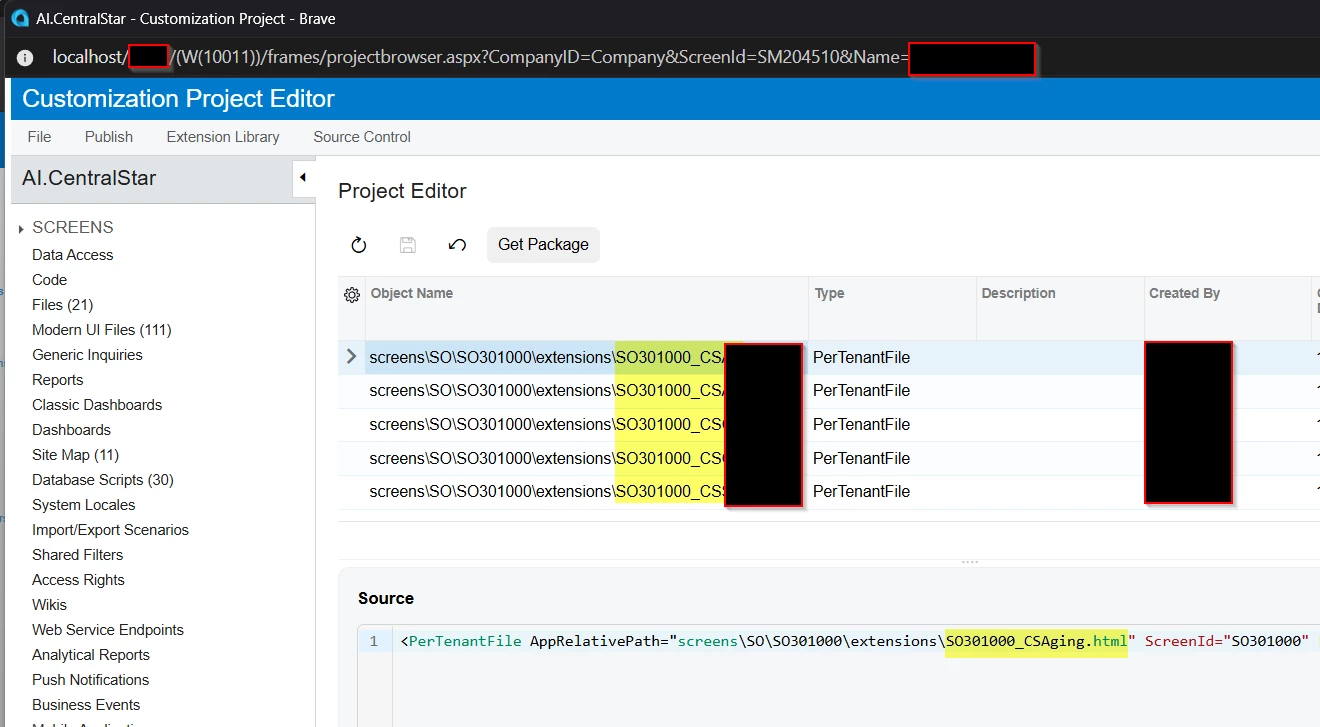
My understanding is that Convert to Modern UI generates the Modern UI files (such as the .ts, .html, and view.ts files) as part of a customization project. However, if the same screen is represented in multiple customization projects, it seems that we could end up with multiple projects trying to own/modify the Modern UI definition of the same screen.
For customizations that I own, I can potentially consolidate the changes or decide which project should own the Modern UI files. But what is the recommended approach when one of the projects is a third-party/ISV customization?
I'm particularly interested in the best practice/architecture for this scenario, rather than just a workaround for a particular screen.
What is the recommended approach from Acumatica for managing Modern UI conversion when the same screen is customized by multiple independent customization projects, especially when one of them is an ISV customization?