Answer

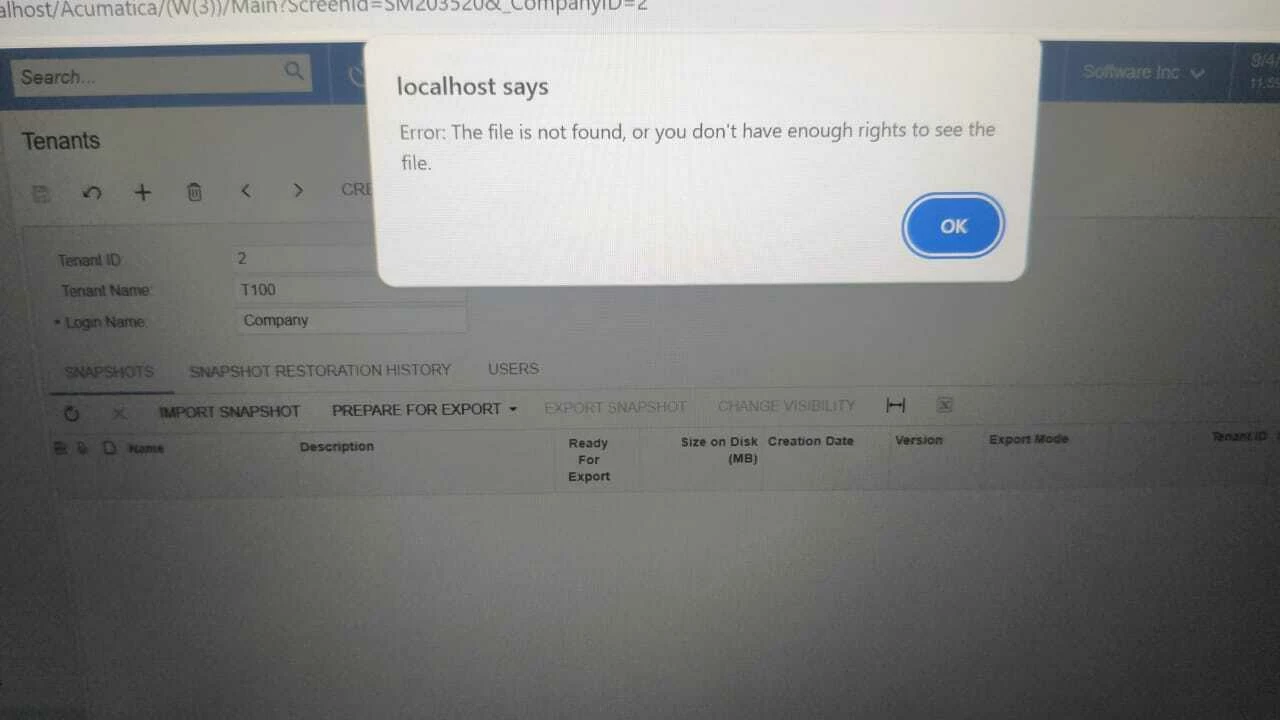
Error: The file is not found, or you don't have enough rights to see the file

  • September 4, 2025
  • 6 replies
  • 119 views

Forum|alt.badge.img

Dear Sense,

I have a 7GB SnapShot file from Acumatica Cloud. I want to migrate it to my local laptop, but I don’t have access to the Acumatica database because it’s hosted in the cloud. Can you help me migrate my data to my local laptop?

Please Help

Best answer by jhouser

I think this post has the answer, would suggest trying what they did: Trying to import snapshot into a test environment and getting Error: The file is not found, or you don't have enough rights to see the file. | Community

6 replies

jhouser
Captain II
Forum|alt.badge.img+6
  • Captain II
  • September 4, 2025

Hi ​@Febri  There's an Export Snapshot button. Is that not working? What action yields the error?


Forum|alt.badge.img
  • Author
  • Freshman I
  • September 4, 2025

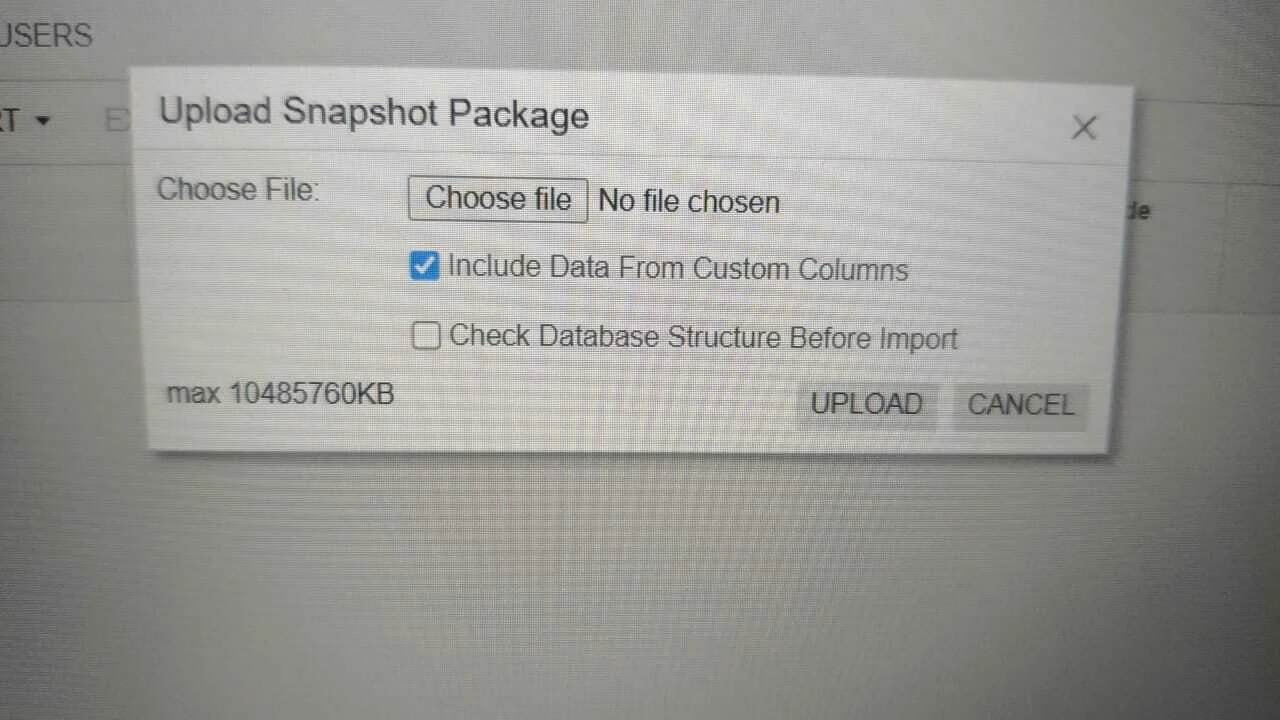
which doesn't work Import File, doesn't eat when exporting snapshot


Forum|alt.badge.img
  • Author
  • Freshman I
  • September 4, 2025


this the erorr


jhouser
Captain II
Forum|alt.badge.img+6
  • Captain II
  • September 4, 2025

@Febri Where is the file you're attempting to import located?


Forum|alt.badge.img
  • Author
  • Freshman I
  • September 4, 2025

In my file explorer, on my local laptop. for your information the snapshot export is smooth, with a file size of 7 GB, as I said above.


jhouser
Captain II
Forum|alt.badge.img+6
  • Captain II
  • Answer
  • September 4, 2025