Solved

ASPX page source bug in 26 R1

  • July 22, 2026
  • 4 replies
  • 119 views
  • Translate All

darylbowman
Captain II
Forum|alt.badge.img+17

When publishing a customization to PR302000 in 26 R1, I get this error:

An error on the page /pages/pr/pr302000.aspx with the message: Cannot parse the ASPX file. The closing tag </px:pxformview> is not expected in the line 87; the expected tag is px:PXFormView from the line 54.

The source ASPX file looks like this:
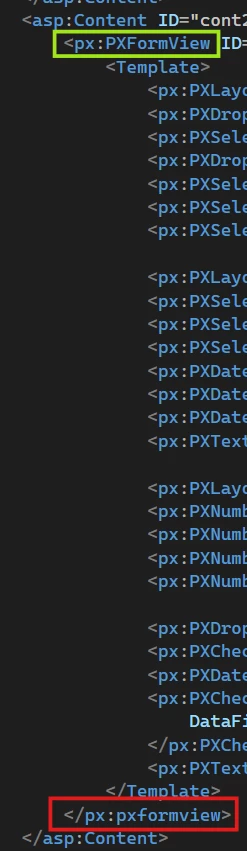
The only way to resolve it is to edit the ASPX manually, providing I have access to the server.

Best answer by snikomarov36

This is issue is a known bug for Acumatica (internal ID AC-372901). It is even marked as a known 26r1 issue. It was fixed in 2026R2.

View original

4 replies

KrunalDoshi
Pro I
Forum|alt.badge.img+9

Hi ​@darylbowman,

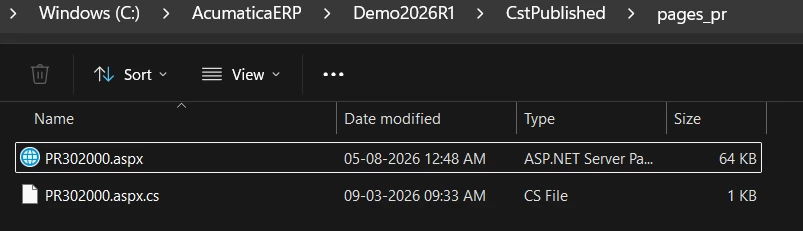
You can copy the screen files (.aspx and .cs) manually in CstPublished folder, fix the ASPX and then add it to your customization.

Hope that will fix your issue.

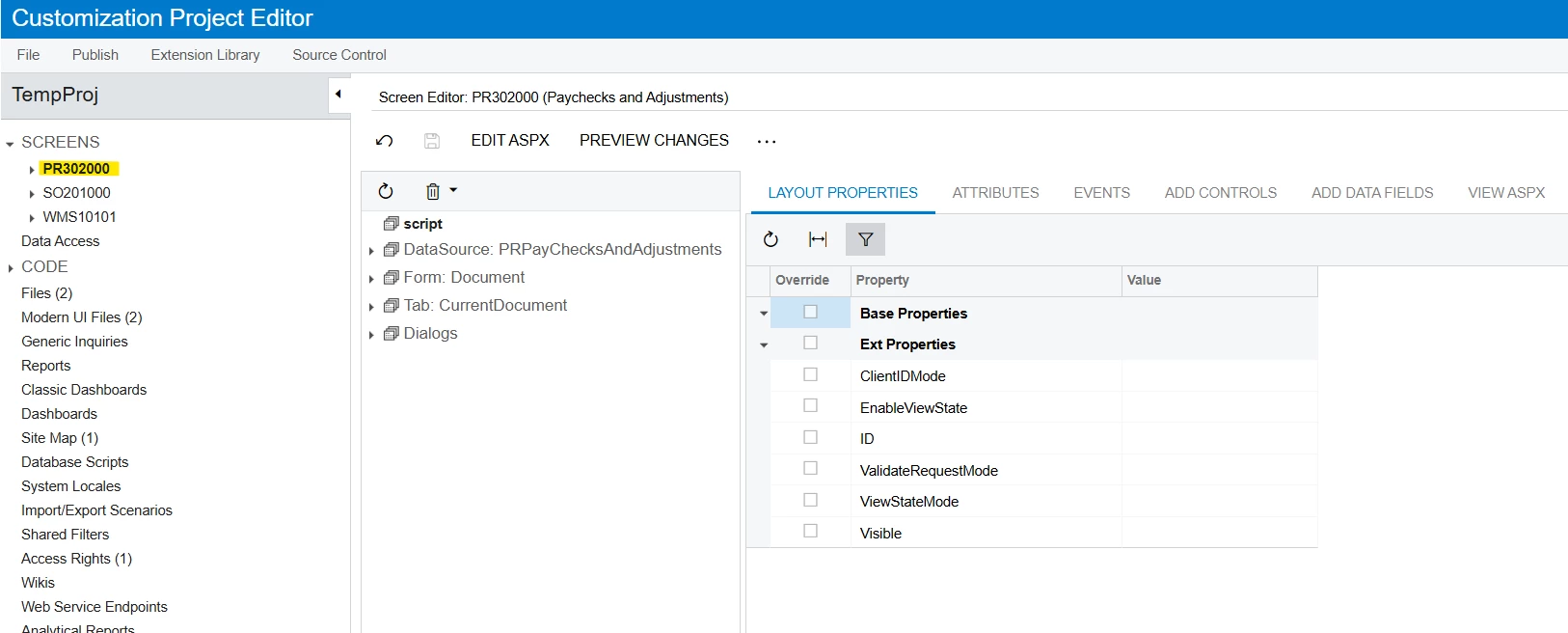
PR302000 files added to CstPublished


Translate

darylbowman
Captain II
Forum|alt.badge.img+17

The issue is not adding the screen to the customization package. It’s that I can’t publish the package in an unmodified site because the original ASPX can’t be parsed.

Translate

snikomarov36
Acumatica Employee
Forum|alt.badge.img
  • Acumatica Employee
  • Answer
  • September 17, 2026

This is issue is a known bug for Acumatica (internal ID AC-372901). It is even marked as a known 26r1 issue. It was fixed in 2026R2.

Translate

darylbowman
Captain II
Forum|alt.badge.img+17

I managed to resolve this in 26 R1 with a hand-crafted customization package which overwrites the original ASPX for PR302000 with the fixed version. I’m sure that’s a no-no according to Acumatica, but here we are.

Translate