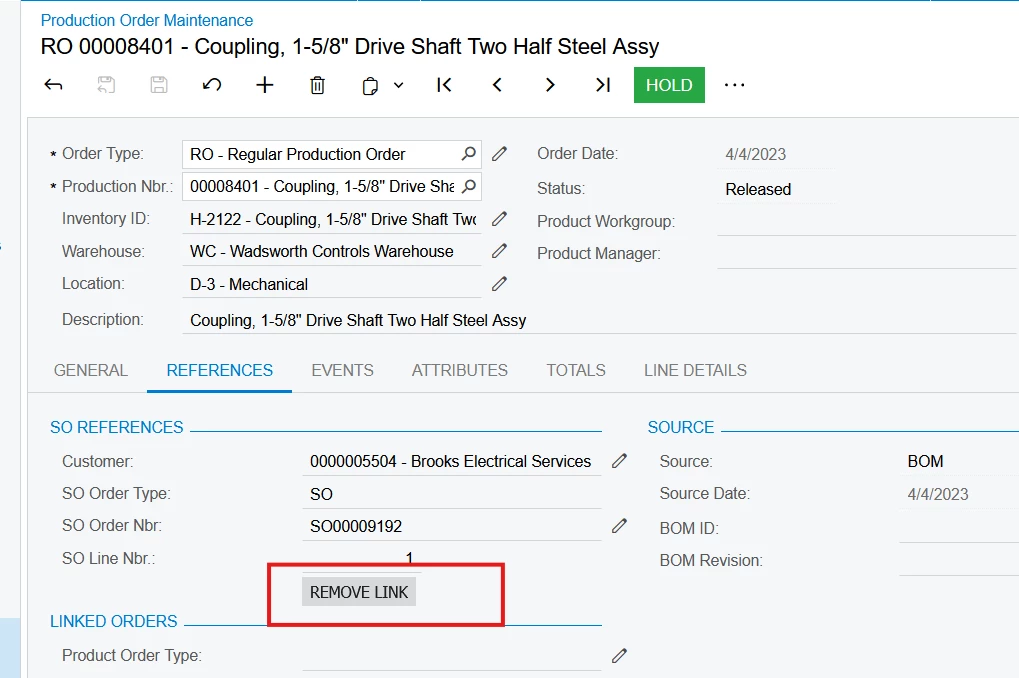
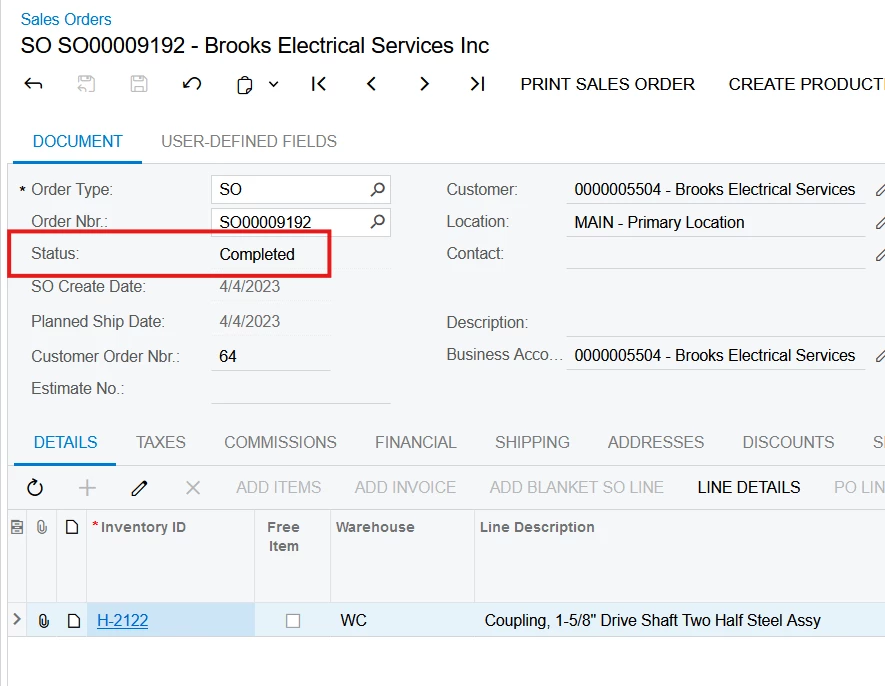
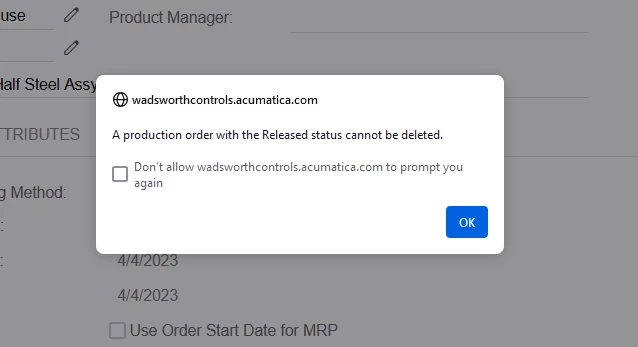
I’m working to clean-up old/abandoned production orders from years ago. I just came across one that is linked to a SO, but that SO is completed. I cannot seem to break the link to the SO, and therefore cannot cancel or delete the unnecessary RO. What should I do?
Best answer by PragatiMalviya64
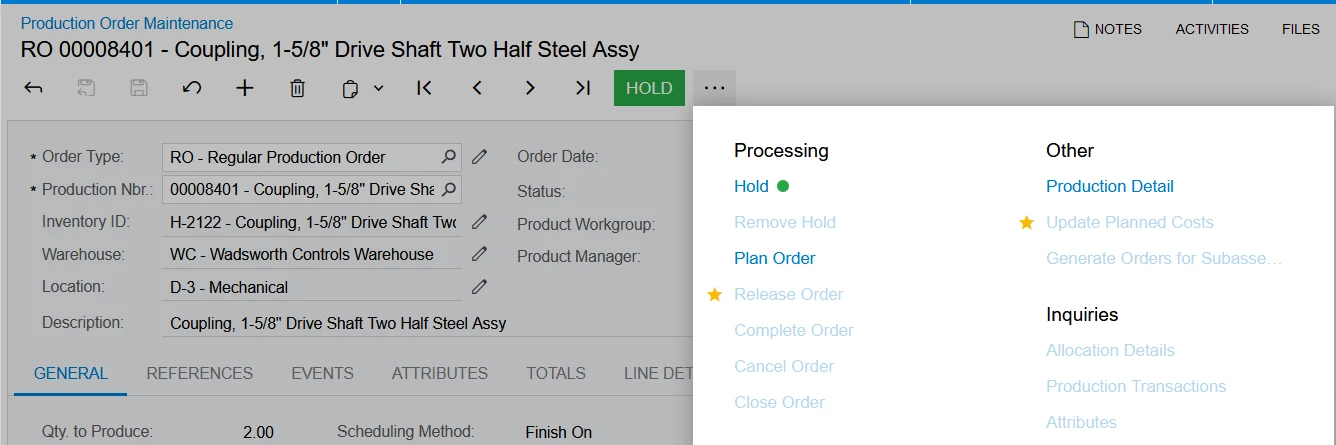
@jbedwards Change the production order status to the Planned by using Plan Order Action and then try deleting? I am not sure, why Cancel Order action is not enabled for the production record with Released status. I will recommend creating a support ticket for it.
@jbedwards Are you getting any error, when trying to delete or cancel? System should allow you to cancel or delete the production order which is not in process or completed regardless of the Sales order’s competed status. System will ask for the confirmation to cancel or delete, if you say Yes, production order will be cancelled or deleted. ? With that, system will break the link between SO and Production order as well.
@jbedwards Change the production order status to the Planned by using Plan Order Action and then try deleting? I am not sure, why Cancel Order action is not enabled for the production record with Released status. I will recommend creating a support ticket for it.