Does anyone know what happened to this on the 24R2 version? We just moved from 23R1 and its gone.
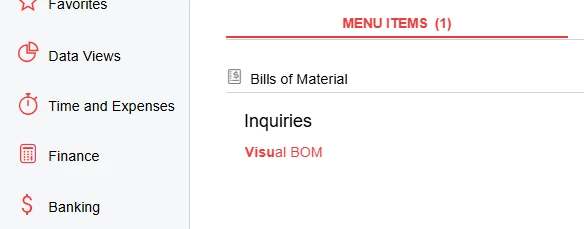
Does anyone know what happened to this on the 24R2 version? We just moved from 23R1 and its gone.
Best answer by MichaelShirk
AM216000 is the screen ID, and if you search for in on the “Site Map” screen, you can should be able to select a Workspace and Category for it, which should make it visible at that location in the UI.
Make sure you have the Administrator role, so that your user permissions (or lack thereof) aren’t causing any issues.
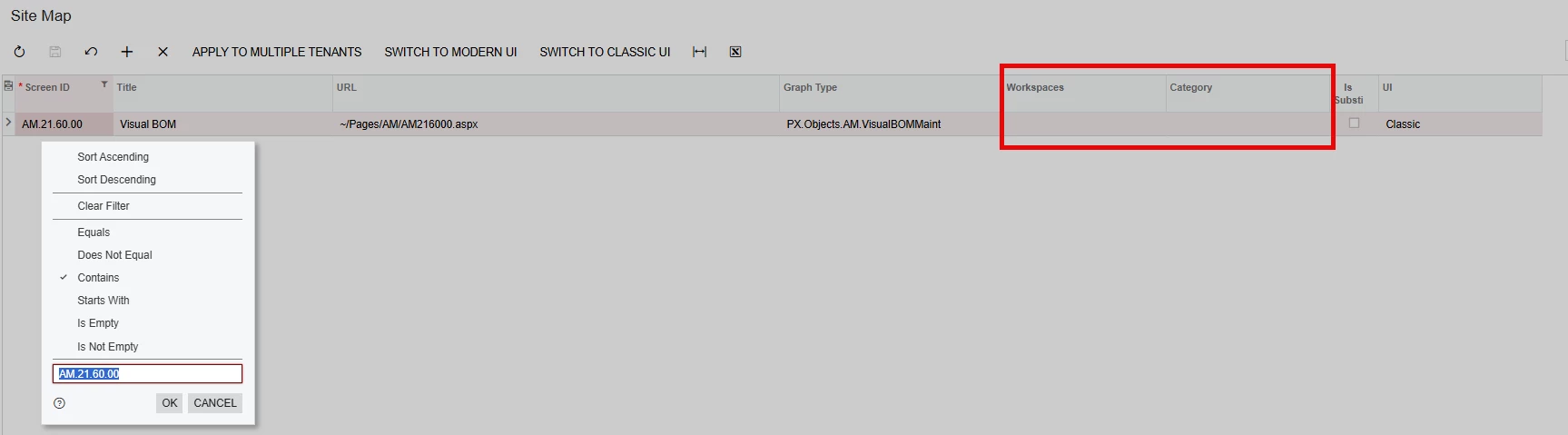
You can also navigate to this screen directly, by replacing the screen ID in the browser URL when you’re on a different screen, and hitting Enter on your keyboard.
Enter your E-mail address. We'll send you an e-mail with instructions to reset your password.