Solved

Suppress Blank Subreport

  • Feb 18, 2025 1:43 AM UTC
  • 3 replies
  • 218 views
  • Translate All

frankneo
Freshman II
Forum|alt.badge.img

I have a Production with 2 operations.  One operation does not have any inventory required while the other has inventory. 
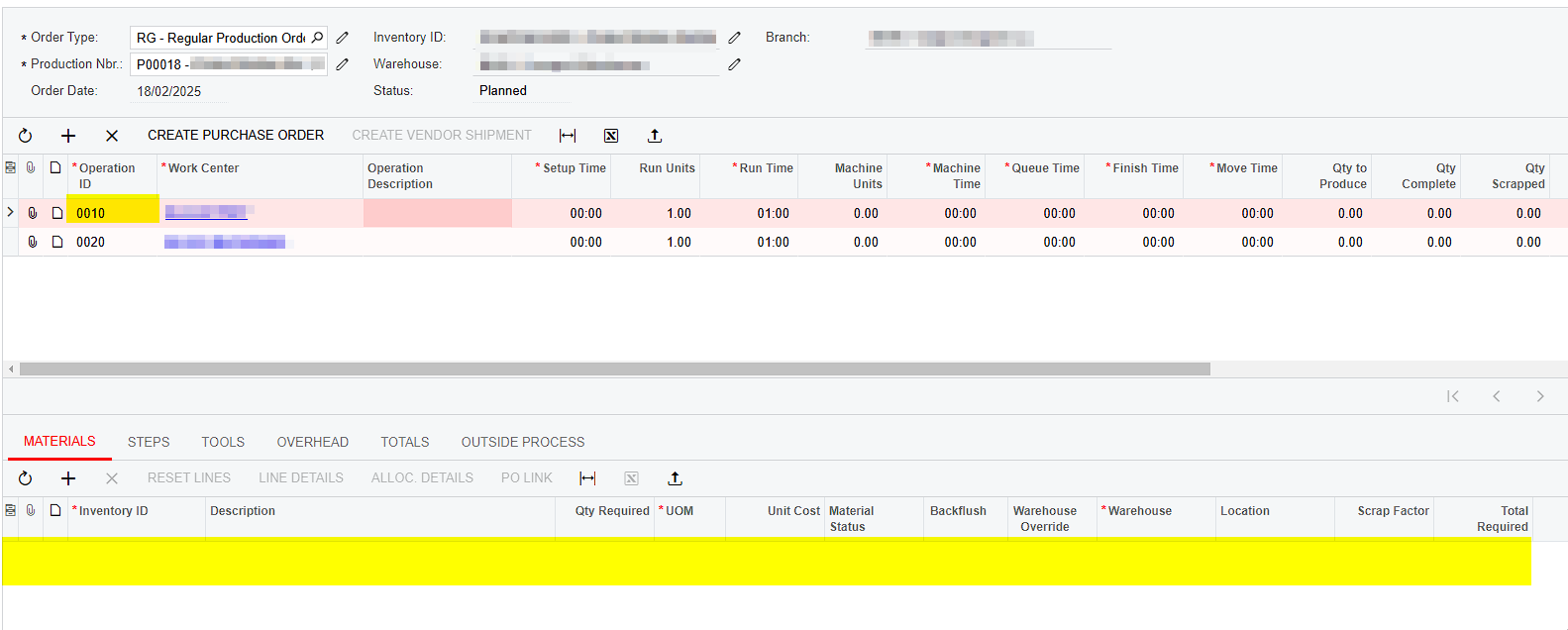

I added a barcode for the inventory ID so that a barcode scanner can be used in the Materials Subreport.  However, the Subreport printed the barcode picture even though there is no inventory in the operation. 
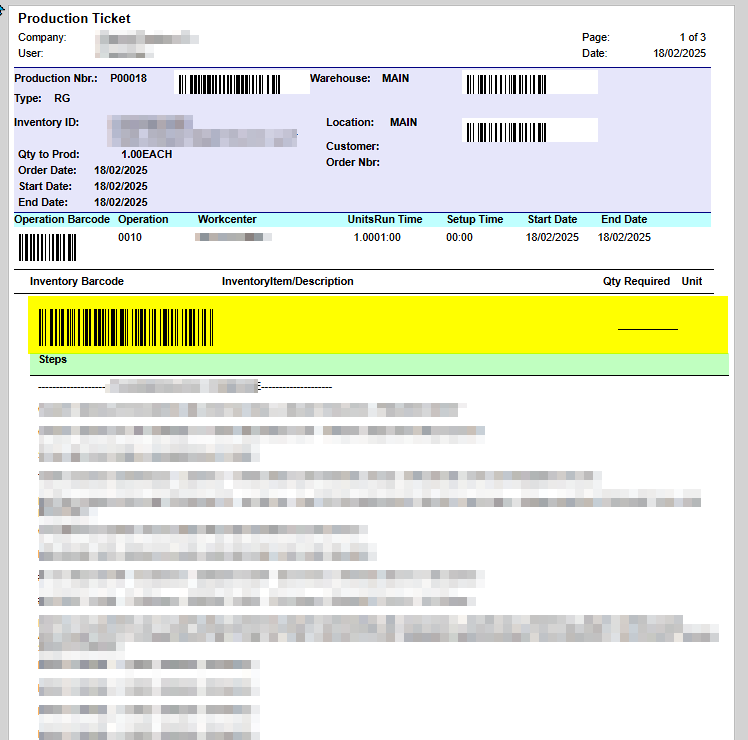
I tried using the visible expression to only appear if there is inventory but no matter what I do, the blank subreport will still print the barcode picture.  The Visible Expression “[AMProdMatl.InventoryID]<>null” was entered into every field or sections with no impact.
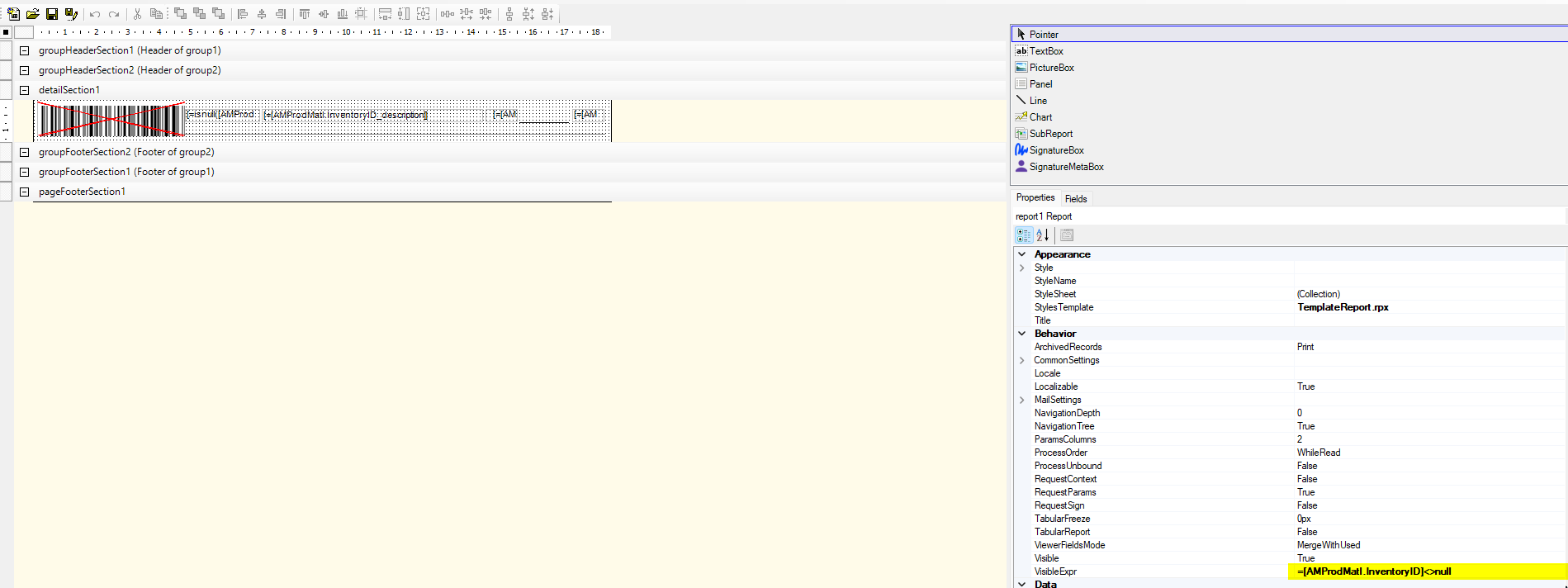
 

How to suppress the subreport when the subreport does not have any values?

Best answer by frankneo

I found the solution which is to have the visible expression in the main report for the sub report section as

“=[AMProdOper.LineCntrMatl]>0”

View original

3 replies

Forum|alt.badge.img+12
  • Acumatica Support Team
  • Feb 18, 2025 3:11 AM UTC

Hi ​@frankneo 

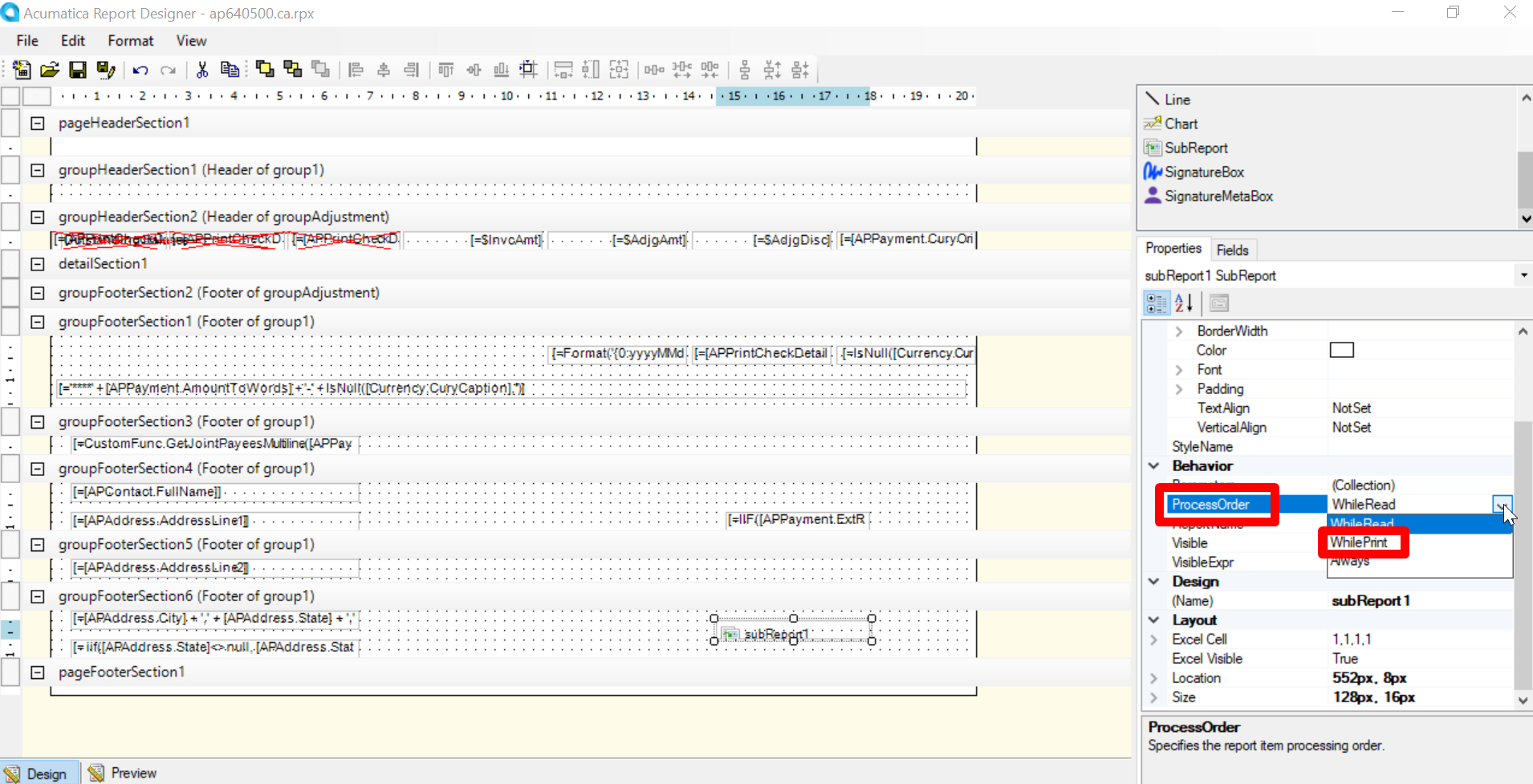
Please try changing the process order and check the result.  Set it to ‘WhilePrint’

Regards,

Translate

frankneo
Freshman II
Forum|alt.badge.img
  • Author
  • Freshman II
  • Answer
  • Feb 18, 2025 3:14 AM UTC

I found the solution which is to have the visible expression in the main report for the sub report section as

“=[AMProdOper.LineCntrMatl]>0”

Translate

Forum|alt.badge.img+12
  • Acumatica Support Team
  • Feb 18, 2025 3:59 AM UTC

Hi ​@frankneo 

Nice! Initially, I assumed that the visibility expression was set on main report. Glad to know the issue is resolved now.

Regards,

Translate