Solved

"Run Report" action not showing the report parameters

  • June 9, 2025
  • 4 replies
  • 60 views

miguel80
Semi-Pro III
Forum|alt.badge.img+3

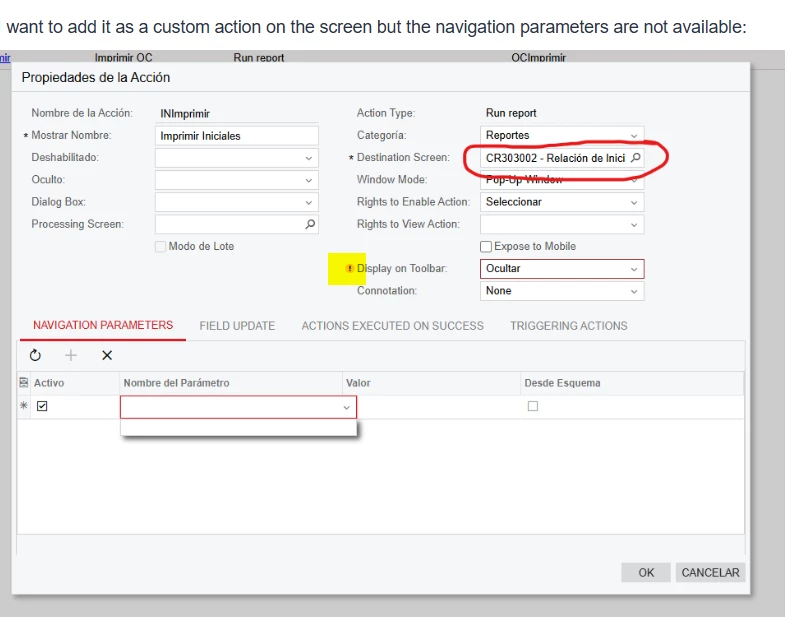
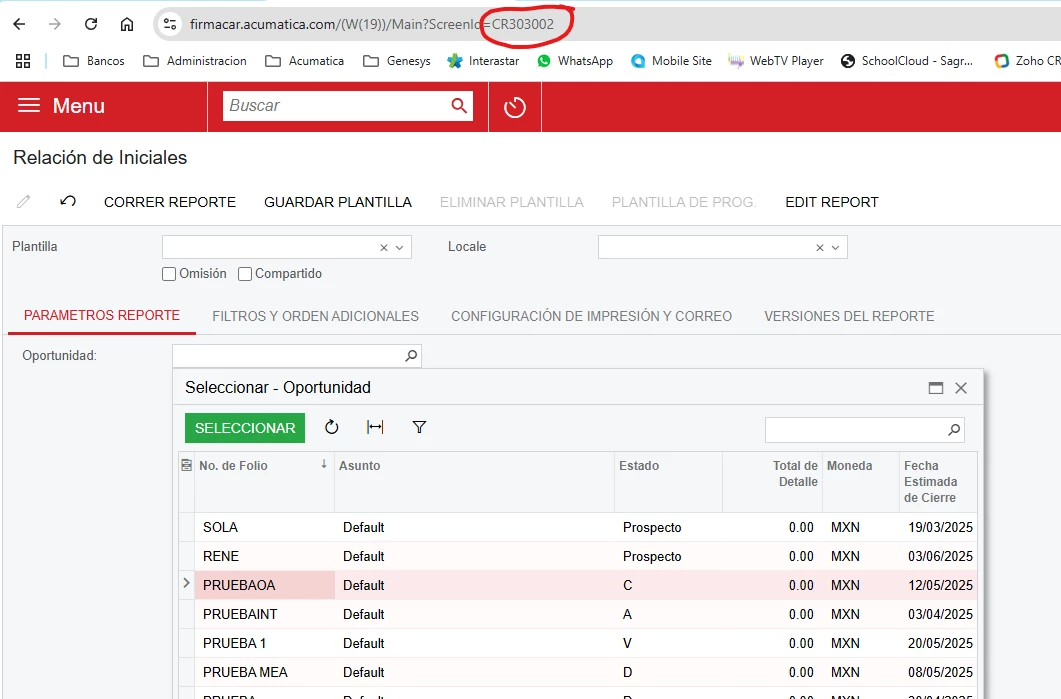
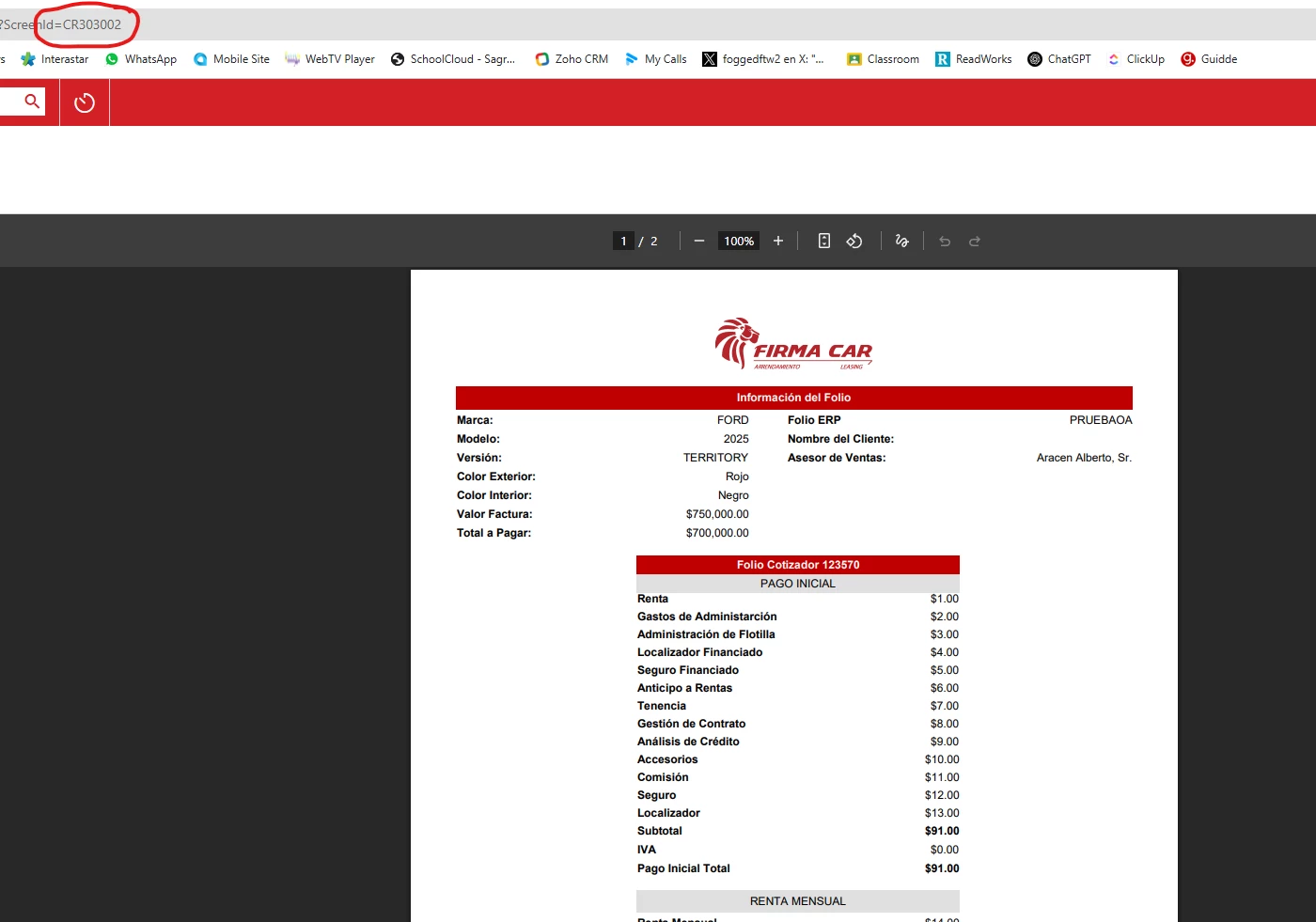
I made a report for the Opportunity screen and named it CR303002. The report by itself runs well, I can select the opportunity and it will process it correctly.
 

I want to add it as a custom action on the screen but the navigation parameters are not available:
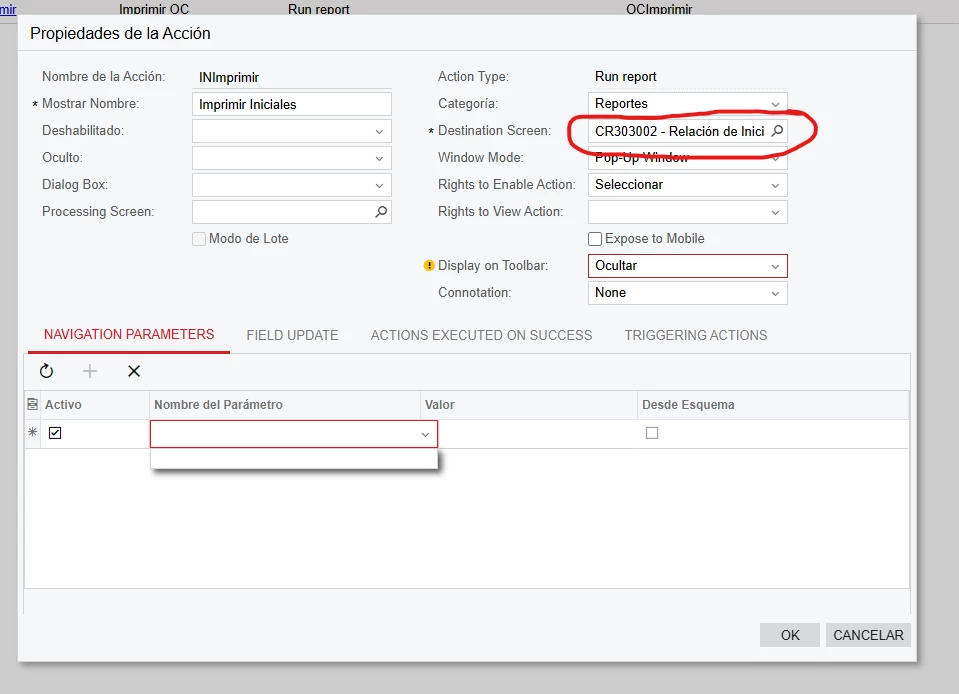
 

Has anyone faced something like this before?


Thank you!

Best answer by miguel80

Hello! 

@nhatnghetinh I realoaded several times and it didn’t help. In the end, I made the report new. The new report is identical but it works…

Still a mistery…


Thanks for your help!

4 replies

Manikanta Dhulipudi
Captain II
Forum|alt.badge.img+15

@miguel80 

What is the yellow warning message?


miguel80
Semi-Pro III
Forum|alt.badge.img+3
  • Author
  • Semi-Pro III
  • June 12, 2025

The warning states that this setting overrides other settings in the stage… but nothing really about the parameters


nhatnghetinh
Captain II
Forum|alt.badge.img+11
  • Captain II
  • June 12, 2025

Hi ​@miguel80 

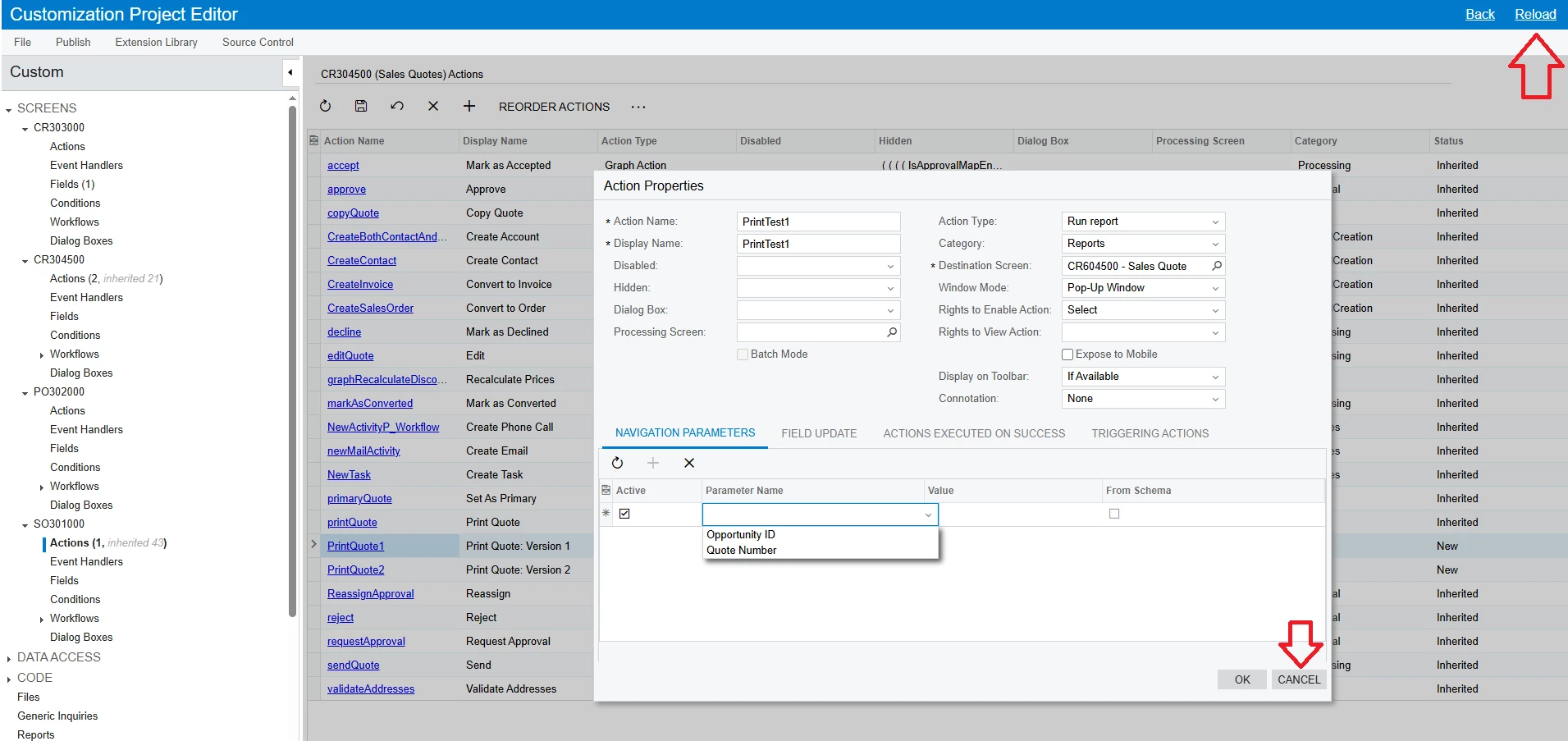
Try to press “CANCEL” Action > Then reload the website of Customization Project Editor screen > Then recreate Action.


Best Regards,

NNT


miguel80
Semi-Pro III
Forum|alt.badge.img+3
  • Author
  • Semi-Pro III
  • Answer
  • June 16, 2025

Hello! 

@nhatnghetinh I realoaded several times and it didn’t help. In the end, I made the report new. The new report is identical but it works…

Still a mistery…


Thanks for your help!