Solved

Making Unit cost field in purchase receipt as non Editable

  • March 5, 2025
  • 4 replies
  • 114 views
  • Translate All

Forum|alt.badge.img+5

Hi,

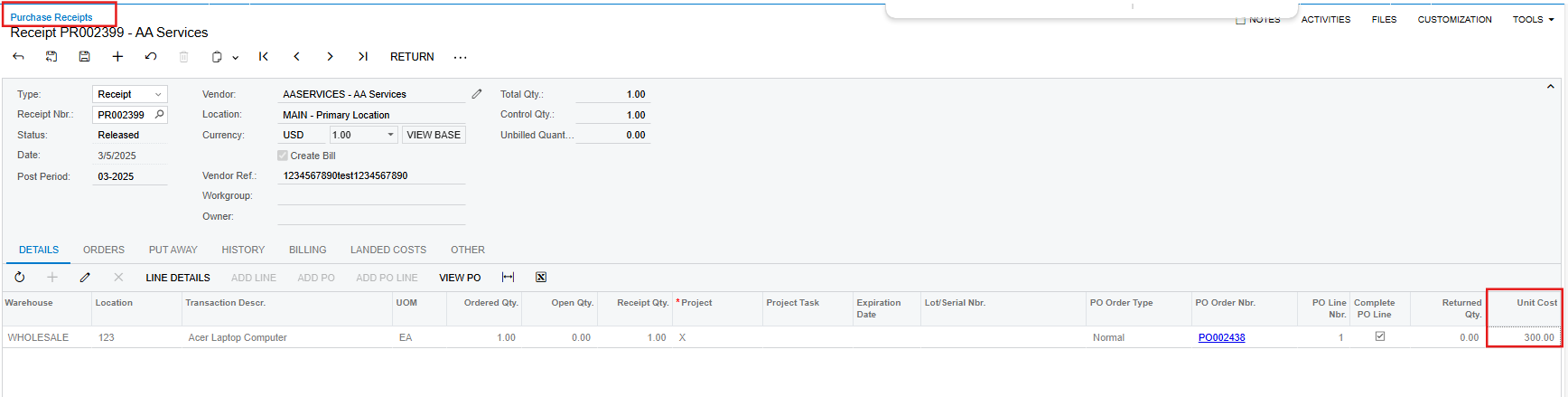
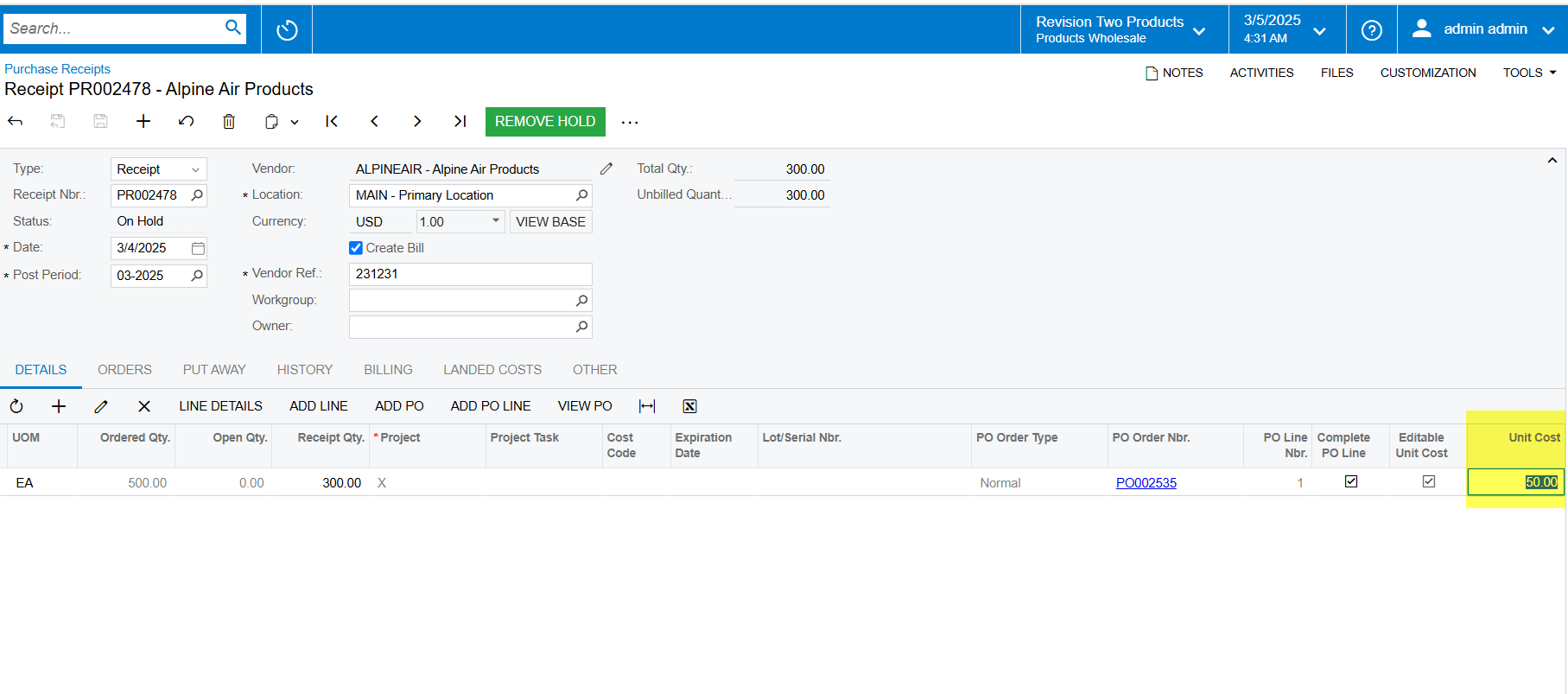
I’m trying to make Unit cost field in purchase receipt as non editable. But unable to see any property in the customization to make it as non editable. Is there any possibility we can change the as Non editable without direct changing code.


Best answer by Dipak Nilkanth

Hi ​@ranjithduraisamy72, 

Have you tried with extending workflow and adding your field to respective statuses to make it disable?

 

Hope, it helps!

View original

4 replies

Forum|alt.badge.img+6

 Hi @ranjithduraisamy72,

Is there any customization published on the Purchase Receipts screen? I noticed in the Sales Demo instance that the Unit Cost field is already disabled.


However, if you still want to disable the Unit Cost field:

  1. Go to the Customization Editor in Acumatica.
  2. Add the Purchase Receipts screen to your customization project.
  3. In the Fields section, add the Unit Cost field.
  4. Set the Disabled property to True.


Hope this helps.

Translate

Forum|alt.badge.img+5

​@Ankita Tayana It tired, but it is not working may be it is working for you because your transaction is already released.

Translate

Dipak Nilkanth
Pro III
Forum|alt.badge.img+14

Hi ​@ranjithduraisamy72, 

Have you tried with extending workflow and adding your field to respective statuses to make it disable?
 

Hope, it helps!

Translate

Forum|alt.badge.img+5

​@Nilkanth Dipak, Thanks for your help.

Translate