Answer

GI appearing in mobile that should be hidden

  • March 24, 2025
  • 3 replies
  • 50 views

jhouser
Captain II
Forum|alt.badge.img+6

I did a customization to add a GI to mobile. It’s used in a dashboard, and adding the GI was necessary so the dashboard widget will redirect to entry screen in mobile when a record is opened. 

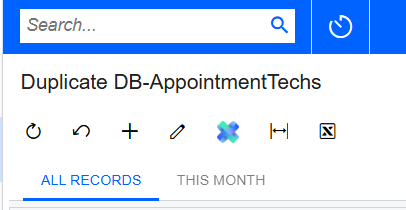
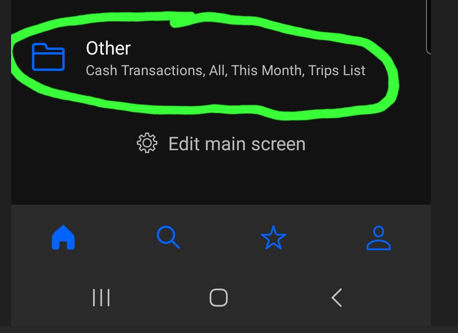
It worked great for months, but an issue came up recently after republishing customizations. The two tabs of the GI (All Records and This Month) appear under “Other” in mobile app. They were not there before. In my code I set visibility to false. Company really does not want All and This Month to be there. No idea why it suddenly became an issue. Other customizations were published recently but have nothing to do with this one. 

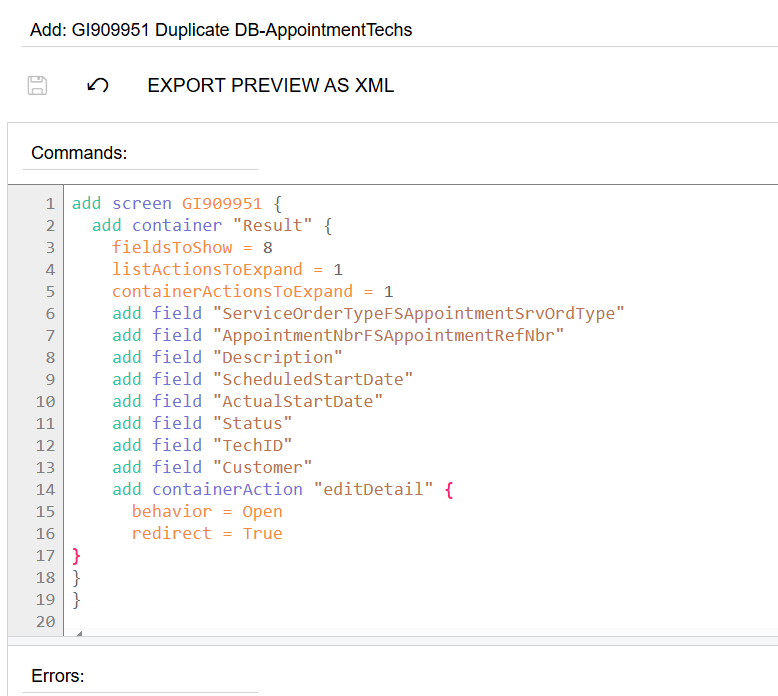
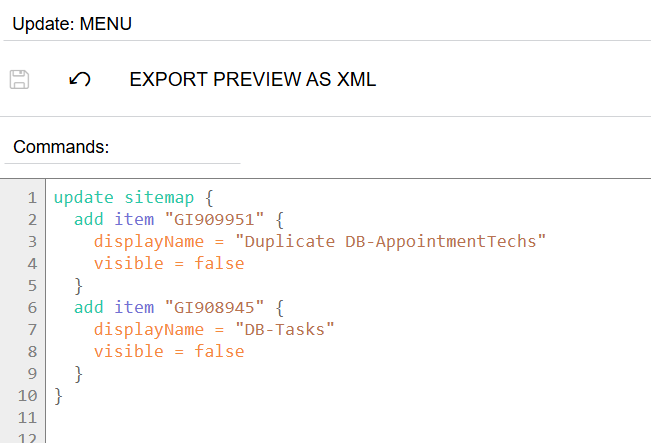
Below are screenshots of the GI tabs in web, mobile, and my code, respectively. Thanks in advance for help!


Best answer by jhouser

Resolved the issue. Turned out I had added the GI to menu in another customization package, but without visibility set to false. So this package was correct but the other one was conflicting with it. 

3 replies

DipakNilkanth
Pro III
Forum|alt.badge.img+13

Hi ​@jhouser,

Have you tried to move them using Mobile Workspaces (AU220012) screen from your browser to their respective module?


jhouser
Captain II
Forum|alt.badge.img+6
  • Author
  • Captain II
  • March 24, 2025

Hi ​@Nilkanth Dipak - No, we don’t want it to appear anywhere in mobile.


jhouser
Captain II
Forum|alt.badge.img+6
  • Author
  • Captain II
  • Answer
  • April 2, 2025

Resolved the issue. Turned out I had added the GI to menu in another customization package, but without visibility set to false. So this package was correct but the other one was conflicting with it.