Answer

Customization Project screen. Access Rights

  • December 5, 2025
  • 10 replies
  • 51 views

Forum|alt.badge.img+1

Why do I have full access to the Customization Project screen but still cannot use the Add and Delete buttons, even though I am able to edit existing elements?

Best answer by bihalivan15

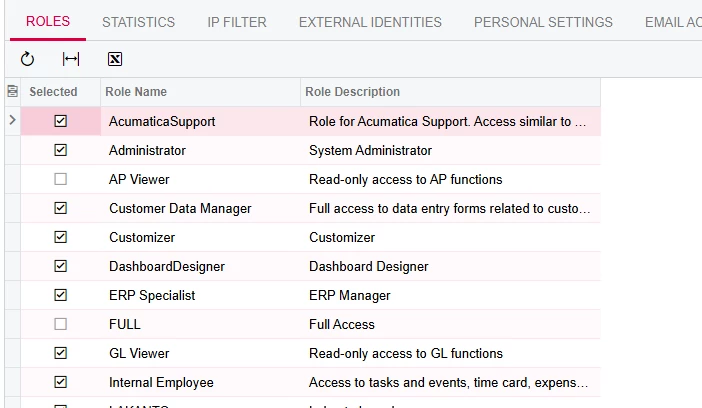
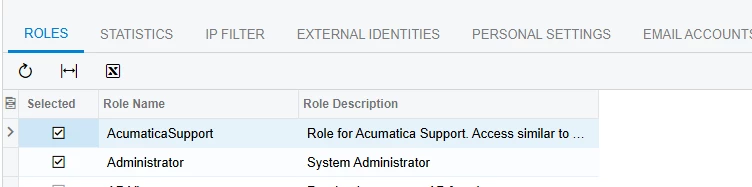
The Acumatica support role had a restriction that prevented you from editing the screen. Once i removed that role, everything started working.

10 replies

jinin
Pro I
Forum|alt.badge.img+11
  • Pro I
  • December 5, 2025

Hi ​@bihalivan15 ,

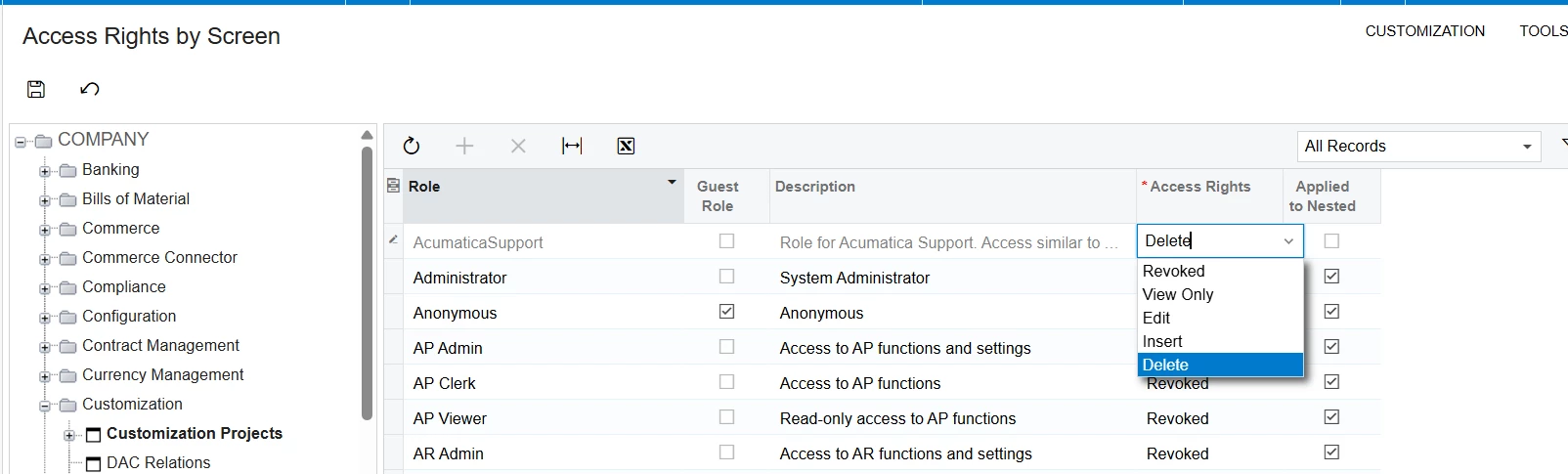
 Please navigate to the Acumatica Support role and change the Access Rights from Edit to Delete.


Forum|alt.badge.img+1
  • Author
  • Semi-Pro III
  • December 5, 2025

Hi ​@bihalivan15 ,

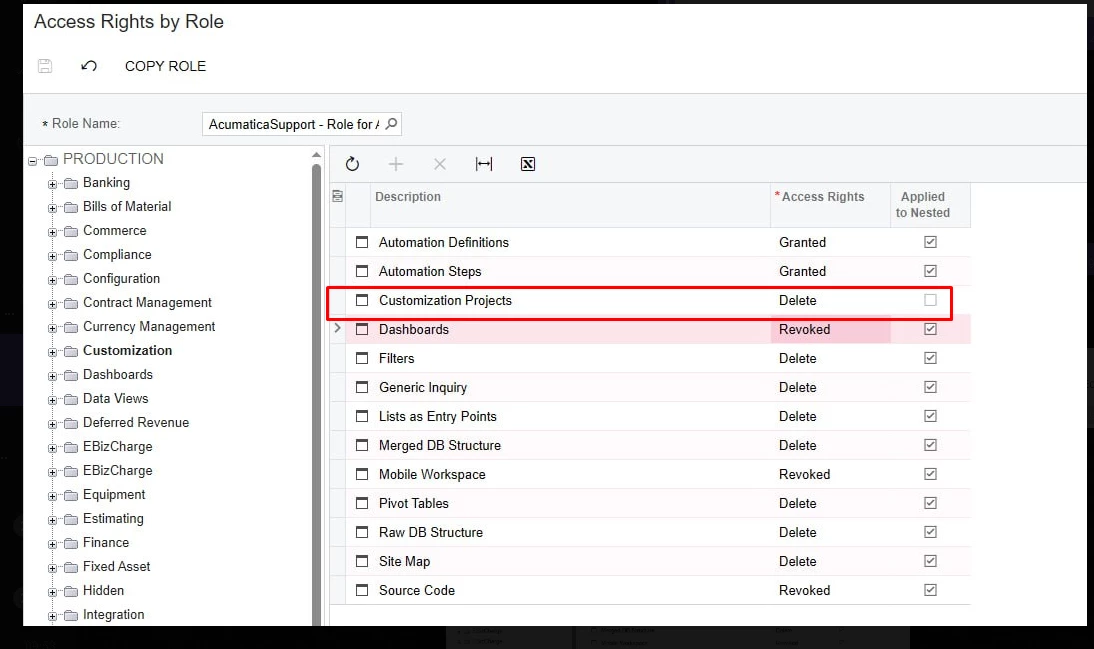
Please navigate to the Acumatica Support role and remove the Delete option under Edit.


i have this but not help for me


jinin
Pro I
Forum|alt.badge.img+11
  • Pro I
  • December 5, 2025

Hi ​@bihalivan15 ,

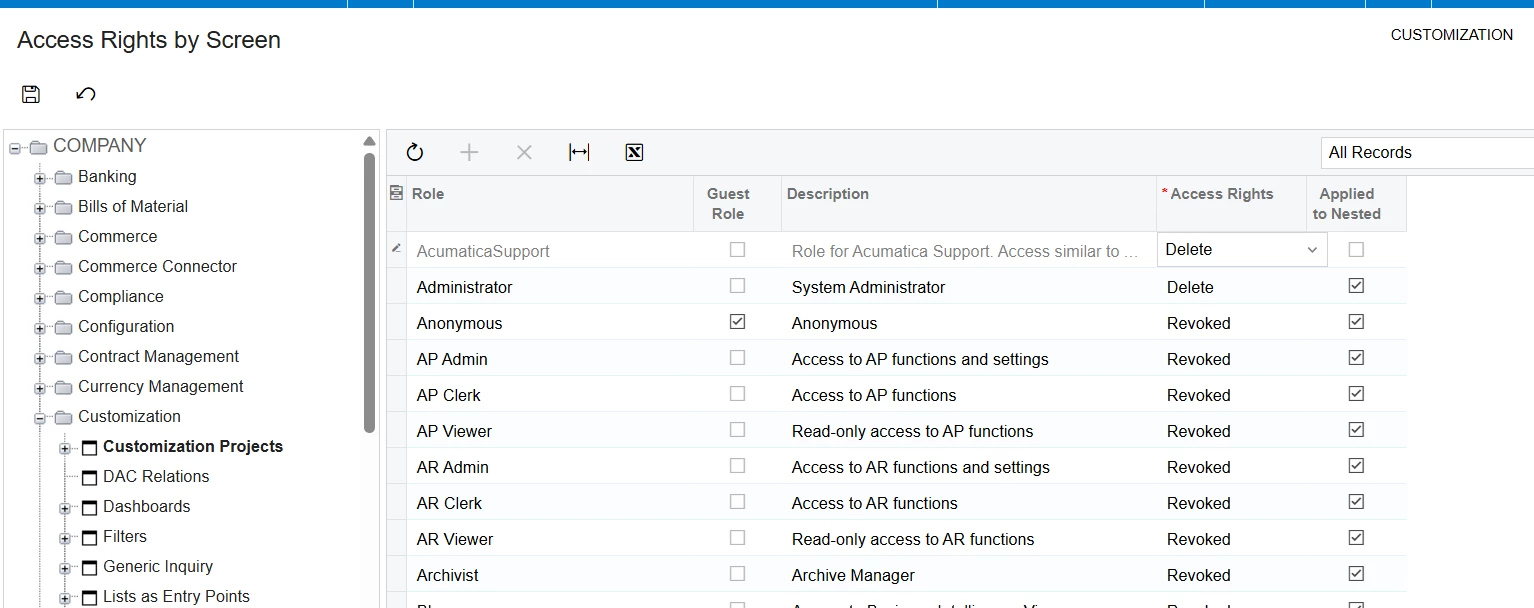
Try like below,


Forum|alt.badge.img+1
  • Author
  • Semi-Pro III
  • December 5, 2025

Hi ​@bihalivan15 ,

Try like below,


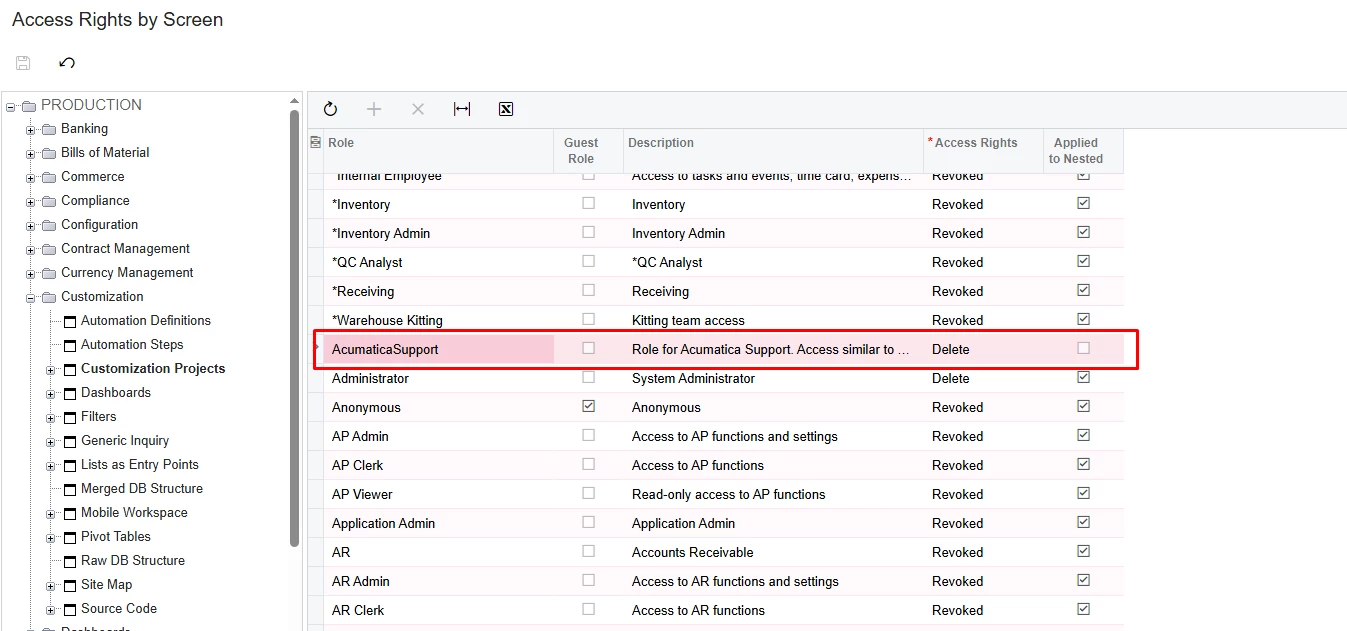
i have this


jinin
Pro I
Forum|alt.badge.img+11
  • Pro I
  • December 5, 2025

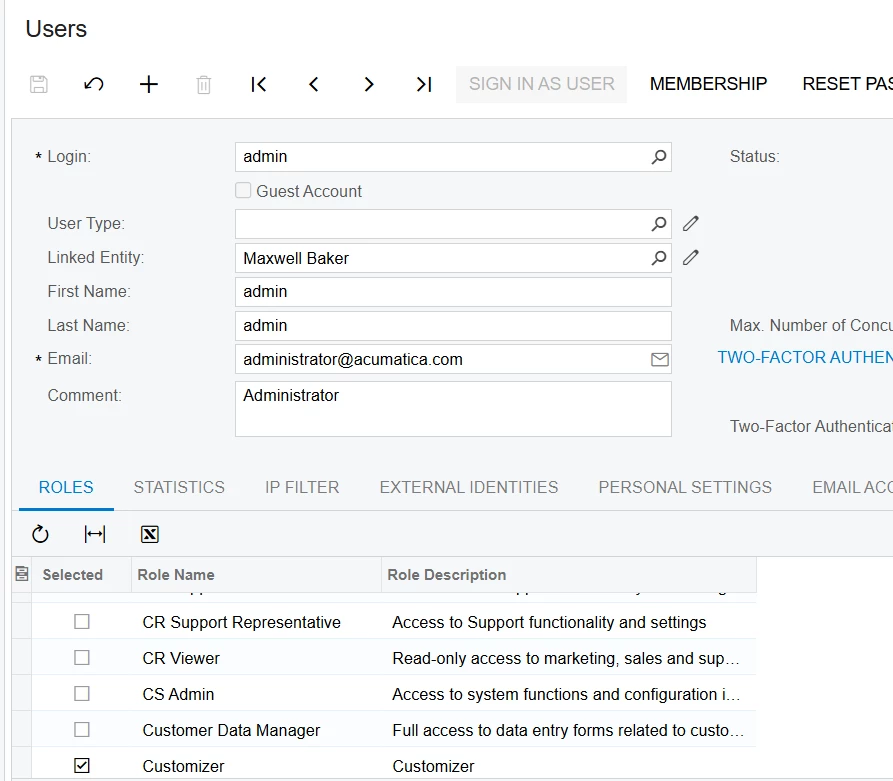
Ensure that the user has the Customizer role.


Forum|alt.badge.img+1
  • Author
  • Semi-Pro III
  • December 5, 2025

Ensure that the user has the Customizer role.


yes i have


jinin
Pro I
Forum|alt.badge.img+11
  • Pro I
  • December 5, 2025

Hi ​@bihalivan15 ,

It seems that one of the user’s roles doesn’t have Delete access to the screen. Please review by unchecking the roles one by one for the user.


Forum|alt.badge.img+1
  • Author
  • Semi-Pro III
  • December 5, 2025

Hi ​@bihalivan15 ,

It seems that one of the user’s roles doesn’t have Delete access to the screen. Please review by unchecking the roles one by one for the user.

At now i have only this 2 role. But add and delete not acces for customization project screen


jinin
Pro I
Forum|alt.badge.img+11
  • Pro I
  • December 5, 2025

Hi ​@bihalivan15 ,

It seems that one of the user’s roles doesn’t have Delete access to the screen. Please review by unchecking the roles one by one for the user.

At now i have only this 2 role. But add and delete not acces for customization project screen


Is it being blocked by access rights from other customization packages? Please unpublish all packages and test again.


Forum|alt.badge.img+1
  • Author
  • Semi-Pro III
  • Answer
  • December 5, 2025

The Acumatica support role had a restriction that prevented you from editing the screen. Once i removed that role, everything started working.