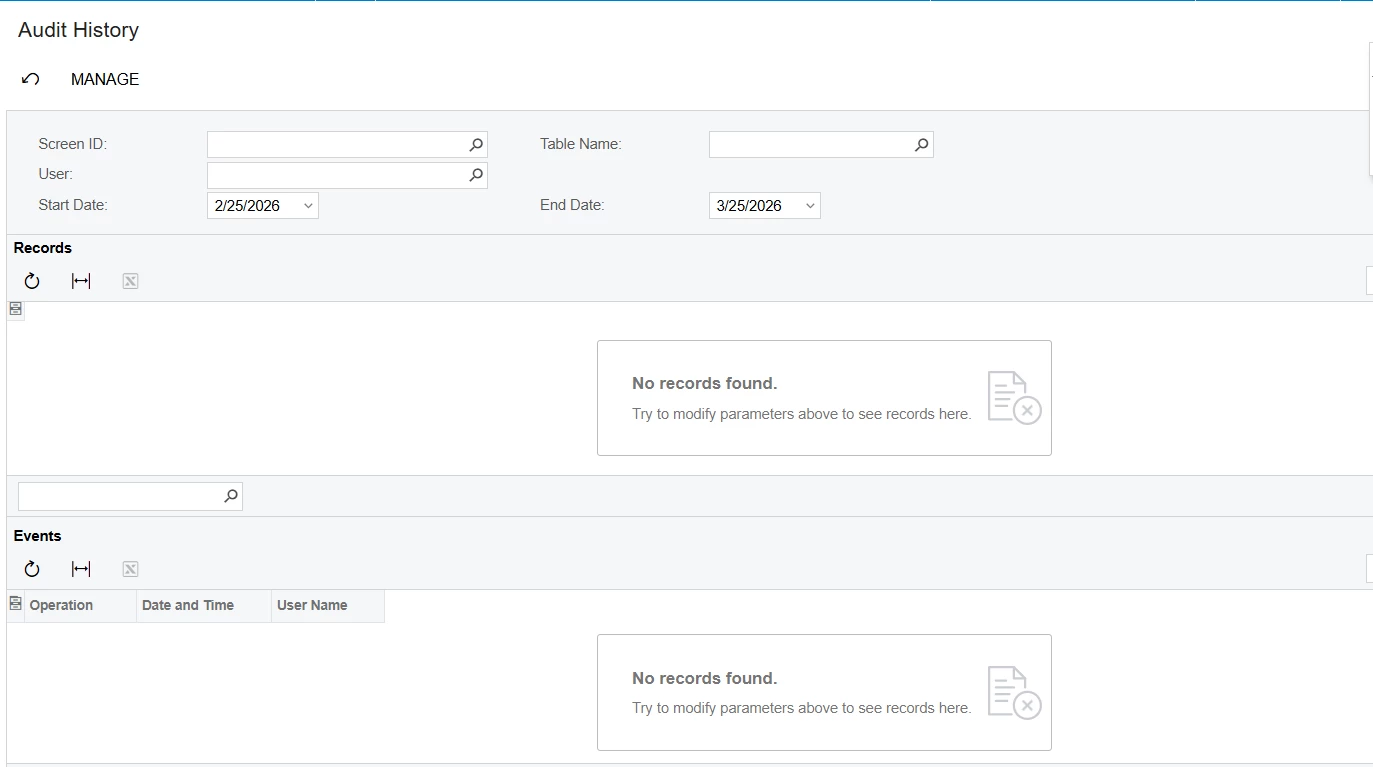
But as we observed, you can track the changes of audit trail by selecting Screen ID (1 Screen ID at a time).
Is there a consolidated report for all screen that I can check the for all documents and its movement?
Thank you!
Best answer by KrunalDoshi
Hi @Fie,
You can create a new GI based out of AuditHistory table, but it is simple. It will not give you more details as what you get it in Audit History OOB screen. However, this one of the areas is not much exposed by Acumatica so we have limited access, even the source code. You can add a new idea under the Product Ideas page.
Unfortunately, there isn’t an out of box report that shows the audit for all records of all screens at once. One option may be to try creating a custom report or GI using the AuditHistory DAC. But it is not very straightforward.
You can create a new GI based out of AuditHistory table, but it is simple. It will not give you more details as what you get it in Audit History OOB screen. However, this one of the areas is not much exposed by Acumatica so we have limited access, even the source code. You can add a new idea under the Product Ideas page.