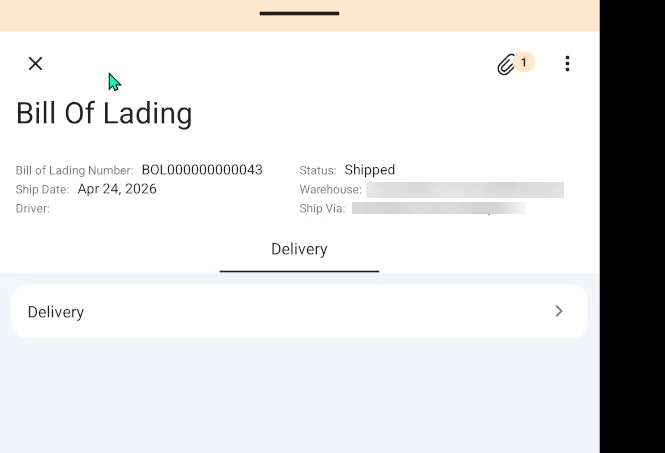
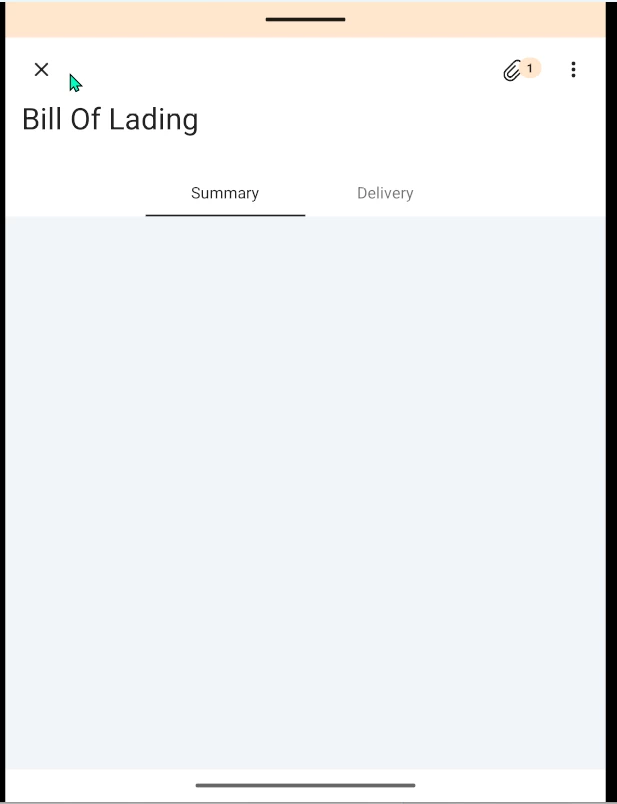
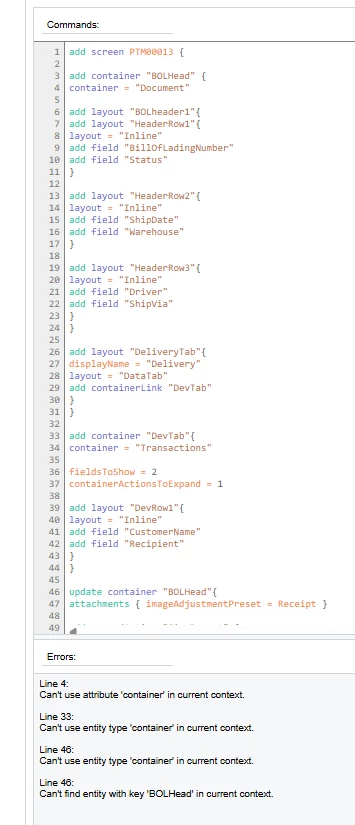
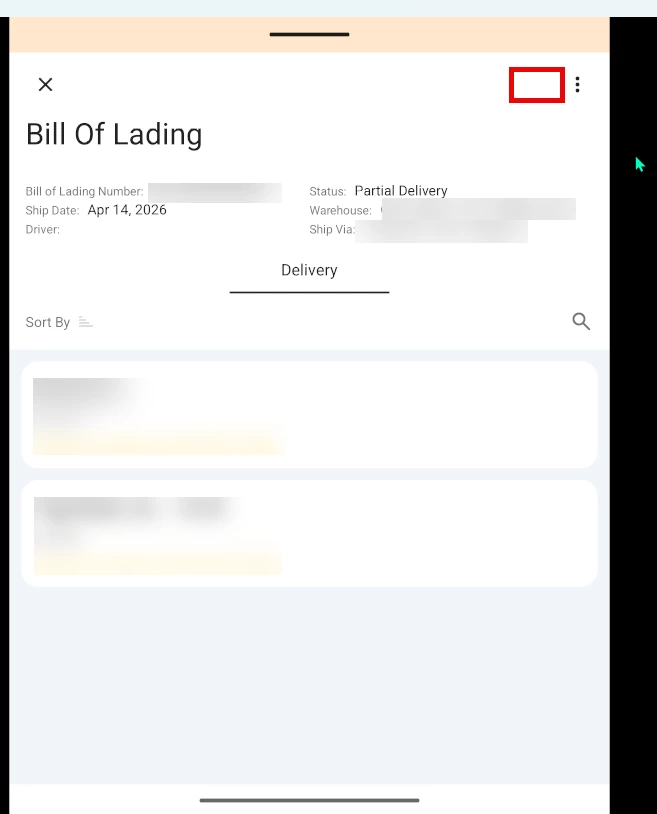
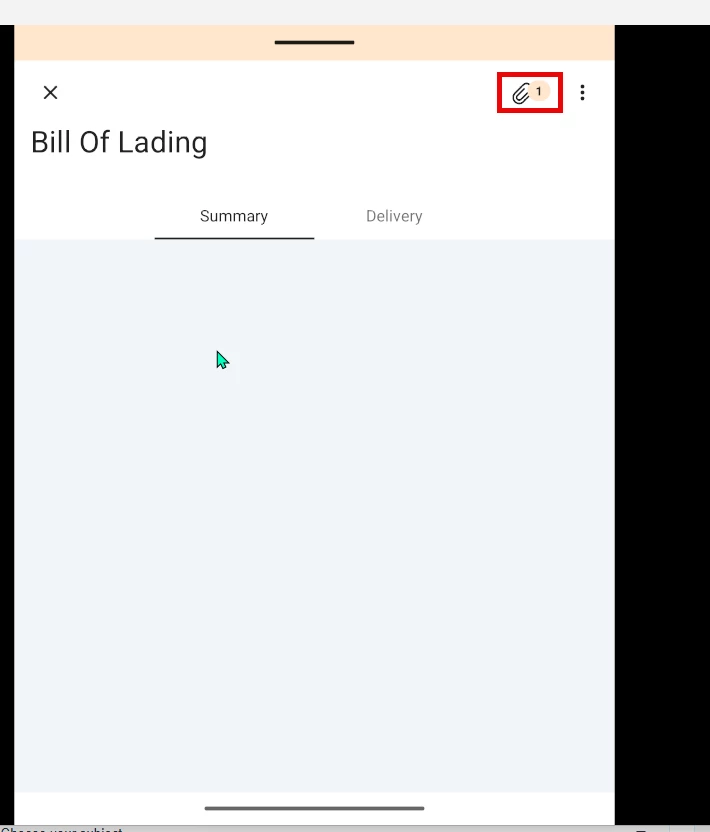
I am having issues with adding a custom screen to the mobile app. The screen is a form tab with grid in the detail section. I want to have a few fields from the header show up and then a couple of fields from the grid to show up. The layout that I want it to look like is the first screen shot. I have the “Sign” action added in but it doesnt work for some reason and the “Paper clip” for attachments isnt showing up. If I remove the “layout = “HeaderSimple” from my code, the attachment paper clip shows up and the action works, but the fields in the header no longer show up (second screen shot). Any ideas on what I did wrong? This is my first time adding to the mobile app. I was looking at the documentation when I made it, but I can’t seem to get it right.
add screen PTM00013 {
  add container "BOLHead" {
    add layout "BOLheader1"{
    layout = "HeaderSimple"
      add layout "HeaderRow1"{
        layout = "Inline"
          add field "BillOfLadingNumber"
          add field "Status"
        }
      add layout "HeaderRow2"{
        layout = "Inline"
          add field "ShipDate"
          add field "Warehouse"
        }
      add layout "HeaderRow3"{
         layout = "Inline"
          add field "Driver"
          add field "ShipVia"
        }
     }
     add layout "DeliveryTab"{
       displayName = "Delivery"
        layout = "DataTab"
        add containerLink "DevTab"
     }
   }

      add container "DevTab"{
        fieldsToShow = 2
        containerActionsToExpand = 1
      add layout "DevRow1"{
        layout = "Inline"
        add field "CustomerName"
        add field "Recipient"
      }
  }
    update container "BOLHead"{
      attachments{imageAdjustmentPreset = Receipt}
      add recordAction "SignReport" {
      behavior = SignReport
      displayName = "Sign"
      }

    }
}