Question

SFTP Synchronization Not Detecting Overwritten File with Fixed File Name (Incremental - New Only)

  • July 7, 2026
  • 3 replies
  • 31 views

I'm looking for feedback on a file synchronization issue we're experiencing.

Scenario

We have an Import Scenario configured to pull a file from an SFTP location using the File Maintenance screen's Synchronization tab (Synchronization Type: SFTP). The provider overwrites the same file in place each time new data is available — the filename does not change, only the content and (presumably) the modified date on the SFTP server.

Issue

Even after the file is overwritten on SFTP with new/updated records, Acumatica continues to import the old data. 

Questions

  1. Does Acumatica rely on the file's modified timestamp or other metadata to determine whether a synchronized file has changed?
  2. Has anyone successfully used a single fixed file name that is continuously overwritten?
3 replies

Forum|alt.badge.img+3

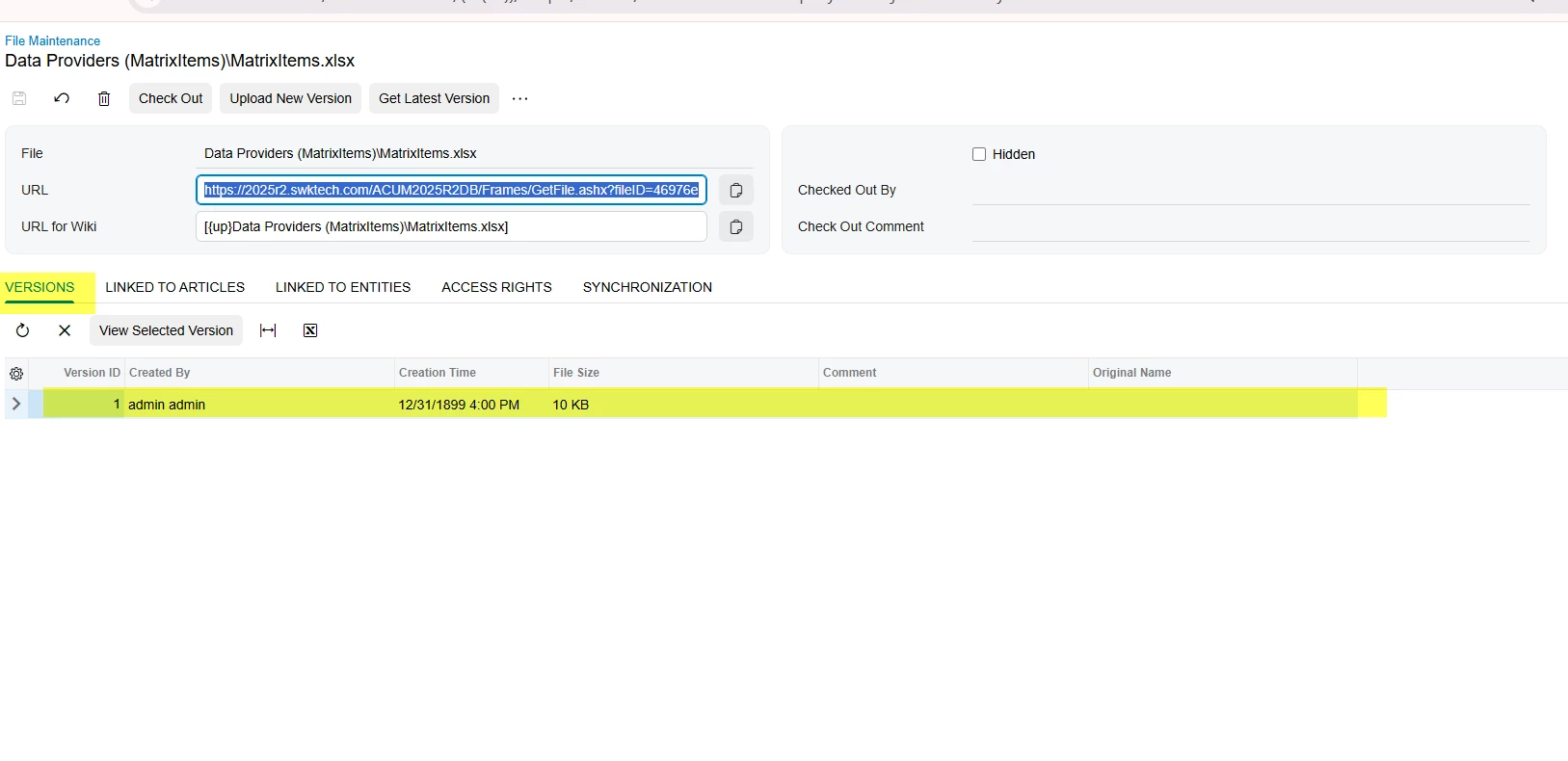
@Zia In the File Maintenance screen of you data provider, is it displaying the latest version in the version tab after a file refreshed in SFTP server?


  • Author
  • July 7, 2026

@ranjithduraisamy72 None, it does not display the latest version. No new version was created in the Versions tab. 


Forum|alt.badge.img+3

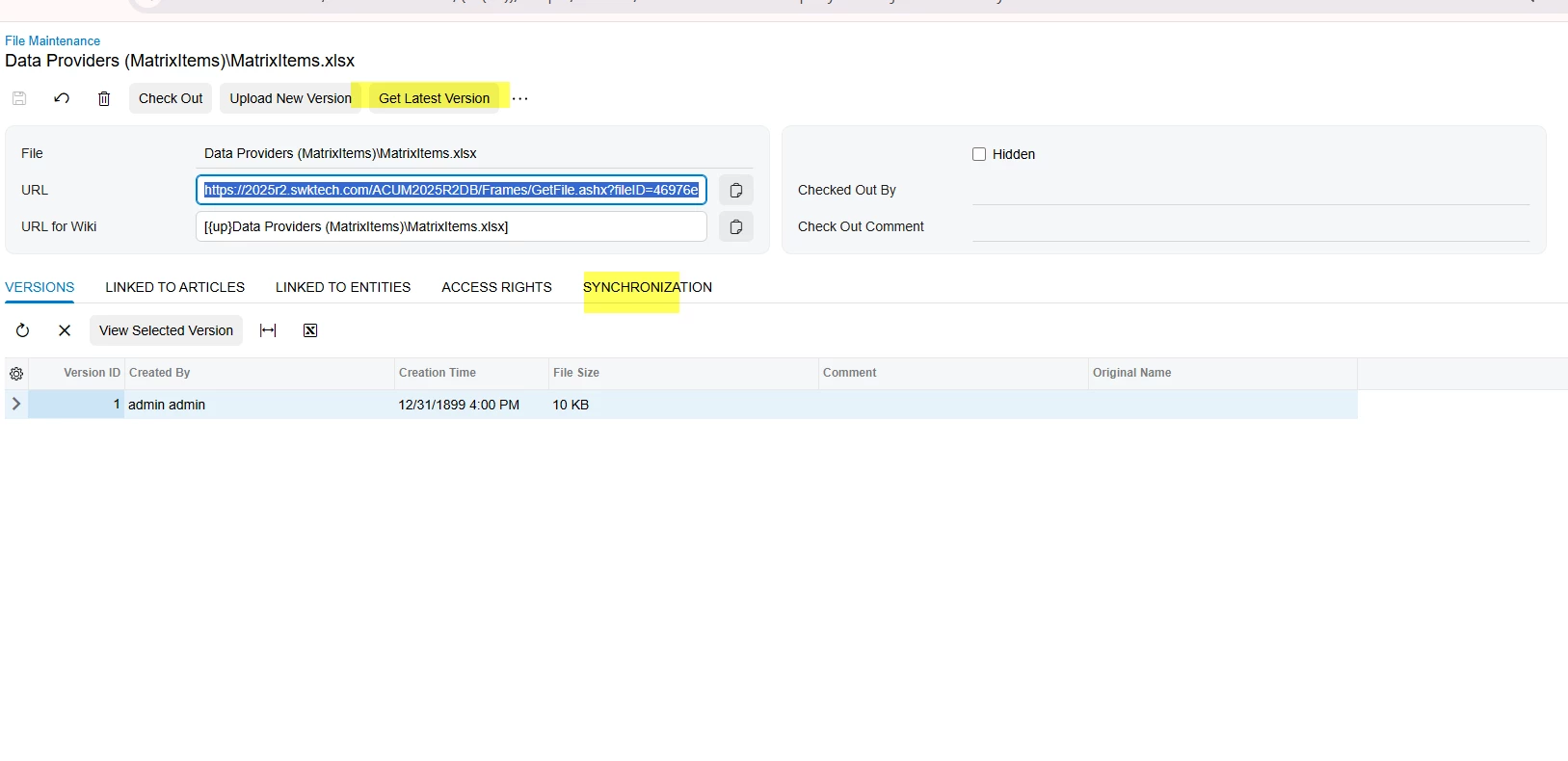
@Zia  It looks like there may be an issue with the SFTP configuration. Could you please verify the configuration in the Synchronization tab?

You can also click the Get Latest Version action to confirm that the SFTP connection is working as expected.

Additionally, please try uploading the file to the SFTP server with a different file name and check whether it is imported into Acumatica successfully.