Solved

Import Scenario From SQL. Filter Schema Objects SQL Data Provider

  • February 24, 2022
  • 4 replies
  • 301 views
  • Translate All

cmoreland
Semi-Pro III
Forum|alt.badge.img

Is there a way to filter the schema objects using the SQL connector in a data provider?

While I am only using one table I see reference to all the tables in the import scenario XML 

Best answer by cmoreland

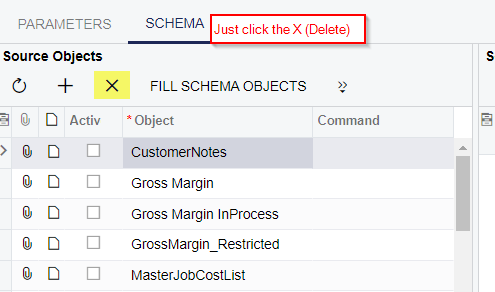
When you create the data provider, manually type in the table (or view) name of the object field (and do NOT click FILL SCHEMA OBJECTS) then  you will only see the table you want to use.  Then you can click FILL SCHEMA FIELDS to load the fields from the table.

No way to filter it afterwards? I see the you can edit the command under the » menu. I just really dont want to recreate it if I don’t need to

View original

4 replies

Forum|alt.badge.img

When you create the data provider, manually type in the table (or view) name of the object field (and do NOT click FILL SCHEMA OBJECTS) then  you will only see the table you want to use.  Then you can click FILL SCHEMA FIELDS to load the fields from the table.

Translate

cmoreland
Semi-Pro III
Forum|alt.badge.img
  • Author
  • Semi-Pro III
  • Answer
  • February 24, 2022

When you create the data provider, manually type in the table (or view) name of the object field (and do NOT click FILL SCHEMA OBJECTS) then  you will only see the table you want to use.  Then you can click FILL SCHEMA FIELDS to load the fields from the table.

No way to filter it afterwards? I see the you can edit the command under the » menu. I just really dont want to recreate it if I don’t need to

Translate

Forum|alt.badge.img


Translate

Naveen Boga
Captain II
Forum|alt.badge.img+20

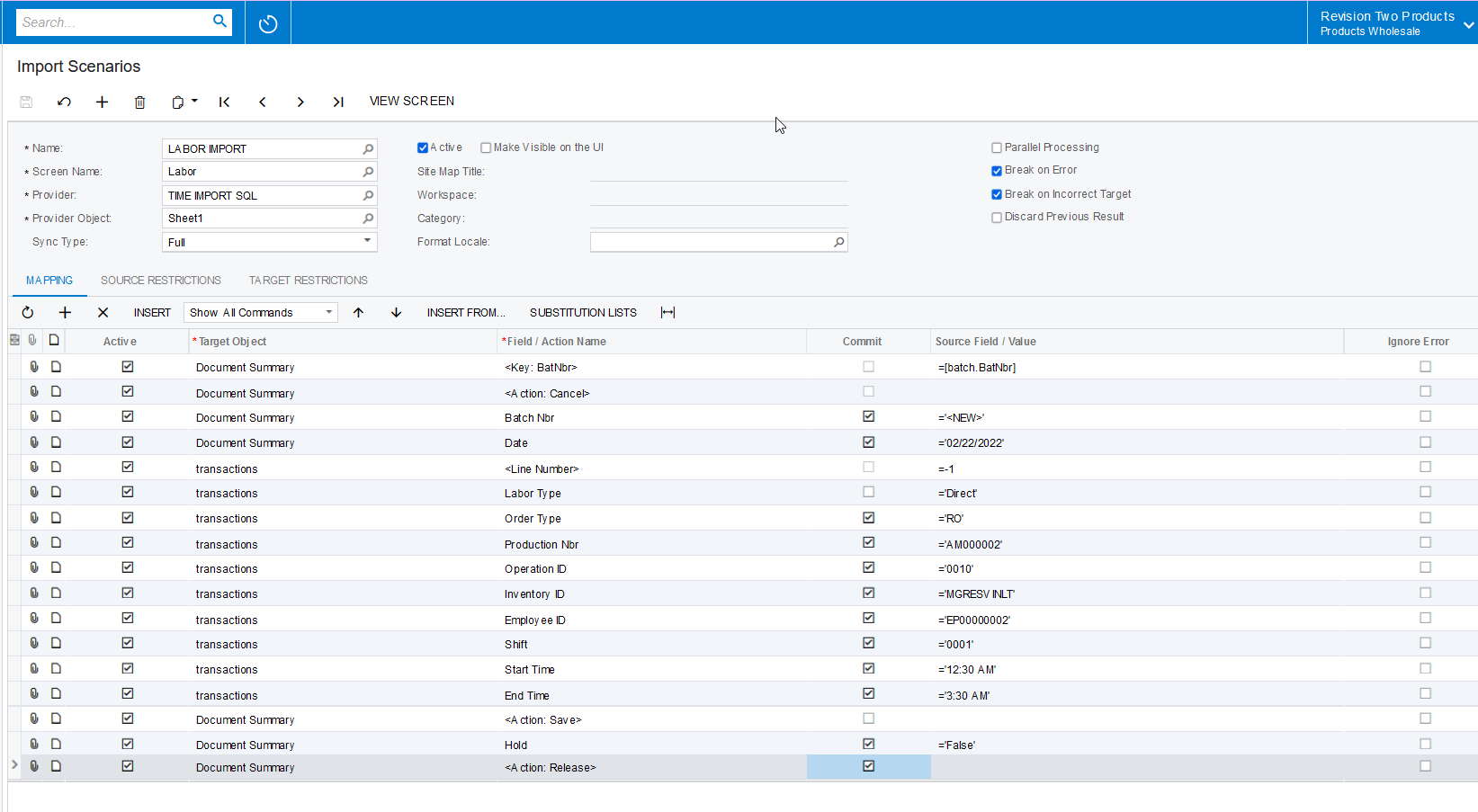
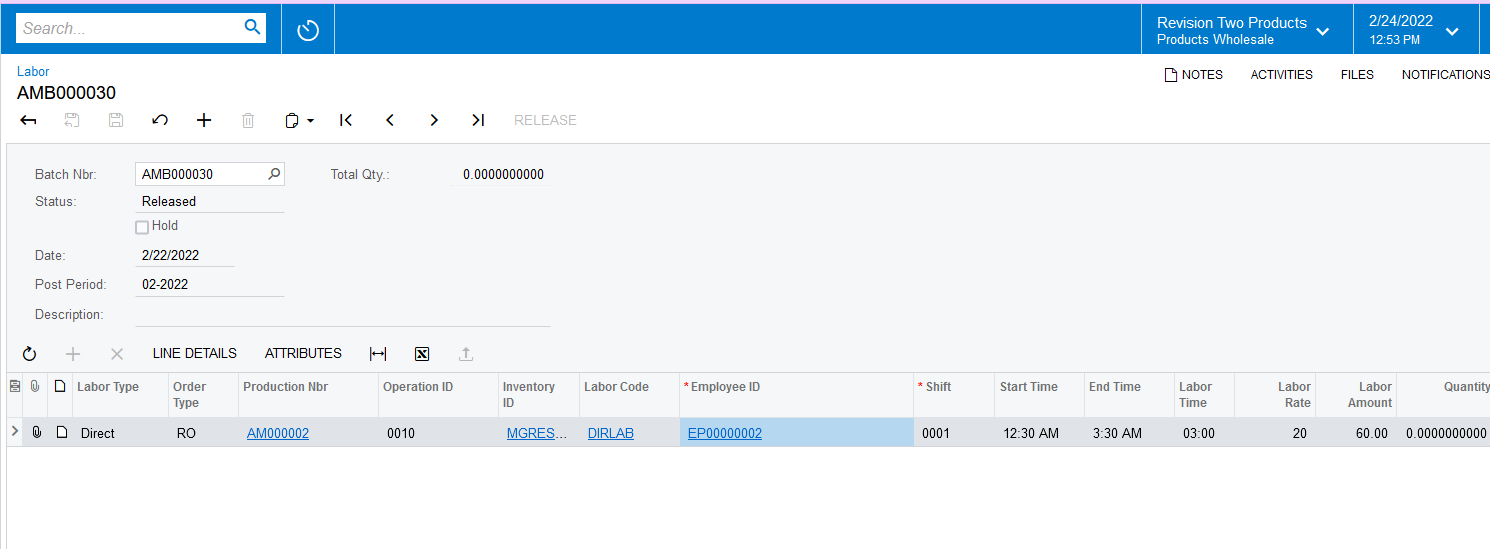
Hi @cmoreland  I have tried with the Excel Data Provider and modified your mappings and it is working for me. You can check the same for the SQL provider for the same mapping.


Hope this helps!


Translate