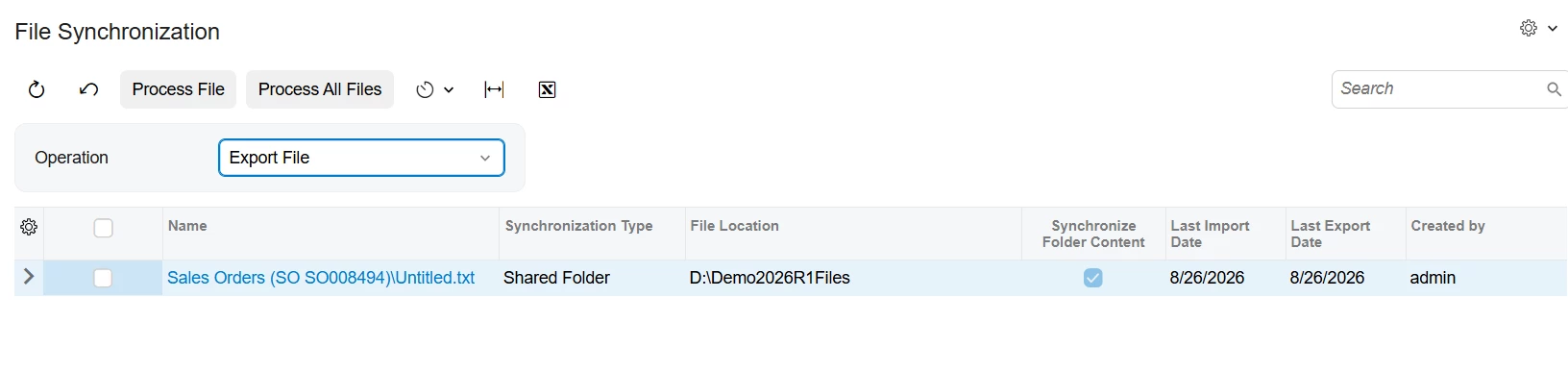
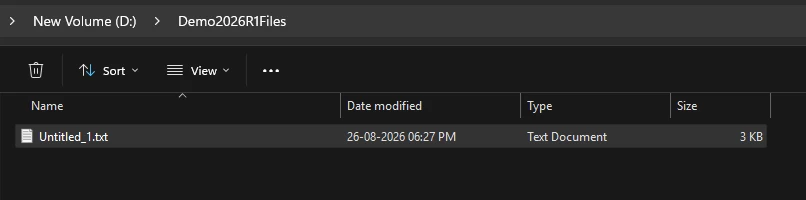
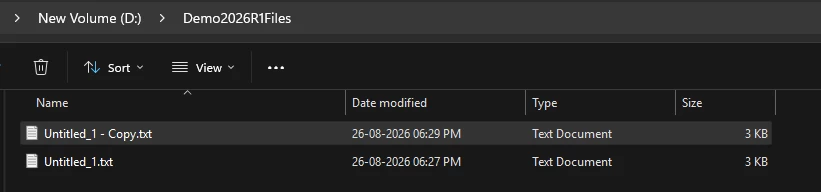
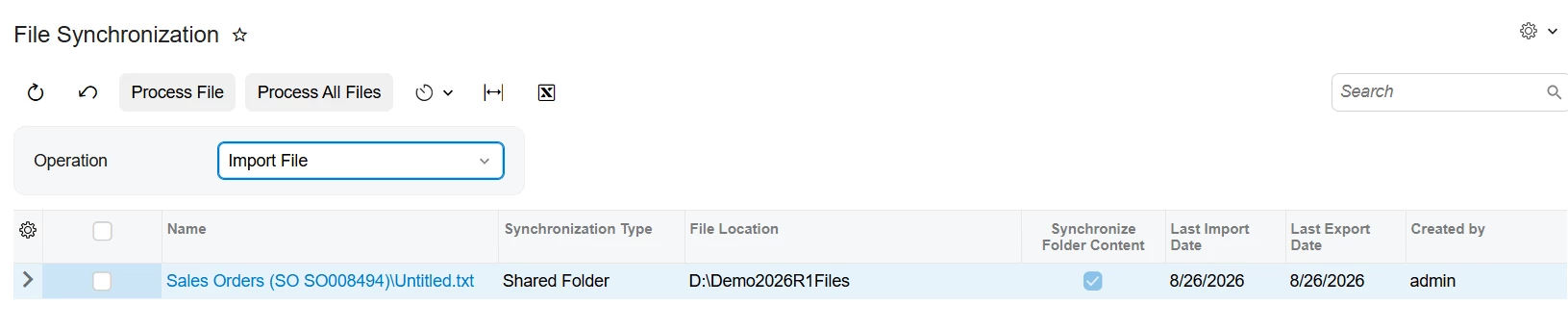
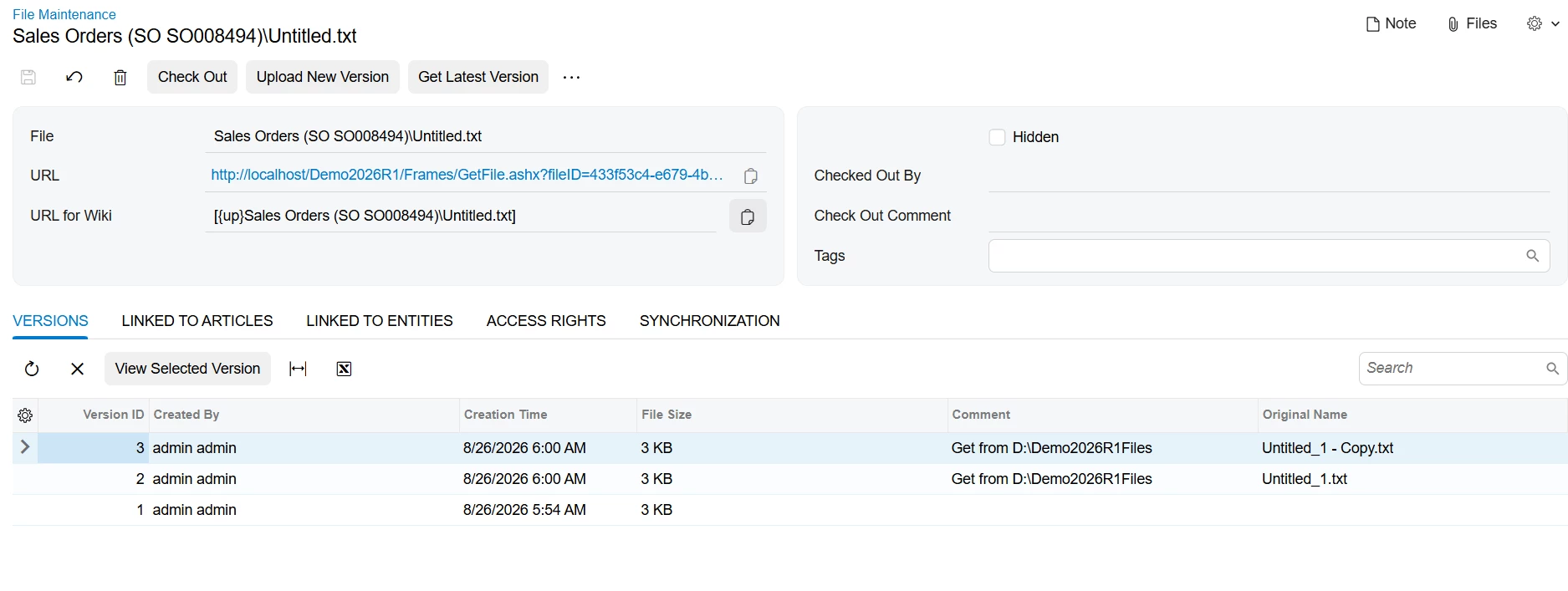
@KrunalDoshi , this is a really helpful test, and your Versions tab shows the piece that matters most here. Two files in the folder, one import run, and both came in as separate versions of the same file record: Version 2 with Original Name Untitled_1.txt, Version 3 with Untitled_1 - Copy.txt. So folder content sync doesn't create a file record per file. Every matching file becomes another version on the one record you configured.
@rjarrell81, that's good news for your space concern. Thirty dated files won't turn into thirty file records in Acumatica.
The wrinkle in your case is that the file is feeding an import scenario. Only one version can be the current one, and a scenario prepares from the current version. If two days' files land between scheduled runs, both come in as versions, but only one of them is current and the other day never gets prepared. You wouldn't see an error and you wouldn't get a duplicate. You'd just be short a day, which on a custom table is easy to miss.
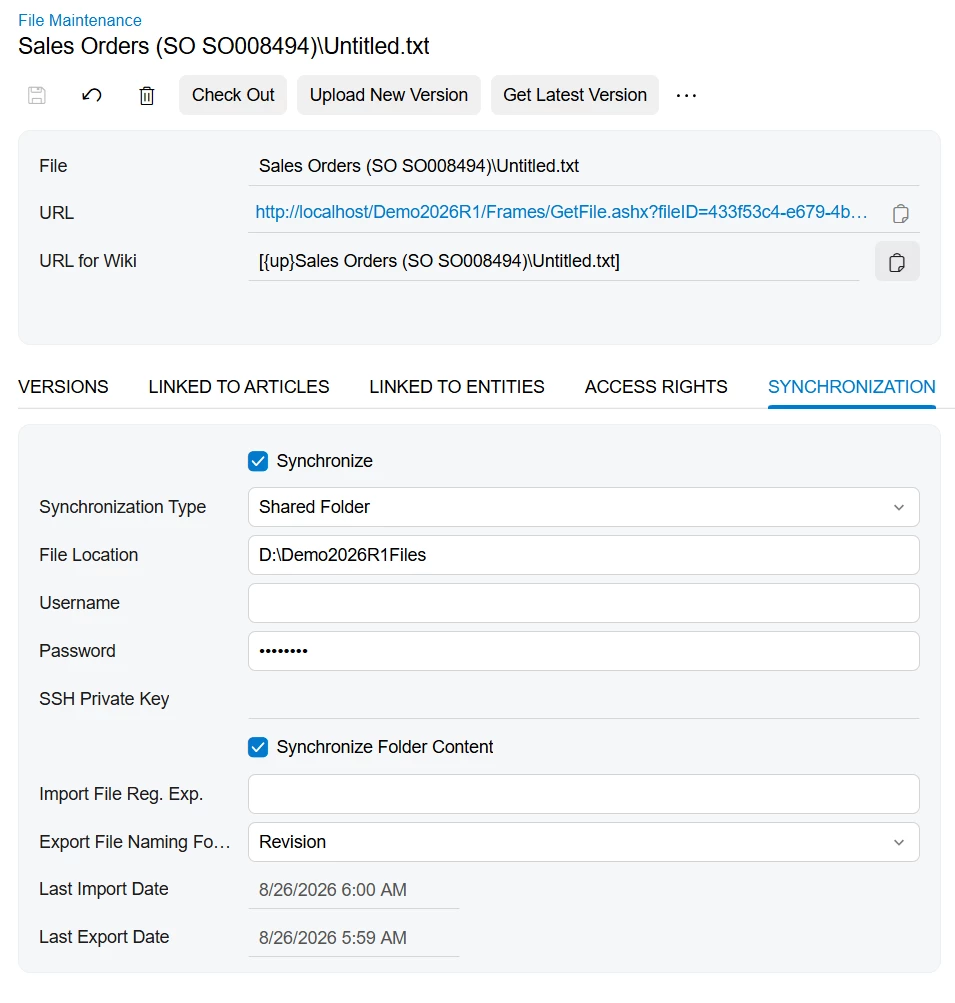
For that reason I'd lean toward pointing one file at one file for this particular job. On File Maintenance (SM202510), Synchronization tab: Synchronize on, Synchronization Type = Shared Folder, File Location set to the full path of that single file, Synchronize Folder Content left off. One new version per sync, one file per cycle, and the scenario always prepares what just arrived.
You still get the no-op behavior either way. The Synchronization tab help Krunal linked says the system imports a file only if its modification date is later than the file already imported under that name, and that it applies to both single file and folder sync. So a run where nothing new arrived does nothing, which lines up with Krunal seeing repeated exports come back empty.
Then Sync Type = Incremental - New Only on Import Scenarios (SM206025) gives you a second layer. Prepare only runs when a newer version of the file exists, and if there isn't one it stops with a message that all versions have been processed. Last piece is ordering the two schedules so the file sync runs before Process Import Scenarios (SM206035), with enough gap for the file to land.
Between the modification date check, the sync type, and your key field, that's three things standing between you and a double load, and none of them is the batch script. If you want to keep the dated originals, that stays a copy step on your side, but it becomes housekeeping rather than your safety net.
@KrunalDoshi , if you've seen the version behavior work out differently on a scenario-attached file, I'd be glad to hear it.