


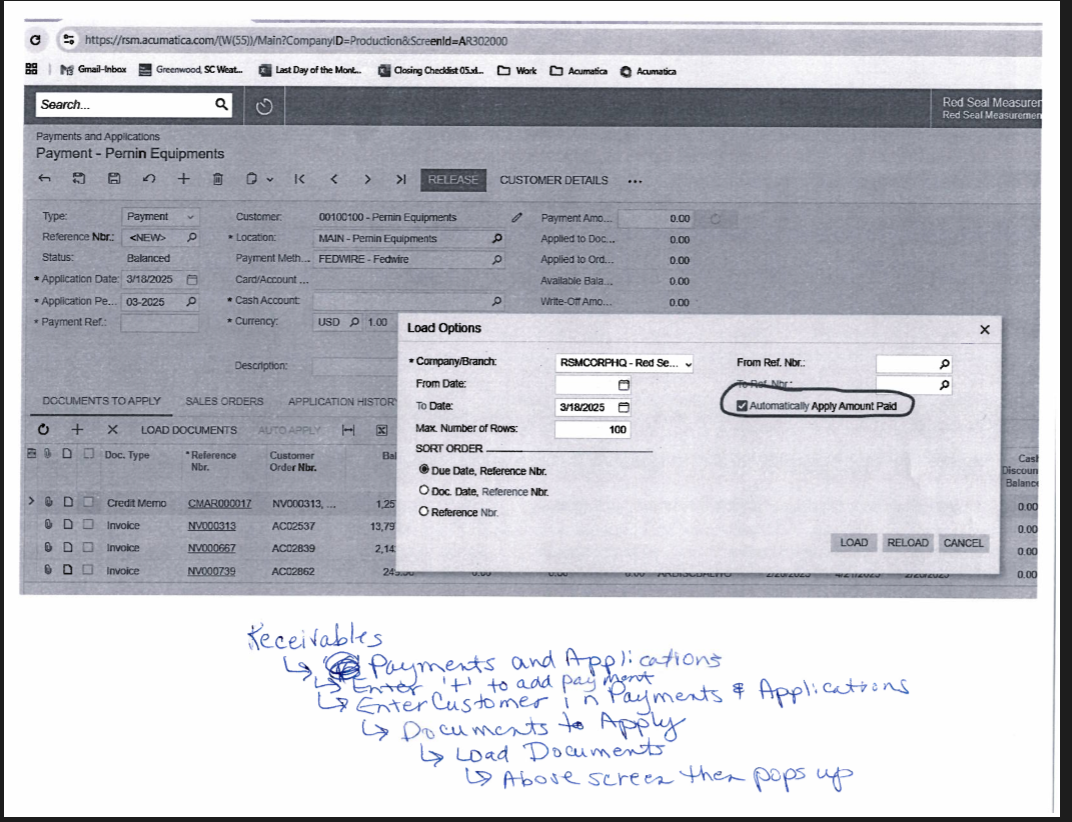
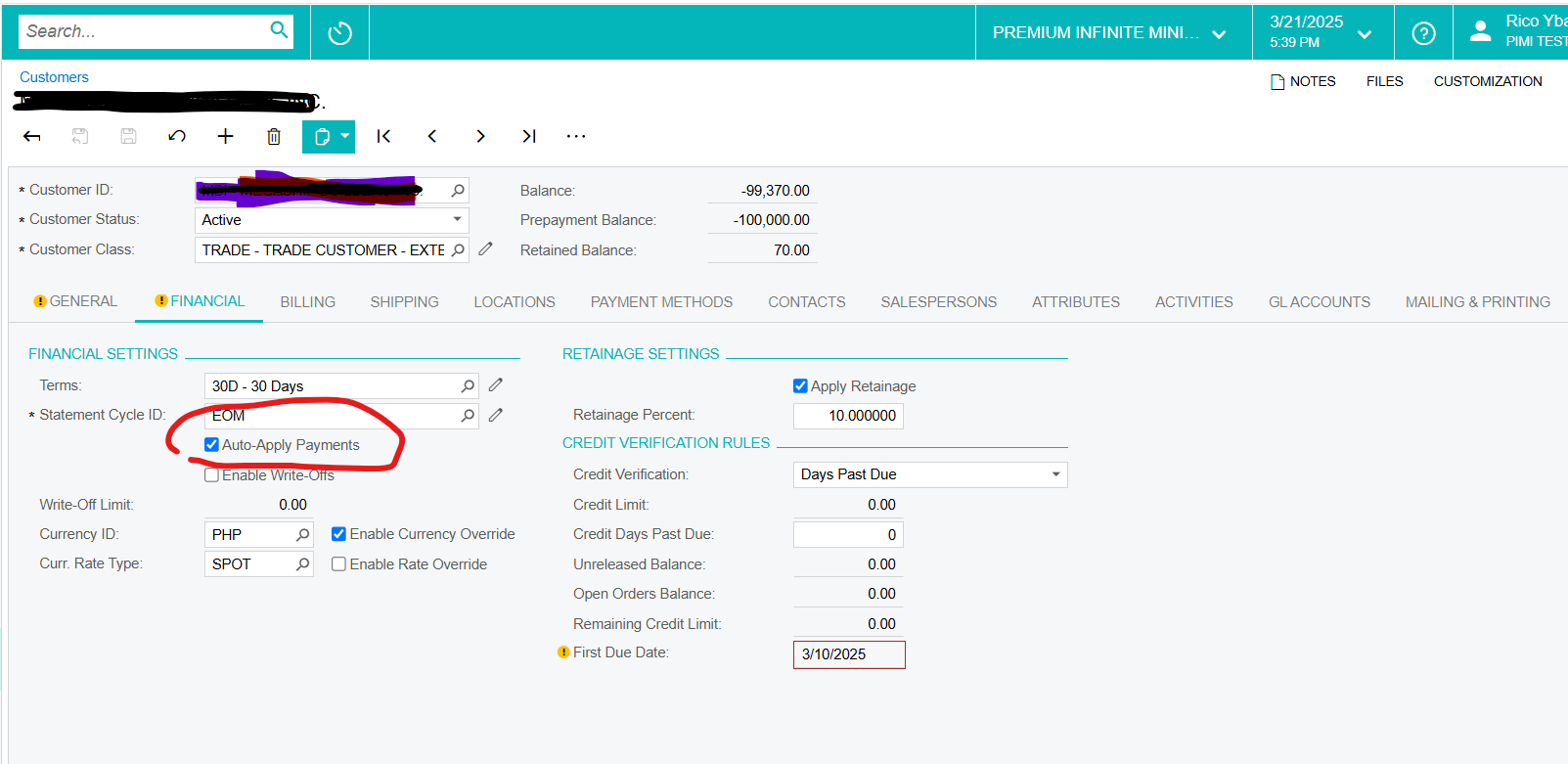
We are new to Acumatica and am trying to find the setting for the check box for ‘Automatically Apply Amount Paid’ under the Receivables-->Payments and Applications-->Add a new payment→ Load Documents tab--the screen with a title of ‘Load Options’ will popup and in the popup is the value I am attempting to find to uncheck the box. I have looked in preferences and it is not there as well as programs which may load the ‘Load Options’ popup. Please see the attached. Any help will be appreciated. Thanks.
Solved
How to change the 'Automtically Apply Amount Paid' value in the AR module.
Best answer by DrewNisley
This would require a simple customization to the ARPaymentEntry.LoadOptions DAC.
using PX.Data;

public class LoadOptionsExt : PXCacheExtension<PX.Objects.AR.ARPaymentEntry.LoadOptions>
{
    [PXMergeAttributes(Method = MergeMethod.Append)]
    [PXDefault(false)]
    public virtual bool? Apply { get; set; }
    public abstract class apply : PX.Data.BQL.BqlBool.Field<apply> { }
}
If you are not accustomed to customizations, talk to your VAR about this.







Enter your E-mail address. We'll send you an e-mail with instructions to reset your password.