



A custom field was added to AMProdItem and am trying to update via import scenario, but I only see a handful of field on the table. Is my syntax wrong or does it need to be exposed via another method?
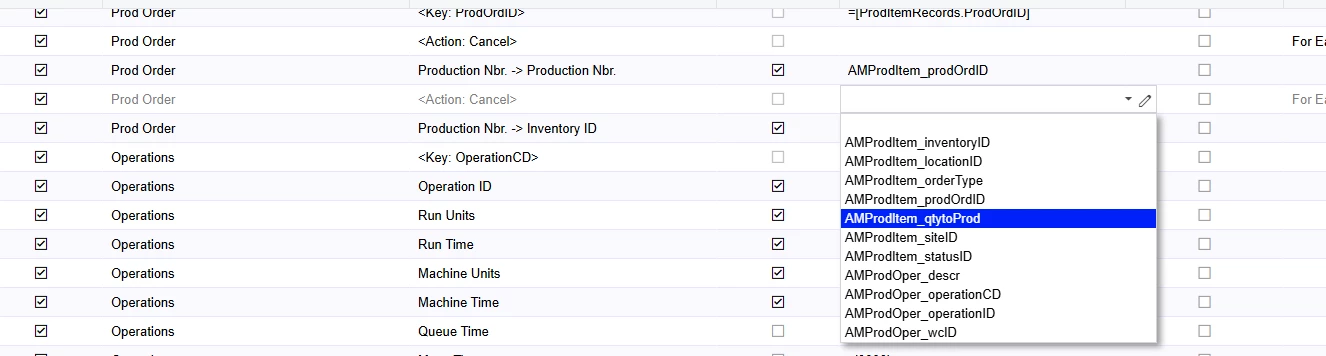
A custom field was added to AMProdItem and am trying to update via import scenario, but I only see a handful of field on the table. Is my syntax wrong or does it need to be exposed via another method?
Best answer by Ankita Tayana
Hi
I noticed that you're referencing your field in the Source Field / Value column, where the import scenario is expecting a field from your data provider file (e.g., Excel).
If you're looking to update your custom field, it should be available in the Field / Action Name column instead.
Hope this clarifies the situation.
No account yet? Create an account
Enter your E-mail address. We'll send you an e-mail with instructions to reset your password.

