Answer

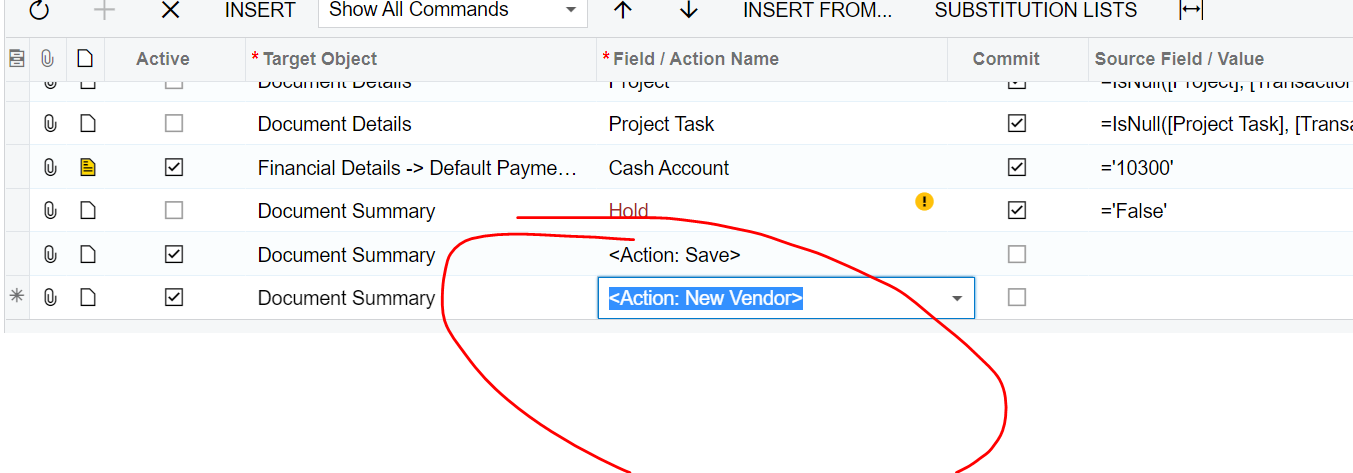
"Action: New Vendor" on import scenario

  • November 4, 2021
  • 4 replies
  • 92 views

Forum|alt.badge.img

Does anyone know how or have documentation on how to use the <Action: New Vendor> on import scenario for Bill and Adjustment screen 

Best answer by Naveen Boga

Hi @alicia23  Ah OK!.

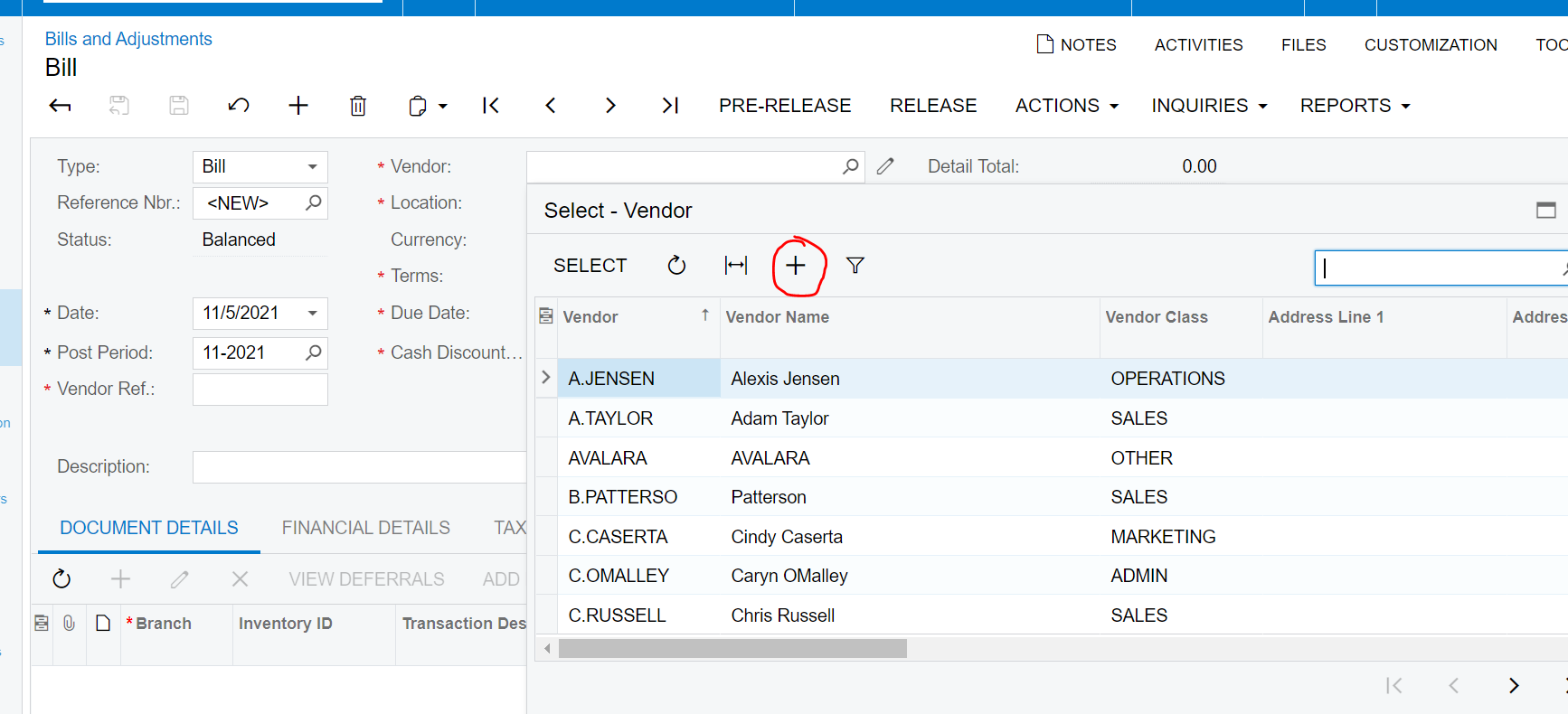
In the Bills and Adjustments screen, when we click on the Vendor ID selector + icon, it will pop up the Vendors screen - (In this case multiple screens are involved)

Import Scenarios will NOT work, when multiple screens are involved. This is limitation of Import Scenarios.
 

4 replies

Forum|alt.badge.img
  • Author
  • Jr Varsity III
  • November 4, 2021


Naveen Boga
Captain II
Forum|alt.badge.img+19
  • Captain II
  • November 5, 2021

Hi @alicia23  I did not found “New Vendor” action on the Bills and Adjustments screen. Is it custom action?

We can do import scenario only when those fields/actions are available on the screen.


Forum|alt.badge.img
  • Author
  • Jr Varsity III
  • November 5, 2021

Hi Naveen,


It is not a custom action, but it is in the import mapping for the Bills and Adjustments screen under the target object “Document Summary”.  I figured if it’s listed in the actions under the import actions available that it should be able to be used for that screen? 

So i thought this would allow me to add a new vendor.  Maybe using the (+) icon in the dialog box? 


Naveen Boga
Captain II
Forum|alt.badge.img+19
  • Captain II
  • Answer
  • November 5, 2021

Hi @alicia23  Ah OK!.

In the Bills and Adjustments screen, when we click on the Vendor ID selector + icon, it will pop up the Vendors screen - (In this case multiple screens are involved)

Import Scenarios will NOT work, when multiple screens are involved. This is limitation of Import Scenarios.