Answer

How to erase the uploaded fixed assets?

  • March 29, 2022
  • 6 replies
  • 229 views

Forum|alt.badge.img

Hello Everyone,


As I am a newbie to the Fixed Asset module...i did a big BUBU...I uploaded a list of fixed assets but later was told that that is not the final list, so how can I erase the first uploaded list? or should I just override the existing list, is this possible?


Thank you!


Kind regards,

mrivera67

Best answer by vkumar

Hi @mrivera67 

Were the assets imported with ‘migration mode’ enabled ( uncheck ‘update GL’ on FA preferences screen)?

Regards,

6 replies

Forum|alt.badge.img+12
  • Acumatica Support Team
  • March 29, 2022

Hi @mrivera67 

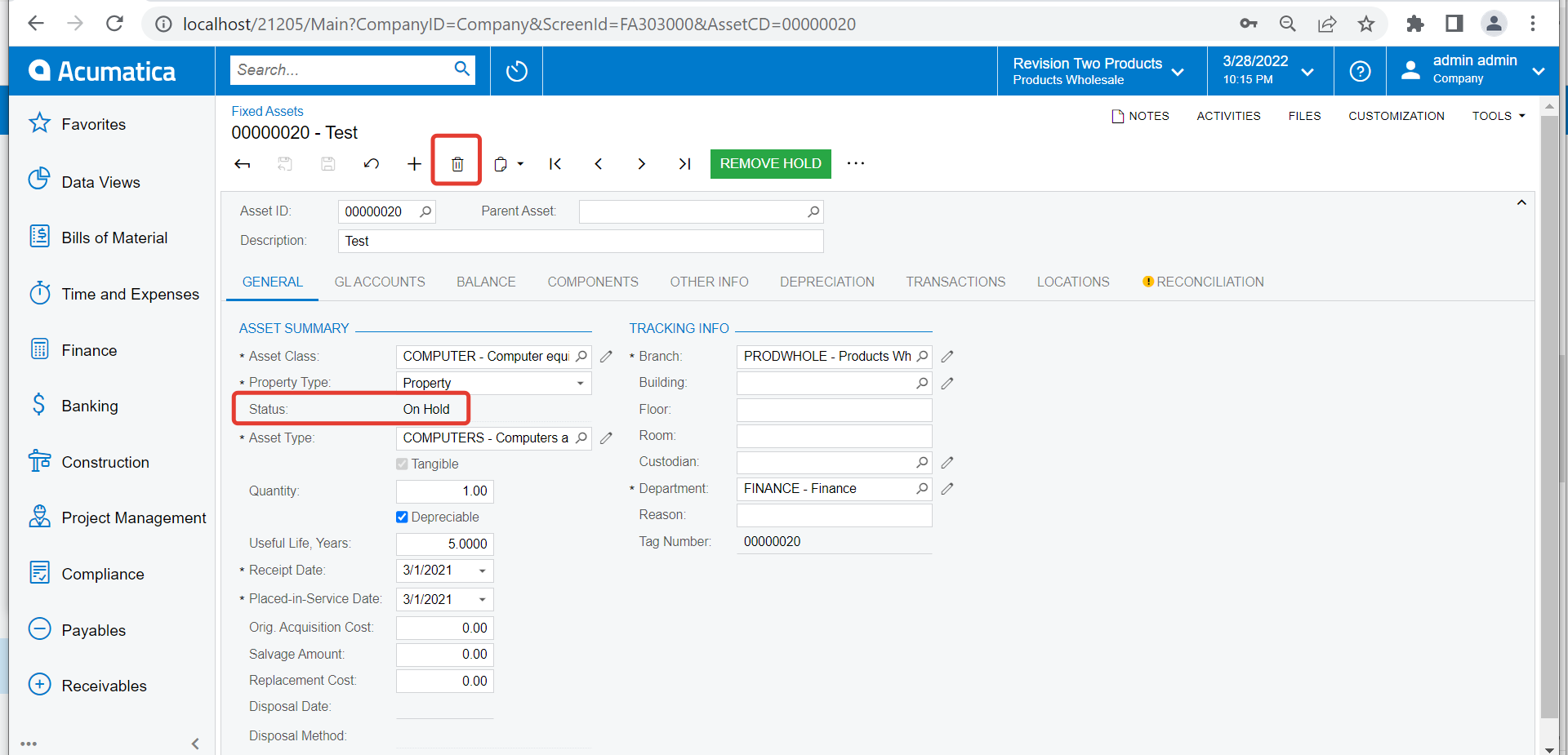
If the assets are ‘On-Hold’ status, you can delete them using an import scenario.

What exactly is different on new list? Does any information of existing asset change or just the new list has more assets?

Regards,


Forum|alt.badge.img
  • Author
  • Freshman I
  • March 29, 2022

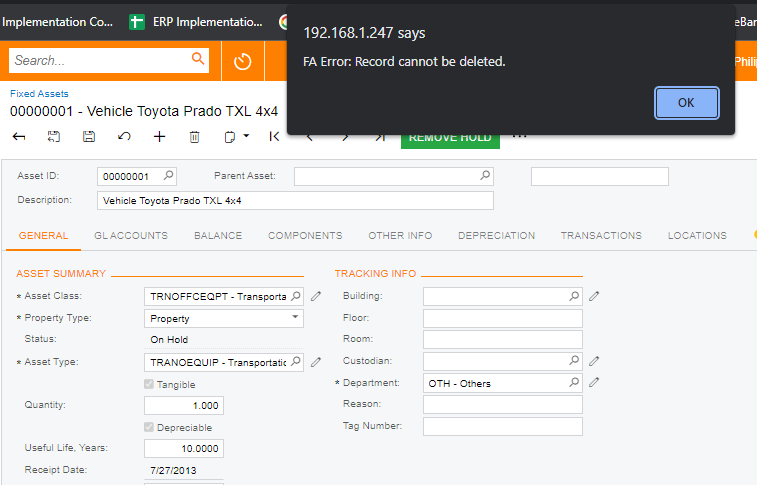
it says error…


Forum|alt.badge.img
  • Author
  • Freshman I
  • March 29, 2022

...the uploaded list was not the final one thus the dates, the amounts are all wrong and also the fixed asset number is not correct...


Forum|alt.badge.img+12
  • Acumatica Support Team
  • March 29, 2022

Hi @mrivera67 

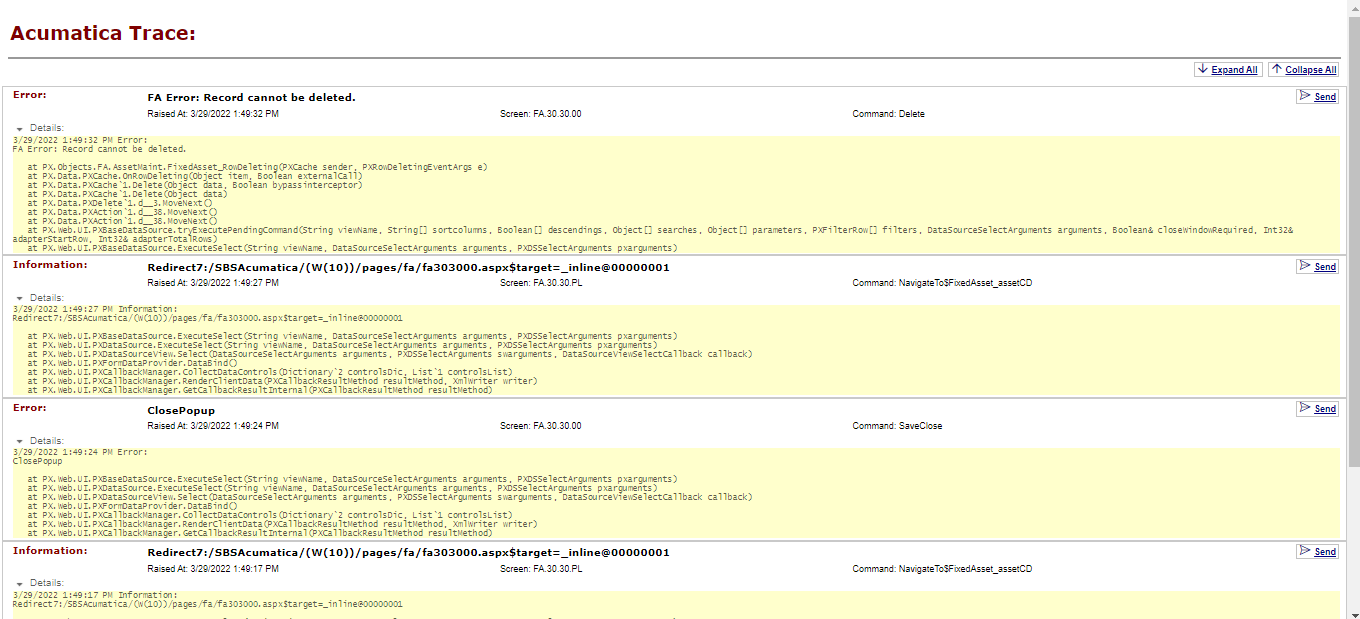
Please check the Trace log and provide the same. Tools > Trace. Expand the details and send us the screenshot.

Regards


Forum|alt.badge.img
  • Author
  • Freshman I
  • March 29, 2022

here you go…


Forum|alt.badge.img+12
  • Acumatica Support Team
  • Answer
  • March 30, 2022

Hi @mrivera67 

Were the assets imported with ‘migration mode’ enabled ( uncheck ‘update GL’ on FA preferences screen)?

Regards,