Solved

How to configure requisition proposal email

  • Mar 14, 2026 3:23 AM UTC
  • 3 replies
  • 88 views
  • Translate All

Forum|alt.badge.img

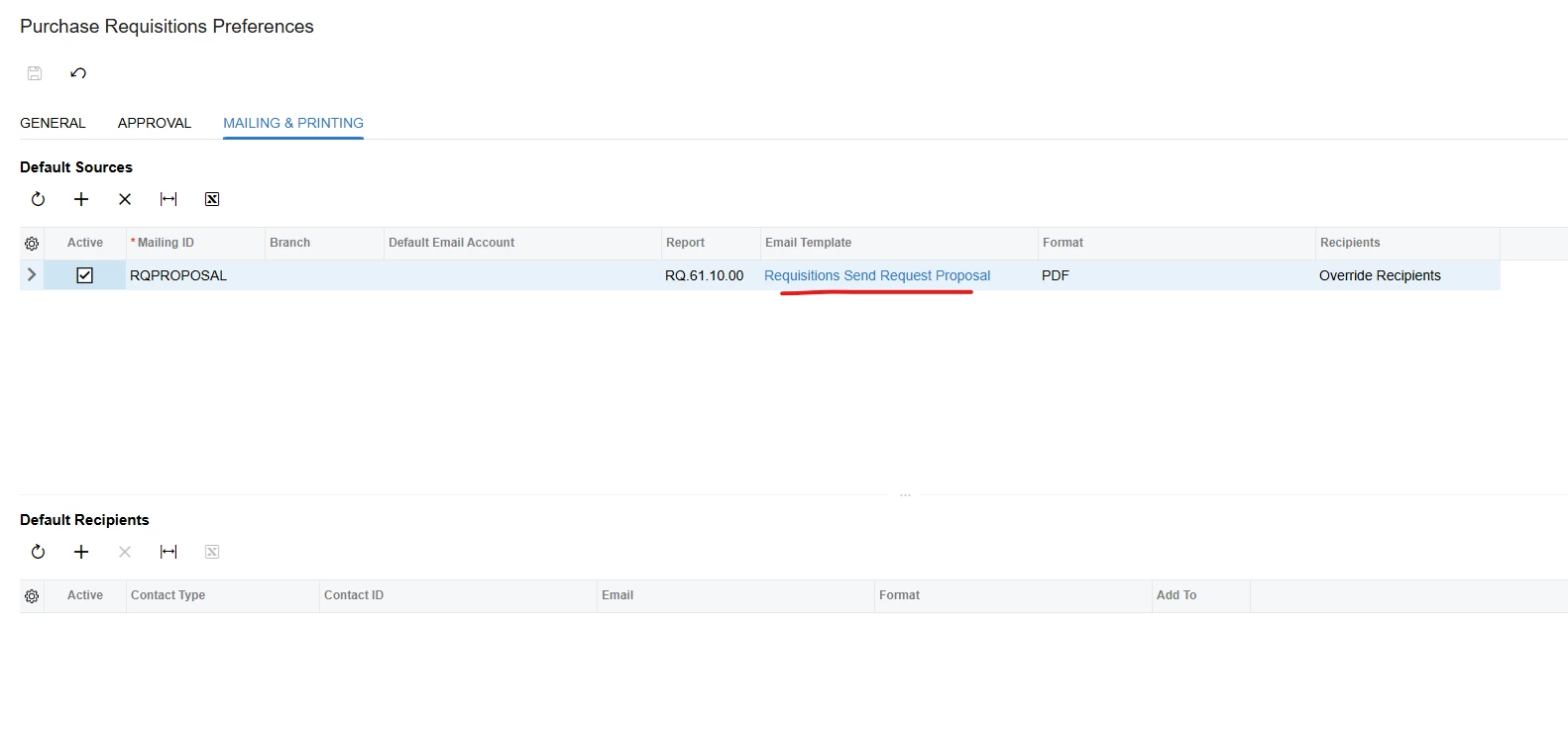
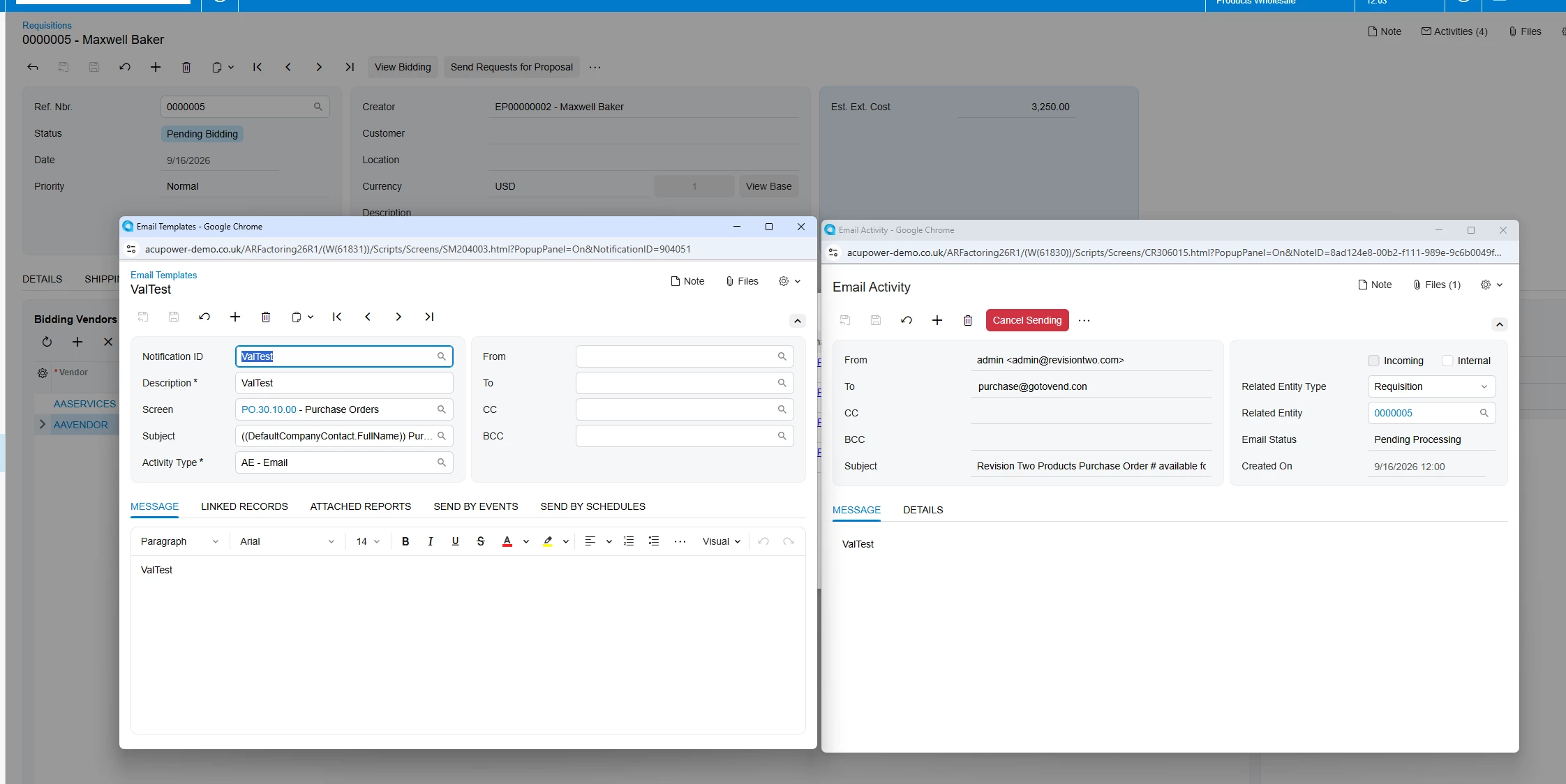
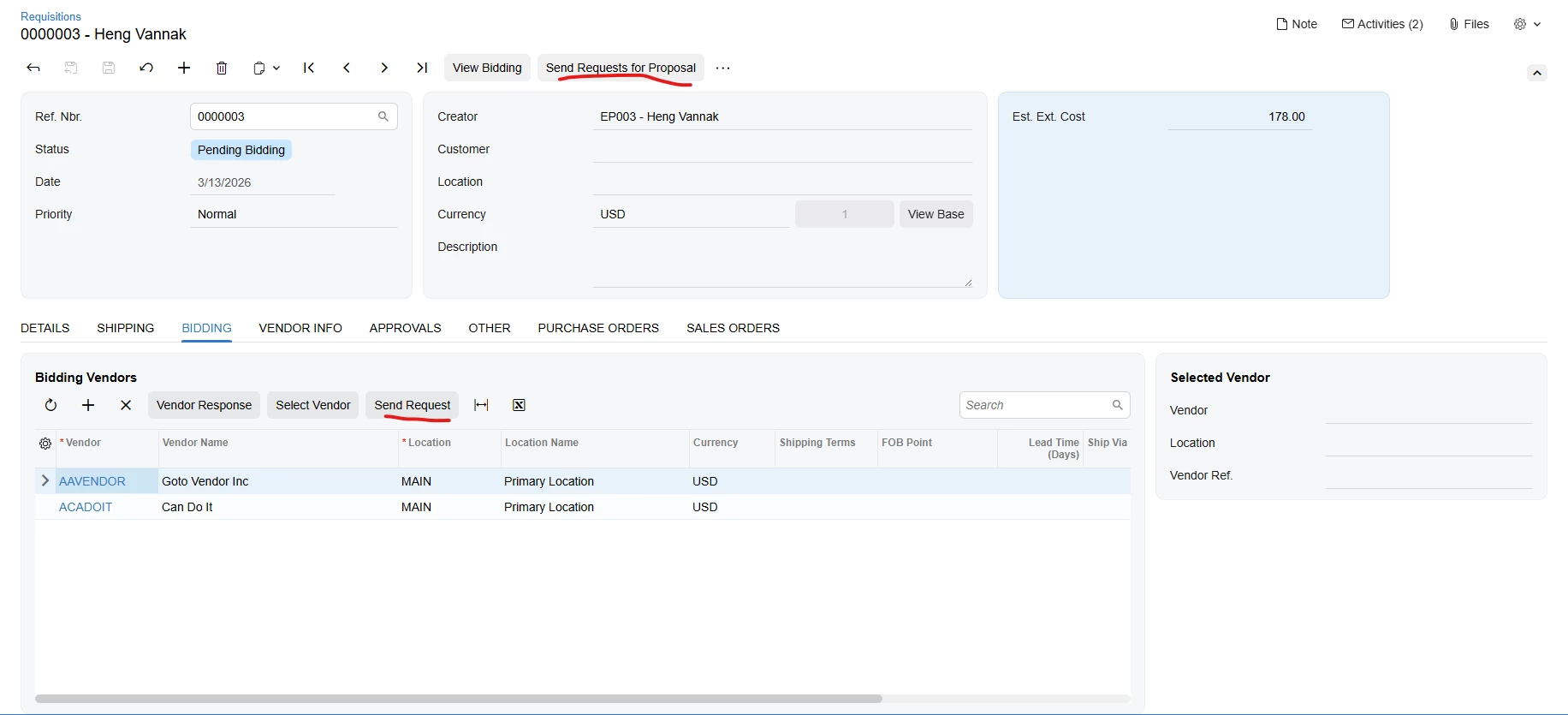
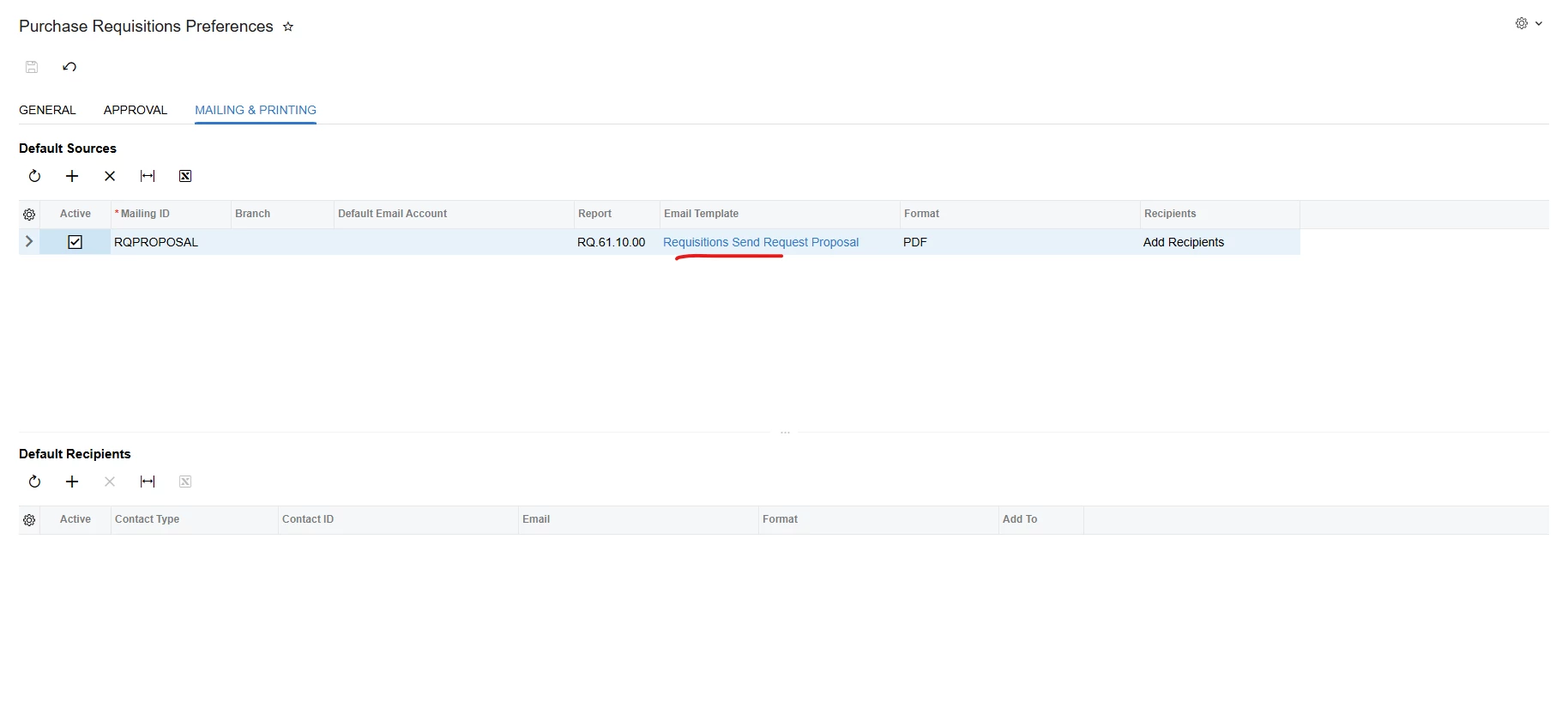
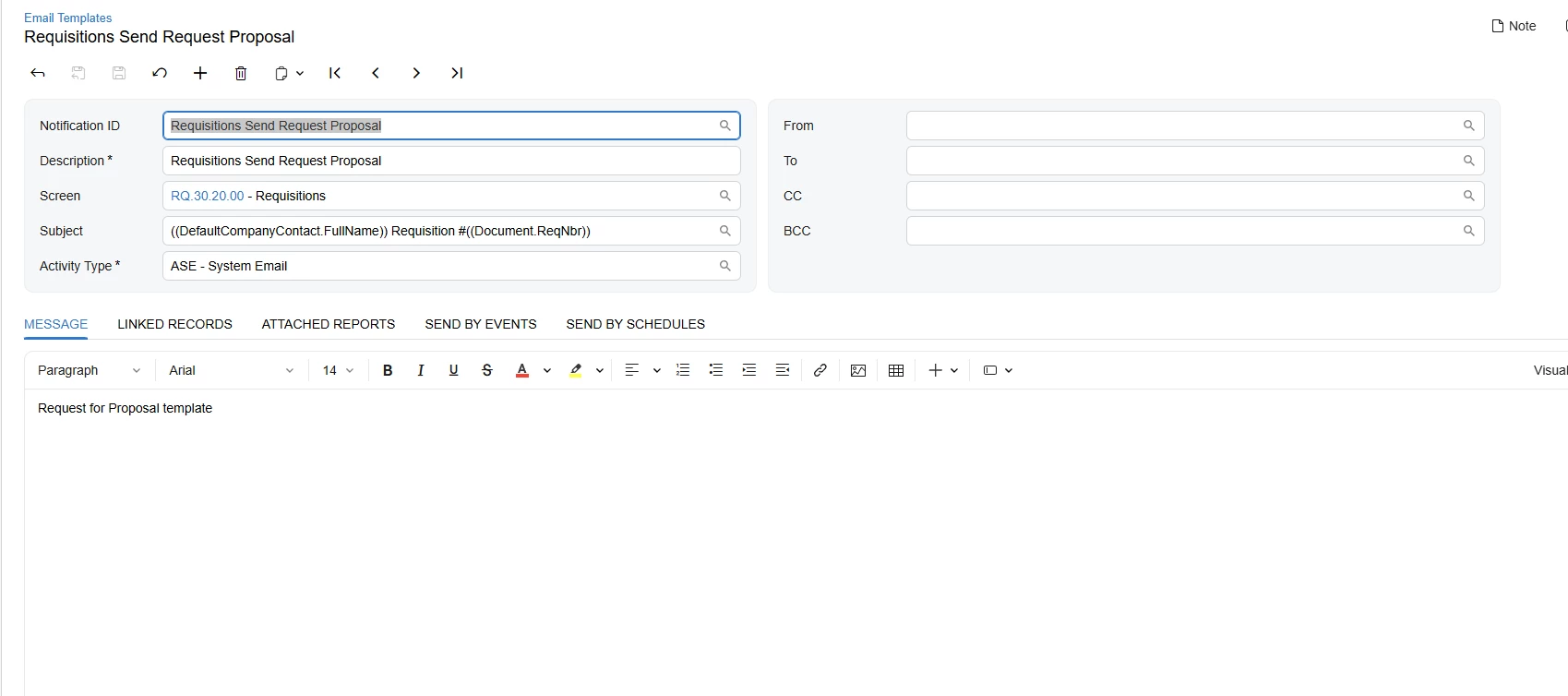
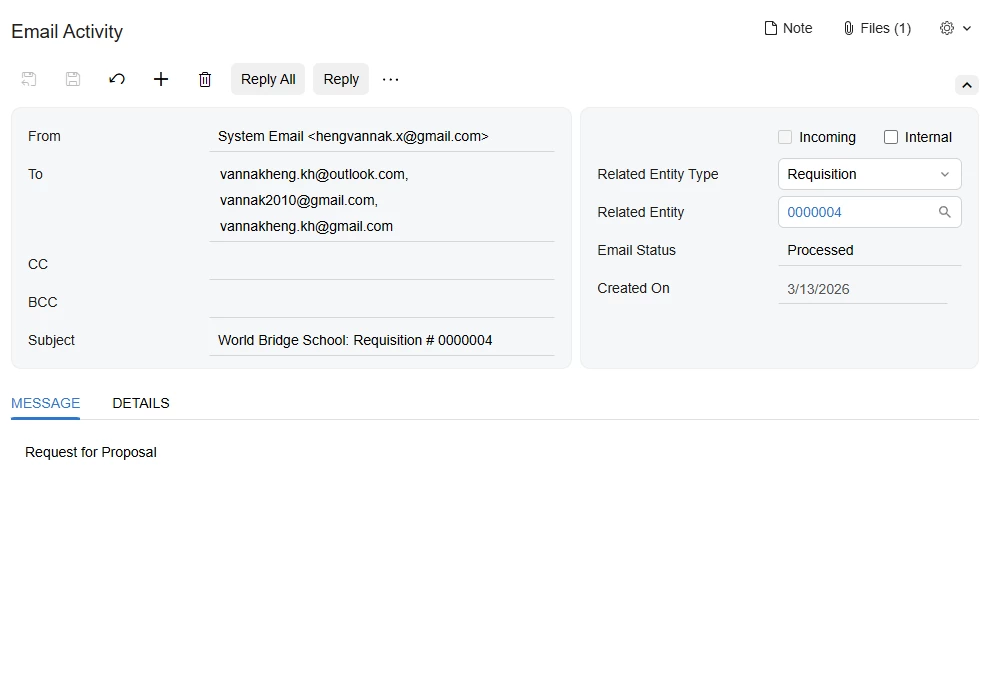
I try to configure mailing and printing for purchase requisition template for requesting proposal to vendor. But It’s always use default system sending email template. when click request proposal, it also send to other two email that is not the vendor email. This is image when it sent
 

Best answer by astormo40

The Report Designer has a built in email template. Previously, I have found that if you print then initiate the email from the print screen, the report designer email setup will be sent rather than the appropriate email template. You can add the email template to the report in report designer. You need to add the report name manually to this field or update the email setup directly in Report Designer. 


View original

3 replies

Forum|alt.badge.img
  • Author
  • Freshman II
  • Mar 16, 2026 4:02 AM UTC

I try to configure mailing and printing for purchase requisition template for requesting proposal to vendor. But It’s always use default system sending email template. when click request proposal, it also send to other two email that is not the vendor email. This is image when it sent


Now I know why It sent with including two emails more, it comes from vendor class mailing and printing. But I still cannot make email template working yet. Please help me


Translate

astormo40
Jr Varsity I
Forum|alt.badge.img
  • Jr Varsity I
  • Answer
  • Sep 11, 2026 5:18 PM UTC

The Report Designer has a built in email template. Previously, I have found that if you print then initiate the email from the print screen, the report designer email setup will be sent rather than the appropriate email template. You can add the email template to the report in report designer. You need to add the report name manually to this field or update the email setup directly in Report Designer. 


Translate

valentynbeznosiuk
Varsity I
Forum|alt.badge.img+7

Hi ​@vannakheng 

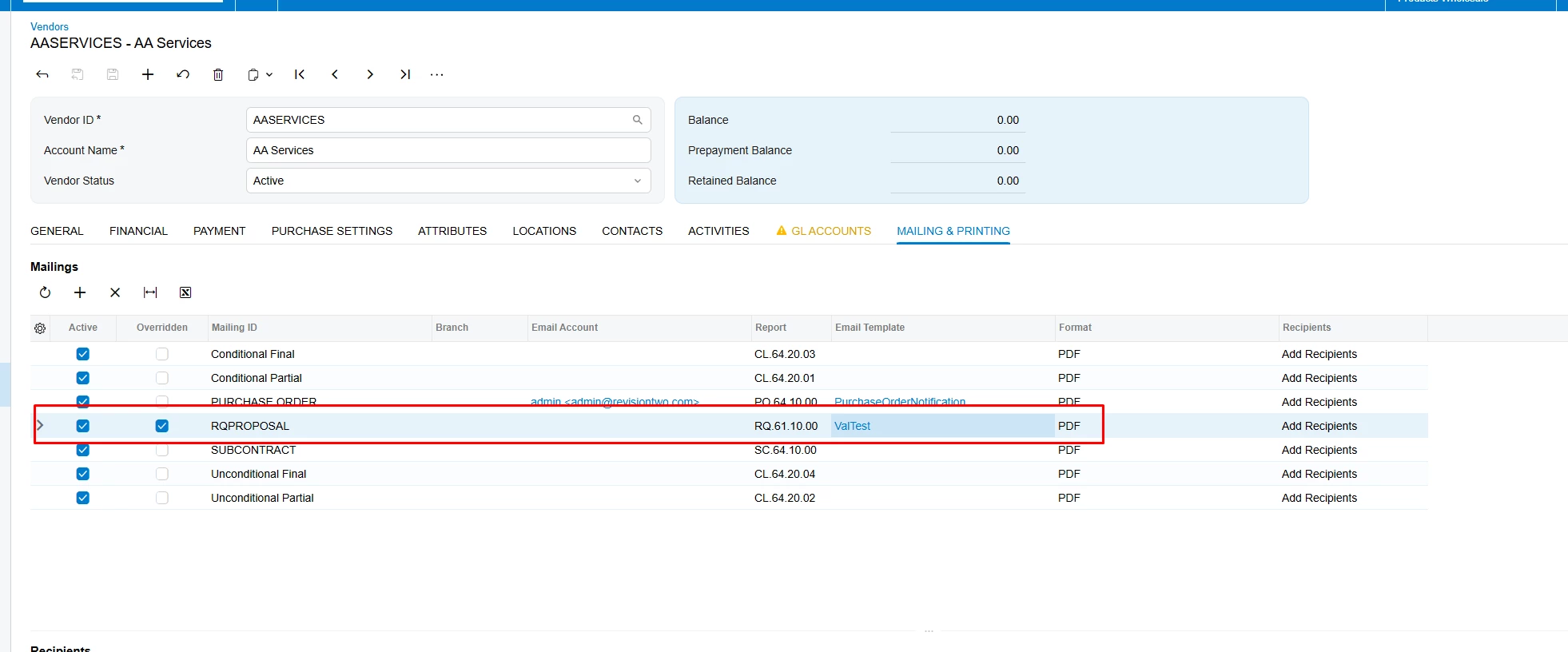
The "Mail & Printing" tab on Purchase Requisition Preferences is used only as a template in this case — the actual value is taken from the "Mailing & Printing" tab on the Vendor record, which gives you the flexibility to override preferences on the Vendor if needed.

That said, you have two options: change the email template on every Vendor, or update the default template already selected on their records to fit your needs.

Translate