Question

Deleting Service Contracts in Acumatica

  • December 18, 2025
  • 2 replies
  • 9 views

I have a customer who would like to delete their service contracts in Acumatica. Is there a way to do this?

2 replies

KushaniPerera88
Acumatica Employee
Forum|alt.badge.img+3
  • Acumatica Employee
  • December 18, 2025

Hi ​@aokwonna27 

We can only delete service contract if it in the drafts status as below 
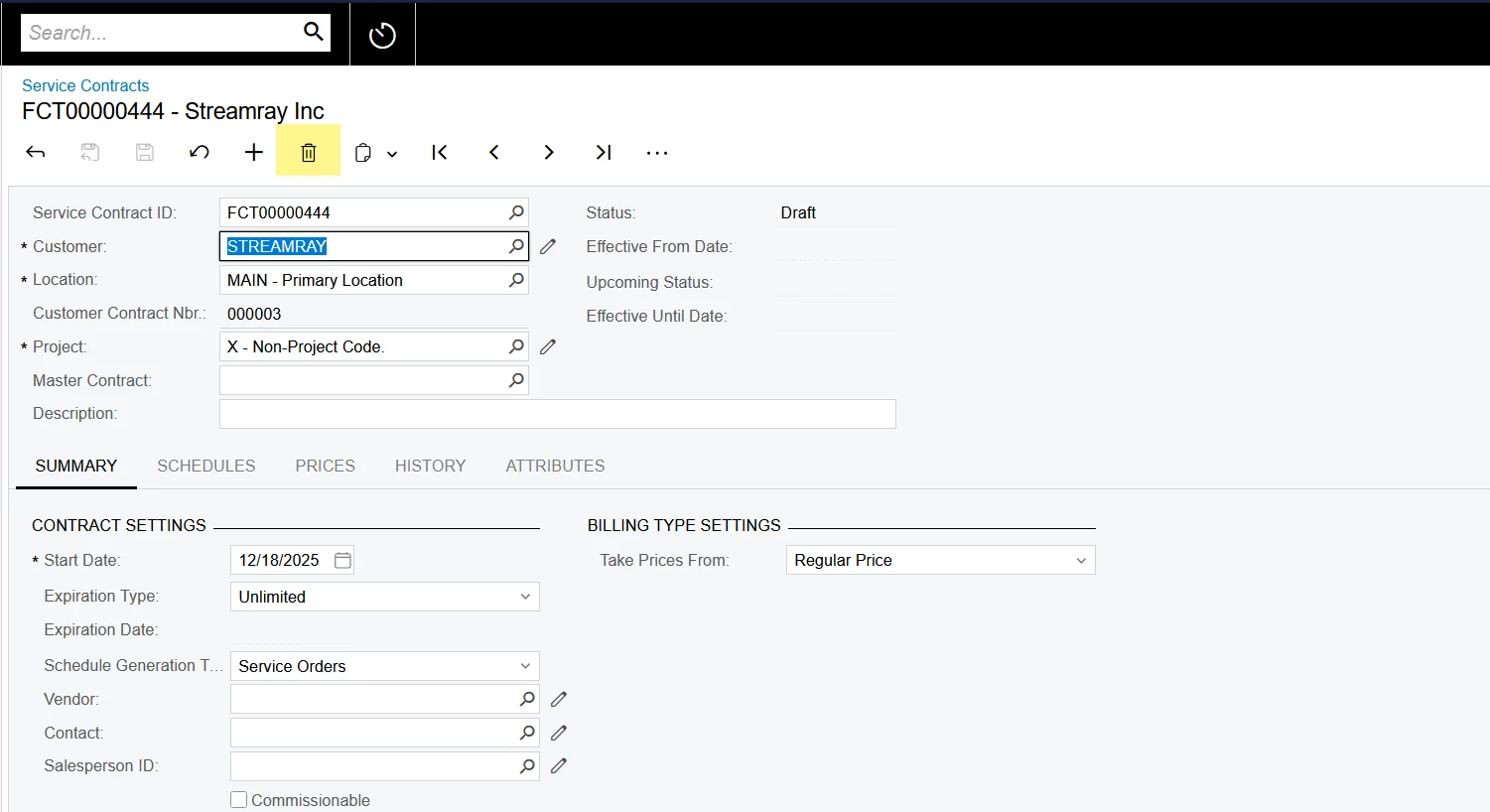

If the contract is activates the delete option is unavailable. Please refer article - https://help.acumatica.com/(W(3))/Help?ScreenId=ShowWiki&pageid=7487175b-d73d-4e73- a245-7348adeeeabf for more information 


jharris
Semi-Pro I
Forum|alt.badge.img+7
  • Semi-Pro I
  • December 18, 2025

@aokwonna27 - The proper method would be to cancel the contract, this deletes any associated documents generated on or after the cancellation date:

The standard way to "remove" an unwanted contract is to cancel it (if it's Active or Suspended). Go to the contract, select Actions > Cancel Contract, and specify a cancellation date. This stops future scheduling/billing, deletes any pending generated documents from that date onward, and marks it as Canceled. Once canceled, it stays in the system for historical/audit purposes but won't generate anything new.

@KushaniPerera88 is correct that you can’t delete it outright once it moves from a draft status:
You can cancel the service contract if it has the Active or Suspended status. When you cancel the service contract, the system deletes any documents that were generated for the dates that are the same as or later than the cancellation date.