Solved

Are Stock Item Images Visible on the App?

  • September 29, 2026
  • 5 replies
  • 57 views
  • Translate All

Forum|alt.badge.img

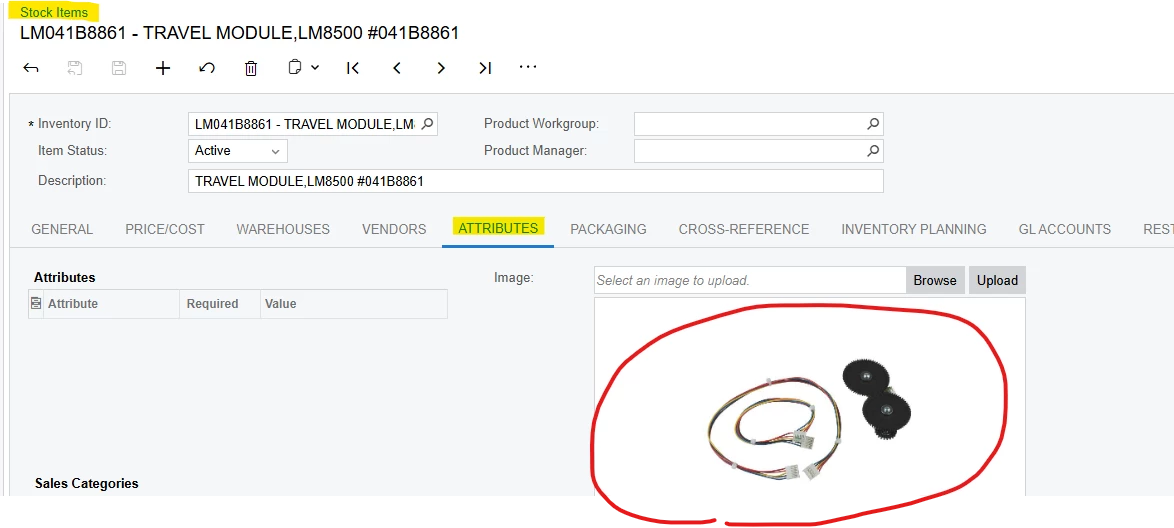
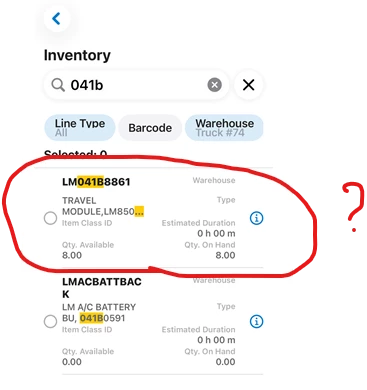
We need our techs in the field to be able to see the pictures we have attached to our stock items so they can confirm they are choosing the correct part when adding parts to an appointment in the Acumatica app.  Currently we do not see that as an option.  Should images be visible in the app?  How do you find them?


Best answer by vdiaz

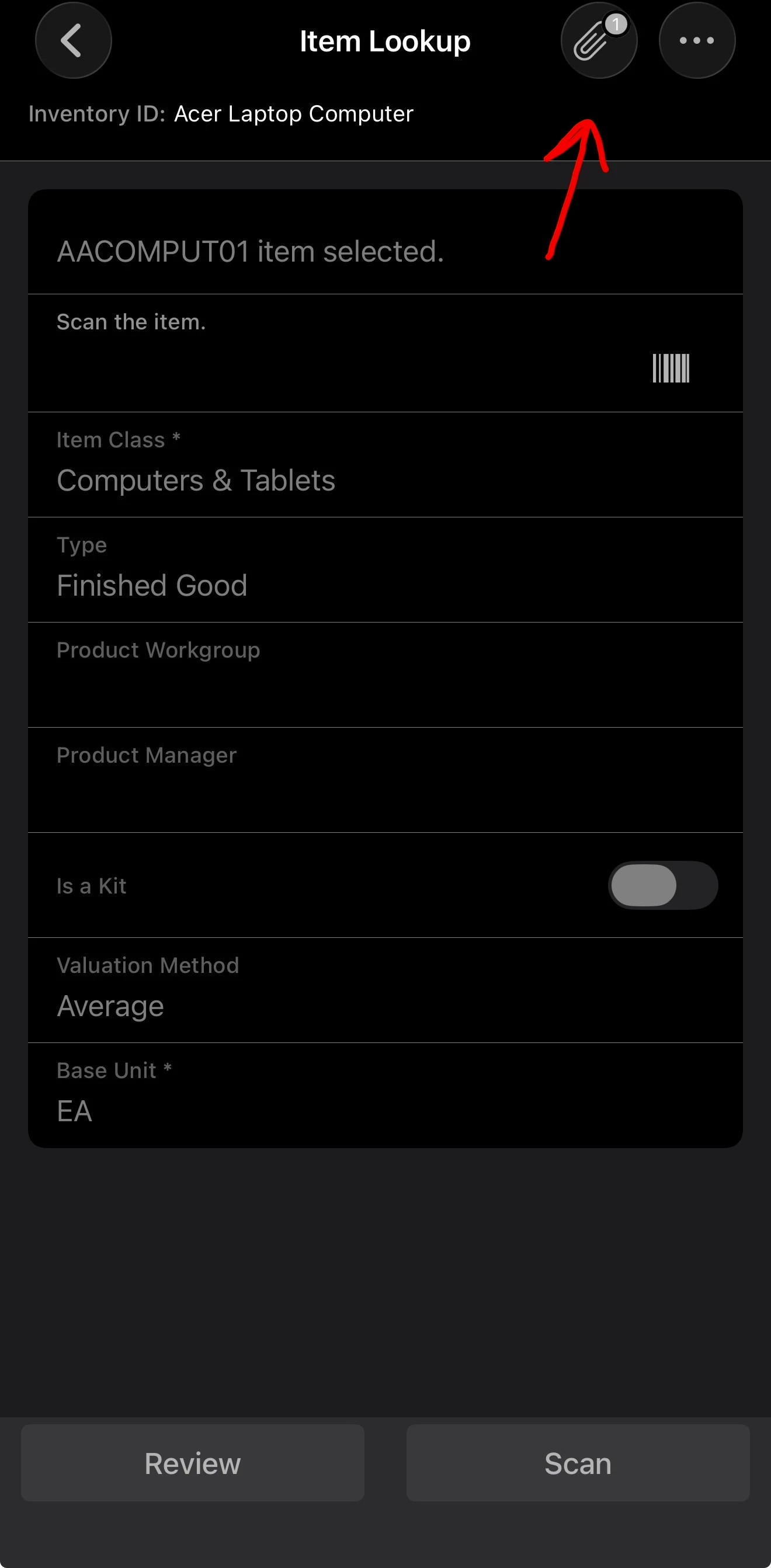
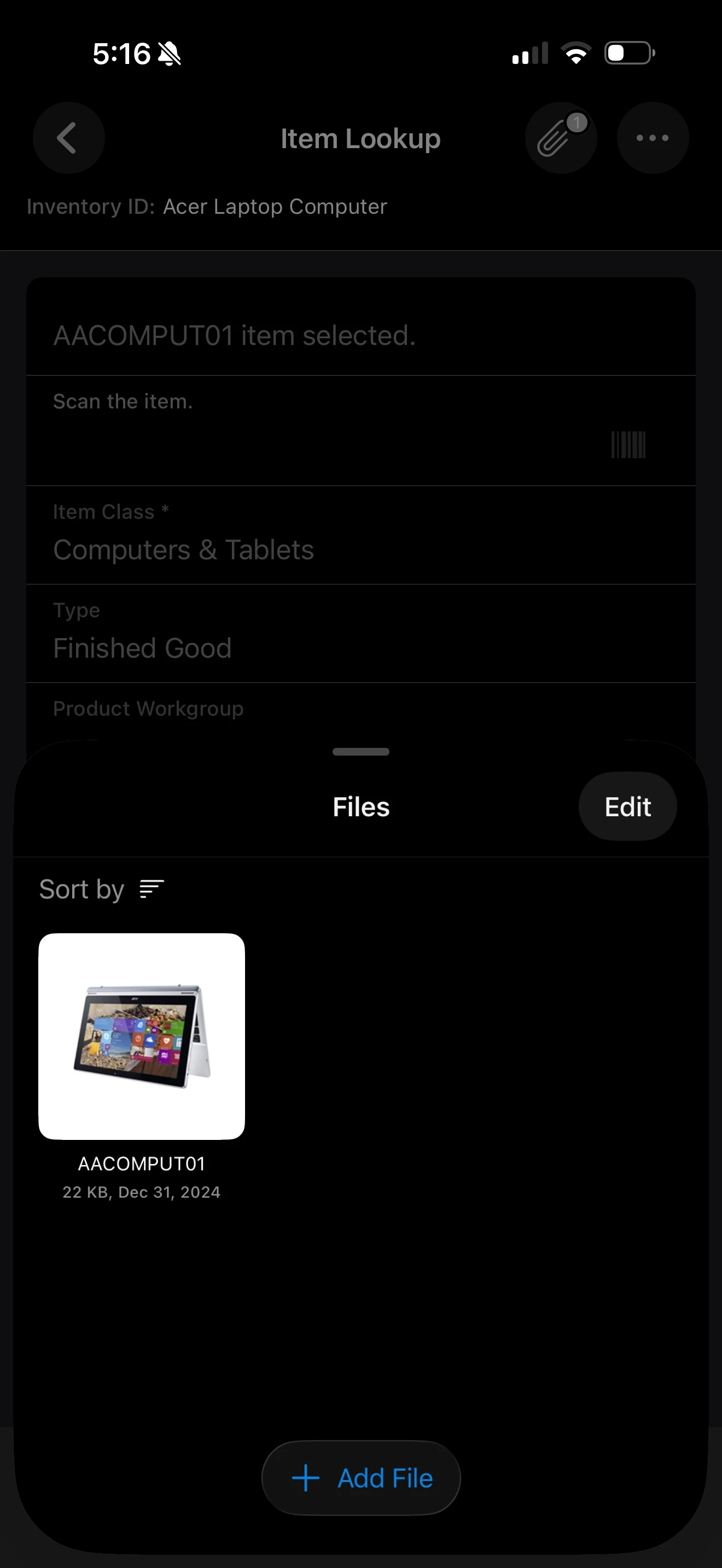
Hi ​@MFarnsworth10 , yes, this is a product gap. Item images are viewable in the mobile app through the Warehouse Management Item Lookup, but they aren’t exposed on the inventory lines of the Field Service Appointment screen, and there’s no configuration option that changes this.

The best way to get it considered is to post it in the Product Ideas section: https://community.acumatica.com/ideas. Product Ideas are what Acumatica uses to gauge demand, and several people in this thread have already said it’s a frequent request. Describe the use case (technicians confirming the correct part when adding parts to an appointment) and ask others to vote on it.


View original

5 replies

sgaspar72
Jr Varsity III
Forum|alt.badge.img+1
  • Jr Varsity III
  • September 29, 2026

This is a very frequent request from our clients.  An image of a part for a technician is very important in making sure the correct part is selected. 

We would love to see this feature added.

Translate

elijahr83
Varsity I
Forum|alt.badge.img
  • Varsity I
  • September 29, 2026

Hey ​@sgaspar72 

You should be able to see the image of the inventory item as an attachment within the item lookup screen in app. 


Translate

sgaspar72
Jr Varsity III
Forum|alt.badge.img+1
  • Jr Varsity III
  • September 29, 2026

Hey ​@sgaspar72 

You should be able to see the image of the inventory item as an attachment within the item lookup screen in app. 


This is not the case in Service Management on Appointments where it is needed. I believe this is only available in the Warehouse mgmt. workspace on mobile.  

Translate

elijahr83
Varsity I
Forum|alt.badge.img
  • Varsity I
  • September 29, 2026

You’re right — I tested this in the mobile app as well. The stock item image is available through the Warehouse Management > Item Lookup screen, but it doesn’t appear to carry over to the inventory item details within the Field Service Appointment screen.

It seems like this is more of a mobile UX/functionality gap. Hopefully this is something that can gain some traction in the community and be considered for a future enhancement. I’ll add anything else I find as I dig into it further.

Translate

vdiaz
Acumatica Moderator
Forum|alt.badge.img+2
  • Acumatica Moderator
  • Answer
  • October 16, 2026

Hi ​@MFarnsworth10 , yes, this is a product gap. Item images are viewable in the mobile app through the Warehouse Management Item Lookup, but they aren’t exposed on the inventory lines of the Field Service Appointment screen, and there’s no configuration option that changes this.

The best way to get it considered is to post it in the Product Ideas section: https://community.acumatica.com/ideas. Product Ideas are what Acumatica uses to gauge demand, and several people in this thread have already said it’s a frequent request. Describe the use case (technicians confirming the correct part when adding parts to an appointment) and ask others to vote on it.

Translate