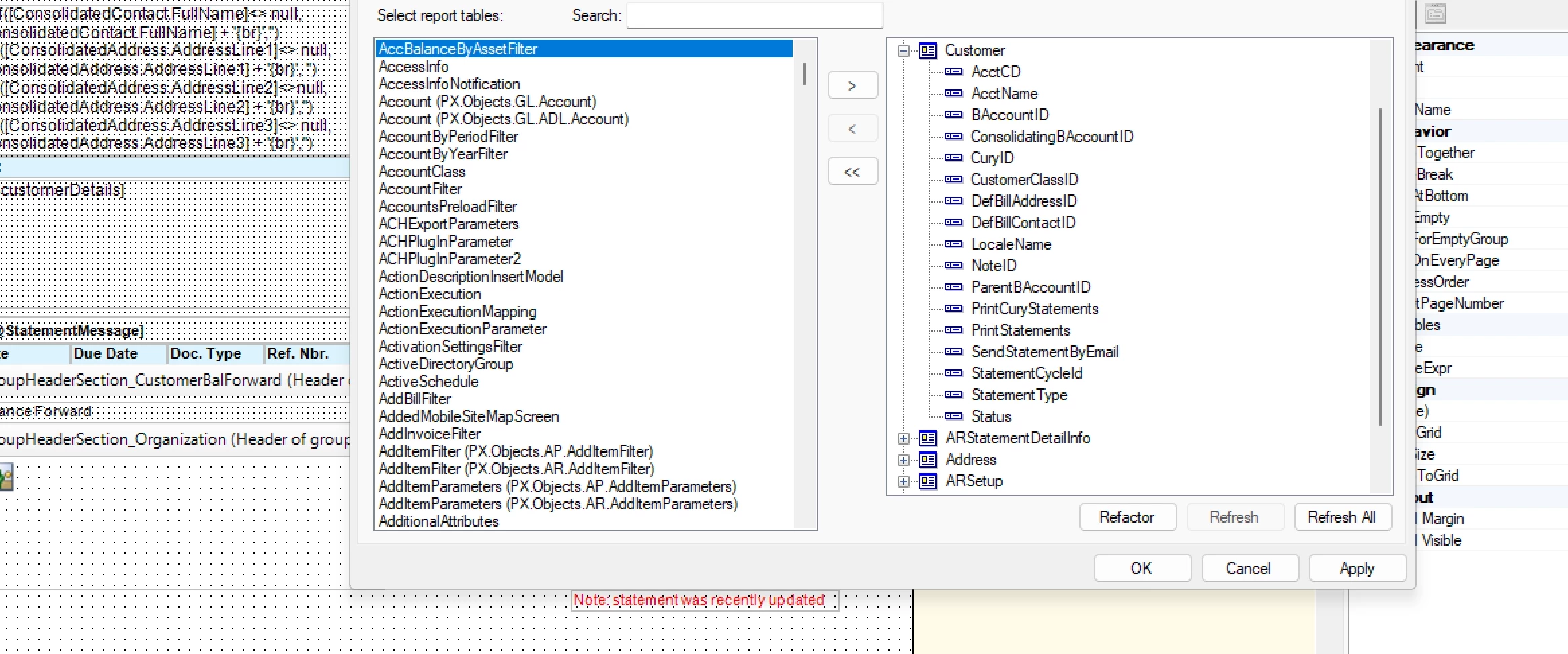
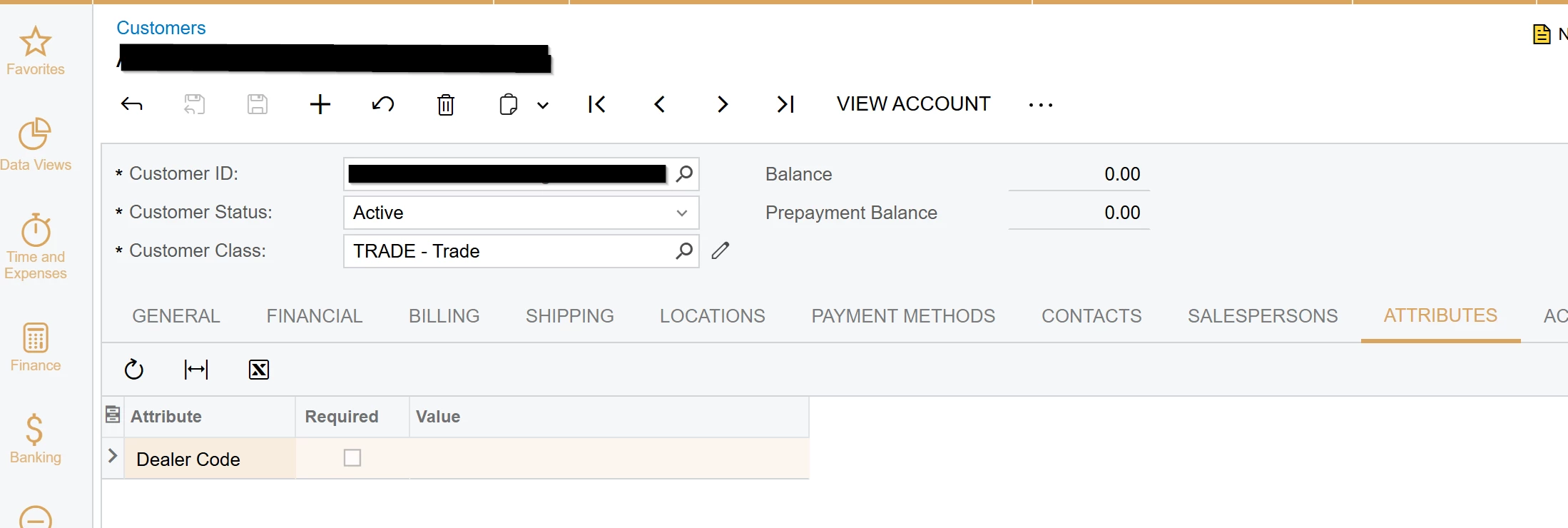
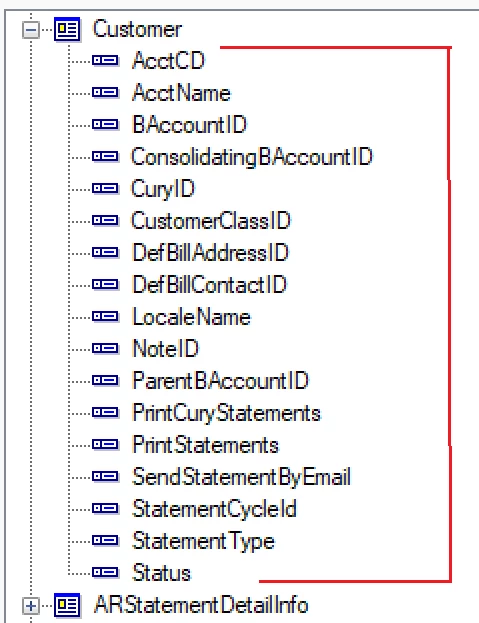
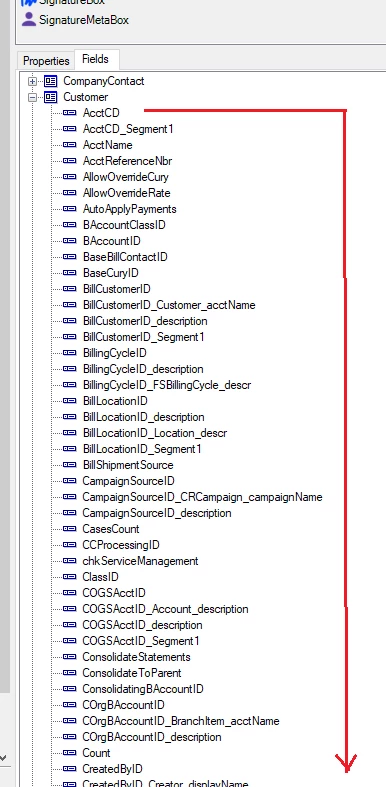
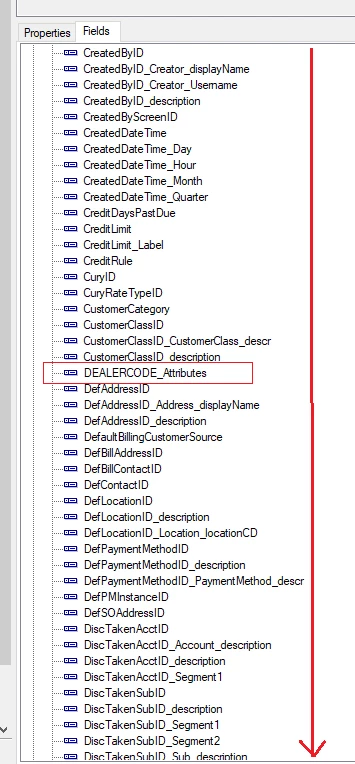
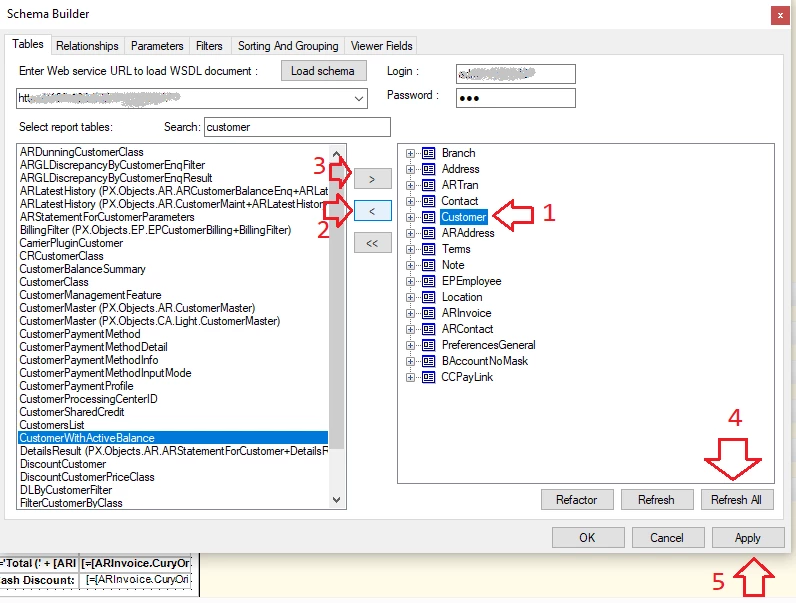
I am trying to add a customer Attribute DEALERCODE to the customer statement; however, when I refresh all on the tables, I lose fields rather than gain the Attribute I am looking for.
It is the out of the box Customer Statement report, but I cannot get the Customer Attribute I am looking for to show up
I was able to get it to pull in on the Invoice and Sales Order layouts, but not this Customer Statement. Any suggestions?
Thanks,
RJ
Best answer by rkenna
Hi @nhatnghetinh ,
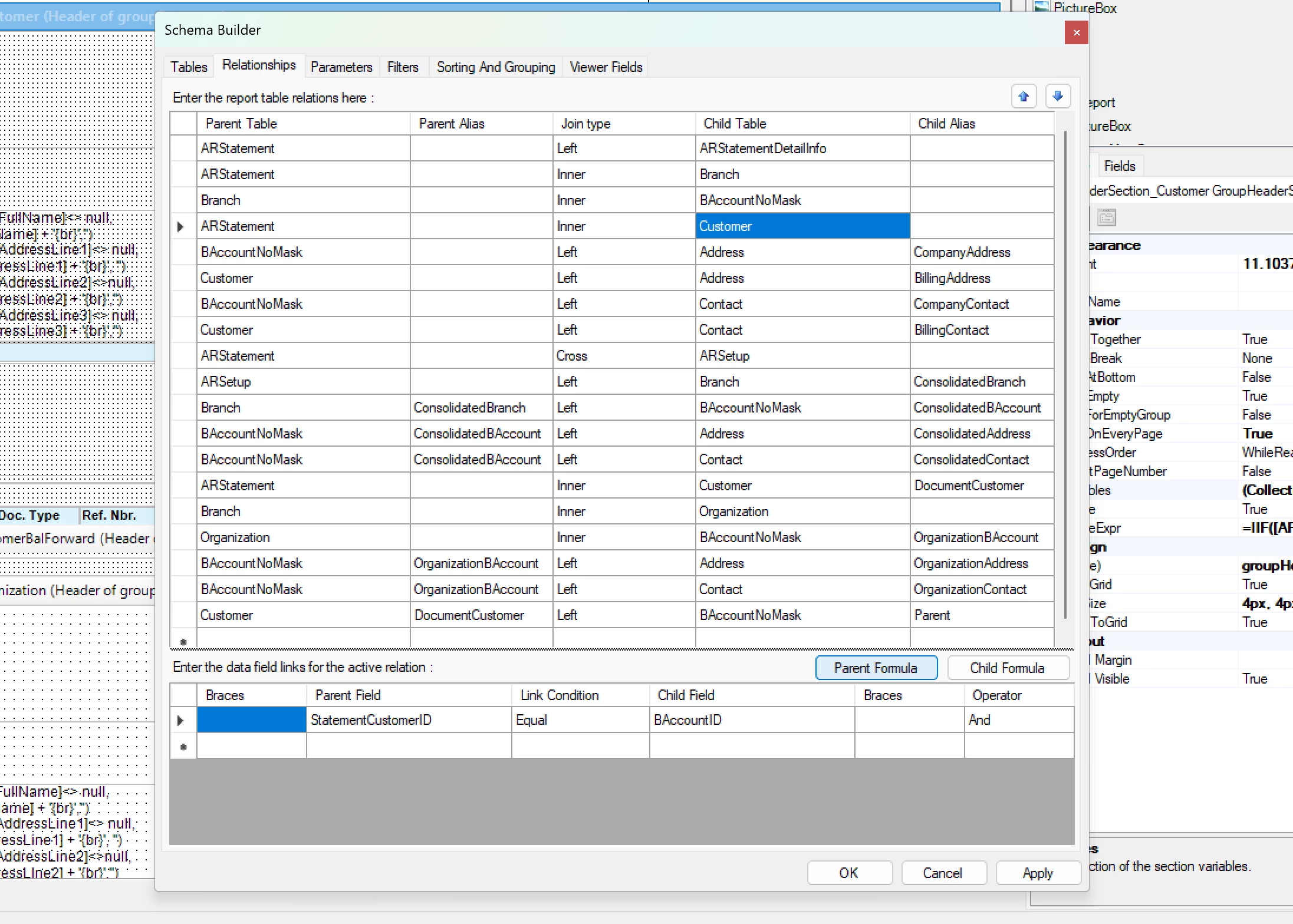
Thanks for looking into this. While following the instructions you told me, they did not quite get me what I was looking for but they certainly got me started. I noticed when looking at the tables more for the Customer Statement, it was pulling the CR.Light.Customer table. When I clicked refresh all, this table got rid of many fields. When I removed it, what I did was I put in the AR.Customer table instead, and that seemed to do the trick with giving me all of the fields including the attribute. Thanks again!
Thanks for looking into this. While following the instructions you told me, they did not quite get me what I was looking for but they certainly got me started. I noticed when looking at the tables more for the Customer Statement, it was pulling the CR.Light.Customer table. When I clicked refresh all, this table got rid of many fields. When I removed it, what I did was I put in the AR.Customer table instead, and that seemed to do the trick with giving me all of the fields including the attribute. Thanks again!