Solved

Welcome/New User email not sent when creating users via "Add Active Directory User

  • July 30, 2026
  • 5 replies
  • 71 views

When a user is created manually on the Users screen, entering login ID directly, with Generate Password checked, linking to an employee, assigning roles, and saving, the welcome email fires immediately and is logged in Activities.


When a user is created using the "Add Active Directory User" button, following the same subsequent steps (link employee, assign roles, save), the welcome email does not fire.


Is this expected/documented behavior, i.e., is the welcome email trigger tied specifically to system-generated password creation (which AD-linked users never get, since they authenticate via AD)? Or is there a setting/condition we're missing that would allow the email to fire for AD-imported users as well?

We'd like the same welcome notification to go out to AD-imported user.

Best answer by Zia

Thanks ​@mohammadnawaz51 and ​@Rakshanda that makes sense. Based on that, what I ended up doing is creating a Generic Inquiry that shows all the user details I need for the notification, specifically for AD users. I then built a Business Event that triggers whenever a new record is inserted in that GI, along with an Email Template tied to it. This whole setup is only for AD-imported users - the standard welcome email template stays as is in Security Preferences and continues to handle native users the way it always has.

5 replies

Forum|alt.badge.img+3

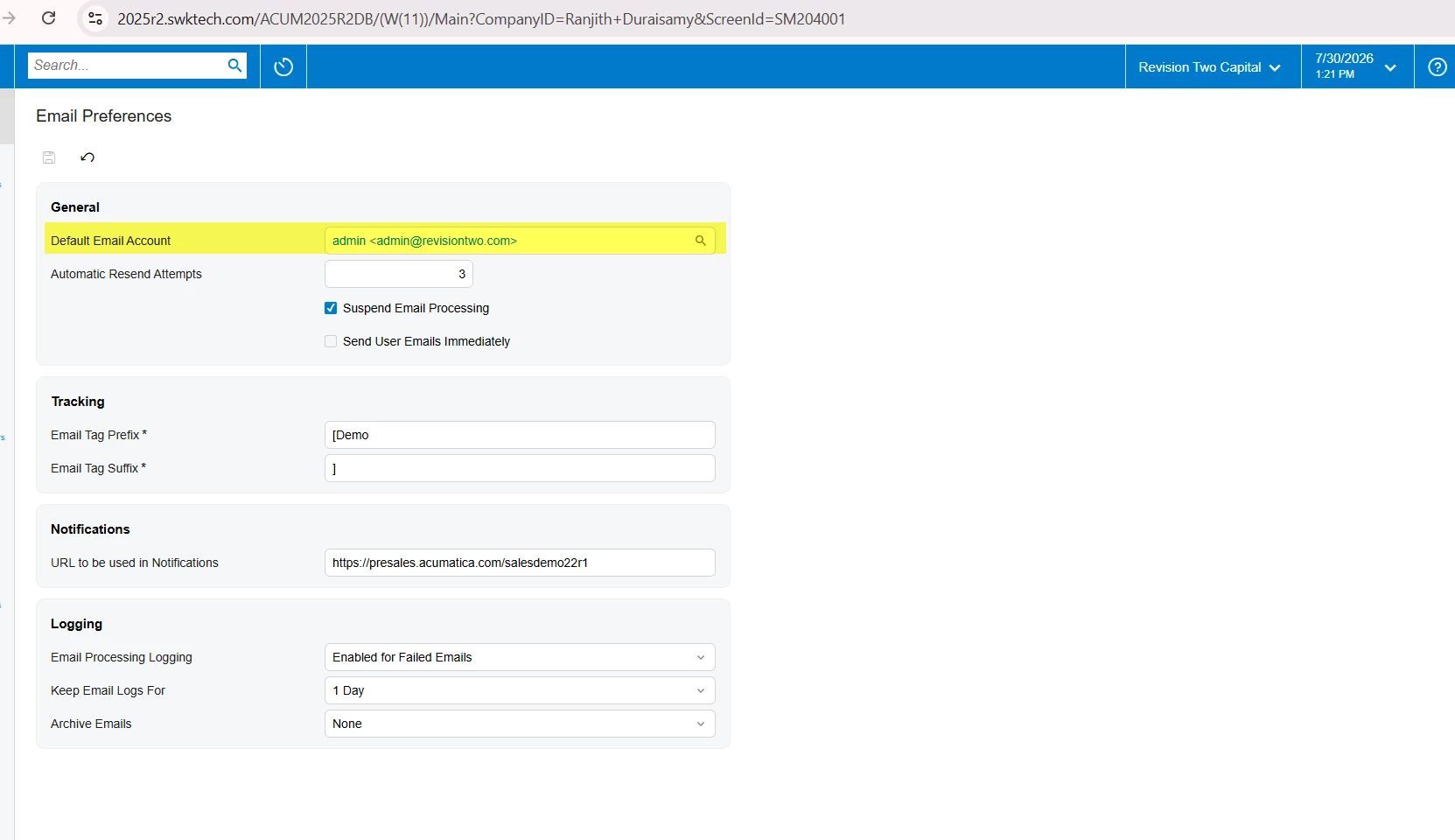
@Zia Can you please check in the email preference screen, default email account is defined


  • Author
  • July 30, 2026

@ranjithduraisamy72 Yes, it was defined


mohammadnawaz51
Varsity I
Forum|alt.badge.img+7

@Zia Are you saying the email is trigger for account which are created in the system? but the email is not triggering for AD account. 

If Yes, this is generally expected behavior in Acumatica.

The Welcome Email is tied to the account creation process for local Acumatica authentication, specifically when the system generates a password (or requires the user to set one). When you:

  • Create a user manually.
  • Enter a Login ID.
  • Select Generate Password.
  • Save the record.

Acumatica creates a local login, generates the credentials, and sends the welcome email containing the password setup/login information.

However, when you use Add Active Directory User:

  • The user is created as an Active Directory (Windows/AD) authenticated user.
  • Authentication is handled entirely by Active Directory, not by Acumatica.
  • No local password is generated or managed by Acumatica.
  • Since there is no password generation event, the standard Welcome Email automation is not triggered

Forum|alt.badge.img+4
  • Jr Varsity II
  • July 31, 2026

Hi ​@Zia ,

Yes, that behavior is expected.

The standard New User Welcome email in Acumatica is tied to the local user creation/password onboarding flow, especially when Generate Password is used. When you use Add Active Directory User, Acumatica is creating/linking a domain-authenticated user, so Acumatica does not generate or manage a local password for that account. Since that password-generation/onboarding event does not occur, the standard welcome email is not triggered.

Hope above helps!!


  • Author
  • Answer
  • July 31, 2026

Thanks ​@mohammadnawaz51 and ​@Rakshanda that makes sense. Based on that, what I ended up doing is creating a Generic Inquiry that shows all the user details I need for the notification, specifically for AD users. I then built a Business Event that triggers whenever a new record is inserted in that GI, along with an Email Template tied to it. This whole setup is only for AD-imported users - the standard welcome email template stays as is in Security Preferences and continues to handle native users the way it always has.