Answer

Shipments screen does not trigger business events

  • July 19, 2022
  • 9 replies
  • 365 views

olexandrProkopovych94
Jr Varsity II
Forum|alt.badge.img

I need to have business events for the Shipments screen (SO302000). Build 21.116.0049.
Type -- Trigger by Record Change. Raise Event -- For Each Record. 
But the screen does not trigger any business event.

I've tried the simplest conditions (like Record Inserted or Changed), without any subscriber. But events didn't been triggered.
I've tried to use a simplest GI and to create event on GI. Not triggering.

Then I restore the snapshot of the system on my local PC.
And on the local system the screen triggers b.events with any complicated condition with any complicated subscriber.

There are no other active b.events for the screen. There is no customization for the screen.

Any ideas why events are not triggering on?

Best answer by olexandrProkopovych94

I checked system resources, and have found out that the notifications queue is overfull.
To discover this I used the System Queues Monitor (SM302010) screen.

In my case it has dozens of thousands 😲 notifications. And thus new events may not wedge into to the queue.

About further actions. I wait for the customer confirmation to perform queue cleaning and (as next step) application restart.

9 replies

gauravsharma96
Jr Varsity III
Forum|alt.badge.img

Does it show any errors in business event history?


olexandrProkopovych94
Jr Varsity II
Forum|alt.badge.img

Does it show any errors in business event history?


That is the trick, the event even does not appear in the Business Event History screen. 😥


dales50
Semi-Pro III
  • July 19, 2022

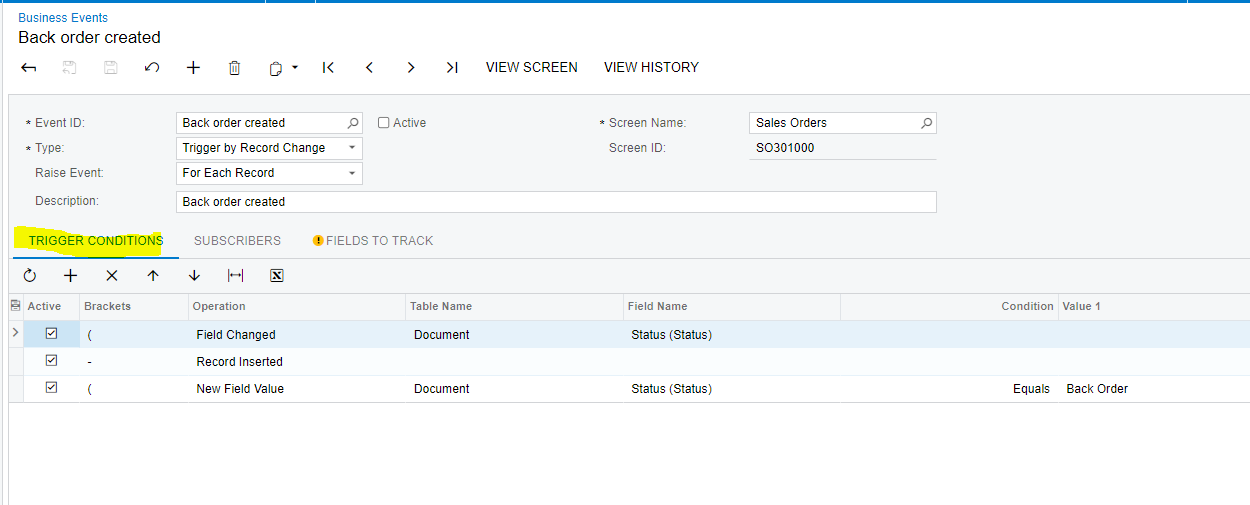
@olexandrProkopovych94 can you provide screen of your GI and BE?  what are you using for a Trigger condition on the BE / Trigger condition Tab ?


olexandrProkopovych94
Jr Varsity II
Forum|alt.badge.img

@olexandrProkopovych94 what are you using for a Trigger condition on the BE / Trigger condition Tab ?

@dales50 , for testing I've used even the simplest, but it had no impact.
I think, there is some issue with the system or the screen. Like someone or something forbids or overwrites triggering of events.


dales50
Semi-Pro III
  • July 19, 2022

@olexandrProkopovych94 


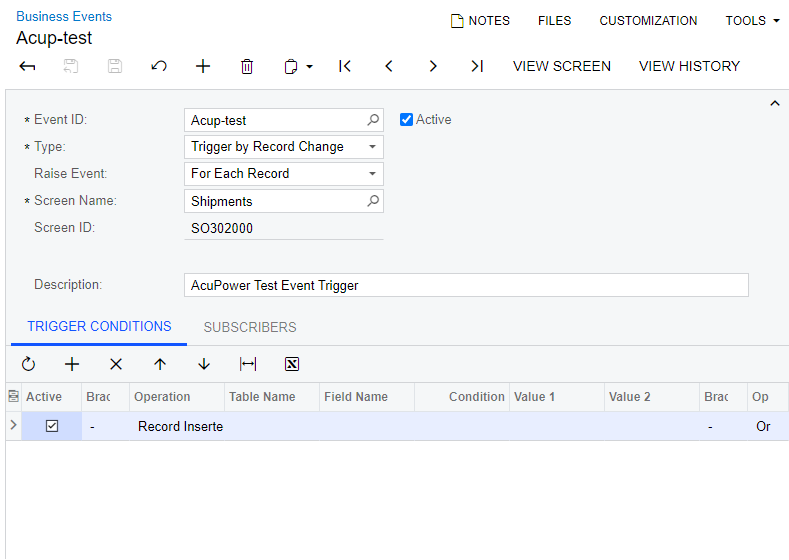
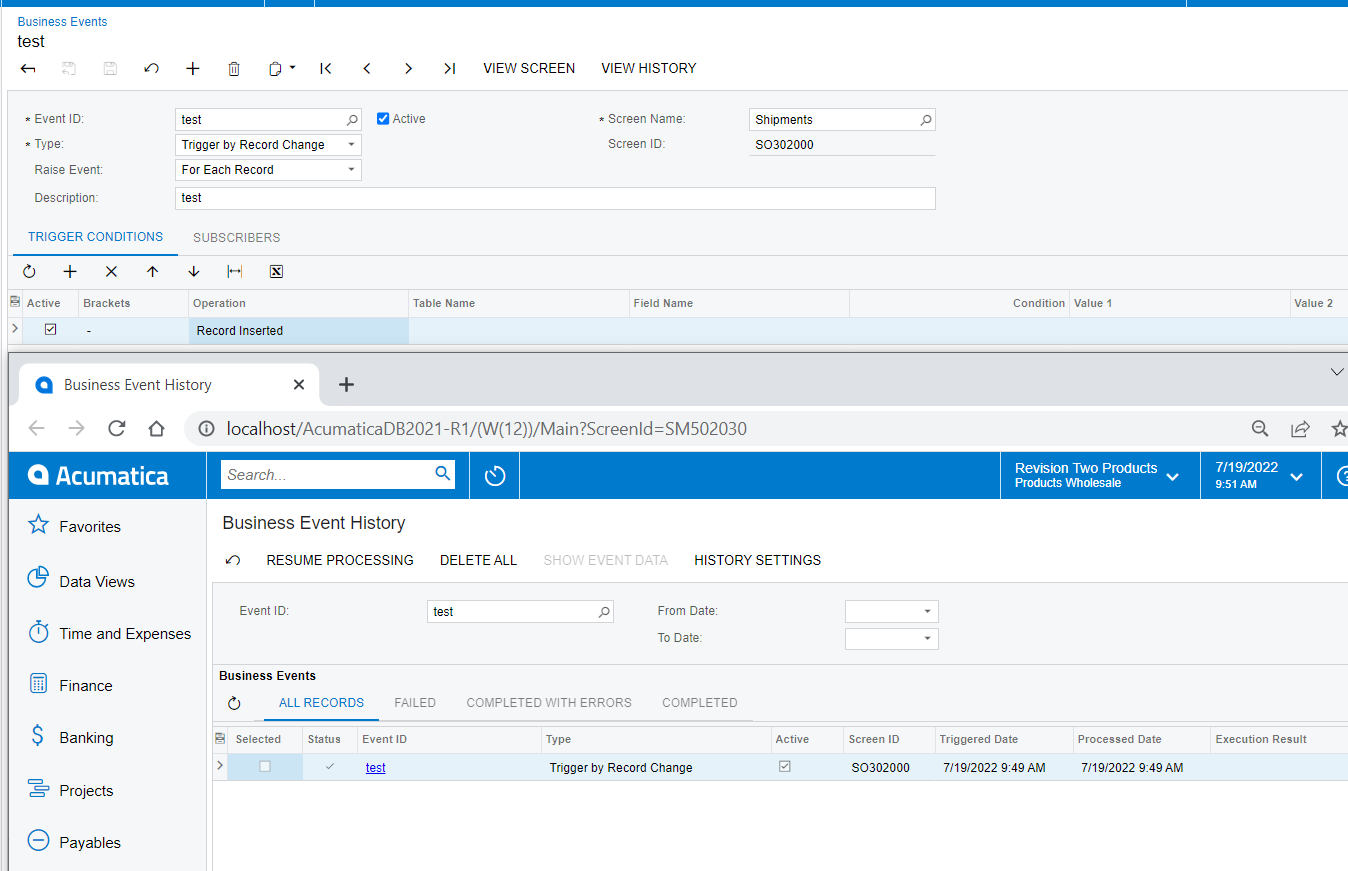
I was able to create and trigger the same BE you have shown in version 21.123.0012 Sales Demo instance as shown below

My suggestions: 

  1. submit your BE details to support for further review
  2. and / or update to the latest 21R1 build and test 


olexandrProkopovych94
Jr Varsity II
Forum|alt.badge.img

@olexandrProkopovych94

I was able to create and trigger the same BE you have shown in version 21.123.0012

Well 🙄, I am also able to trigger an event on the local instance restored from customer's instance snapshot.
But I may not trigger on customer's instance.


dales50
Semi-Pro III
  • July 19, 2022

@olexandrProkopovych94 - you may want to try a restart on the customer instance


olexandrProkopovych94
Jr Varsity II
Forum|alt.badge.img

@olexandrProkopovych94 - you may want to try a restart on the customer instance

💡 Your proposition gave me an idea what to check!


olexandrProkopovych94
Jr Varsity II
Forum|alt.badge.img

I checked system resources, and have found out that the notifications queue is overfull.
To discover this I used the System Queues Monitor (SM302010) screen.

In my case it has dozens of thousands 😲 notifications. And thus new events may not wedge into to the queue.

About further actions. I wait for the customer confirmation to perform queue cleaning and (as next step) application restart.