

Solved

Deleted Workspaces

  • September 9, 2022
  • 5 replies
  • 418 views
  • Translate All

Forum|alt.badge.img

Some workspaces were deleted in a tenant. Is it possible to copy them over from another tenant or restore them?

Best answer by Kandy Beatty

HI @Brian Rowerdink 


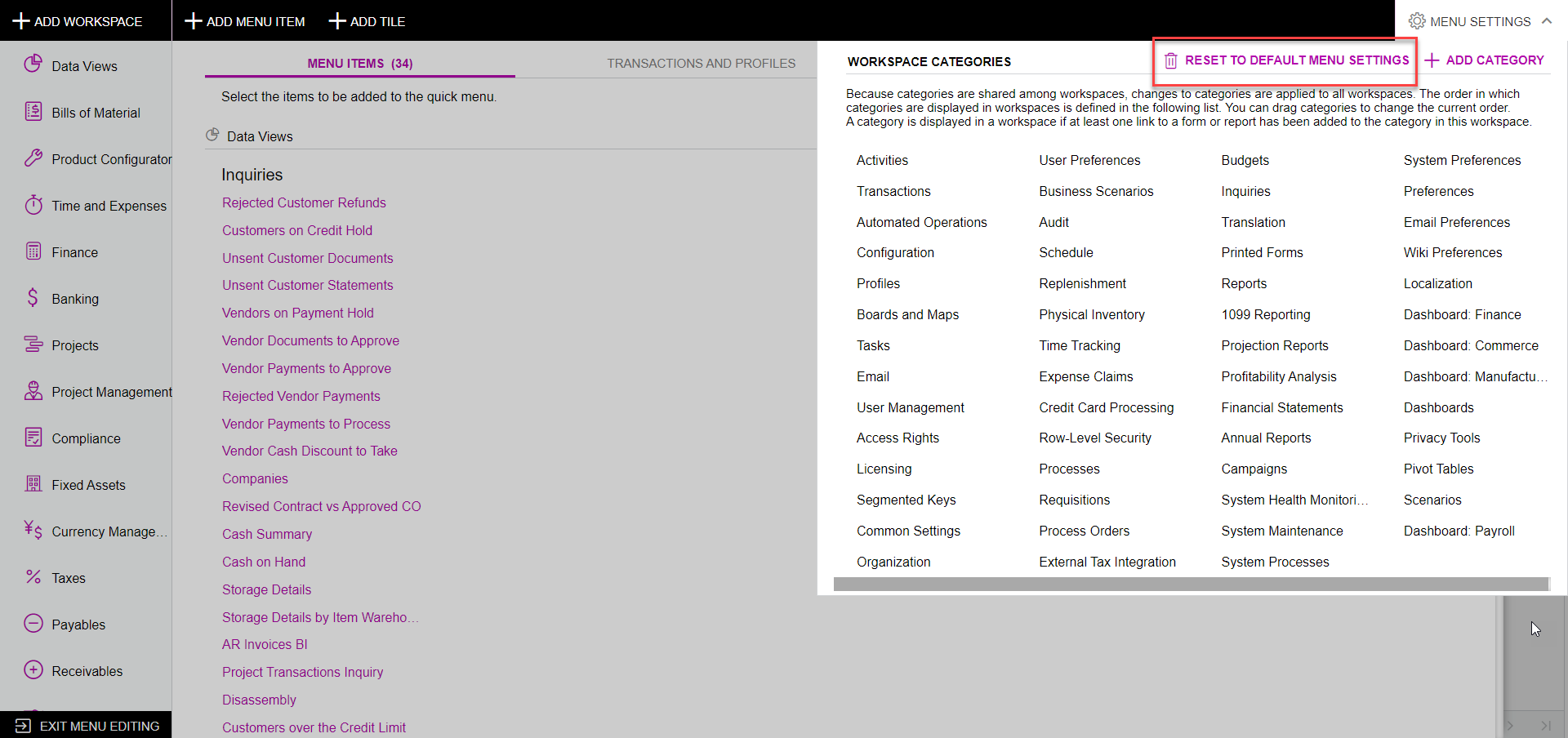
Have you tried to Reset to Default Menu Settings?
 

View original

5 replies

Kandy Beatty
Captain II
Forum|alt.badge.img+18

HI @Brian Rowerdink 


Have you tried to Reset to Default Menu Settings?

 

Translate

Forum|alt.badge.img

@kbeatty21 That worked. Thanks

Translate

Kandy Beatty
Captain II
Forum|alt.badge.img+18

@kbeatty21 That worked. Thanks

Glad to have helped!! 

Translate

Forum|alt.badge.img+4
  • Captain II
  • February 7, 2024

Same boat here - someone has deleted a number of workspaces including some critical ones like integrations, configuration system management ..


If we reset to default menu settings - does this remove all the intentional changes we’ve made to the menus/workspaces? Will I need to rebuild any links we’ve added to custom reports/GIs etc? 

Translate

Hi @kyle90, 

Yes, we just can across this twice for different customers. 

If you do this reset, yes it resets all favorites, etc.

If it is only one workspace, you could rebuild manually. However, if it was a number of them keep in mind manual means create the workspace, add the proper programs/forms, and then get into the proper categories within that workspace.

Translate
