Hello,
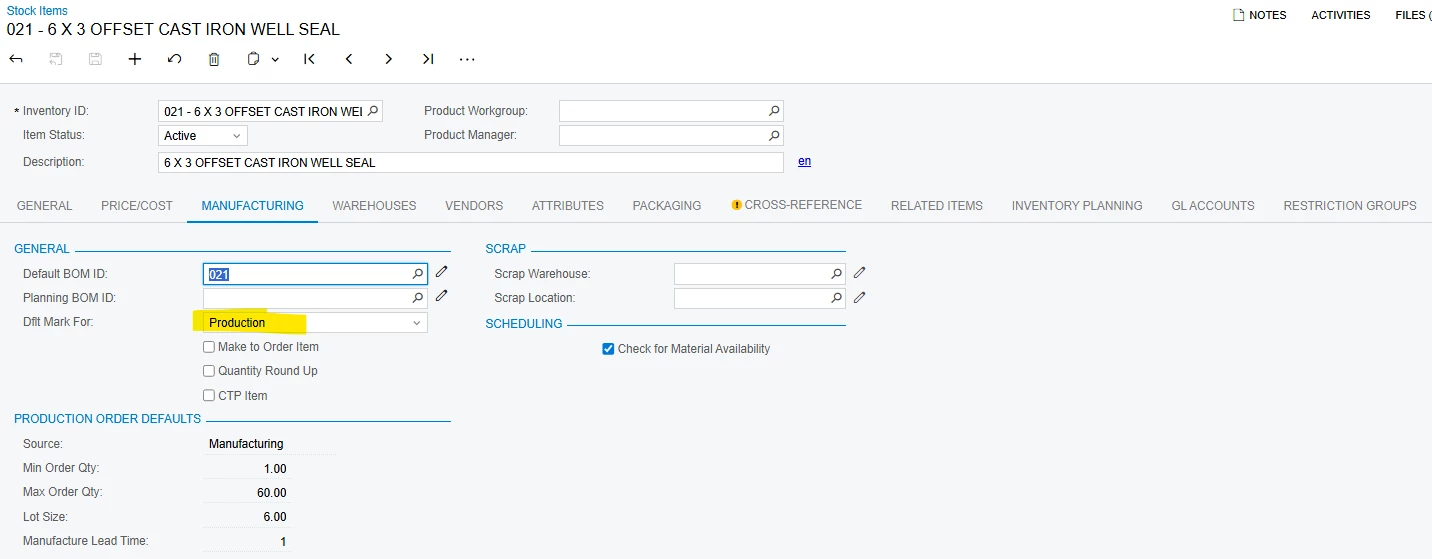
In our stock item screen, we have 2 options for the “Default Mark For” setup, production and purchase. However, there are a few items that are showing numbers instead of purchase or production.
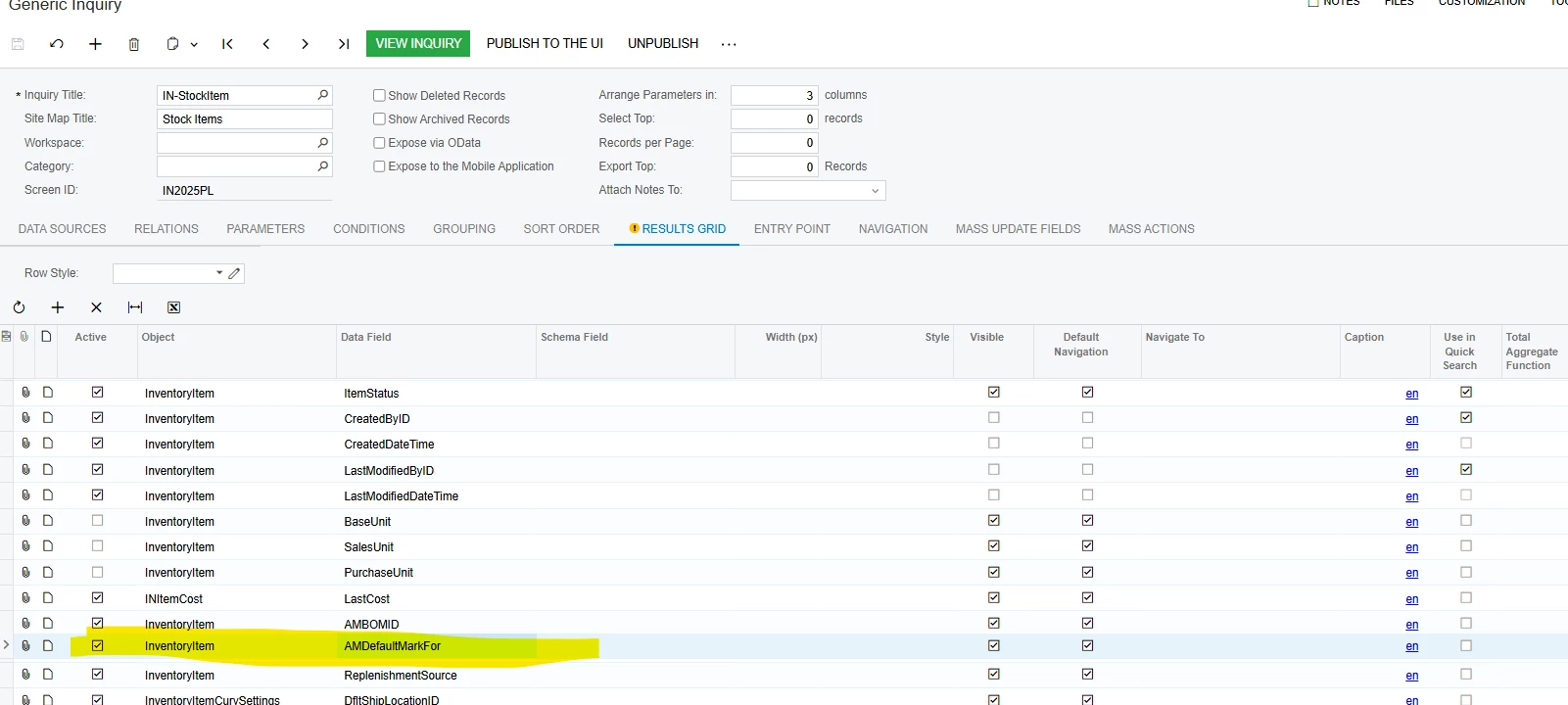
See the below screenshots for part number 021. You will notice, it is setup for production, but on the stock item screen it shows “10.” I have included a shot of the GI setup as well.
This is only happening on a few stock items and does not seem to matter if it is setup as production or purchase.
Any ideas on why this has happened and how to resolve?
FYI, I already changed the item to purchase, then back to production and am still showing the same “10”