I’ve got an interesting question.
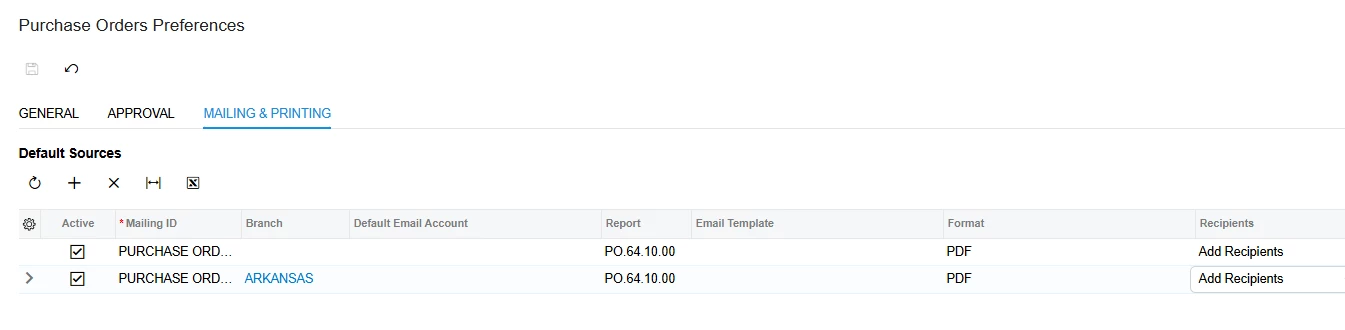
I’d like to know if it is possible to copy a specific email address to Purchase Order Notification template, but depending on the stock item in the order.
For example, we buy ingredients from vendors, and one of our customers would like to be included in any Purchase Order Email when the ingredients are for her business.
I cannot add her email to the vendor contact information because we may also buy ingredients from these vendors that are intended to be used for another business and received under a different stock item.
I believe I could easily create an automation to send an email directly to her when an order is placed for her items, however she needs to be in the same email thread so that she will get all of the confirmation emails as well.
And since the Purchase Order Notification is not automated through a business event, (because you may want to verify the order before clicking “Email Purchase Order”) I don’t know any other way to add filters to the emails.
I also thought about maybe having a GI that pulls all Purchase Order Notification Emails sent from the system, and then creating a business event that will Send another email to that same thread copying her into it. But I think the only place that the stock item is mentioned is in an attached report, which I don’t think I can pull into the GI to filter our the stock items.
I don’t know, seems like a stretch but I was curious if anyone else had thought of this before.