Solved

Stock Item Inventory Description Tab Access Rights

  • February 18, 2026
  • 6 replies
  • 43 views

Forum|alt.badge.img

I am trying to create a role for an ECommerce administrator, who needs access to only update the stock item descriptions (body) in Acumatica.  The rest of the screen’s fields must be inaccessible for her to change.

I can only find a container element for “description”, and I think this will be for short description (name).  Any ideas where I can find the container and container element for the body description?
 

Best answer by MarciaW

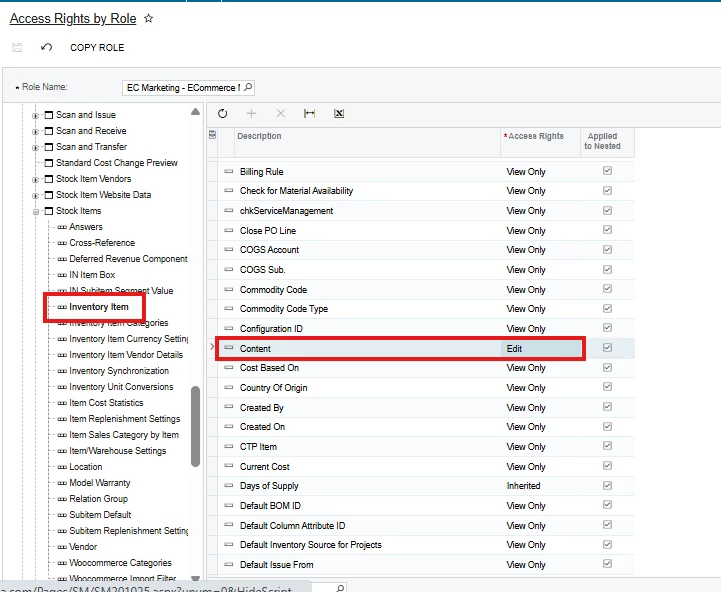
I found it through trial and error, it’s called “Content”, and if you make it view-only, the user can’t type in this field.


6 replies

Manikanta Dhulipudi
Captain II
Forum|alt.badge.img+16

@MarciaW Are you referring this column?


Manikanta Dhulipudi
Captain II
Forum|alt.badge.img+16

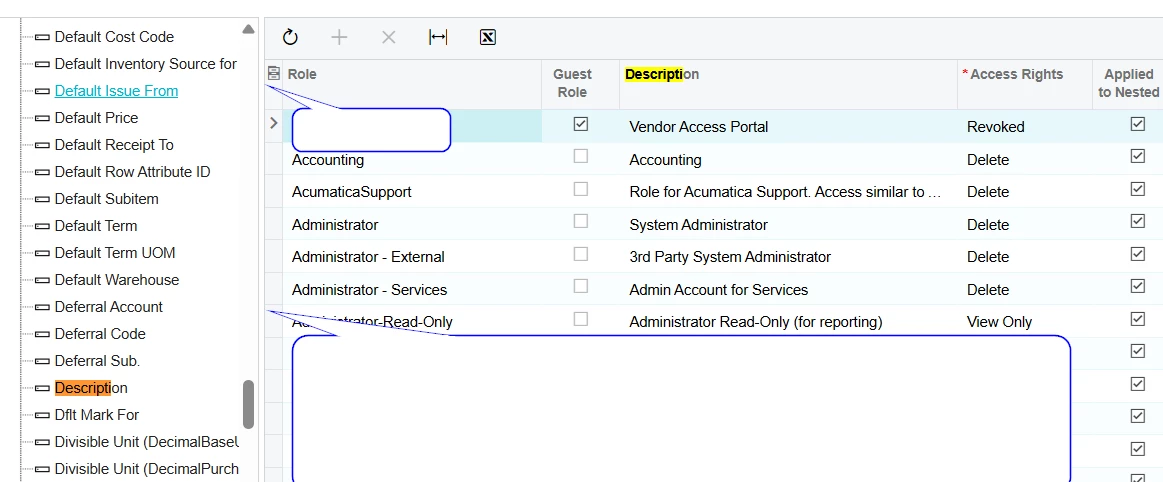
@MarciaW You can find the details for revoking the access.


Forum|alt.badge.img
  • Author
  • Semi-Pro II
  • February 18, 2026

@MarciaW Are you referring this column?


Yes, that is correct.


Forum|alt.badge.img
  • Author
  • Semi-Pro II
  • February 18, 2026

@MarciaW You can find the details for revoking the access.


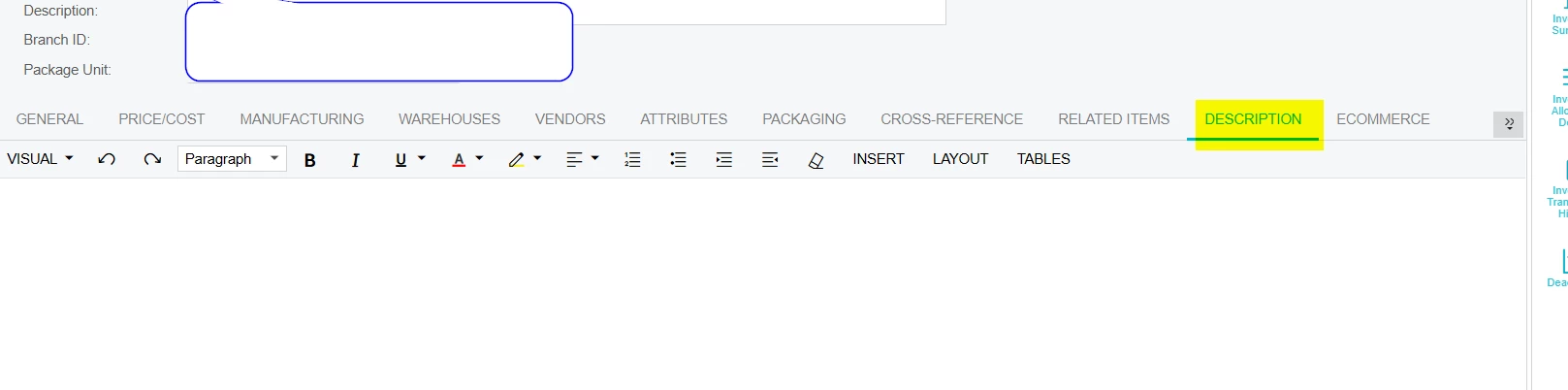
I think this refers to the “other” description, this one:


Forum|alt.badge.img+1

hi ​@MarciaW ,

We specifically dont have a setup to control the access for Description tab. Since this is a Rich Text format tab, as a result of which no accessibility restrictions have been added for this tab.


Forum|alt.badge.img
  • Author
  • Semi-Pro II
  • Answer
  • February 18, 2026

I found it through trial and error, it’s called “Content”, and if you make it view-only, the user can’t type in this field.