Answer

Sales Price is not Picking from Inventory Item

  • November 12, 2021
  • 4 replies
  • 282 views

NAthukorala47
Jr Varsity III
Forum|alt.badge.img

Hi, 


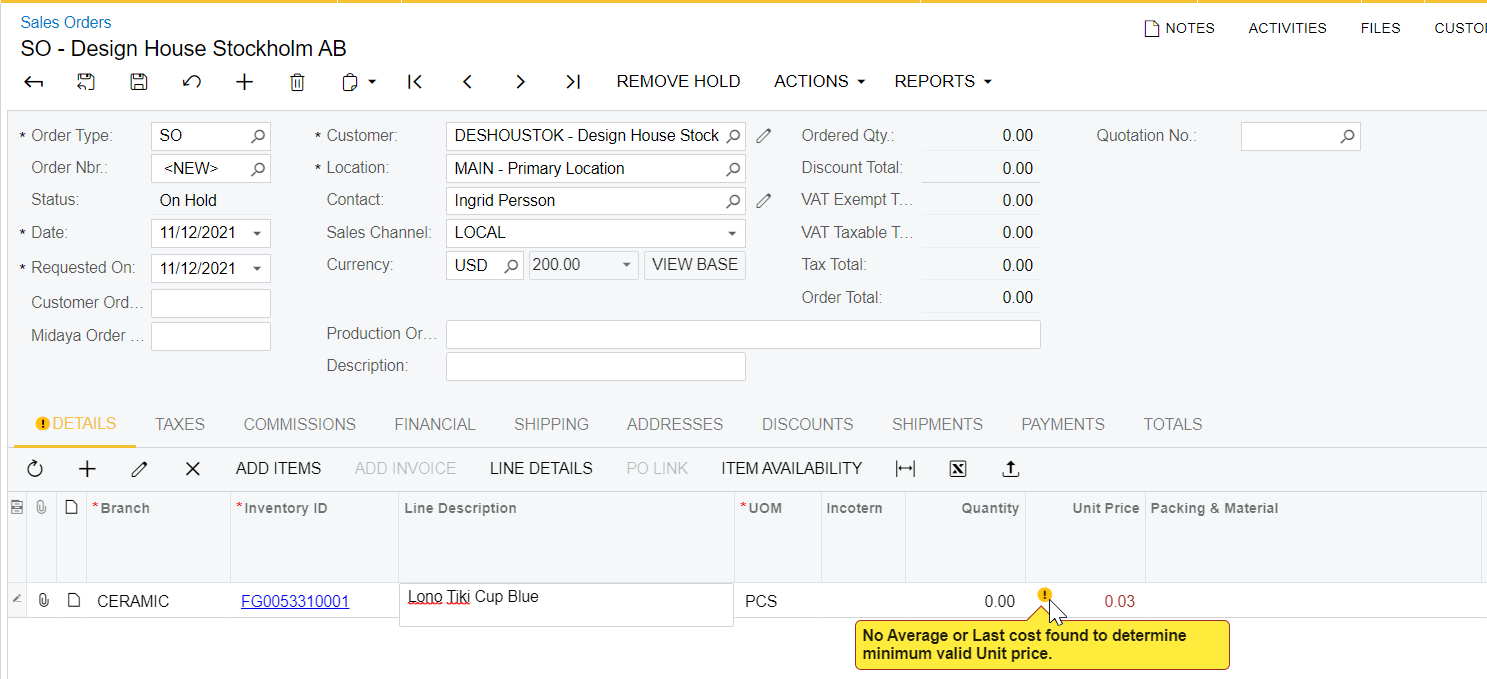
When entering a new Sales order for Customer Urban Bar. Inventory ID FG0053310001. The unit price on the sales order shows .03 even though we have mentioned the unit price as 5.50 when entering the inventory item. Proceeding by manually entering the price of 5.50.
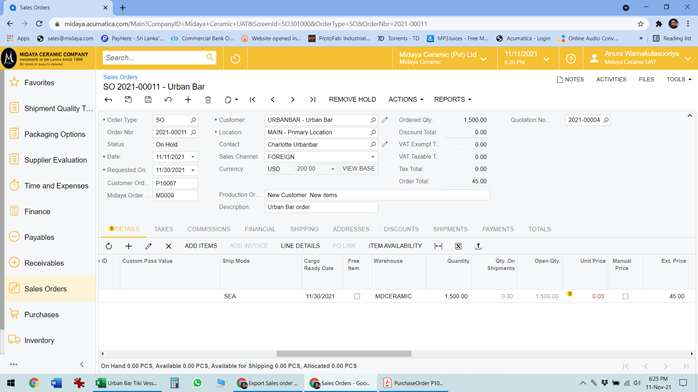
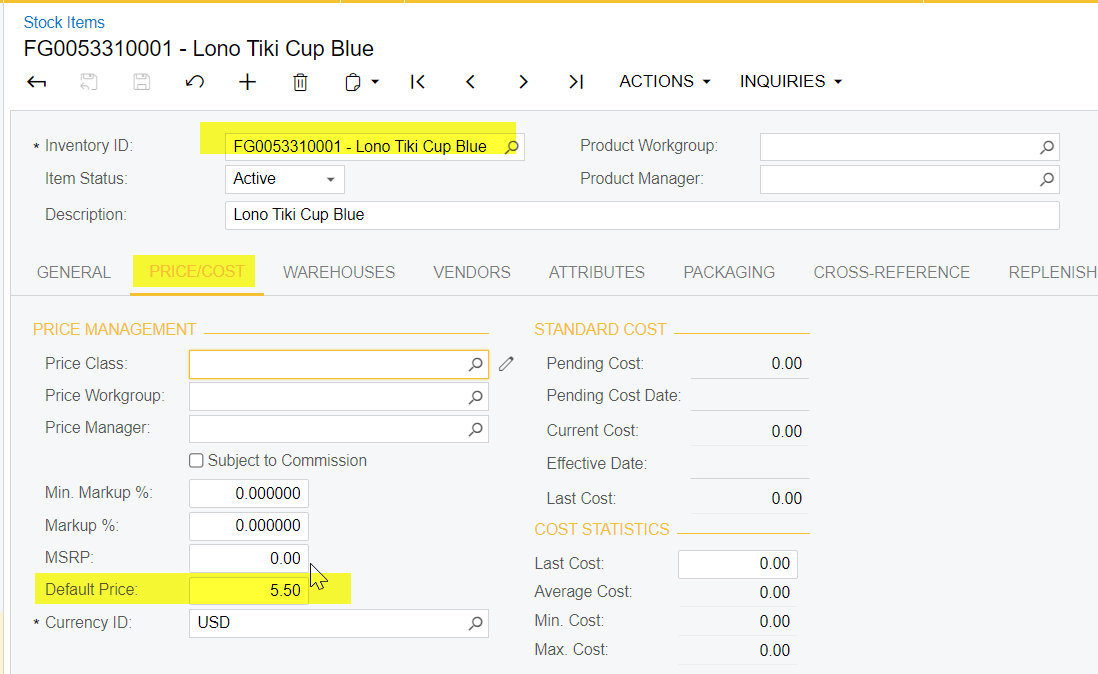


What would be the intendent behavior. We thought to create a price list and add the price.
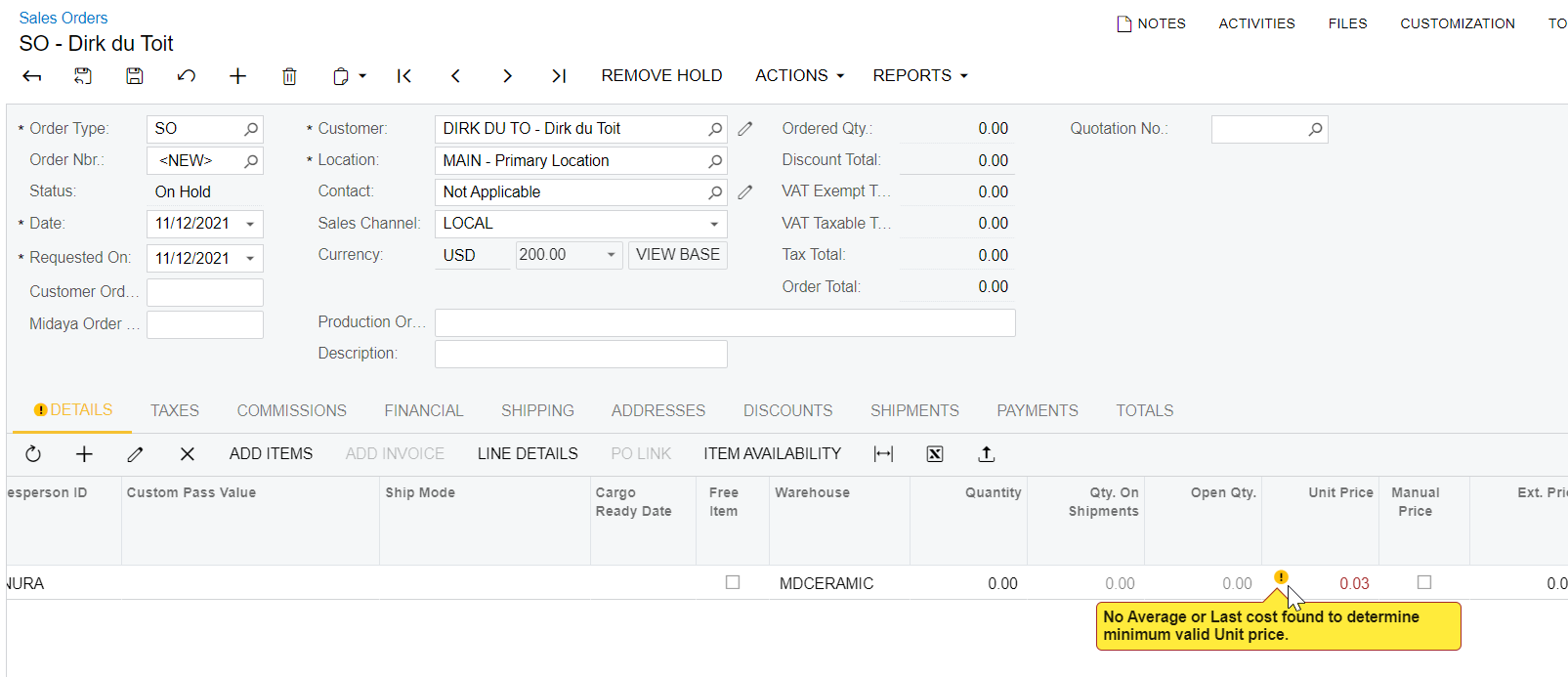
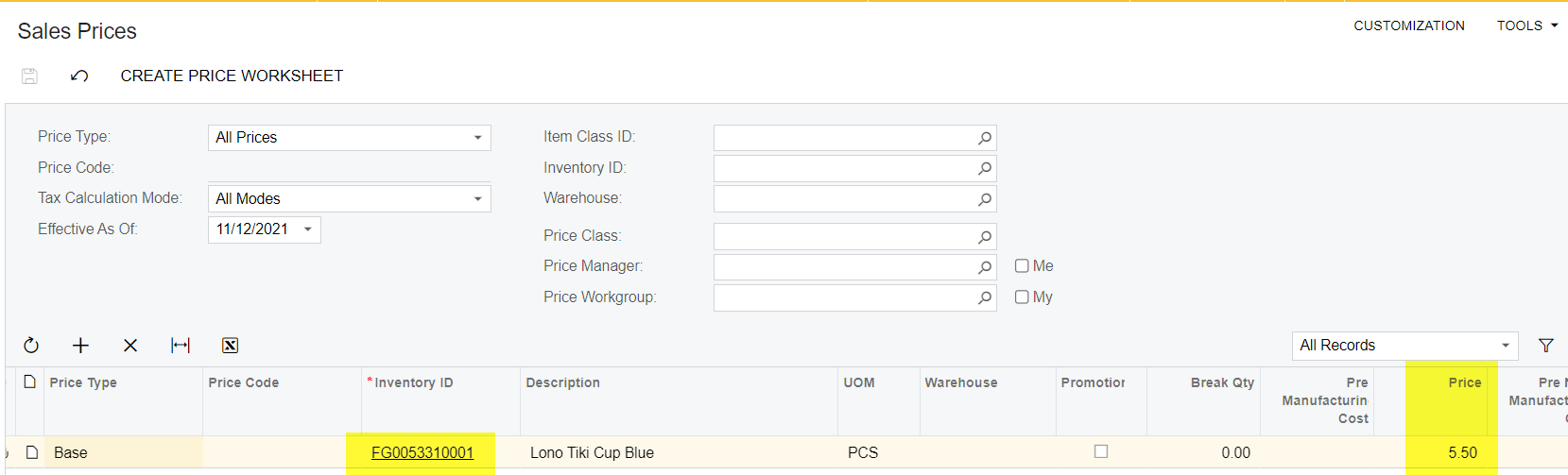
Added to the price List.

Created a New Sales Order and added the Item 
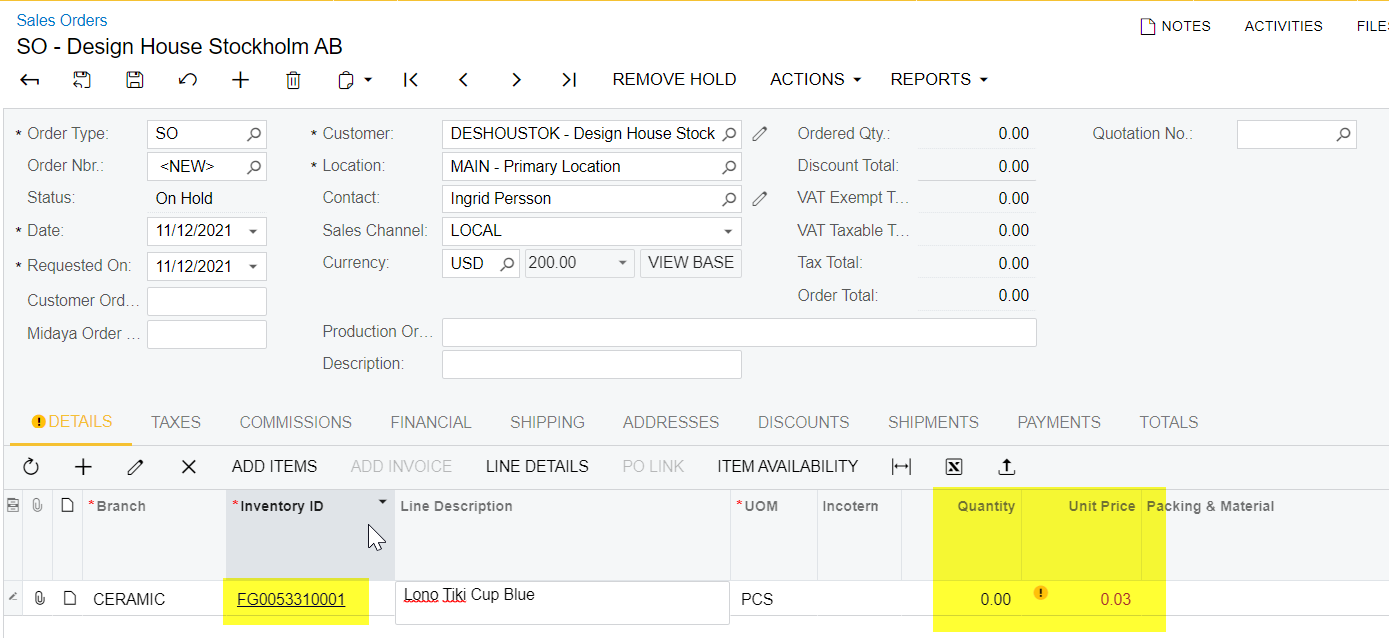
System is not consider Item price as 5.5.
 

Need to add Expected Item Price on this.
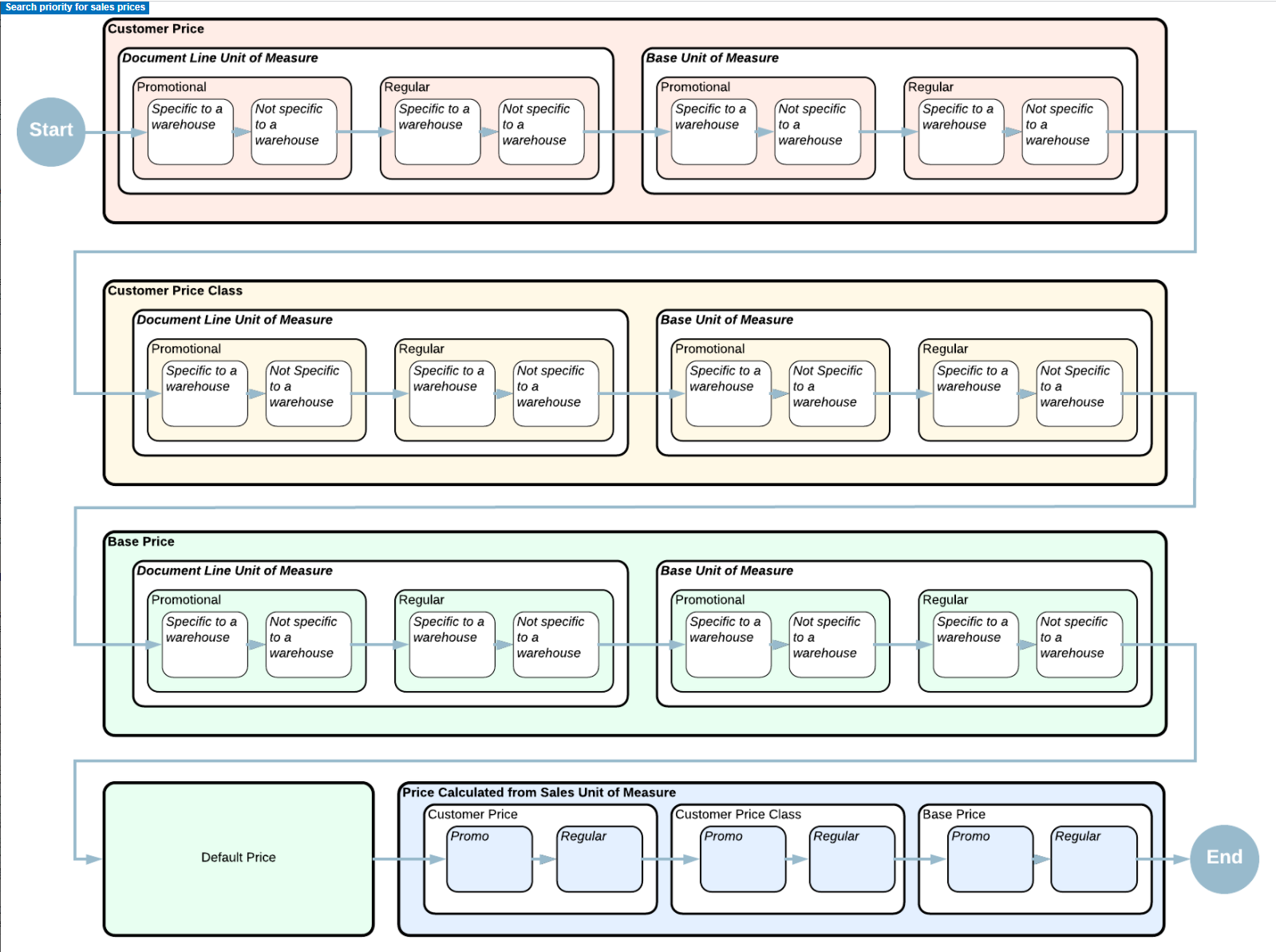


Best answer by PatrickSchlenker90

Hi @NAthukorala47, here you will find a good chart where you can see how it works. Maybe with this it is a little bit easier to understand.

https://help-2021r2.acumatica.com/(W(94))/Help?ScreenId=ShowWiki&pageid=e0863703-06d1-415e-8e5a-c736fc4a965f


4 replies

Forum|alt.badge.img+6
  • Captain II
  • November 12, 2021

Hello @NAthukorala47 
       For the sales price auto fill in on sales order, Acumatica has its selection priorities.
Can you check a screen which is called “Sales Price”.

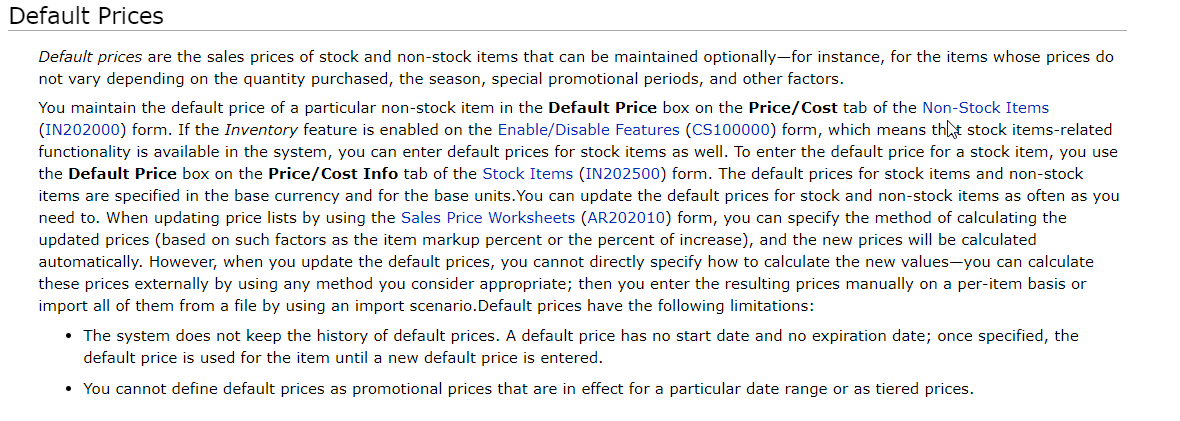
      Acumatica will firstly come to this screen to check whether there is a setting price for this inventory item. If NOT, then the system would then choose the default price setting on inventory item screen


Naveen Boga
Captain II
Forum|alt.badge.img+19
  • Captain II
  • November 12, 2021

Hi @NAthukorala47  Can you please also share the screenshot for Stock Items screen General Setting Tab, just to check the UOM (Base, Sales, and Purchase)


Vinay Koppula
Semi-Pro II
Forum|alt.badge.img+1
  • Semi-Pro II
  • November 12, 2021

@NAthukorala47  Below information should help you to understand how the unit price will populate in the sales order screen. 

 
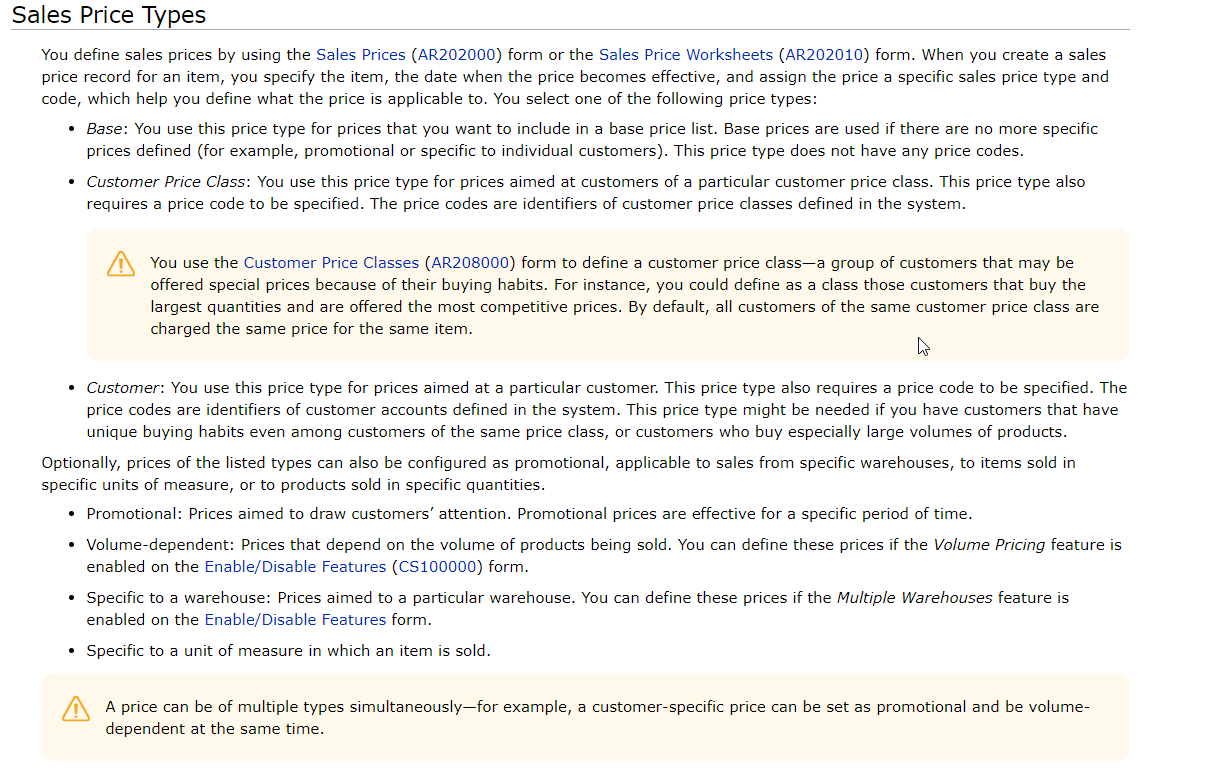
The item sales price based on these priorities: Promotional Customer Price -> Promotional Customer Price Class Price -> Customer Price -> Customer Price Class Price -> Base Price (from "BASE" price class, which is synchronized with prices on Price/Cost Information tab on Stock/Non-Stock Items screen)


PatrickSchlenker90
Varsity III
Forum|alt.badge.img+1

Hi @NAthukorala47, here you will find a good chart where you can see how it works. Maybe with this it is a little bit easier to understand.

https://help-2021r2.acumatica.com/(W(94))/Help?ScreenId=ShowWiki&pageid=e0863703-06d1-415e-8e5a-c736fc4a965f