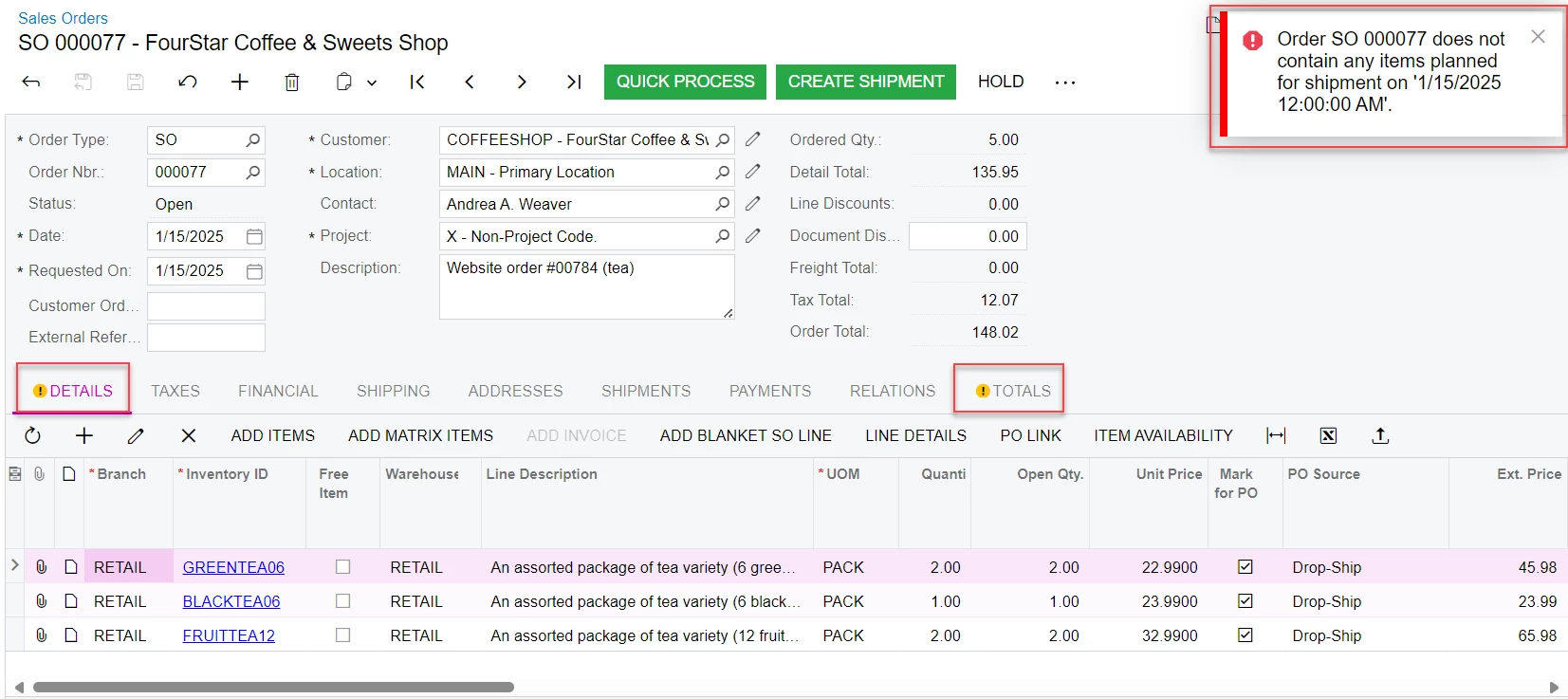
Hi @nthea23
Suggestion 1 for Orders cannot planed issue.
Workaround:
Try below options
- Changed the qty to “0” on the open Line items
- After that again changed the qty to “1” which resulted in the update of open qty
- Change to Warehouse and reupdate the previous Warehouse
- Create a shipment.
Another Option is to export the SO line delete the Lines from the sales order re add the stock Items to the sales order and verify the results.
Suggestion 2: Since allocation is not updated please try following options.
Please follow the below steps as a workaround:
1. Click on Line Details >> Delete the line which has the Production Order number.
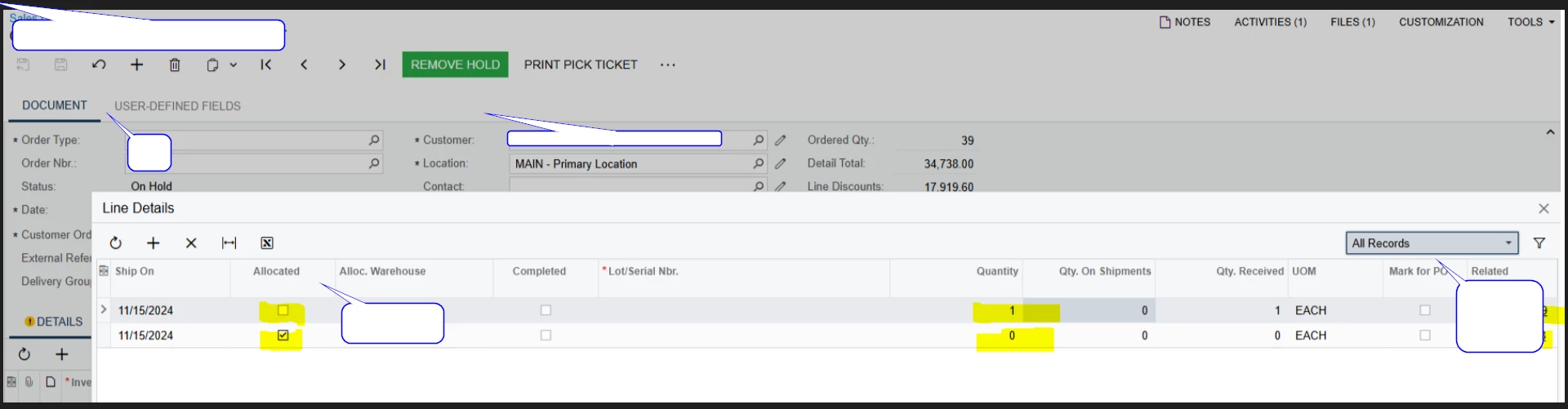
2. Change the Qty on the second line which has Move in the Related Document column.
3. Repeat the steps for all the lines which are not completed.
This will create an Allocation type in the Allocation Details screen which will allow the shipment to be created with no errors.