
Question

Modifying the available columns in a selector box

  • February 24, 2026
  • 3 replies
  • 23 views

S1AW
Freshman II
Forum|alt.badge.img

Just checking for a little advice.

First, I’d love if this were possible with in-box or Generic Inquiry type solutions.

Barring that I’m questioning how to modify the available columns in this selector box (or any given selector box really).
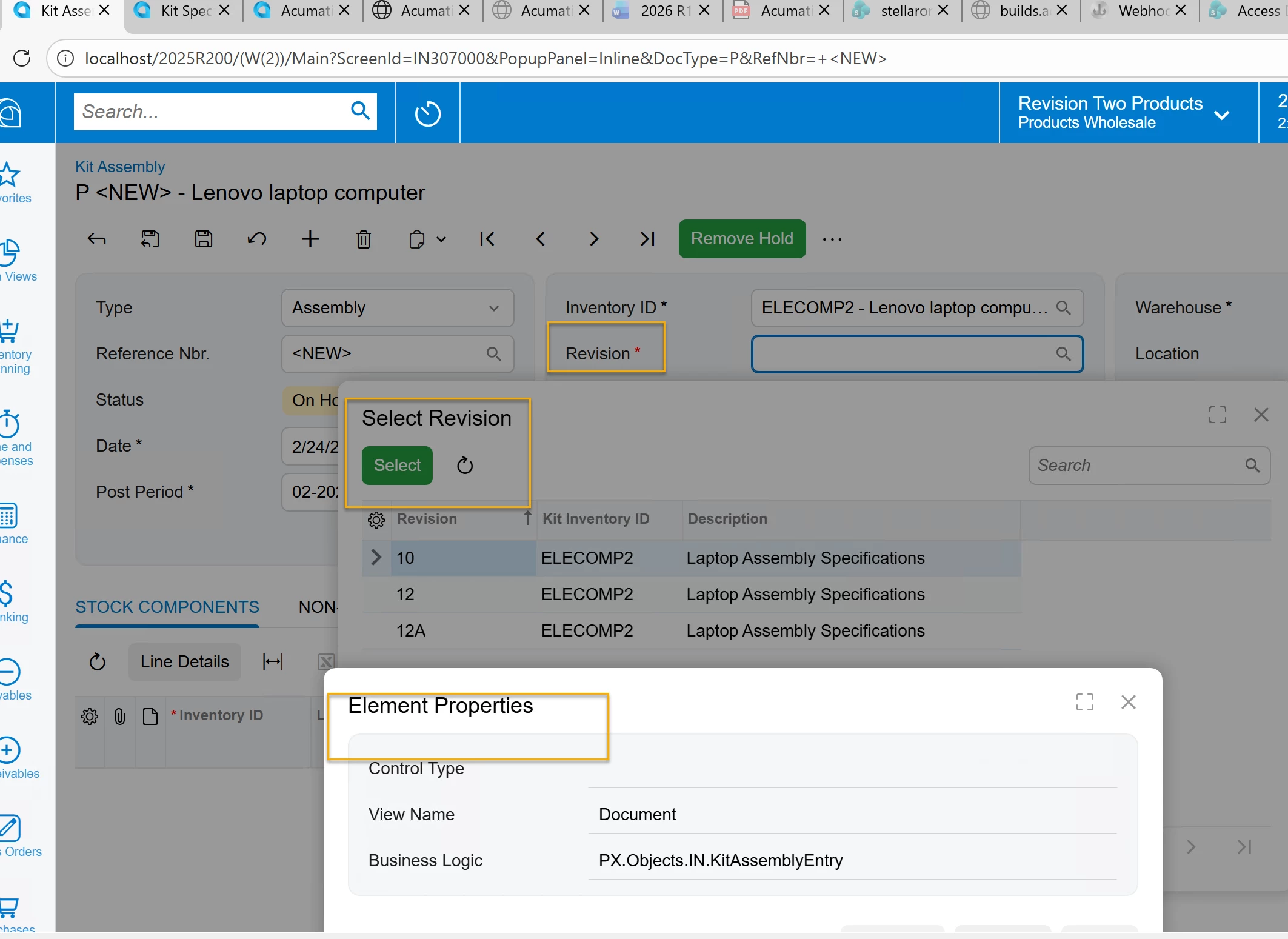
“Select Revision” Box

Ideally I could click the gear icon on the “Select Revision” pop-up. But it doesn’t show any columns that aren’t already shown.

If I have a UDF or another field that isn’t already shown, I’d like to be able to add them by default.

Is there any way to do this in-box?

If not, does this post represent the best path forward, and where is a good place to start in terms of identifying the screen/business logic to modify?

 

3 replies

darylbowman
Captain II
Forum|alt.badge.img+16

That's the all-code way. There's also a way to do it in a low-code way, but it still involves messing with customizations. There's no highly configurable way to do what you're asking.


S1AW
Freshman II
Forum|alt.badge.img
  • Author
  • Freshman II
  • February 25, 2026

@darylbowman  ooh… what is the low-code way of which you speak? I would be extremely interested in that, and don’t mind customizations for this purpose.


darylbowman
Captain II
Forum|alt.badge.img+16

It’s detailed here.
