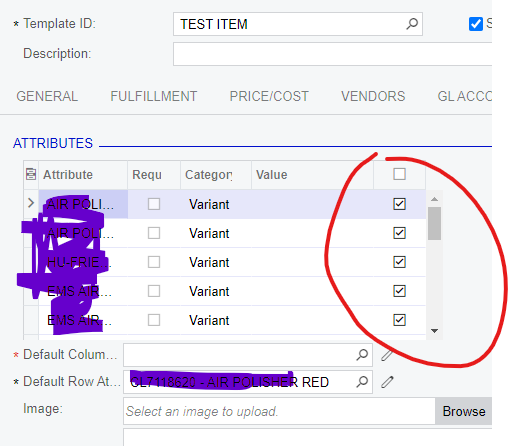
My client has over 3000 variants and will be converting their web site to Big Commerce. I have added all of the Variants to the item classes but now I need to import the template items but it insists I have default column attribute - most of the template items have a single variant which will be the Row Variant. How can I, turn off the Active flag and only have active the single variant I need for the Row. Adding a dummy column variant would overcome the issue but them I would need to go back and somehow make inactive the variants and remove the dummy,