



In Shipment Screen if user will enter Notes at the Header of the Screen and in the Details Tab of the Screen as well It should display the Notes of Header as well as Grid. Both Notes should display.
How can we display in the report?
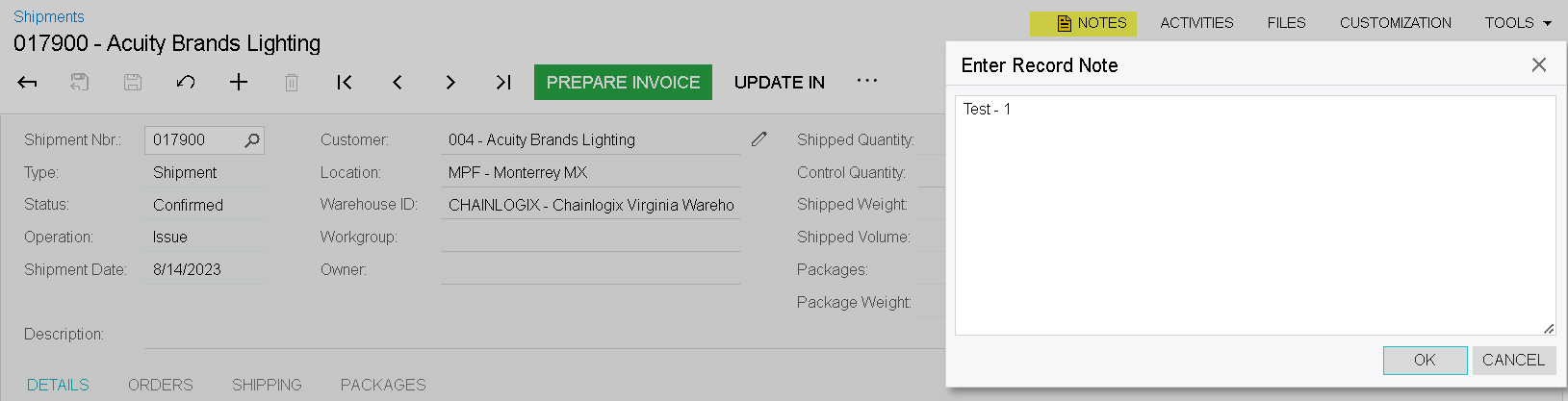
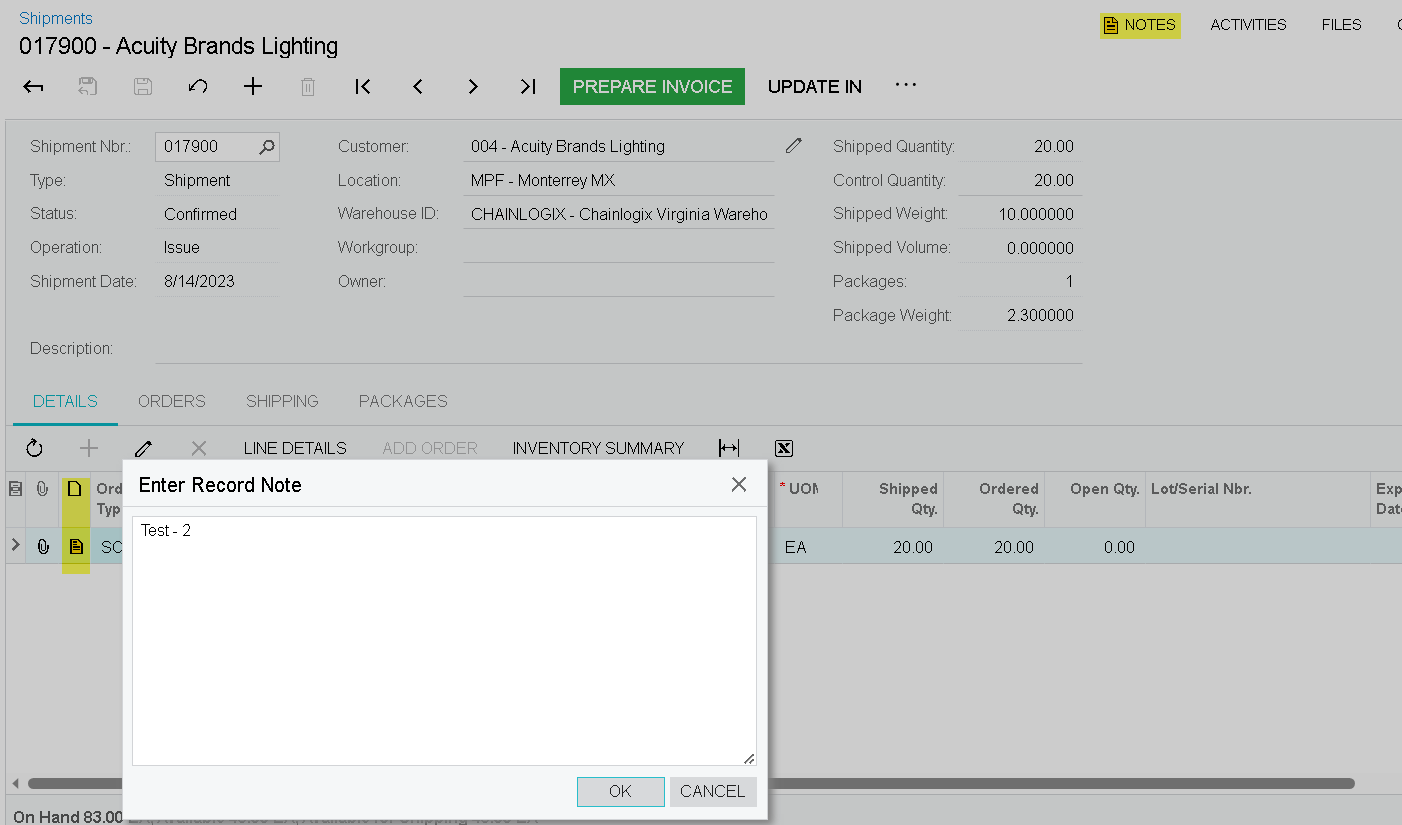
In Shipment Screen if user will enter Notes at the Header of the Screen and in the Details Tab of the Screen as well It should display the Notes of Header as well as Grid. Both Notes should display.
How can we display in the report?
Best answer by Kandy Beatty
Hi
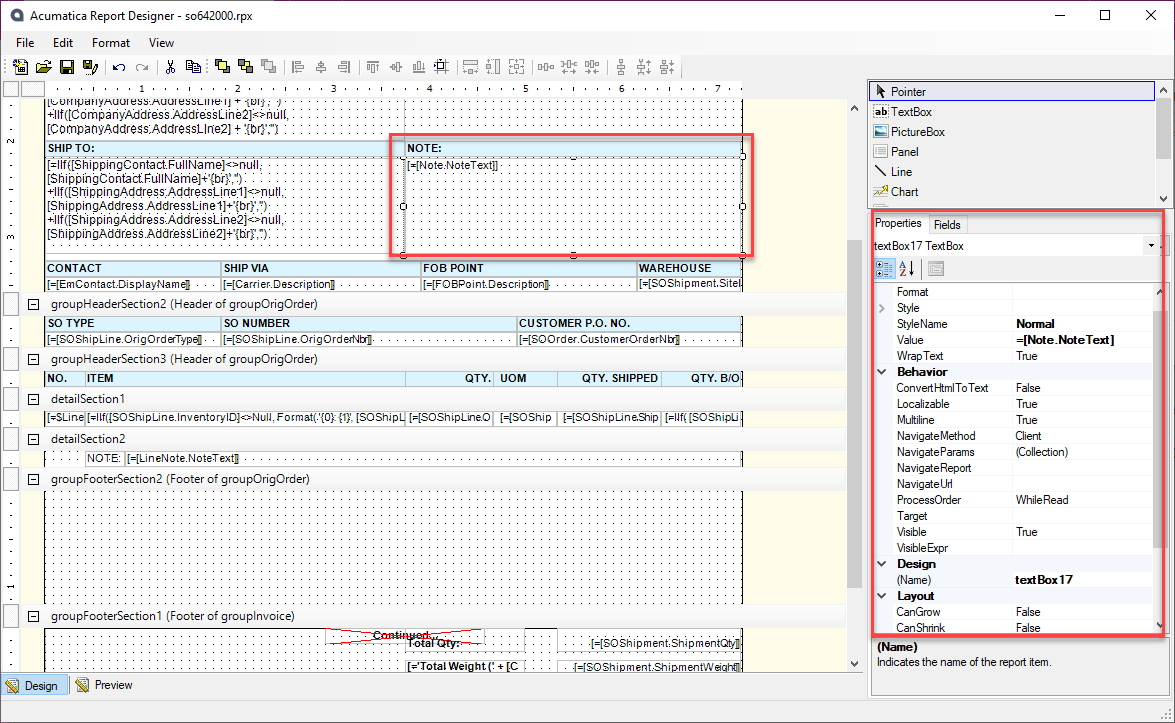
The Shipment Confirmation (which I am assuming is what you use as the Packing Slip) has the Notes on it.
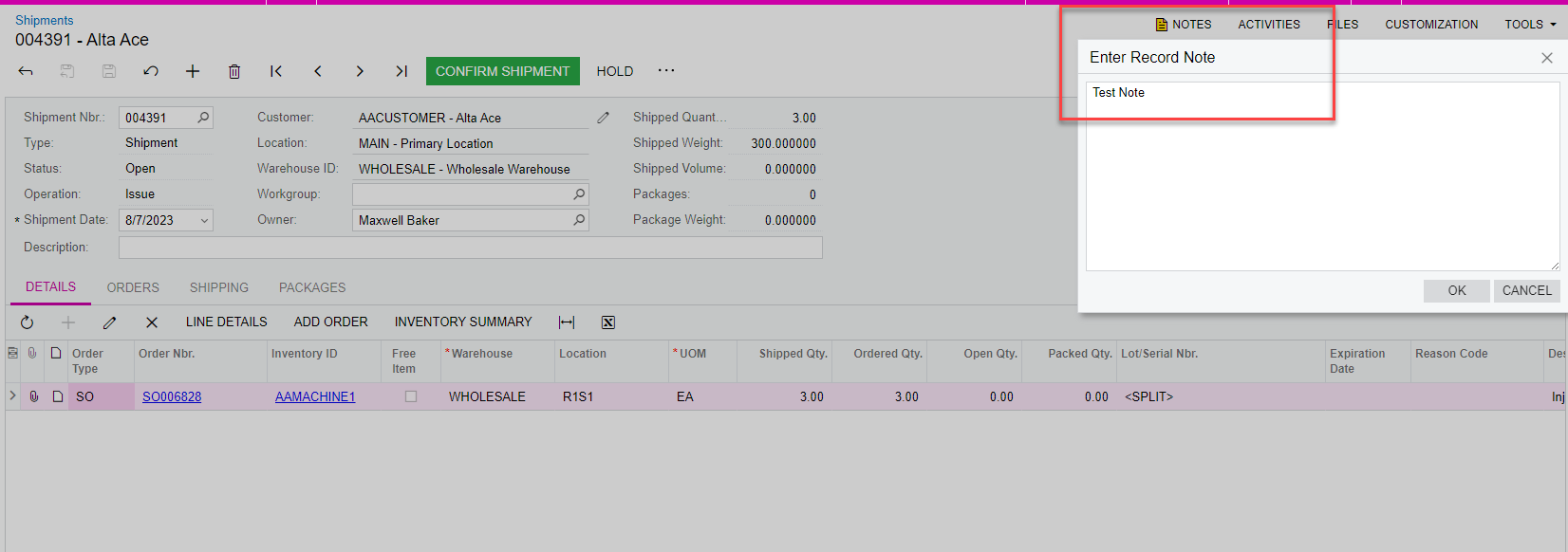
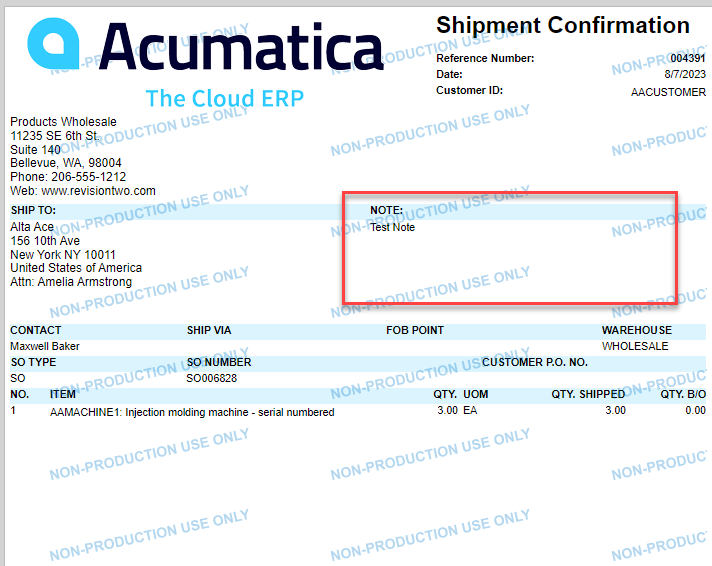
Here is what the report writer looks like:
Enter your E-mail address. We'll send you an e-mail with instructions to reset your password.


